

Comprehensive toolkit for effective remote working.

What it costs
- Free tier
- Yes
Page states 'two paid plans, one free plan' but the actual prices live on a separate /pricing page that wasn't captured.
Auto-checked on 8 August 2026Source
About Basecamp
What Is Basecamp?
Basecamp is a project management and online collaboration tool designed to simplify project tracking and team coordination. Its core purpose centers on organizing tasks, communications, and files within dedicated projects, making it suitable for design workflows where multiple team members need to collaborate on deliverables like wireframes, mockups, and final assets. Listed in the Design category, Basecamp operates on a freemium pricing model, allowing users to access basic features for free while offering paid plans for advanced capabilities and larger teams.
What Basecamp Does
- Basecamp enables creation and assignment of tasks with due dates and progress tracking through to-do lists.
- Message boards in Basecamp organize team discussions by topic, keeping conversations focused within projects.
- File storage and sharing in Basecamp centralize documents, ensuring team access to the latest versions.
- Real-time chat via the Campfire feature supports quick, informal team communications.
- Schedule tools in Basecamp manage calendars, events, and deadlines, with options to sync externally.
- Automatic check-ins and activity feeds in Basecamp provide overviews of project progress and updates.
How Basecamp Can Be Used
- Design teams use Basecamp to set up to-do lists for iterative tasks like sketching concepts, reviewing prototypes, and finalizing UI elements, assigning items to designers and stakeholders.
- In client projects, Basecamp message boards facilitate feedback threads on design drafts, with links to specific comments or files for precise revisions.
- Development handoffs benefit from Basecamp's Docs & Files for sharing assets like icon sets, style guides, and source files alongside task schedules.
- Cross-functional workflows leverage Basecamp's card tables for visual tracking of design sprints, moving items from "In Progress" to "Review" stages.
- Remote design collaborations rely on Basecamp's activity summaries and notifications to keep dispersed teams aligned without email overload.
Who Is Basecamp For?
Basecamp serves design teams, project managers, and creative agencies handling collaborative workflows, particularly those involving task assignment, file sharing, and scheduled milestones in UI/UX projects or branding campaigns. It fits small to medium-sized groups seeking straightforward tools without complex dependencies, suitable for beginners in project coordination or experienced designers streamlining client approvals. Visit Basecamp
Featured Tools
Sponsored
Artlist
Royalty-free music, SFX, 8K footage, templates, LUTs and 100+ AI models on a single subscription for video creators.

Icons8
Large icon packs featuring over 10,000 icons for consistent design themes.

Vidu
AI video generator with text, image and reference-to-video modes, producing 3–16 second clips at up to 1080p with characters that stay consistent across shots.
Your tool here
The tools above are our own picks until the slots sell.
Spotlight
SponsoredRotates daily
Kittl
AI-first design platform with image, vector, and video generation, plus templates, mockups, and print-ready exports.
More Project Management Tools


Air
Experience visual browsing with powerful search, secure sharing, and smooth collaboration.


Asana
Manage projects and adapt to changing priorities in remote work settings.


Bubbles
Initiate discussions by commenting on any on-screen content.


Campsite
A dedicated space for design teams to manage work-in-progress.


Canva Whiteboards
Canva Whiteboards for creative brainstorming and teamwork.
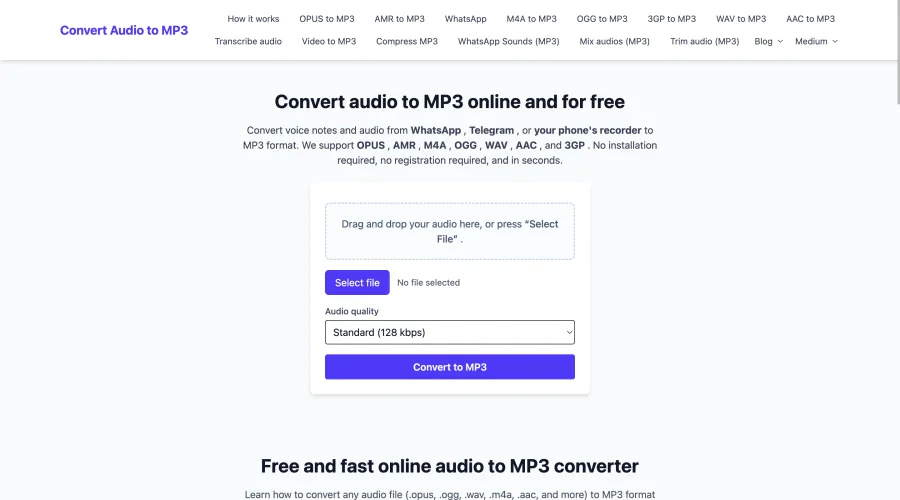
Convert Audio to MP3
Convert voice notes and audio from WhatsApp , Telegram , or your phone's recorder to MP3 format.
Explore Other Categories
Discover more design resources
New to Design?
Explore our comprehensive design glossary to master essential terminology from A/B Testing to Wireframes.
Browse GlossaryLooking for something specific?
Search through our entire collection of design tools and resources