
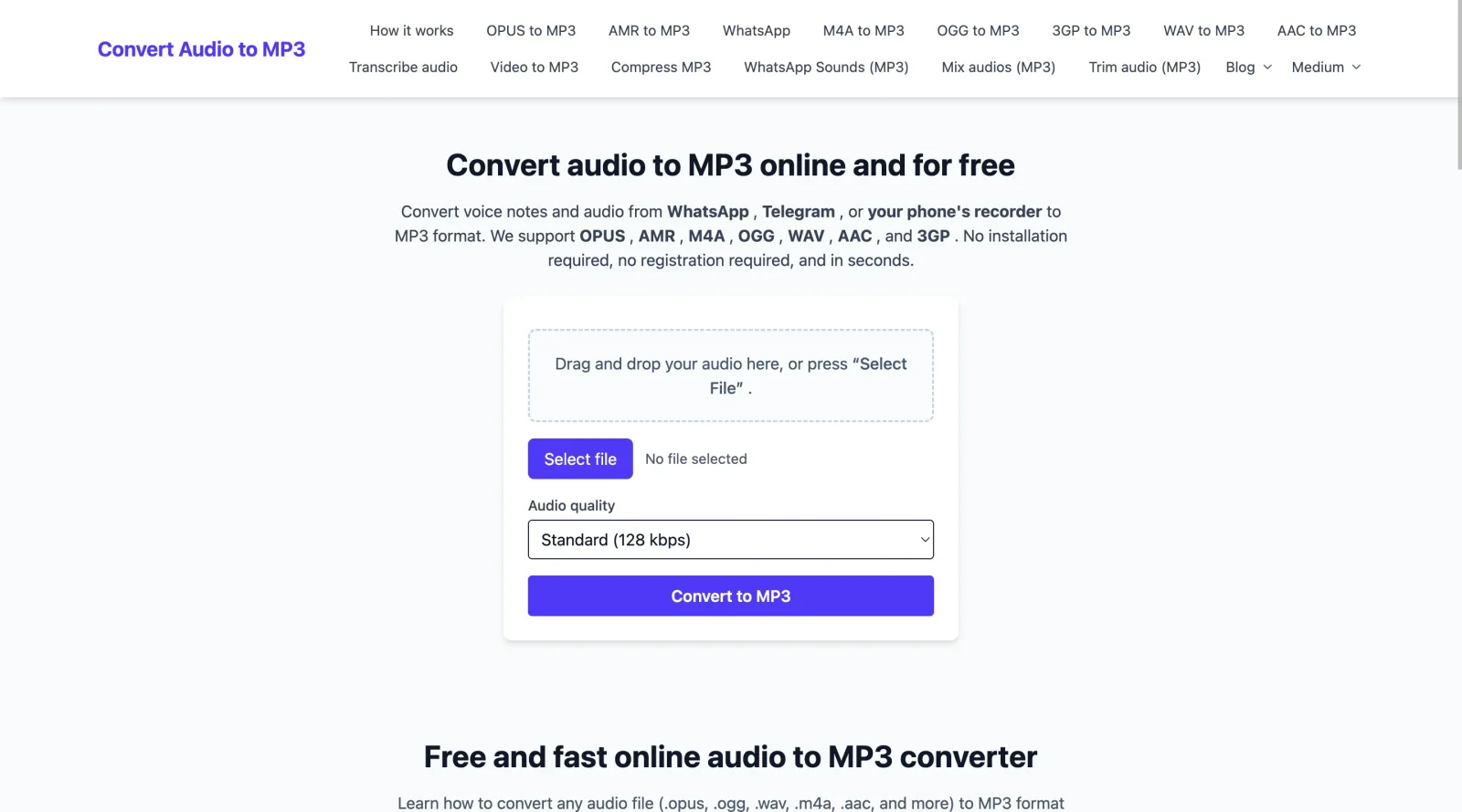
Convert voice notes and audio from WhatsApp , Telegram , or your phone's recorder to MP3 format.
What it costs
- Free tier
- Yes
100% free, browser-based audio-to-MP3 converter with no registration and no paid plans.
Auto-checked on 8 August 2026Source
About Convert Audio to MP3
What Is Convert Audio to MP3?
Convert Audio to MP3 is a free online tool in the Design category that converts various audio and video files to MP3 format. Its core purpose is to enable quick format transformation without software installation or account registration, fitting into design workflows where audio assets need standardization for web projects, multimedia presentations, or prototyping. Users upload files directly in a browser, process them server-side, and download MP3 outputs, supporting integration in audio-heavy design tasks like preparing sound effects or background tracks.
What Convert Audio to MP3 Does
- Converts audio formats including WAV, M4A, FLAC, OGG to MP3.
- Extracts audio tracks from video files such as MP4, MOV, MKV to MP3.
- Processes files online without requiring downloads or installations.
- Supports batch conversion of multiple files simultaneously.
- Allows adjustments to bitrate, sampling rate, and channels for output quality.
- Handles files up to several GB in size with automatic server deletion for privacy.
How Convert Audio to MP3 Can Be Used
- Designers standardize audio clips from client recordings in WAV or M4A for website embeds and interactive prototypes.
- UI/UX teams extract soundtracks from promotional videos in MP4 to create lightweight MP3 files for app interfaces.
- Web developers batch-convert voiceovers from various formats to ensure compatibility across podcast sections or e-learning modules.
- Multimedia creators adjust bitrate settings to optimize MP3 files for responsive design portfolios or animation sequences.
- Freelance designers process OGG or FLAC files from stock libraries into MP3 for seamless integration in motion graphics workflows.
Who Is Convert Audio to MP3 For?
Convert Audio to MP3 serves designers, web developers, and multimedia producers who handle diverse audio sources in their projects. It suits beginners needing simple browser-based conversion and experienced users managing batch processes for client deliverables or production pipelines. Roles like UI designers preparing audio for interactive elements or motion graphics artists optimizing files for export find it applicable, especially for free, no-install solutions in fast-paced workflows. Visit Convert Audio to MP3
Featured Tools
Sponsored
Artlist
Royalty-free music, SFX, 8K footage, templates, LUTs and 100+ AI models on a single subscription for video creators.

Icons8
Large icon packs featuring over 10,000 icons for consistent design themes.

Vidu
AI video generator with text, image and reference-to-video modes, producing 3–16 second clips at up to 1080p with characters that stay consistent across shots.
Your tool here
The tools above are our own picks until the slots sell.
Spotlight
SponsoredRotates daily
Glyph Neue
Over 1,500 icons in SVG and PNG formats, free with attribution.
More Project Management Tools


Air
Experience visual browsing with powerful search, secure sharing, and smooth collaboration.


Asana
Manage projects and adapt to changing priorities in remote work settings.


Basecamp
Comprehensive toolkit for effective remote working.


Bubbles
Initiate discussions by commenting on any on-screen content.


Campsite
A dedicated space for design teams to manage work-in-progress.


Canva Whiteboards
Canva Whiteboards for creative brainstorming and teamwork.
Explore Other Categories
Discover more design resources
New to Design?
Explore our comprehensive design glossary to master essential terminology from A/B Testing to Wireframes.
Browse GlossaryLooking for something specific?
Search through our entire collection of design tools and resources