

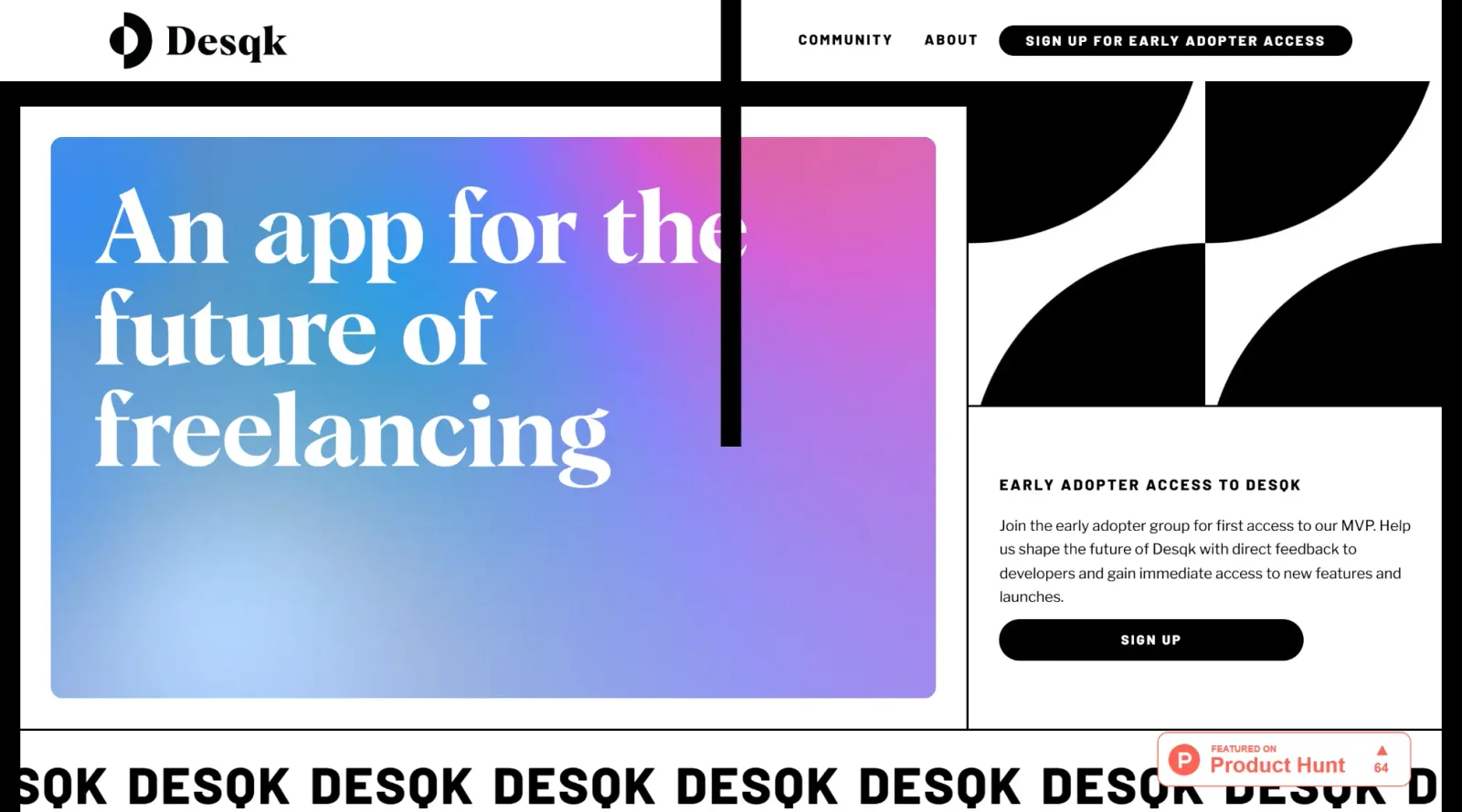
An innovative app tailored for the future of freelancing.
What it costs
- Free tier
- Yes
Free during beta for early adopters; a suggested future price of $10/mo is shown but explicitly not yet charged.
Auto-checked on 8 August 2026Source
About Desqk
What Is Desqk?
Desqk is a design tool in the **Design** category, currently available in beta. It serves as a platform for designers to create and customize workspace configurations, particularly focusing on desks and office layouts. Desqk fits into the design workflow during the ideation and planning stages, where users model furniture arrangements, test spatial layouts, and visualize office environments before implementation.
What Desqk Does
- Enables customization of desk components, including size, shape, frame color, and desktop thickness.
- Provides options to mix and match desk elements for various office setups, such as executive desks or bench systems.
- Displays real-time pricing updates based on configuration choices and order quantities.
- Allows users to generate and email finalized desk designs for review or approval.
- Supports selection of desk types suited to different spaces, like height-adjustable sit/stand models.
- Integrates with related office elements, such as cable management, for complete workspace planning.
How Desqk Can Be Used
- Designers configure custom desks for open-plan offices by selecting bench and beam setups to accommodate multiple users.
- Interior teams build executive desks for private offices or meeting rooms, adjusting dimensions to fit specific room constraints.
- Workspace planners test height-adjustable desks in creative environments, verifying ergonomic fit through iterative modifications.
- Project managers export desk designs to share with contractors, ensuring accurate dimensions and component specifications.
- Office administrators preview pricing for bulk orders, scaling configurations to match team sizes and budgets.
Who Is Desqk For?
Desqk targets interior designers, office planners, and facility managers who need to model custom desk layouts for commercial or home office spaces. It suits projects involving ergonomic workstation design, space optimization, and furniture procurement, particularly for teams handling scalable office fit-outs. Experience levels range from beginners using intuitive selection tools to professionals requiring precise configuration controls. Visit Desqk
Featured Tools
Sponsored
Artlist
Royalty-free music, SFX, 8K footage, templates, LUTs and 100+ AI models on a single subscription for video creators.

Icons8
Large icon packs featuring over 10,000 icons for consistent design themes.

Vidu
AI video generator with text, image and reference-to-video modes, producing 3–16 second clips at up to 1080p with characters that stay consistent across shots.
Your tool here
The tools above are our own picks until the slots sell.
Spotlight
SponsoredRotates daily
Base44
No-code AI platform that builds full-stack apps and websites from plain-language prompts.
More Project Management Tools


Air
Experience visual browsing with powerful search, secure sharing, and smooth collaboration.


Asana
Manage projects and adapt to changing priorities in remote work settings.


Basecamp
Comprehensive toolkit for effective remote working.


Bubbles
Initiate discussions by commenting on any on-screen content.


Campsite
A dedicated space for design teams to manage work-in-progress.


Canva Whiteboards
Canva Whiteboards for creative brainstorming and teamwork.
Explore Other Categories
Discover more design resources
New to Design?
Explore our comprehensive design glossary to master essential terminology from A/B Testing to Wireframes.
Browse GlossaryLooking for something specific?
Search through our entire collection of design tools and resources