About Fabrie
What Is Fabrie?
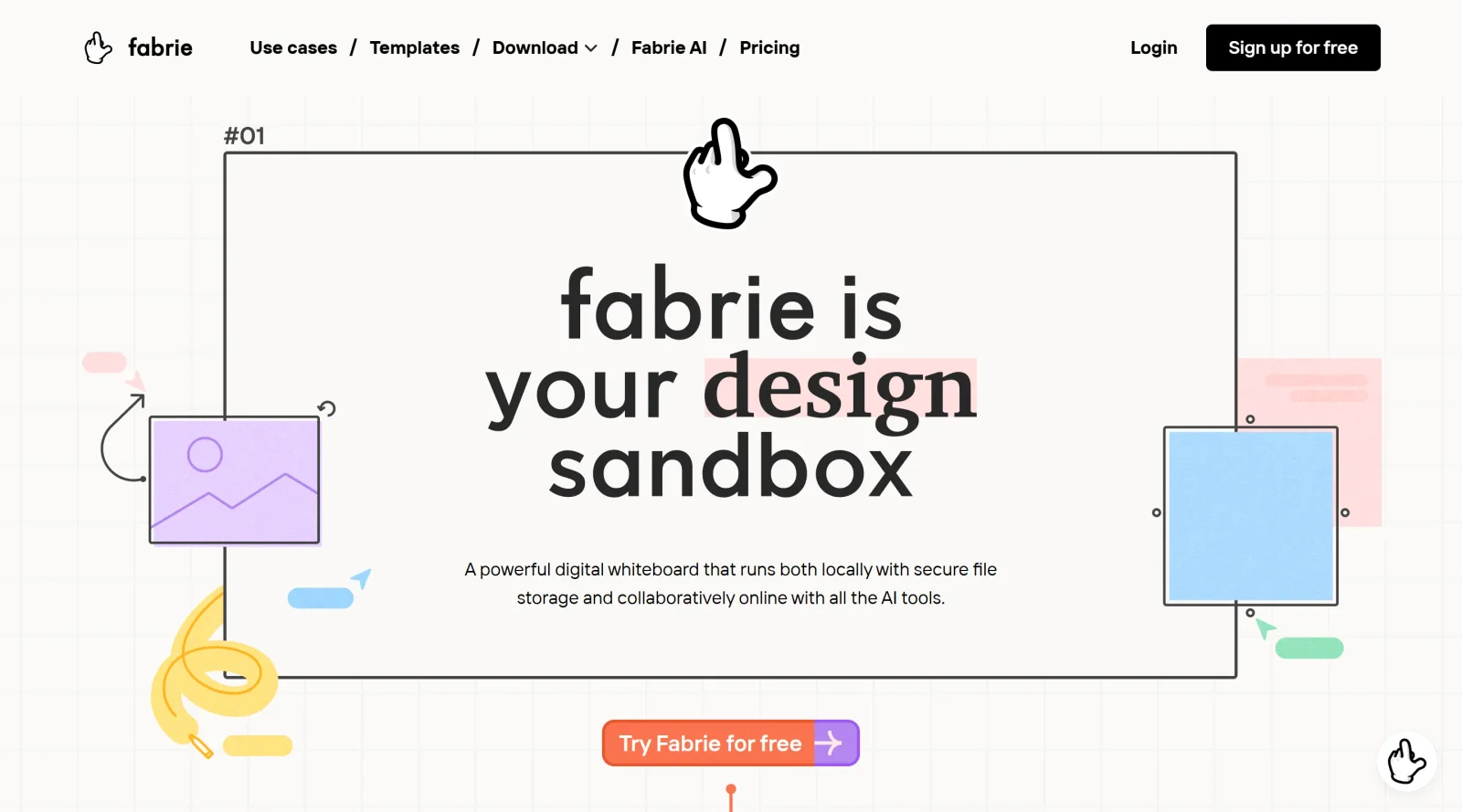
Fabrie is a digital whiteboard platform in the design category, functioning as an AI-native workspace for collaborative design processes. It offers an infinite canvas, tables, and databases that enable teams to document research, ideate, review iterations, prototype, and present work. Fabrie fits into design workflows by providing a centralized space for visual organization and AI-assisted creation, currently available in a beta pricing model.
What Fabrie Does
- Provides an infinite canvas for creating mind maps, flowcharts, sticky notes, drawings, and moodboards.
- Integrates AI tools like Fabrie Write for generating mind maps, stakeholder maps, tables, summaries, and rewrites from text, links, PDFs, or web content.
- Supports Fabrie Imagine for rendering sketches into images, generating design variations, and in-painting features with different styles and materials.
- Allows organization of design files, images, documents, and materials using drag-and-drop, tables, and linkable databases without coding.
- Enables real-time and asynchronous collaboration with shared cursors, comments, and access via web clipper or desktop app.
- Converts whiteboard content into presentation slides with one click and includes editable professional templates.
How Fabrie Can Be Used
- Designers document research by clipping web content, PDFs, and notes onto the canvas, then use Fabrie Write to summarize insights or generate mind maps for analysis.
- Teams conduct brainstorming sessions with sticky notes, drawings, and flowcharts, iterating in real-time or asynchronously during client reviews.
- Product designers sketch concepts, render them with AI into styled variations, and link prototypes to material databases for fabrication planning.
- Groups track design iterations and feedback using tables on the whiteboard, assigning tasks and visualizing changes without switching tools.
- Presenters export organized boards as slides for stakeholder meetings, incorporating AI-generated visuals directly from sketches.
Who Is Fabrie For?
Fabrie serves designers, product managers, and creative teams handling research, ideation, prototyping, and presentation tasks. It suits graphic designers organizing moodboards, industrial designers rendering sketches, and cross-functional groups managing collaborative workflows from initial concepts to final outputs. Experience levels range from individual creators using AI features to teams requiring shared databases and real-time editing. Visit Fabrie
Featured Tools
Modeinspect
Mode turns your product’s codebase into editable canvas frames. Refine real UI with visual controls, experiment with AI then share or hand off for review.
Hue Codex
Hue Codex is a free, no-account color workspace for designers and developers, with palette generation, WCAG contrast checks, modern CSS tools, image color extraction, local saving, and exports.
PromptCreek
Prompt Creek is a free community-driven repository featuring thousands of AI prompts. Discover, bookmark, and share quality prompts for ChatGPT, Claude, and other AI tools.
Vatis Tech
Vatis Tech is the most powerful speech-to-text infrastructure. It can be used to transcribe user interviews and client meetings.
Webflow
Accelerate website creation without needing to code.
More Project Management Tools

Air
Experience visual browsing with powerful search, secure sharing, and smooth collaboration.

Asana
Manage projects and adapt to changing priorities in remote work settings.

Basecamp
Comprehensive toolkit for effective remote working.

Bubbles
Initiate discussions by commenting on any on-screen content.

Campsite
A dedicated space for design teams to manage work-in-progress.


Canva Whiteboards
Canva Whiteboards for creative brainstorming and teamwork.
Explore Other Categories
Discover more design resources
New to Design?
Explore our comprehensive design glossary to master essential terminology from A/B Testing to Wireframes.
Browse GlossaryLooking for something specific?
Search through our entire collection of design tools and resources