

An online whiteboard for team ideation and brainstorming sessions.
What it costs
- Free tier
- Yes
Homepage only ('Get started for free'); FigJam/Figma plan prices live on the separate /pricing page that wasn't scraped.
Auto-checked on 8 August 2026Source
About FigJam
What Is FigJam?
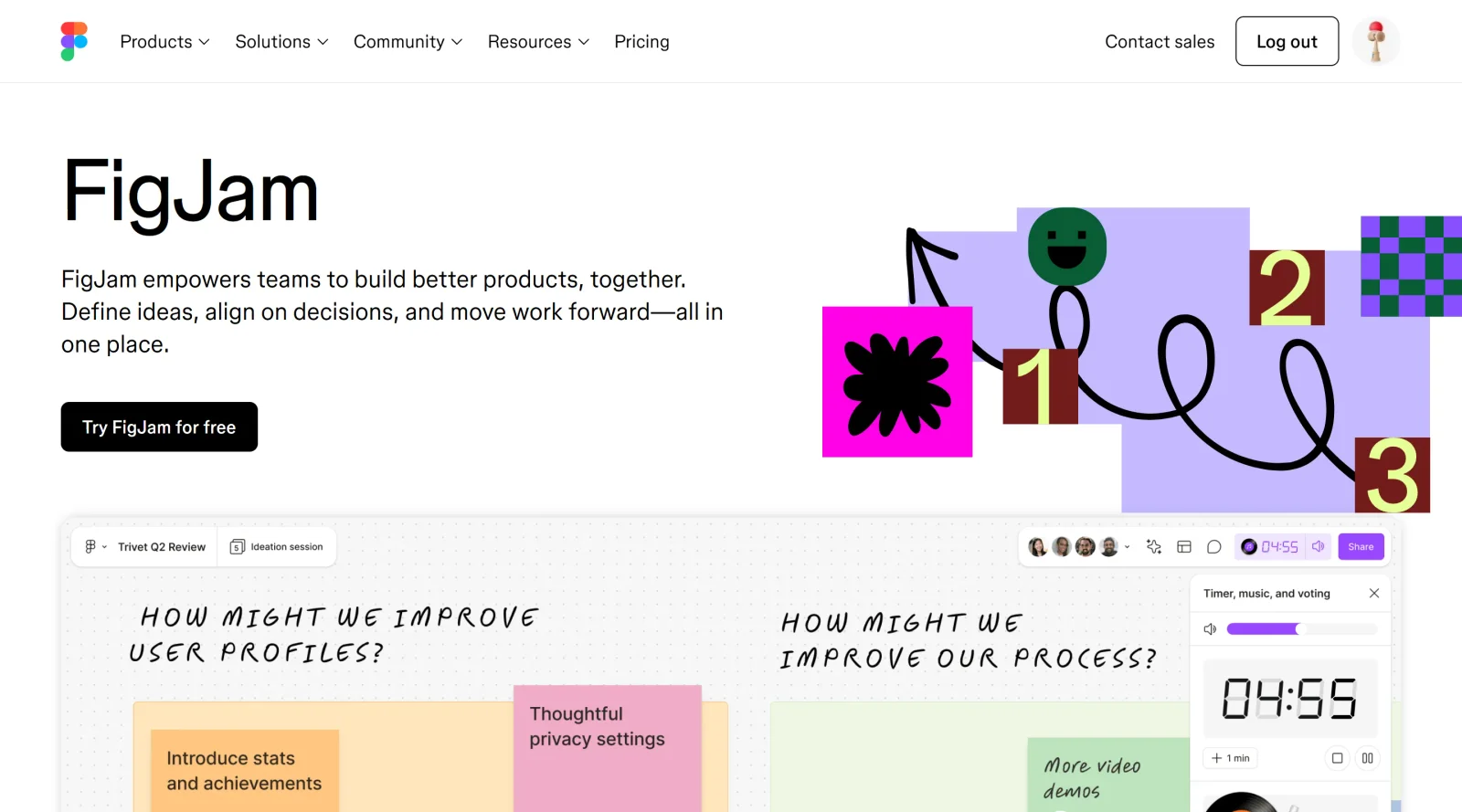
FigJam is a free, browser-based collaborative whiteboard tool developed by Figma for teams to brainstorm, develop, and organize ideas together. It integrates directly into the Figma ecosystem, allowing teams to move seamlessly from ideation to design without switching between platforms. As a design category tool, FigJam serves as a visual collaboration space where multiple users can work simultaneously on the same board, making it particularly suited for hybrid and remote teams that need real-time synchronization and feedback across distributed groups.
What FigJam Does
- Enables real-time collaborative brainstorming with visible multi-user cursors and shared workspace synchronization
- Provides AI-powered features to automatically organize sticky notes, generate diagrams from text, and summarize meeting output
- Offers native integration with Figma Design files, enabling designs to be brought into FigJam for feedback and critiques without leaving the platform
- Includes communication tools such as audio calls, live chat, cursor chat, and contextual comments within the board
- Supports interactive feedback through voting sessions, reactions, stamps, and emotes for quick, non-verbal responses
- Provides access to pre-built templates for brainstorming, agile ceremonies, sitemaps, concept maps, timelines, and other structured collaborative activities
How FigJam Can Be Used
- Brainstorming sessions where teams ideate on new features, products, or solutions in a visual format
- Design critique and feedback collection, bringing Figma prototypes into FigJam to gather team input before final design decisions
- Project planning and workflow mapping, including sitemaps, flowcharts, and timeline creation for cross-functional teams
- Agile ceremonies such as standups and retrospectives, with templates and interactive tools to facilitate structured team discussions
- User testing and feedback organization, where teams can organize qualitative feedback into themes and action items
- Educational and team-building activities, from concept mapping to collaborative problem-solving exercises
Who Is FigJam For?
FigJam is designed for product teams, designers, developers, and cross-functional groups who need a dedicated space for collaborative ideation and feedback. It works well for teams already using Figma, as the native integration keeps workflows cohesive, but it is also accessible to non-technical team members and stakeholders who benefit from visual, intuitive interfaces. Product managers, UX researchers, educators, and agile teams will find FigJam useful for organizing ideas, collecting feedback, and facilitating structured discussions. The free pricing model makes it accessible for teams of any size, though the tool's functionality is optimized within the Figma ecosystem. Visit FigJam
Featured Tools
Sponsored
Artlist
Royalty-free music, SFX, 8K footage, templates, LUTs and 100+ AI models on a single subscription for video creators.

Icons8
Large icon packs featuring over 10,000 icons for consistent design themes.

Vidu
AI video generator with text, image and reference-to-video modes, producing 3–16 second clips at up to 1080p with characters that stay consistent across shots.
Your tool here
The tools above are our own picks until the slots sell.
Spotlight
SponsoredRotates daily
HyNote
Records and transcribes interviews and meetings, then turns them into summaries and action items.
More Project Management Tools


Air
Experience visual browsing with powerful search, secure sharing, and smooth collaboration.


Asana
Manage projects and adapt to changing priorities in remote work settings.


Basecamp
Comprehensive toolkit for effective remote working.


Bubbles
Initiate discussions by commenting on any on-screen content.


Campsite
A dedicated space for design teams to manage work-in-progress.


Canva Whiteboards
Canva Whiteboards for creative brainstorming and teamwork.
Explore Other Categories
Discover more design resources
New to Design?
Explore our comprehensive design glossary to master essential terminology from A/B Testing to Wireframes.
Browse GlossaryLooking for something specific?
Search through our entire collection of design tools and resources