

What it costs
- Free tier
- Yes
Homepage says 'Get Started - It's Free' (catalog listed it as Paid); plan prices are on the separate /pricing page that wasn't scraped.
Auto-checked on 8 August 2026Source
About Flair AI
What is Flair AI
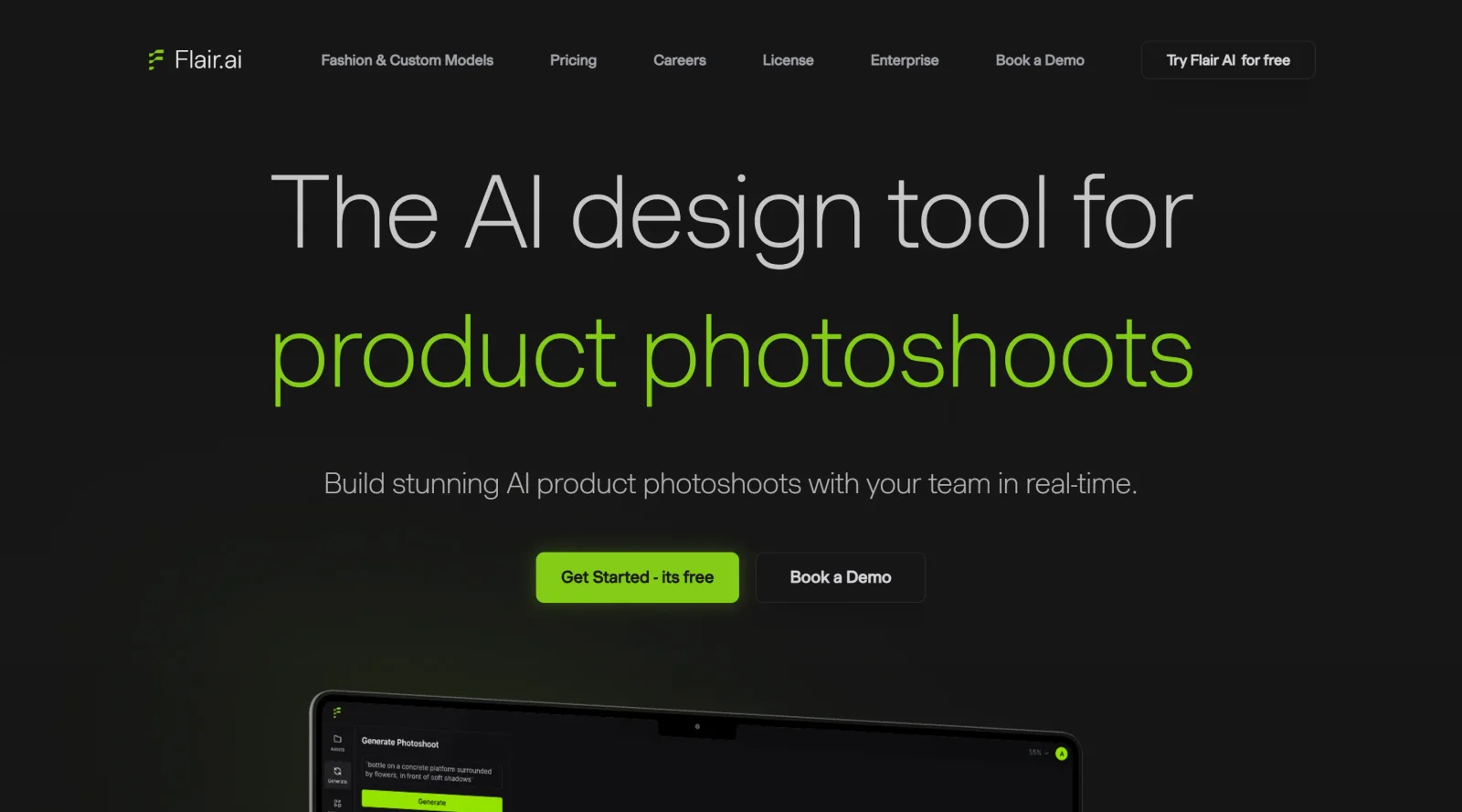
Flair.AI is an innovative AI design tool specifically tailored for product photography. This cutting-edge tool revolutionizes the way product shoots are created by harnessing the power of artificial intelligence. With a user-friendly interface and advanced features, Flair.AI aims to simplify the process of generating stunning product images for various purposes.
What Flair AI does
Flair.AI enables users to effortlessly create branded content by offering a drag-and-drop interface that streamlines the design process. Users can explore a wide range of templates, stage scenes digitally with props, and even fit clothing onto AI-generated models for fashion photoshoots. The tool allows for quick and efficient design concepts testing, making it ideal for businesses looking to create standout content that resonates with customers.
Who is Flair AI for
Flair.AI caters to a diverse audience, including individuals with limited design experience, businesses of all sizes, and professionals seeking to enhance their product photography capabilities. Its ease of use, AI-driven design technology, and affordability make it an accessible option for anyone looking to create visually appealing and high-quality product images. Whether you are a social media marketer, e-commerce entrepreneur, or a designer, Flair.AI offers a versatile platform to elevate your branding and marketing efforts.By leveraging Flair.AI's features, users can build sleek shoots faster than ever, collaborate in real-time, and scale their design projects efficiently. This tool is a game-changer for those seeking to enhance their visual content creation process and stand out in a competitive market landscape.In conclusion, Flair.AI stands out as a powerful AI design tool that empowers users to create compelling product images with ease. Its unique features, user-friendly interface, and AI technology make it a valuable asset for individuals and businesses looking to elevate their branding and marketing strategies through visually stunning content creation.
Flair AI pros and cons
- Trains custom models on 6–10 photos of a product, a person or an aesthetic, then generates with them
- Drag-and-drop canvas for staging a product with props and backgrounds before AI renders the scene
- Editor covers common fixes: Magic Erase, regenerate product, change pose or camera angle, extend canvas
- On-model fashion shots plus a Human Builder for AI models across age groups, from baby to senior
- Low entry price: Pro is $8/mo billed yearly, or $10 month to month
- Only Scale-plan images are private; Free, Pro and Pro+ output goes to a gallery others may reuse
- Free plan is a taster of 5 images and 1 video, and the terms make Free-tier output Flair's property
- Video allowances are thin: 2 generations on Pro, 3 on Pro+ and 5 on Scale Tier 1
- Unused credits don't roll over, and instant image or ad generation uses 4x the image quota
Flair is built for e-commerce brands that need a steady stream of on-brand product and on-model imagery. Its strength is control: a model trained on your actual product, a drag-and-drop staging canvas, and targeted fixes for distorted products or logos. The catch is in the terms. On Free, Pro and Pro+, your images feed a public gallery that other users may reuse, so privacy starts at Scale ($38/mo billed yearly), and video allowances are small enough to treat as an extra. It suits sellers comfortable with that; teams handling unreleased products, or anyone mainly after video, should look for a tool that keeps output private at lower tiers.
Frequently asked questions
Is Flair AI free?
Yes, there is a free plan with 1 custom model, 5 generated images and 1 video generation. Paid plans start with Pro at $8/mo billed yearly ($10 month to month), then Pro+ at $26 and Scale from $38 per month on yearly billing.
Can I use Flair AI images commercially?
Flair's terms say you need a paid plan for commercial use: Pro covers individual creators and Pro+ covers teams of two or more. Images generated on the Free tier are owned by Flair, and if you want to be the only one with a commercial license to an image, the terms say it must be created on the Scale plan.
Are my Flair AI images private?
Only on the Scale plan. Flair's terms state that images created on the Free, Pro and Pro+ plans show up in the Flair Gallery, where other users may use them in personal and commercial settings.
Do unused Flair AI credits roll over?
No. Flair's FAQ says unused image and model credits don't roll over, and if you cancel, remaining credits expire at the end of the billing cycle. Fees are non-refundable under the terms of service.
Featured Tools
Sponsored
Artlist
Royalty-free music, SFX, 8K footage, templates, LUTs and 100+ AI models on a single subscription for video creators.

Icons8
Large icon packs featuring over 10,000 icons for consistent design themes.

Vidu
AI video generator with text, image and reference-to-video modes, producing 3–16 second clips at up to 1080p with characters that stay consistent across shots.
Your tool here
The tools above are our own picks until the slots sell.
Spotlight
SponsoredRotates daily
Hailuo AI
AI video generator from MiniMax with cinematic, language-driven camera control.
Tools we recommend


getimg.ai
20+ AI models for image, video & audio in one workspace


OpenArt
All-in-one AI image, video & audio generator


YouCam Online Editor
Free online AI photo & video editor
Editorially chosen. Some links above are affiliate links — if you sign up we may earn a commission, at no extra cost to you.
More AI Tools Tools


Vidu
AI video generator with text, image and reference-to-video modes, producing 3–16 second clips at up to 1080p with characters that stay consistent across shots.

AI Boilerplate
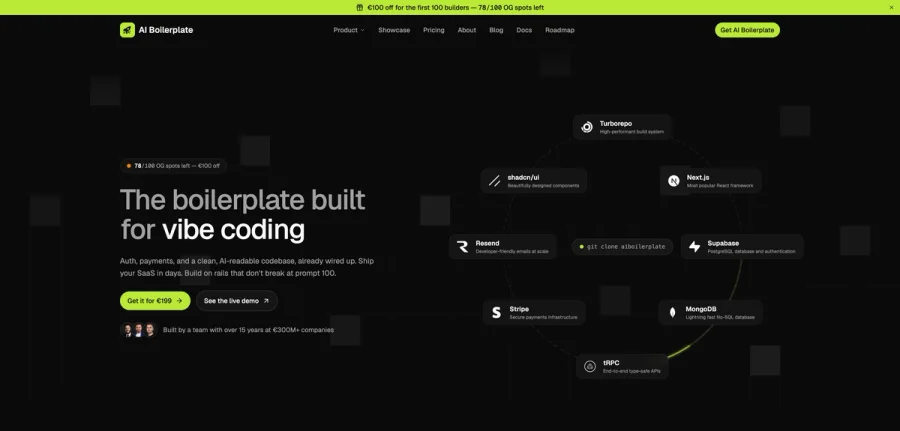
The boilerplate built for vibe coding. Includes authentication, payments, storage, and a clean, AI-readable codebase, already wired up. Build on rails that don't break at prompt 100.

PromptCreek
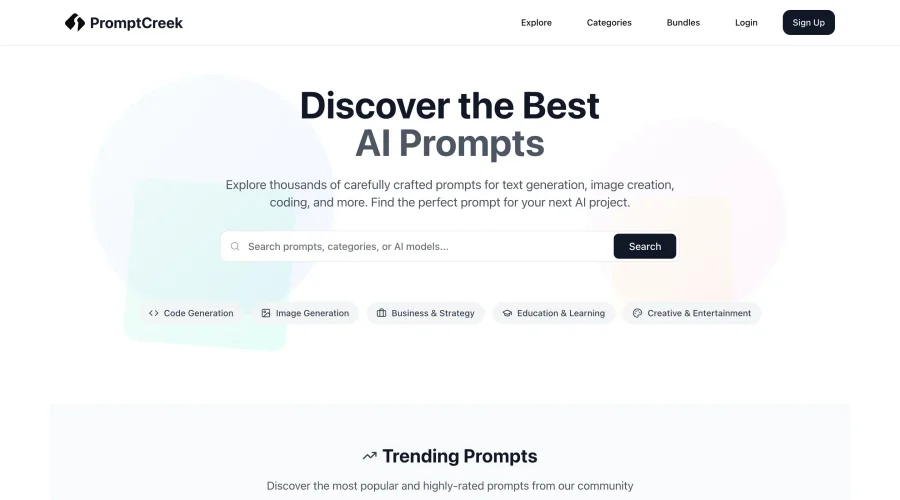
Prompt Creek is a free community-driven repository featuring thousands of AI prompts. Discover, bookmark, and share quality prompts for ChatGPT, Claude, and other AI tools.

Vatis Tech
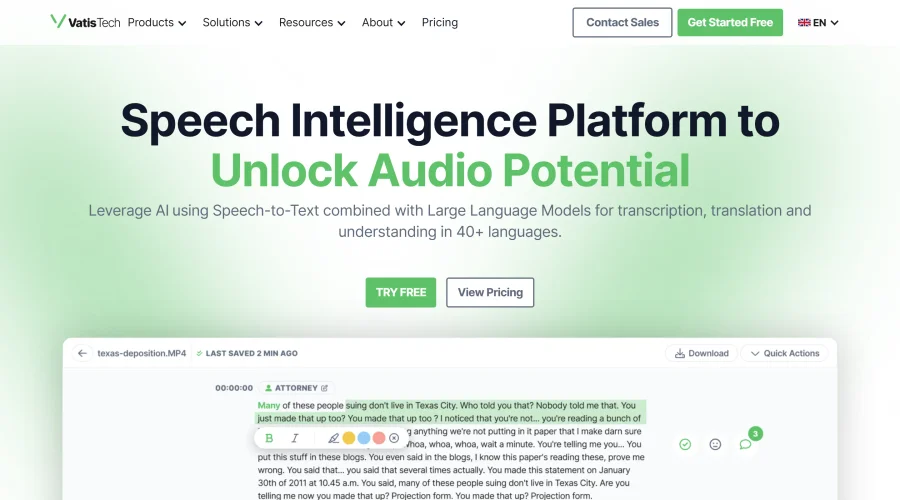
Vatis Tech is the most powerful speech-to-text infrastructure. It can be used to transcribe user interviews and client meetings.


DomoAI
AI animation platform that turns text, images, and video into anime, realistic, and custom styles — with video restyle, lip sync, upscaling, and more.


Hailuo AI
AI video generator from MiniMax with cinematic, language-driven camera control.
Explore Other Categories
Discover more design resources
New to Design?
Explore our comprehensive design glossary to master essential terminology from A/B Testing to Wireframes.
Browse GlossaryLooking for something specific?
Search through our entire collection of design tools and resources