

What it costs
- Free tier
- Yes
Free and open-source font editor; donations optional.
Auto-checked on 8 August 2026Source
About FontForge
What Is FontForge?
FontForge is a cross-platform open-source font editor designed for creating and modifying fonts in typography workflows. It supports major platforms including Windows, macOS, and Linux, and is available at no cost, making it accessible for font design tasks without licensing fees. As a tool in the typography category, FontForge enables users to work with outline and bitmap fonts across formats like PostScript, TrueType, and OpenType.
What FontForge Does
- Edits individual glyphs using vector tools for Bézier splines, line segments, and contours in cubic or quadratic formats.
- Supports import and export of multiple font formats including TrueType (TTF), OpenType (OTF), PostScript Type 1, SVG, UFO, and bitmap formats like BDF.
- Adjusts kerning, spacing, and hinting to optimize font rendering across displays and ensure technical accuracy.
- Implements OpenType features, contextual substitutions, and scripting in Python or its own language for automation and batch processing.
- Validates fonts, extracts metadata, and converts between formats, including utilities for WOFF and TrueType instructions.
- Handles bitmap tracing with tools like Potrace and supports Type 3 fonts with layered drawing operations.
How FontForge Can Be Used
- Create original typefaces from scratch by drawing glyphs in the Character View and refining them with spline tools, then generating outlines or bitmaps.
- Modify existing font files by importing them, editing glyphs side-by-side in tabbed views, and adjusting metrics like kerning in the Metrics View.
- Automate repetitive tasks such as format conversion or batch glyph processing using Python scripts run from the GUI or command line.
- Prepare fonts for web use by exporting to WOFF or SVG, or for print with PostScript and OpenType features including contextual alternates for scripts like Indic.
- Integrate into workflows with DTP tools like Scribus or Inkscape, word processors like LibreOffice, or typesetting systems like LaTeX by tuning spacing and hinting.
Who Is FontForge For?
FontForge serves typographers, font designers, students, hobbyists, and educators working on custom typefaces or font modifications. It fits professional workflows requiring detailed glyph editing and format support, as well as educational settings like graphic design curricula at institutions such as Purchase College and UC Berkeley Extension. Linux users benefit from its full-featured cross-platform availability, while scripters use its Python integration for programmatic control. Developers parsing fonts for engines like LuaTeX also utilize its code components. Visit FontForge
Featured Tools
Sponsored
Artlist
Royalty-free music, SFX, 8K footage, templates, LUTs and 100+ AI models on a single subscription for video creators.

Icons8
Large icon packs featuring over 10,000 icons for consistent design themes.

Vidu
AI video generator with text, image and reference-to-video modes, producing 3–16 second clips at up to 1080p with characters that stay consistent across shots.
Your tool here
The tools above are our own picks until the slots sell.

Tools we recommend
Editorially chosen. Some links above are affiliate links — if you sign up we may earn a commission, at no extra cost to you.
More Typography Tools
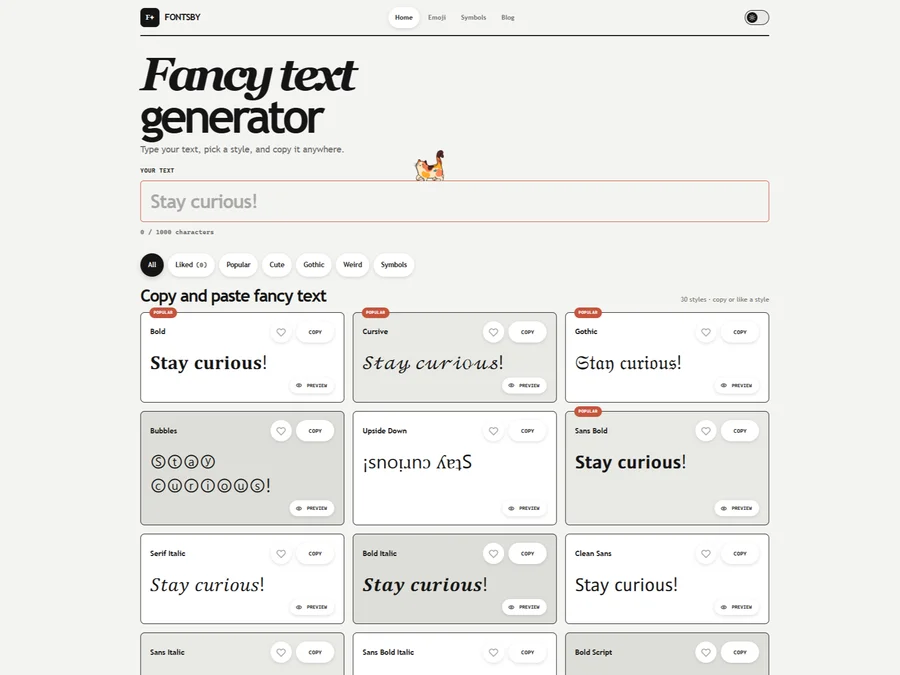

FontsBy
Fancy text generator for Instagram, Twitter, TikTok and Discord. Copy and paste bold, cursive and stylish Unicode fonts, symbols and emoji instantly for bios, usernames, names and social media posts.


205TF
French type foundry showcasing work from independent designers.


All Free Fonts
A selection of beautiful, free fonts curated for quality.


atipo
Digital foundry and design studio specializing in typefaces.


Beautiful Web Type
Guide to the best open-source typefaces.


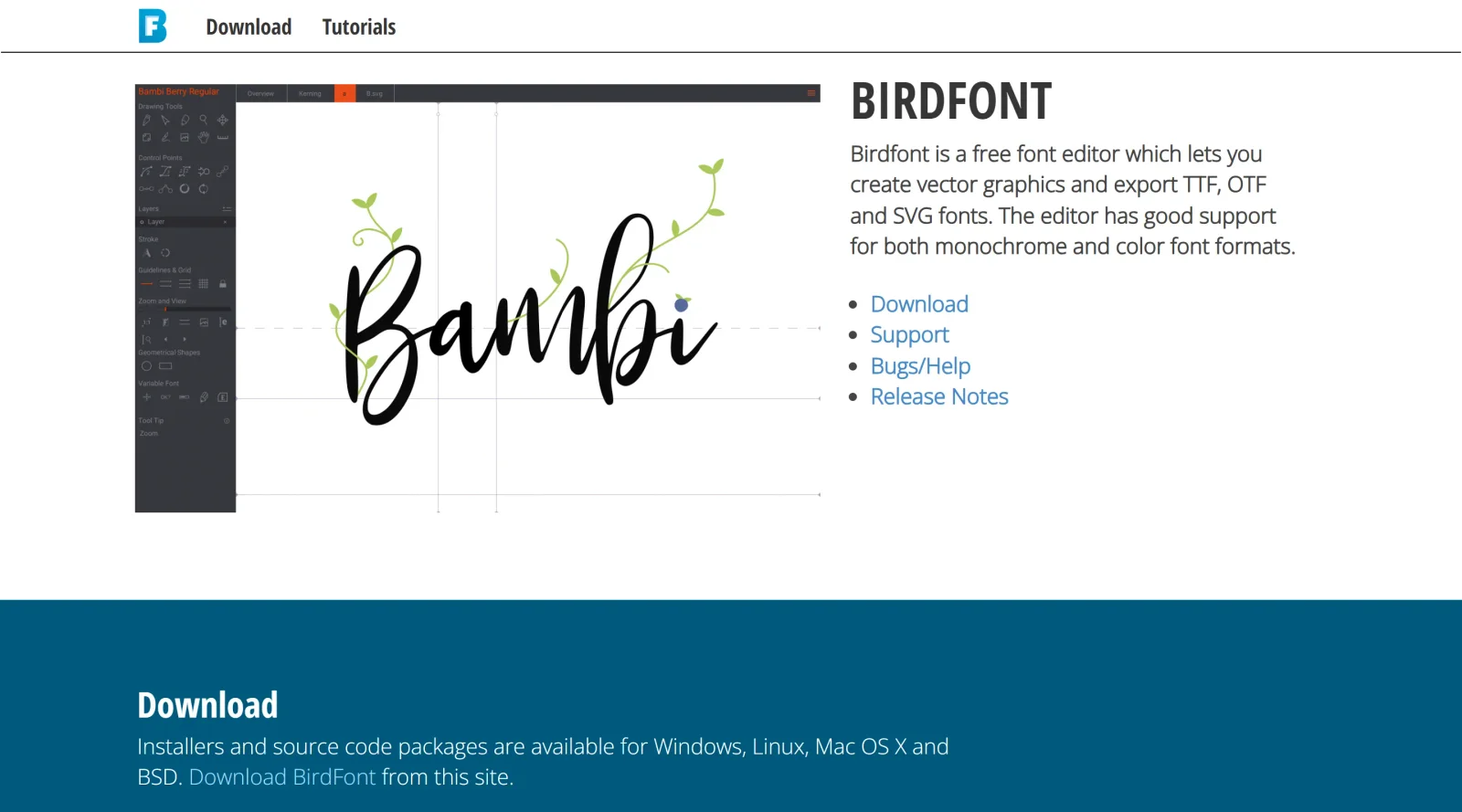
Birdfont
Browser-based font editor for creating vector graphics.
Explore Other Categories
Discover more design resources
New to Design?
Explore our comprehensive design glossary to master essential terminology from A/B Testing to Wireframes.
Browse GlossaryLooking for something specific?
Search through our entire collection of design tools and resources