

Real-time collaboration with a digital whiteboarding tool.
What it costs
- Free tier
- Yes
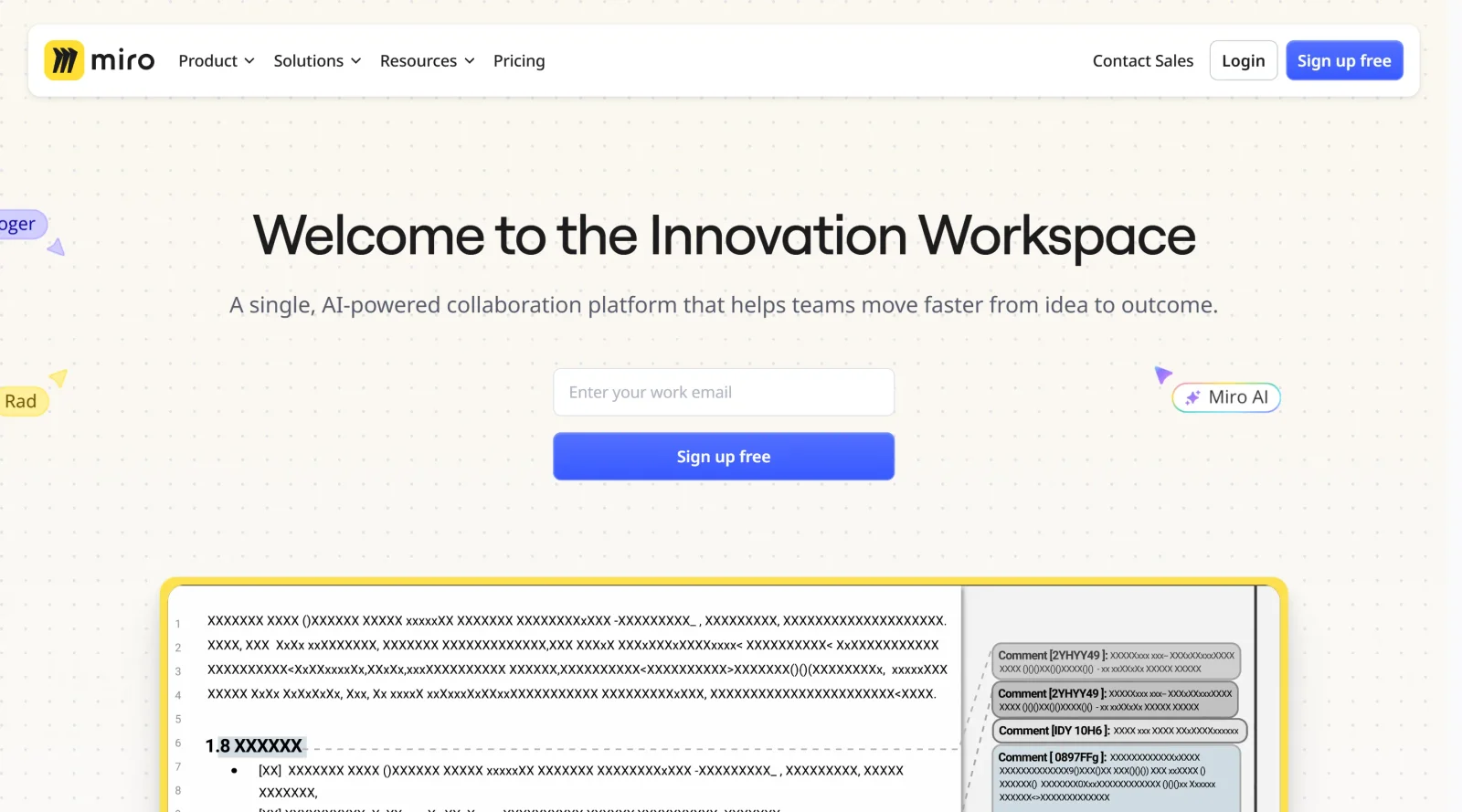
invisionapp.com now redirects to Miro (InVision Freehand discontinued); page shows 'Get started free' but no prices (Miro pricing on a separate page).
Auto-checked on 8 August 2026Source
About InVision Freehand
What Is InVision Freehand?
InVision Freehand is a digital whiteboarding tool designed for real-time collaboration in project management workflows. It functions as an infinite canvas where teams can sketch ideas, annotate designs, and capture feedback during the product design process. As a freemiumsolution in the project-management category, InVision Freehand offers free access with limitations, such as up to ten users and three documents, alongside paid enterprise plans for larger teams seeking expanded capabilities like unlimited documents and advanced integrations.
What InVision Freehand Does
- Provides a marker tool for freehand drawing and screen annotations.
- Allows addition of text boxes for notes and annotations.
- Supports insertion of common shapes to create basic prototypes or diagrams.
- Enables uploading of images from computers or tools like Photoshop.
- Includes sticky notes for quick idea capture and organization.
- Offers downloading of whiteboards as images for offline sharing.
- Facilitates sharing for real-time collaboration among team members.
- Integrates with tools like Microsoft Teams and Slack for seamless communication.
How InVision Freehand Can Be Used
- Brainstorming sessions where teams sketch initial concepts and iterate in real time.
- Journey mapping to visualize user flows and identify pain points collaboratively.
- Design sprints using prebuilt templates for flowcharts, wireframes, and organization charts.
- Feedback collection on prototypes, with tethered comments and VOIP chat for workshops.
- Project kickoffs to organize inspiration boards with uploaded files, screenshots, and notes.
Designers employ InVision Freehand within agile workflows to align on project mood boards or architecture diagrams during online meetings, ensuring all participants contribute simultaneously without version conflicts.
Who Is InVision Freehand For?
InVision Freehand serves design teams, innovation groups, and project managers handling collaborative ideation in remote or hybrid environments. It fits roles like UX designers mapping user journeys, product teams running workshops, and developers reviewing wireframes, particularly those with small to medium-sized groups under fifteen users on freemium plans. Enterprise users benefit from scaled collaboration on complex projects. Note that InVision discontinued its full suite, including Freehand, by late 2024, so it suits legacy users or those evaluating archived workflows.Visit InVision Freehand
Featured Tools
Sponsored
Artlist
Royalty-free music, SFX, 8K footage, templates, LUTs and 100+ AI models on a single subscription for video creators.

Icons8
Large icon packs featuring over 10,000 icons for consistent design themes.

Vidu
AI video generator with text, image and reference-to-video modes, producing 3–16 second clips at up to 1080p with characters that stay consistent across shots.
Your tool here
The tools above are our own picks until the slots sell.

More Project Management Tools


Air
Experience visual browsing with powerful search, secure sharing, and smooth collaboration.


Asana
Manage projects and adapt to changing priorities in remote work settings.


Basecamp
Comprehensive toolkit for effective remote working.


Bubbles
Initiate discussions by commenting on any on-screen content.


Campsite
A dedicated space for design teams to manage work-in-progress.


Canva Whiteboards
Canva Whiteboards for creative brainstorming and teamwork.
Explore Other Categories
Discover more design resources
New to Design?
Explore our comprehensive design glossary to master essential terminology from A/B Testing to Wireframes.
Browse GlossaryLooking for something specific?
Search through our entire collection of design tools and resources