

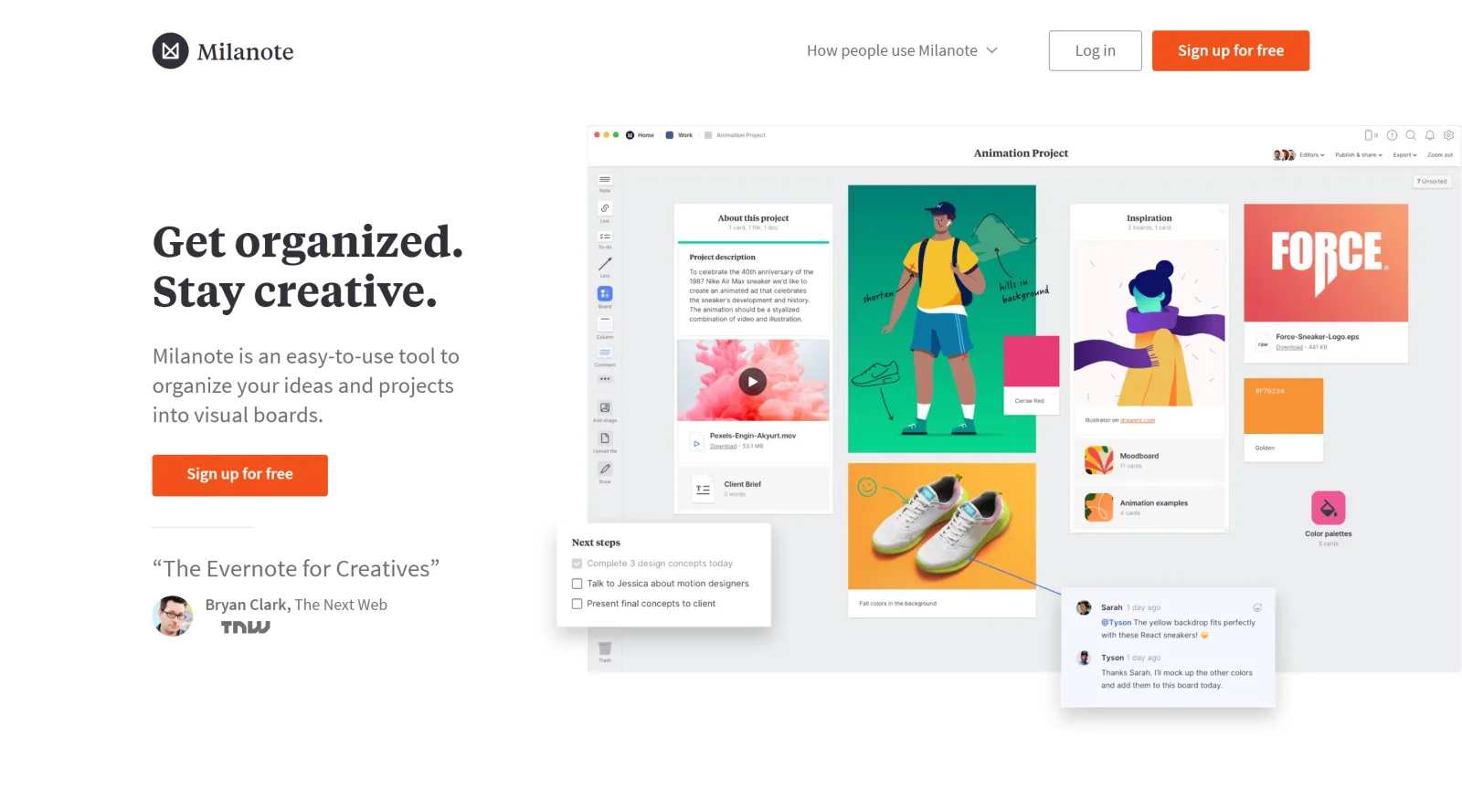
Organize ideas and projects visually with this simple tool.
What it costs
- Free tier
- Yes
Free plan with no time limit; paid plans are on the separate /plans page that wasn't fetched.
Auto-checked on 8 August 2026Source
About Milanote
What Is Milanote?
Milanote is a visual tool in the project management category that enables users to organize ideas and projects on customizable boards. It serves as a central workspace for collecting and arranging content such as notes, images, files, and links, fitting into design workflows during phases like ideation, planning, and collaboration. With a freemium pricing model, Milanote provides free access to core features with options for paid upgrades to expand limits on boards, storage, and team collaboration.
What Milanote Does
- Supports drag-and-drop placement of notes, images, videos, PDFs, links, and files onto flexible visual boards.
- Enables real-time editing and collaboration through commenting, sharing, and notifications across teams.
- Offers task management with to-do lists, deadlines, assignments, and status tracking.
- Provides customizable templates for mood boards, storyboards, project plans, and brainstorming sessions.
- Includes cloud synchronization for access across devices, with automatic backups and no versioning issues.
- Allows content organization via content management, file sharing, and workflow tools like mind maps and checklists.
How Milanote Can Be Used
- Designers create mood boards by dragging in color swatches, design files, images, and inspiration from web clips to visualize concepts.
- Teams conduct brainstorming sessions on shared boards, adding notes, sketches, and media while providing real-time feedback through comments.
- Project managers build workflows by combining briefs, assets, to-do lists, and timelines on a single board for tracking progress.
- Marketers develop campaign plans with embedded links, videos, and status updates to coordinate content across multiple contributors.
- Filmmakers and writers organize storyboards by sequencing images, scripts, and deadlines in non-linear arrangements.
Who Is Milanote For?
Milanote suits creative professionals including designers, writers, photographers, filmmakers, marketers, and entrepreneurs who manage visual projects. It works for individuals handling personal ideation or small teams in startups and agencies needing collaborative project management without rigid structures. Experience levels range from beginners using templates to advanced users customizing boards for complex workflows. UX/UI designers, graphic artists, and motion designers apply it for organizing assets and ideas in non-linear formats. Visit Milanote
Featured Tools
Sponsored
Artlist
Royalty-free music, SFX, 8K footage, templates, LUTs and 100+ AI models on a single subscription for video creators.

Icons8
Large icon packs featuring over 10,000 icons for consistent design themes.

Vidu
AI video generator with text, image and reference-to-video modes, producing 3–16 second clips at up to 1080p with characters that stay consistent across shots.
Your tool here
The tools above are our own picks until the slots sell.
Spotlight
SponsoredRotates daily
HyNote
Records and transcribes interviews and meetings, then turns them into summaries and action items.
More Project Management Tools


Air
Experience visual browsing with powerful search, secure sharing, and smooth collaboration.


Asana
Manage projects and adapt to changing priorities in remote work settings.


Basecamp
Comprehensive toolkit for effective remote working.


Bubbles
Initiate discussions by commenting on any on-screen content.


Campsite
A dedicated space for design teams to manage work-in-progress.


Canva Whiteboards
Canva Whiteboards for creative brainstorming and teamwork.
Explore Other Categories
Discover more design resources
New to Design?
Explore our comprehensive design glossary to master essential terminology from A/B Testing to Wireframes.
Browse GlossaryLooking for something specific?
Search through our entire collection of design tools and resources