

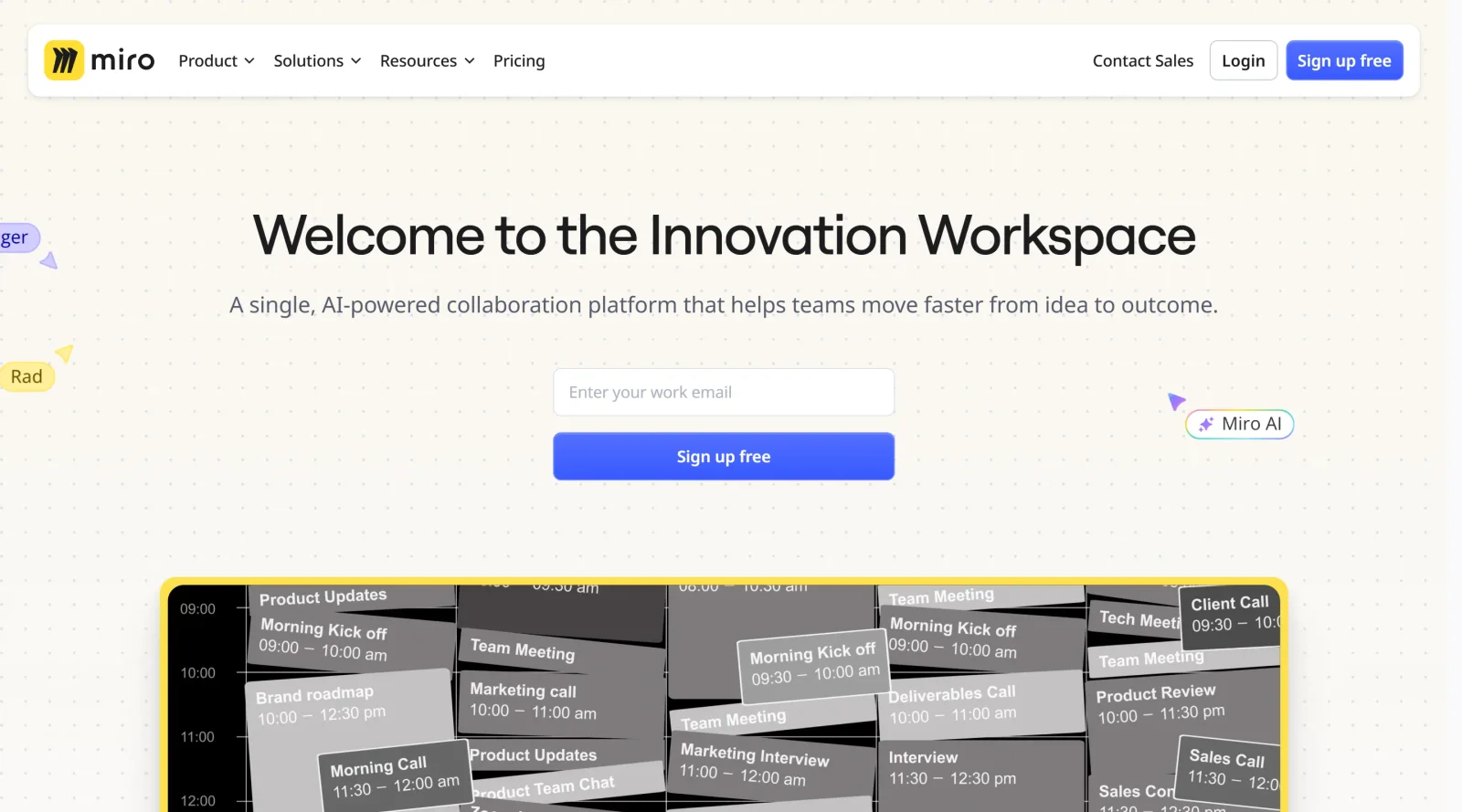
A collaborative whiteboard platform to unite teams anytime, anywhere.
What it costs
- Free tier
- Yes
Free plan available ('Get started free'); paid plan prices live on a separate /pricing page not captured here.
Auto-checked on 8 August 2026Source
About Miro
What Is Miro?
Miro is a collaborative whiteboard platform designed for teams to work together on visual projects in real time or asynchronously. It serves as a digital alternative to physical whiteboards, enabling users to brainstorm, plan, and manage tasks within an infinite canvas environment. Categorized under project management tools, Miro fits into design workflows for ideation, mapping user journeys, and coordinating team efforts across distributed locations. The platform operates on a freemium pricing model, offering free access to core features with paid plans for advanced capabilities.
What Miro Does
- Provides a zoomable virtual whiteboard for drawing, writing, and organizing visual content.
- Supports real-time and asynchronous collaboration, allowing multiple users to edit boards simultaneously regardless of location.
- Offers an extensive library of pre-built templates for brainstorming, mind maps, flowcharts, user journey mapping, product roadmaps, and agile workflows.
- Enables creation of sticky notes, shapes, diagrams, and text elements to structure ideas and information.
- Includes tools like timers, anonymous voting, live reactions, and breakout boards for facilitating meetings and workshops.
- Integrates with apps such as Zoom, Slack, Jira, Trello, Microsoft Teams, and over 250 others for seamless project management.
How Miro Can Be Used
- Teams use Miro for brainstorming sessions, where sticky notes and shapes help cluster ideas and generate insights during remote meetings.
- In project planning, it visualizes product roadmaps, dependencies, and timelines on shared boards accessible anytime.
- Designers map user journeys, service blueprints, and concept diagrams collaboratively with distributed team members.
- Agile workflows involve managing sprints, backlogs, and retrospectives using templates and real-time updates.
- Educators and trainers facilitate interactive lessons, workshops, or tutoring with breakout rooms and voting features.
- Hybrid teams replace physical whiteboards by sharing boards via links, exporting to PDF, or integrating with video conferencing tools.
Who Is Miro For?
Miro suits remote and hybrid teams in design, product development, and project management roles, including designers mapping UI flows, product managers planning roadmaps, developers visualizing architectures, and educators running collaborative sessions. It works for users at various experience levels who need visual tools for ideation and coordination in distributed environments. Small teams start with free features, while larger organizations scale with enterprise security and integrations. Visit Miro
Featured Tools
Sponsored
Artlist
Royalty-free music, SFX, 8K footage, templates, LUTs and 100+ AI models on a single subscription for video creators.

Icons8
Large icon packs featuring over 10,000 icons for consistent design themes.

Vidu
AI video generator with text, image and reference-to-video modes, producing 3–16 second clips at up to 1080p with characters that stay consistent across shots.
Your tool here
The tools above are our own picks until the slots sell.

More Project Management Tools


Air
Experience visual browsing with powerful search, secure sharing, and smooth collaboration.


Asana
Manage projects and adapt to changing priorities in remote work settings.


Basecamp
Comprehensive toolkit for effective remote working.


Bubbles
Initiate discussions by commenting on any on-screen content.


Campsite
A dedicated space for design teams to manage work-in-progress.


Canva Whiteboards
Canva Whiteboards for creative brainstorming and teamwork.
Explore Other Categories
Discover more design resources
New to Design?
Explore our comprehensive design glossary to master essential terminology from A/B Testing to Wireframes.
Browse GlossaryLooking for something specific?
Search through our entire collection of design tools and resources