

What it costs
- Free tier
- Yes
Free plan gives watermark-free downloads with some limits; the PRO upgrade price is on the separate /pricing page not fetched.
Auto-checked on 8 August 2026Source
About Mockey
What Is Mockey?
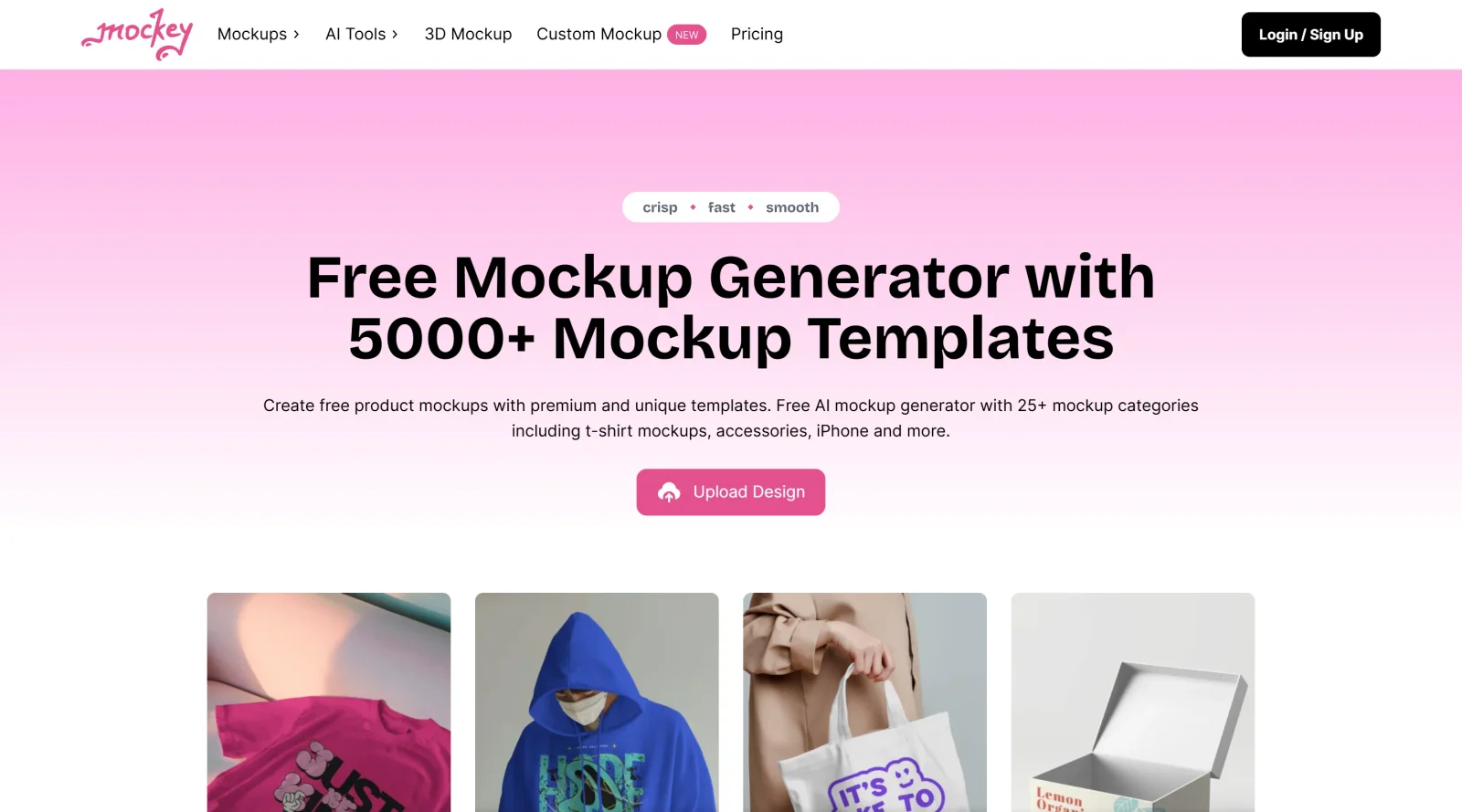
Mockey is a free product mockup generator that enables users to create realistic mockups by placing designs onto product templates. It serves as a tool in the mockups category, fitting into design workflows for visualizing products without manual editing software. Mockey operates on a free-paid pricing model, offering unlimited free mockups alongside enterprise options for additional features like custom templates.
What Mockey Does
- Provides access to over 15,000 AI mockup templates across more than 45 categories, including apparel, packaging, devices, prints, and jewelry.
- Supports drag-and-drop upload of JPG and PNG designs onto templates for instant placement and adjustment to product contours, shadows, and edges.
- Allows customization of template colors, backgrounds, and addition of logos or text.
- Includes AI tools for background removal, image enhancement, and generating backgrounds from text prompts.
- Enables preview of designs across multiple templates simultaneously via AI Preview feature and download without watermarks in image or MP4 animation formats.
- Offers integration as a Figma plugin for generating mockups directly within the design environment.
How Mockey Can Be Used
- Designers upload artwork to t-shirt or hoodie templates to visualize apparel prints for client presentations or e-commerce listings.
- Marketers generate packaging mockups for cans, business cards, or boxes to test product visuals in ad campaigns.
- Print-on-demand sellers create multiple variations of the same design on different product models, adjusting colors and backgrounds for storefront previews.
- Developers use the Figma plugin to turn UI designs into device mockups during prototyping workflows.
- Teams produce animated 3D mockups for social media content or website displays by selecting animation previews and exporting MP4 files.
Who Is Mockey For?
Mockey suits freelance designers, e-commerce sellers, marketers, and developers needing quick product mockups for presentations, online stores, or advertising. It works for beginners handling basic uploads and customizations, as well as experienced users leveraging AI features and Figma integration for complex workflows. Product categories cover apparel, accessories, tech gadgets, home items, and prints, making it applicable to various project types. Visit Mockey
Featured Tools
Sponsored
Artlist
Royalty-free music, SFX, 8K footage, templates, LUTs and 100+ AI models on a single subscription for video creators.

Icons8
Large icon packs featuring over 10,000 icons for consistent design themes.

Vidu
AI video generator with text, image and reference-to-video modes, producing 3–16 second clips at up to 1080p with characters that stay consistent across shots.
Your tool here
The tools above are our own picks until the slots sell.
Spotlight
SponsoredRotates daily
HyNote
Records and transcribes interviews and meetings, then turns them into summaries and action items.
More Mockups Tools
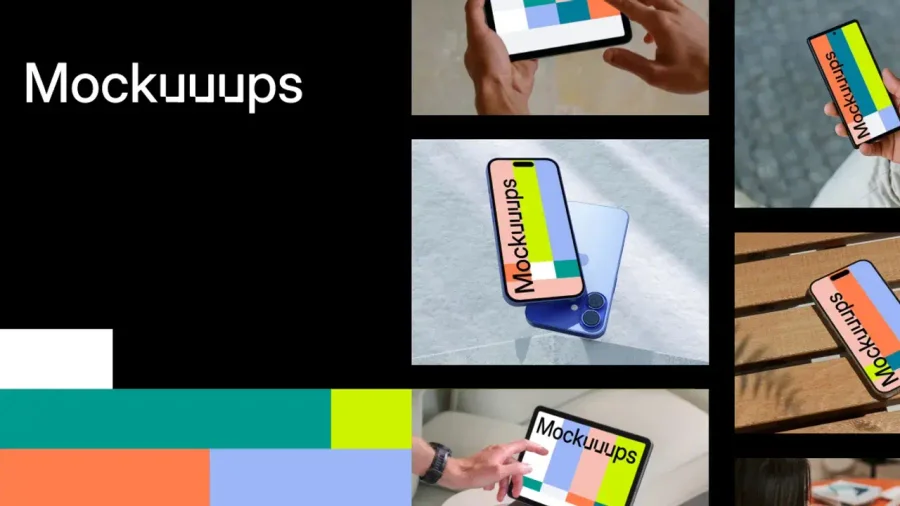

Mockuuups Studio
Photorealistic device and print mockups in the browser or Figma. Drop in your design and export polished app, portfolio, and marketing scenes in seconds.
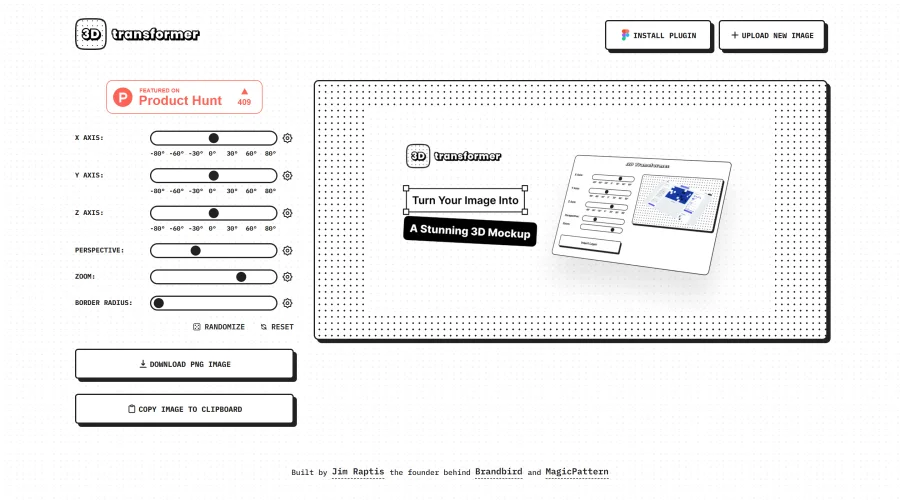
3D Transformer
Transform frames into striking 3D mockups online and in Figma.
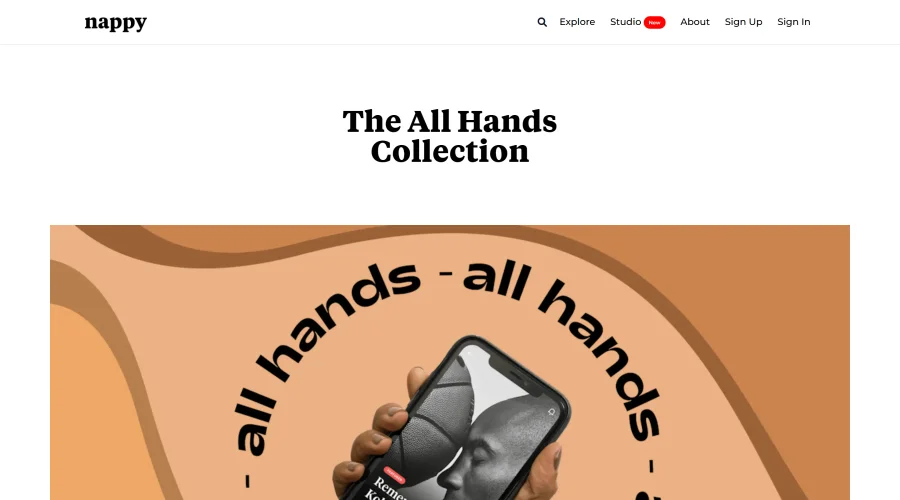

All Hands
25 free device mockups showcasing diverse hand types.
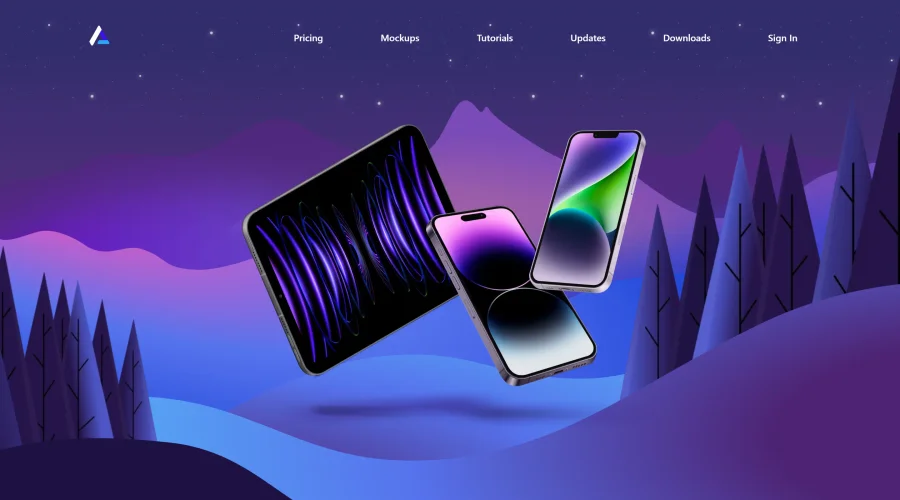

Angle
1,000 vector and 3D device mockups compatible with Sketch, Figma, and XD.
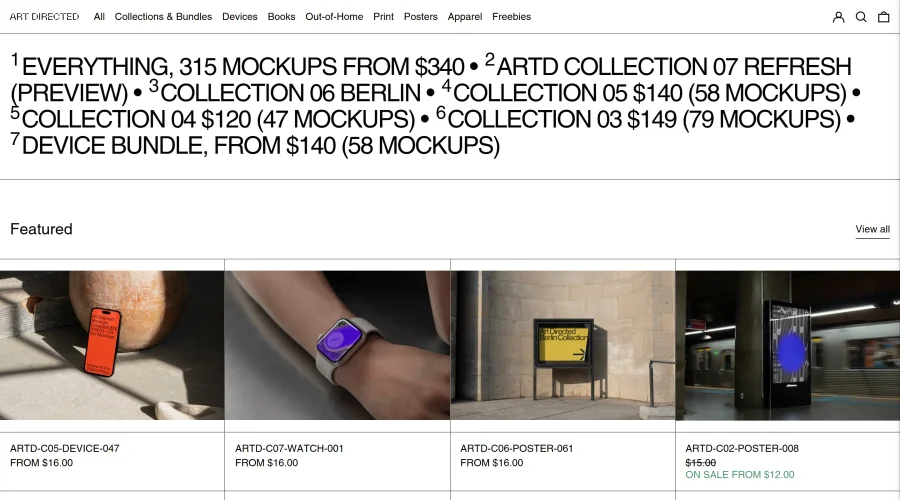

Art Directed
Modern mockups designed for contemporary design presentations.
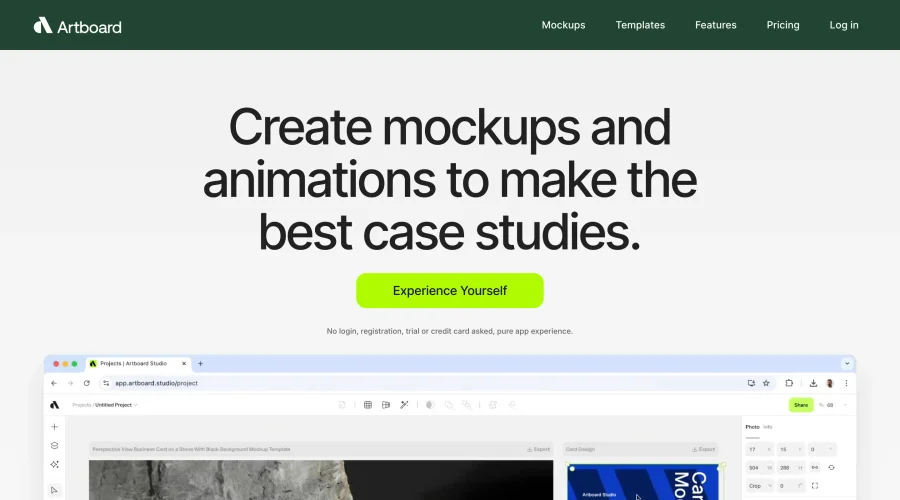

Artboard Studio Mockup Generator
Design amazing mockups and realistic scenes effortlessly.
Explore Other Categories
Discover more design resources
New to Design?
Explore our comprehensive design glossary to master essential terminology from A/B Testing to Wireframes.
Browse GlossaryLooking for something specific?
Search through our entire collection of design tools and resources