

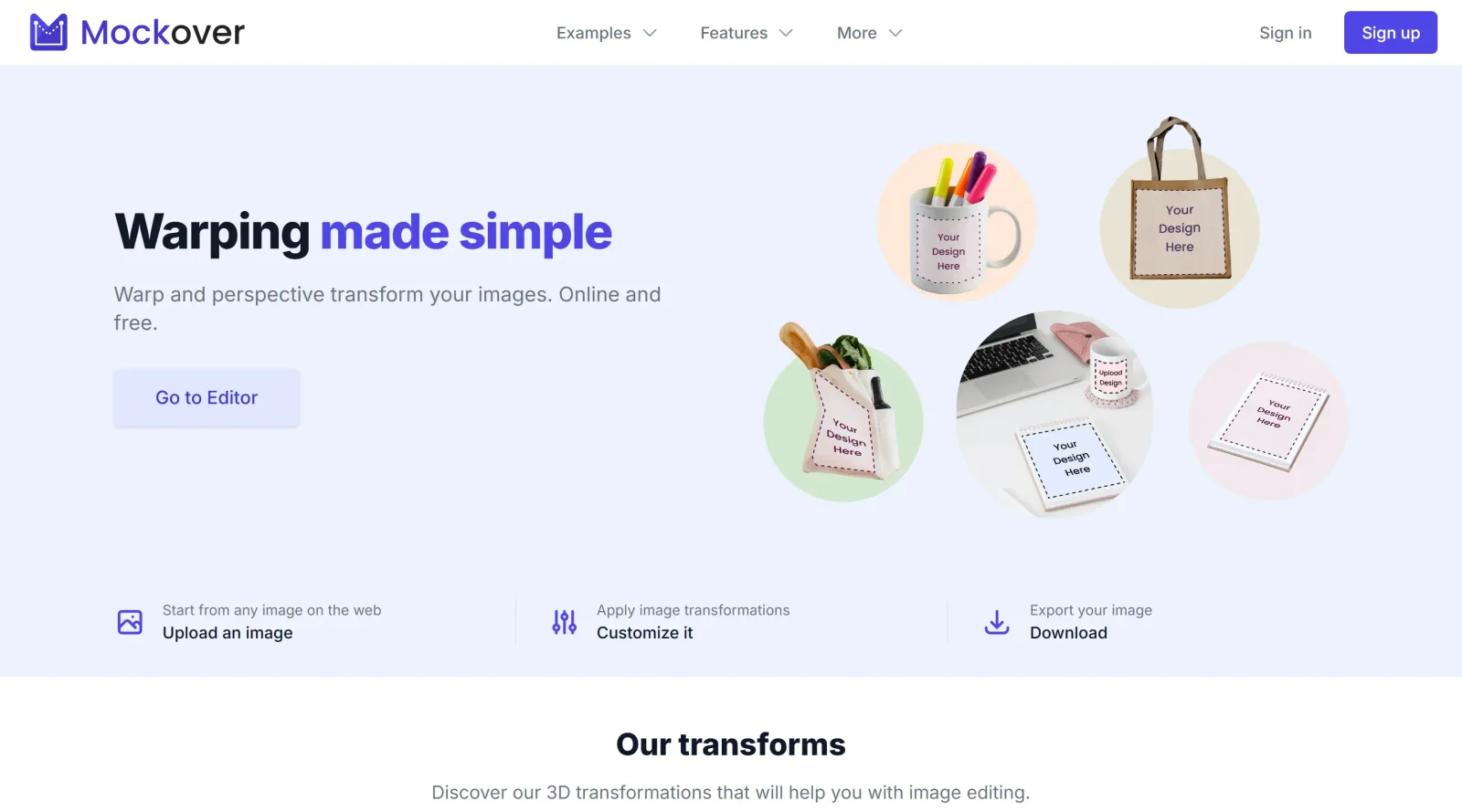
Advanced tool for perfect image warping in product presentations.
What it costs
- Free tier
- Yes
Page emphasizes a free image-warping tool ('free to create') and shows no paid plan, though the catalog lists it as Freemium.
Auto-checked on 8 August 2026Source
About Mockover
What Is Mockover?
Mockover is an online image editor focused on 3D transformations for creating mockups. It enables users to warp images, apply perspective transforms, and post-process visuals directly in a web browser, fitting into the mockups category of design tools. As a freemium tool, Mockover offers free access to core features with optional paid upgrades for advanced capabilities.
What Mockover Does
- Applies perspective transforms to adjust image angles and orientations in 3D space.
- Performs image warping using control points or grids for custom distortions.
- Supports 3D mesh warping to conform designs to curved surfaces like apparel.
- Provides displacement mapping to blend custom content realistically onto base images.
- Offers transparency masking and post-processing for photo-realistic renders.
- Allows uploading and transforming multiple images from the web or local files.
How Mockover Can Be Used
- Designers upload a product photo, create placeholders on curved areas like t-shirts, and warp logos or graphics to fit naturally using displacement mode.
- Marketers generate custom mockups by inserting designs into billions of web-sourced images, applying perspective and warping for presentations.
- Entrepreneurs prototype apparel or merchandise by mapping patterns onto clothing photos, tweaking parameters for authentic curvature and lighting.
- Developers create device mockups by transforming app screenshots onto non-linear surfaces with bezier warping or mesh controls.
- Teams export high-quality renders after post-processing, using pre-made templates to speed up product visualization workflows.
Who Is Mockover For?
Mockover serves designers, developers, entrepreneurs, and marketers who need to produce realistic product mockups without complex software. It suits users handling product presentations, apparel customization, or image-based prototypes, from those seeking quick web-based warping to teams requiring customizable 3D transforms in their workflow. Experience levels range from beginners using templates to advanced users fine-tuning meshes and displacements. Visit Mockover
Featured Tools
Sponsored
Artlist
Royalty-free music, SFX, 8K footage, templates, LUTs and 100+ AI models on a single subscription for video creators.

Icons8
Large icon packs featuring over 10,000 icons for consistent design themes.

Vidu
AI video generator with text, image and reference-to-video modes, producing 3–16 second clips at up to 1080p with characters that stay consistent across shots.
Your tool here
The tools above are our own picks until the slots sell.
Spotlight
SponsoredRotates daily
HyNote
Records and transcribes interviews and meetings, then turns them into summaries and action items.
More Mockups Tools
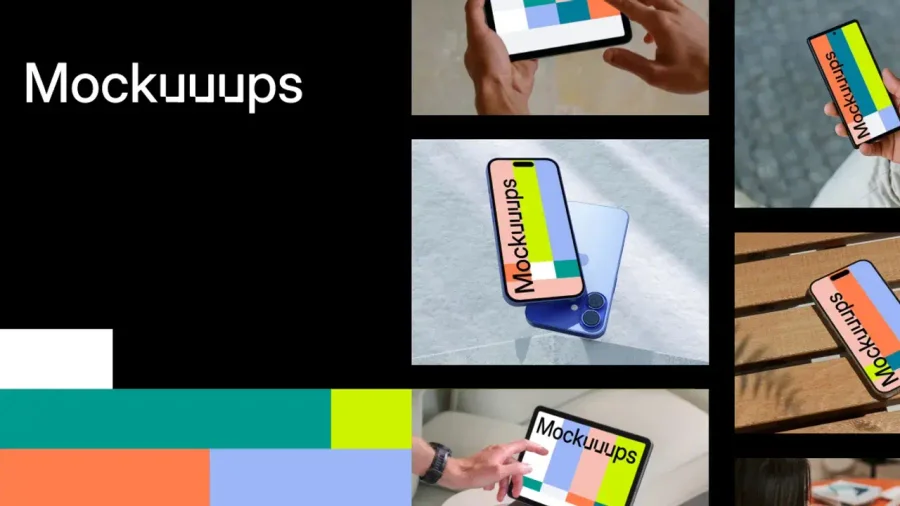

Mockuuups Studio
Photorealistic device and print mockups in the browser or Figma. Drop in your design and export polished app, portfolio, and marketing scenes in seconds.
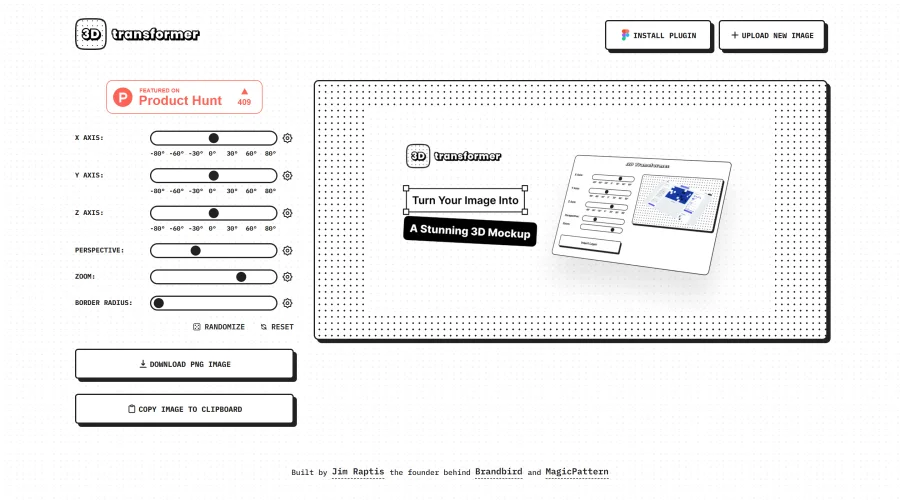
3D Transformer
Transform frames into striking 3D mockups online and in Figma.
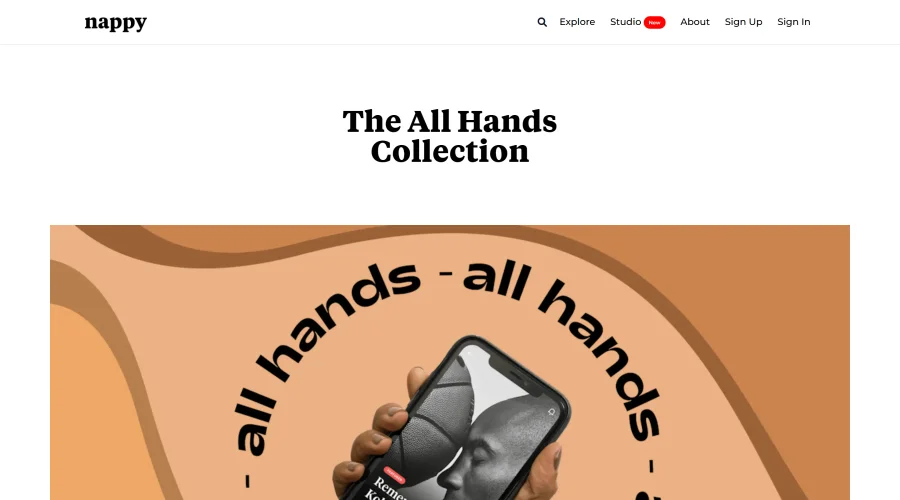
All Hands
25 free device mockups showcasing diverse hand types.
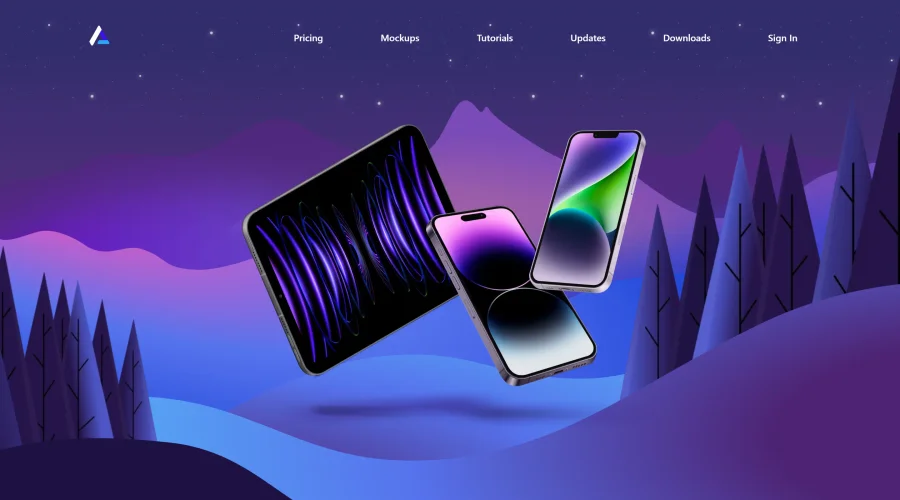

Angle
1,000 vector and 3D device mockups compatible with Sketch, Figma, and XD.
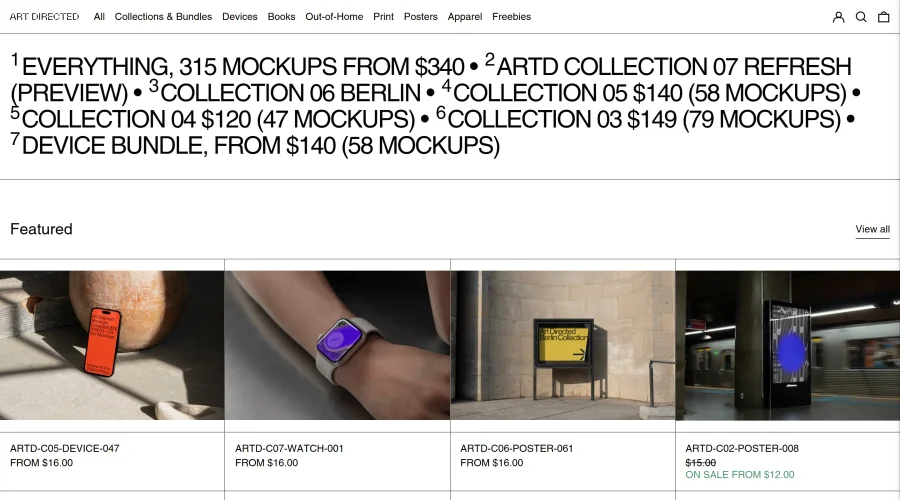

Art Directed
Modern mockups designed for contemporary design presentations.
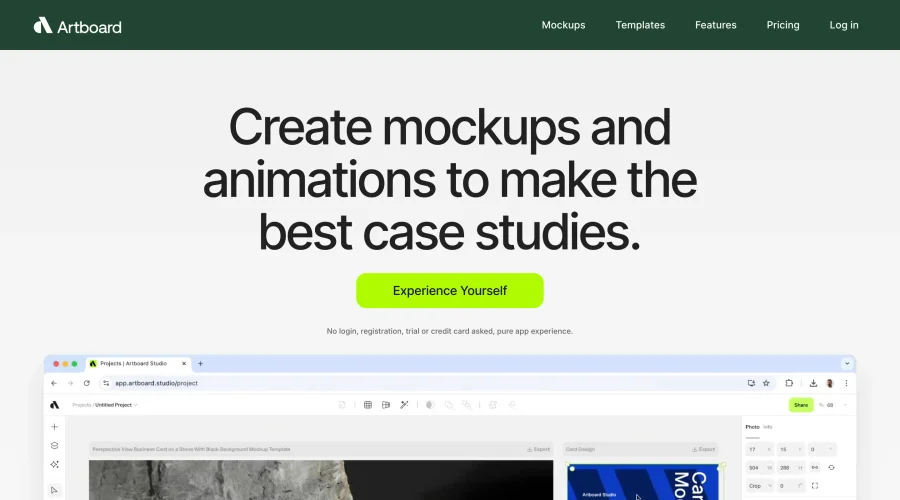

Artboard Studio Mockup Generator
Design amazing mockups and realistic scenes effortlessly.
Explore Other Categories
Discover more design resources
New to Design?
Explore our comprehensive design glossary to master essential terminology from A/B Testing to Wireframes.
Browse GlossaryLooking for something specific?
Search through our entire collection of design tools and resources