

Effortlessly create device mockups and product videos in your web browser.
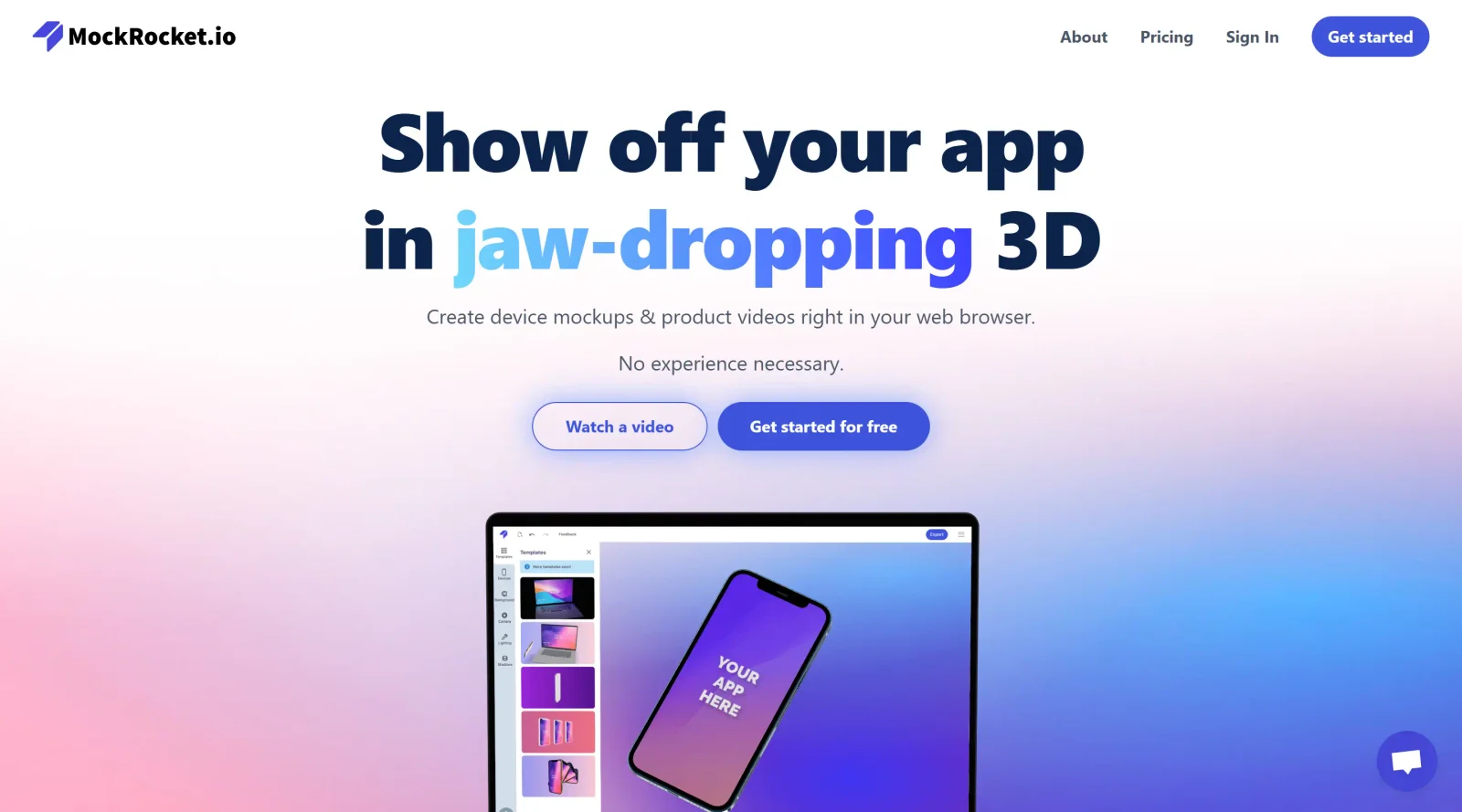
About MockRocket
What Is MockRocket?
MockRocket is a web-based tool in the mockupscategory that enables users to create 3D device mockups and product animations directly in a browser. It operates on a freemium pricing model, allowing access to core features without upfront costs while offering premium options for advanced use. MockRocket fits into the design workflow after initial prototyping, where designers and developers need to visualize app screenshots or videos on realistic 3D devices for presentations, portfolios, or client reviews. All rendering occurs client-side using WebGL and WebAssembly, keeping user designs private without server uploads.
What MockRocket Does
- Generates 3D mockups of devices such as phones, tablets, laptops, and cameras from uploaded screenshots or videos.
- Supports creation of static images and animated videos up to 4K resolution.
- Provides templates for quick starts, including pre-set device models and scenes.
- Allows customization of backgrounds, camera angles, lighting, shadows, and depth of field.
- Offers export options optimized for platforms like Instagram and Dribbble.
- Includes a Figma plugin for seamless integration with design files.
How MockRocket Can Be Used
- Upload app screenshots to a template and adjust device orientation for portfolio mockups used in designer job applications or client pitches.
- Drag and drop video clips onto 3D devices to animate multi-device scenes, such as showing an app transitioning across phone and laptop screens for demo reels.
- Fine-tune lighting and shadows on mockups during UI/UX reviews to match brand aesthetics before stakeholder presentations.
- Export high-resolution stills or animations directly for social media posts on Dribbble or Instagram without additional editing software.
- Use the Figma plugin to generate mockups from prototypes in real-time during team collaboration sessions.
Who Is MockRocket For?
MockRocket serves product designers, UI/UX developers, and marketers who require quick, high-quality device mockups without relying on desktop software like Photoshop or After Effects. It suits beginners due to its intuitive drag-and-drop interface and templates, as well as experienced users needing precise controls for custom scenes. Independent developers showcasing mobile apps, agencies preparing client deliverables, and teams iterating on prototypes find it applicable for early visualization tasks. Those working on app promotions or portfolio pieces benefit from its browser-based accessibility and export versatility. Visit MockRocket
Featured Tools
Sponsored
Artlist
Royalty-free music, SFX, 8K footage, templates, LUTs and 100+ AI models on a single subscription for video creators.

Icons8
Large icon packs featuring over 10,000 icons for consistent design themes.

Vidu
AI video generator with text, image and reference-to-video modes, producing 3–16 second clips at up to 1080p with characters that stay consistent across shots.
Your tool here
The tools above are our own picks until the slots sell.

More Mockups Tools
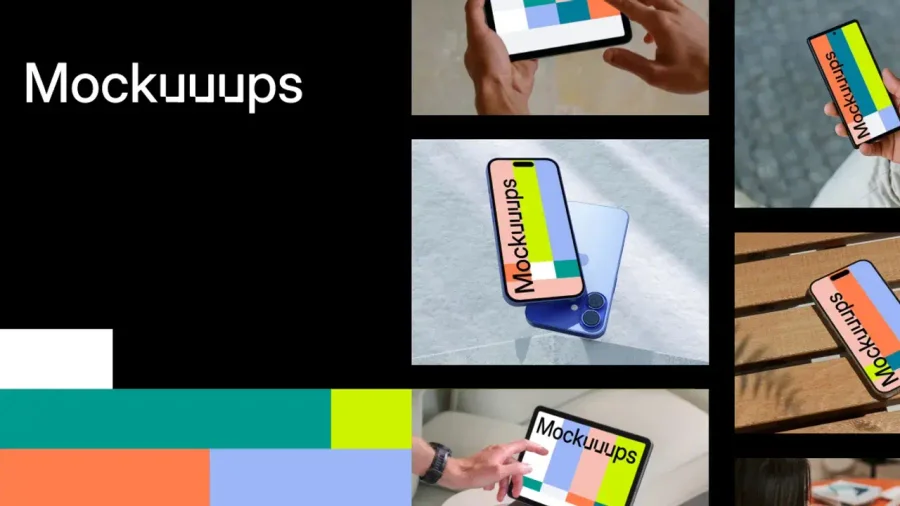

Mockuuups Studio
Photorealistic device and print mockups in the browser or Figma. Drop in your design and export polished app, portfolio, and marketing scenes in seconds.
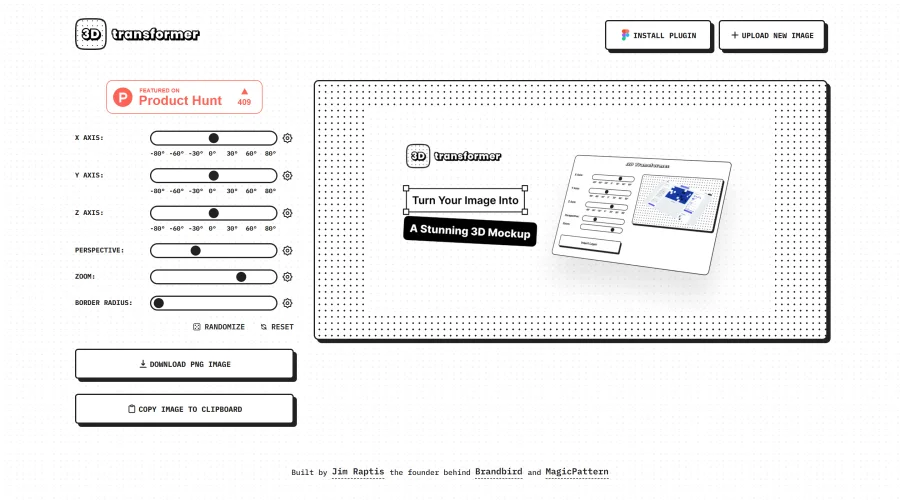
3D Transformer
Transform frames into striking 3D mockups online and in Figma.
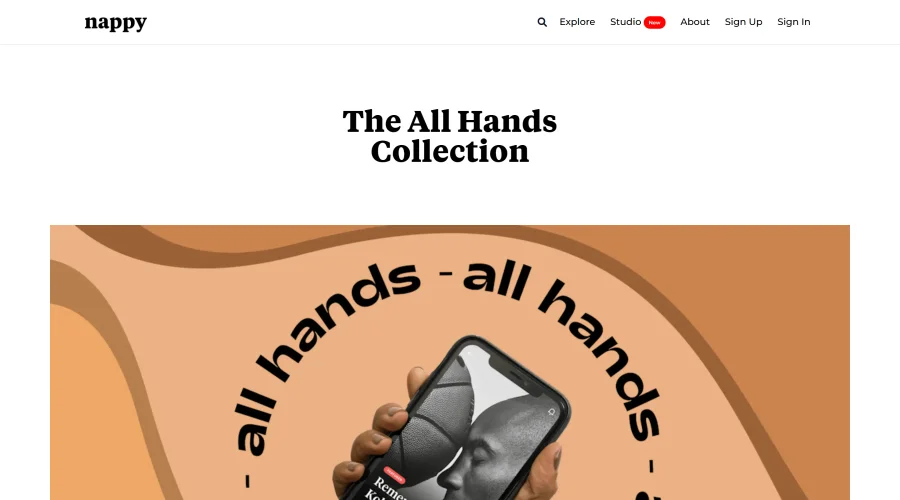
All Hands
25 free device mockups showcasing diverse hand types.
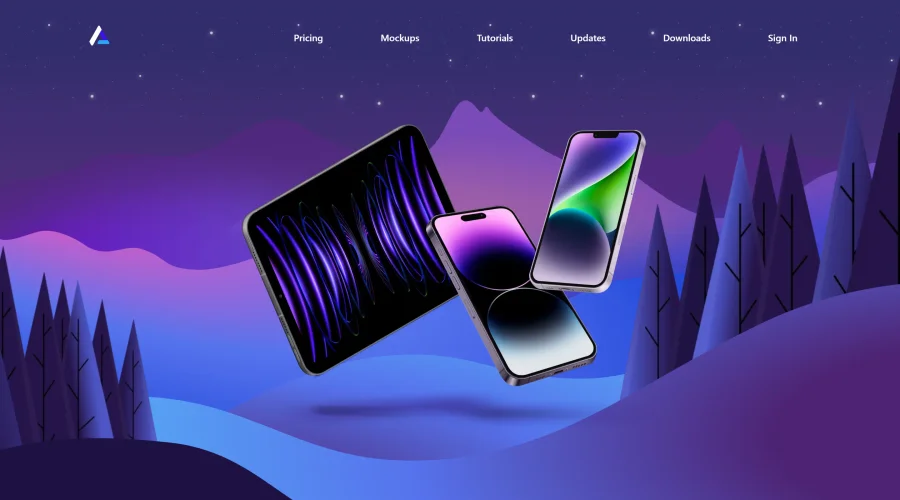

Angle
1,000 vector and 3D device mockups compatible with Sketch, Figma, and XD.
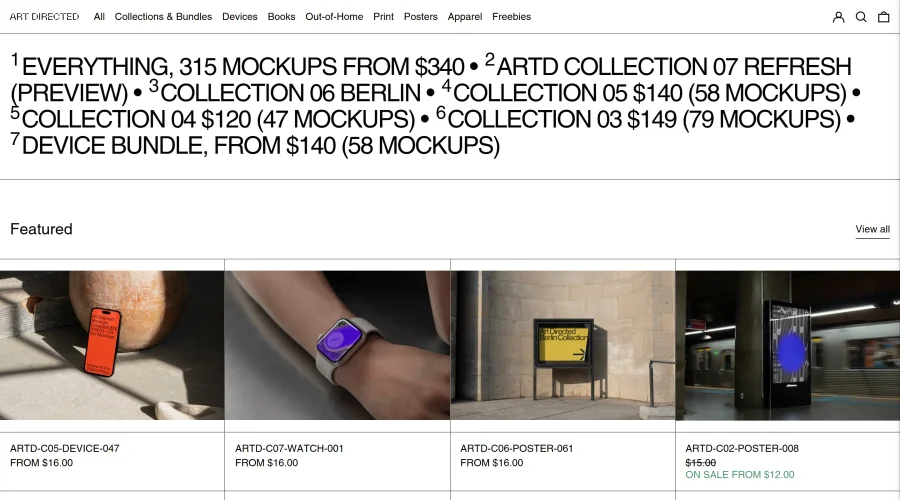

Art Directed
Modern mockups designed for contemporary design presentations.
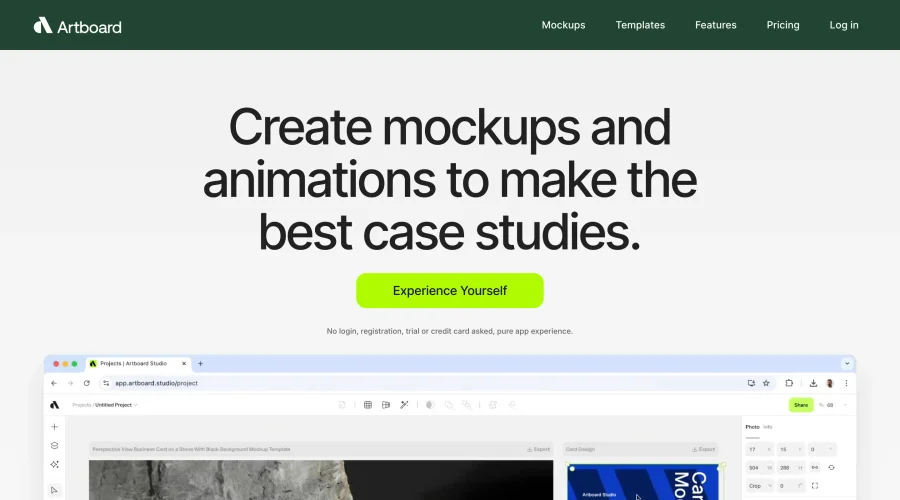

Artboard Studio Mockup Generator
Design amazing mockups and realistic scenes effortlessly.
Explore Other Categories
Discover more design resources
New to Design?
Explore our comprehensive design glossary to master essential terminology from A/B Testing to Wireframes.
Browse GlossaryLooking for something specific?
Search through our entire collection of design tools and resources