

What it costs
- Free tier
- Yes
- Paid plans from
- $29
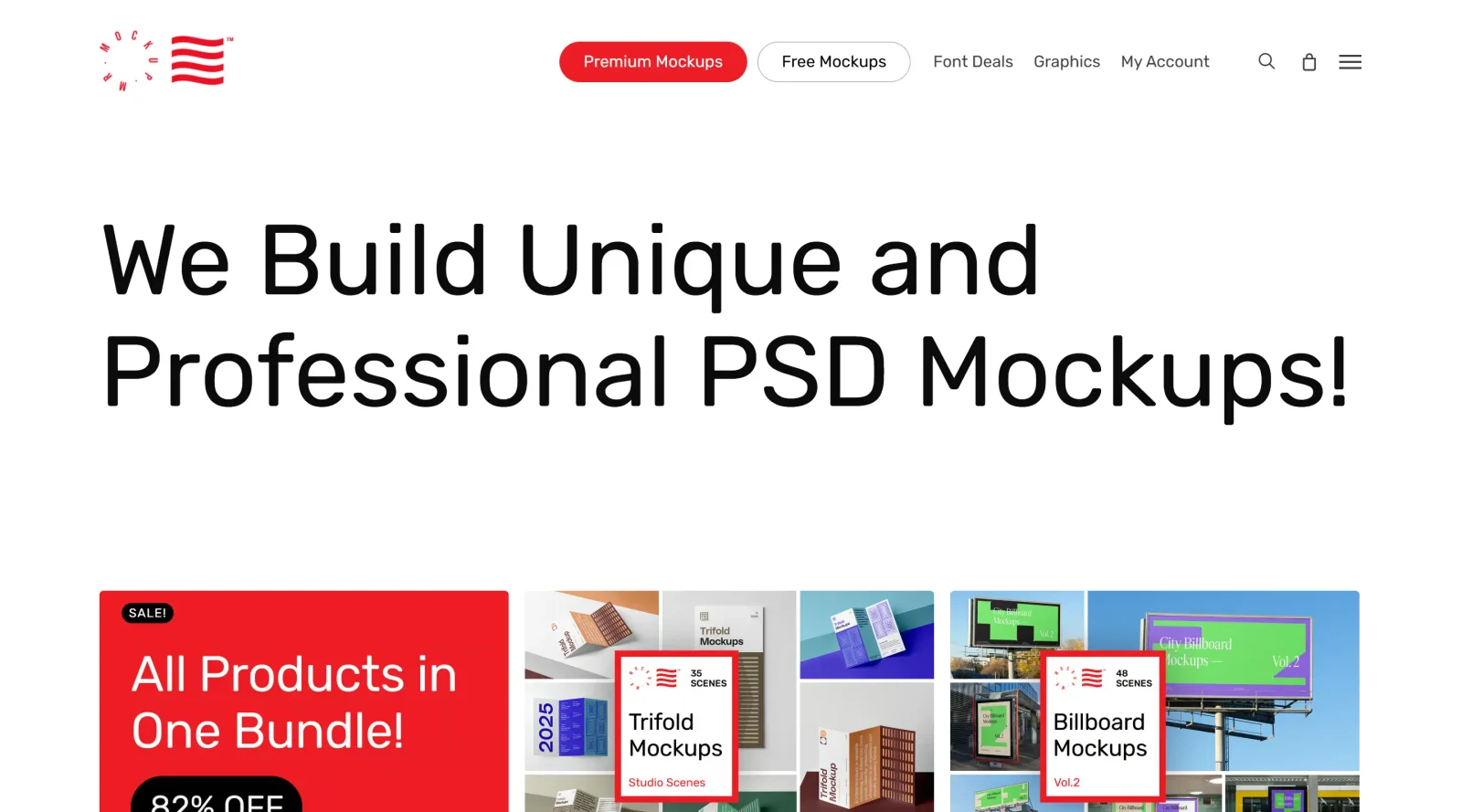
Premium PSD mockups from $29 (bundle $359, down from $2,553) alongside a large free-mockups section.
Auto-checked on 8 August 2026Source
About Mr.Mockup
What Is Mr.Mockup?
Mr.Mockup provides PSD mockups designed for presenting designs in professional contexts. As a mockups resource, it offers unique and professional PSD templates that designers use to showcase work on various surfaces and objects. Mr.Mockup operates on a paid model, with purchases available per individual design, bundle, or through standard and extended licenses starting from $19 or $29 per product, and bundle options like $359 for extensive collections.
What Mr.Mockup Does
- Supplies PSD mockup templates for categories including devices, stationery, packaging, apparel, books, cosmetics, billboards, storefronts, and branding elements.
- Enables design placement via smart object layers in Photoshop for quick customization.
- Delivers high-resolution mockups at 300 dpi, suitable for both print and web applications.
- Includes well-organized layers and PDF user guides for straightforward editing workflows.
- Offers standard licenses for personal and commercial use up to specified limits on users, impressions, and end product sales.
- Provides extended licenses for larger-scale commercial applications with higher usage allowances.
- Features mockup bundles that compile multiple products for lifetime access with purchase-once pricing.
How Mr.Mockup Can Be Used
- Graphic designers place logos or branding on business card mockups to create client presentation visuals.
- Product designers apply packaging artwork to cosmetic tube or wine bottle mockups for e-commerce previews.
- App developers insert screenshots into device mockups to demonstrate interfaces on phones, tablets, or laptops.
- Marketers generate billboard or storefront mockups to visualize outdoor advertising campaigns.
- Print-on-demand sellers customize apparel or book mockups for online store product images.
- Teams use bundled PSD mockups in Photoshop workflows to maintain consistent high-quality presentations across projects.
Who Is Mr.Mockup For?
Mr.Mockup serves graphic designers, branding specialists, and digital artists who require PSD mockups for professional design presentations. It fits workflows involving Photoshop for roles in packaging design, apparel merchandising, device UI visualization, and advertising mockups. Experience levels range from individual freelancers handling personal or small commercial projects under standard licenses to agencies or companies with larger teams opting for extended licenses. Print-on-demand operators and marketing teams use Mr.Mockup to produce realistic product visuals efficiently. Visit Mr.Mockup
Featured Tools
Sponsored
Artlist
Royalty-free music, SFX, 8K footage, templates, LUTs and 100+ AI models on a single subscription for video creators.

Icons8
Large icon packs featuring over 10,000 icons for consistent design themes.

Vidu
AI video generator with text, image and reference-to-video modes, producing 3–16 second clips at up to 1080p with characters that stay consistent across shots.
Your tool here
The tools above are our own picks until the slots sell.
Spotlight
SponsoredRotates daily
HyNote
Records and transcribes interviews and meetings, then turns them into summaries and action items.
More Mockups Tools

Mockuuups Studio
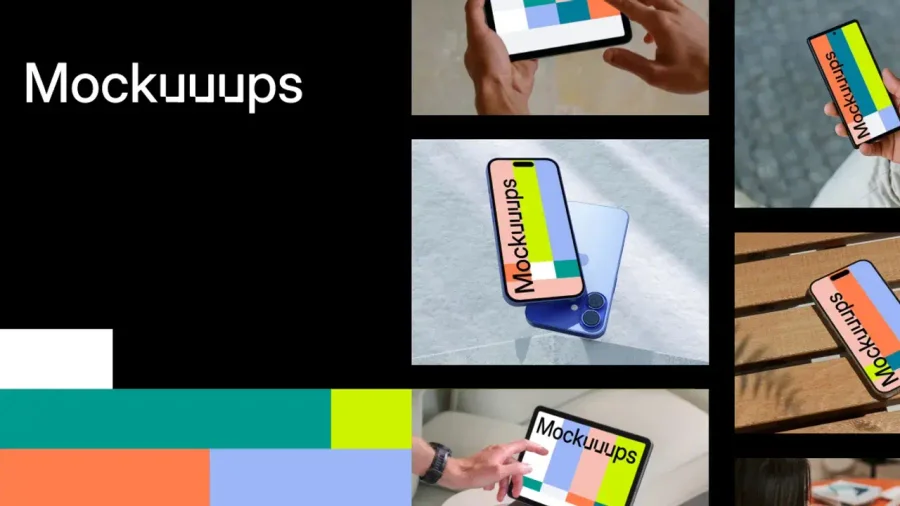
Photorealistic device and print mockups in the browser or Figma. Drop in your design and export polished app, portfolio, and marketing scenes in seconds.
3D Transformer
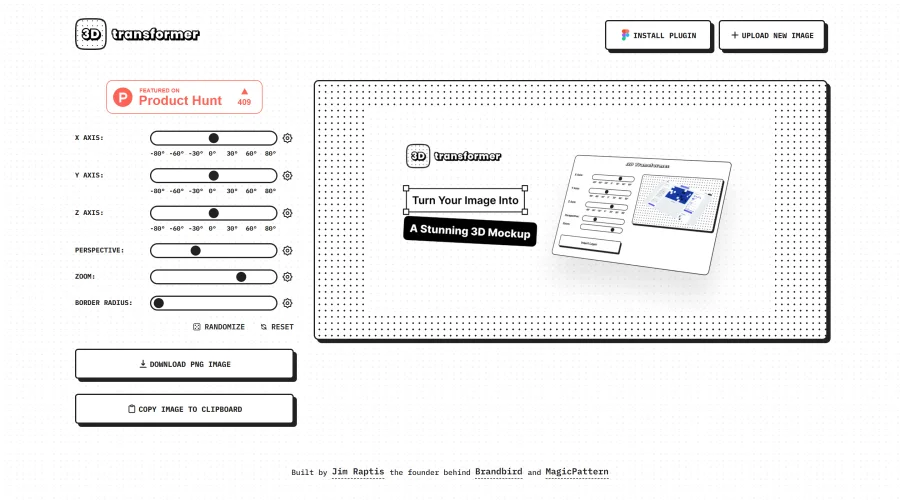
Transform frames into striking 3D mockups online and in Figma.
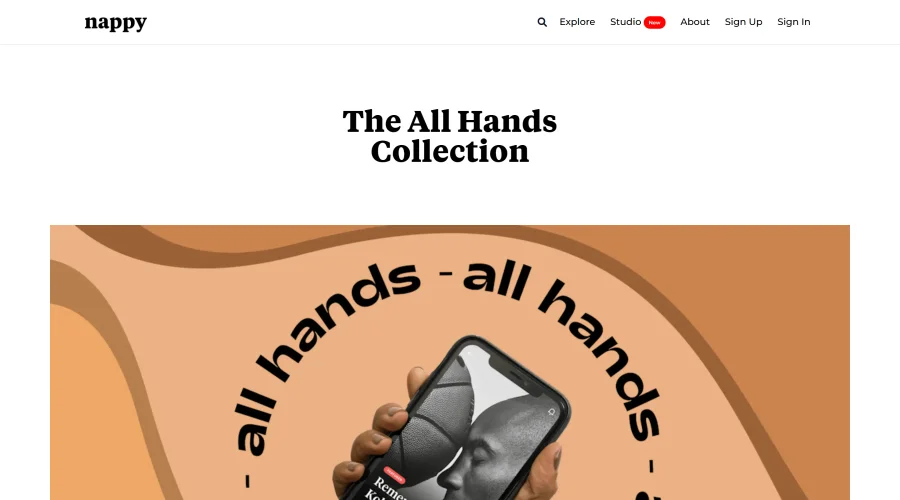
All Hands
25 free device mockups showcasing diverse hand types.
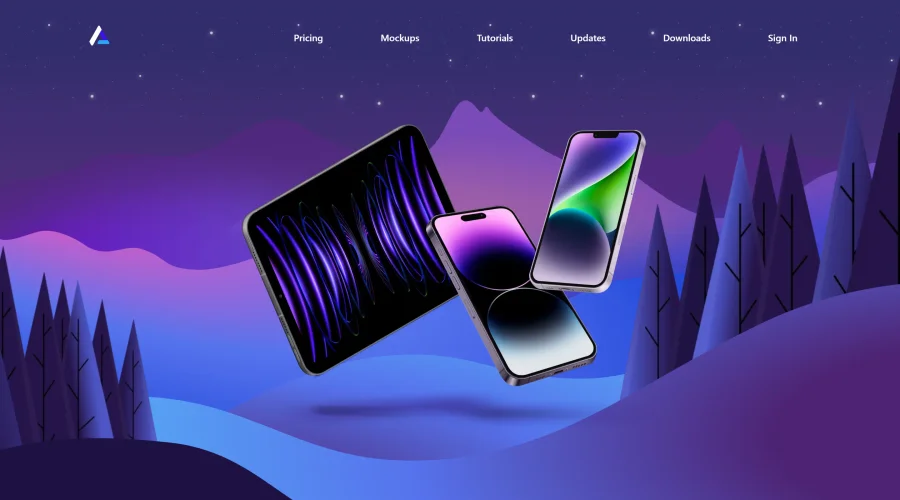

Angle
1,000 vector and 3D device mockups compatible with Sketch, Figma, and XD.
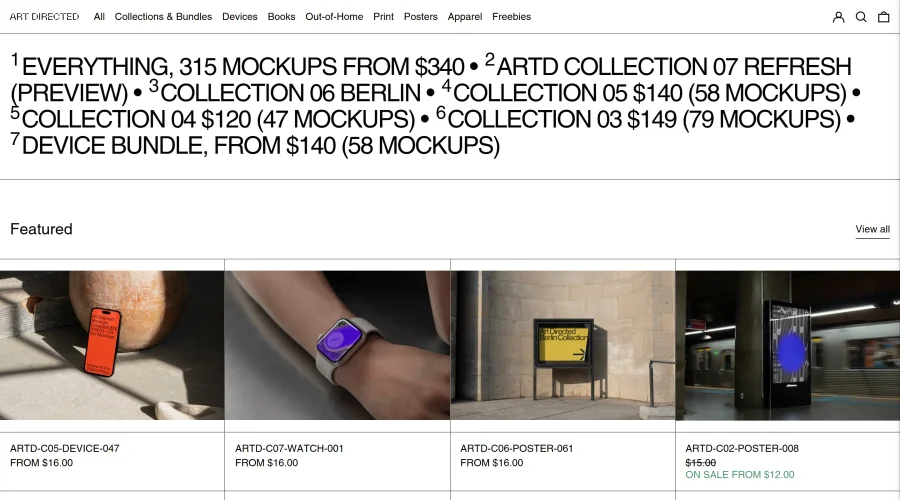
Art Directed
Modern mockups designed for contemporary design presentations.
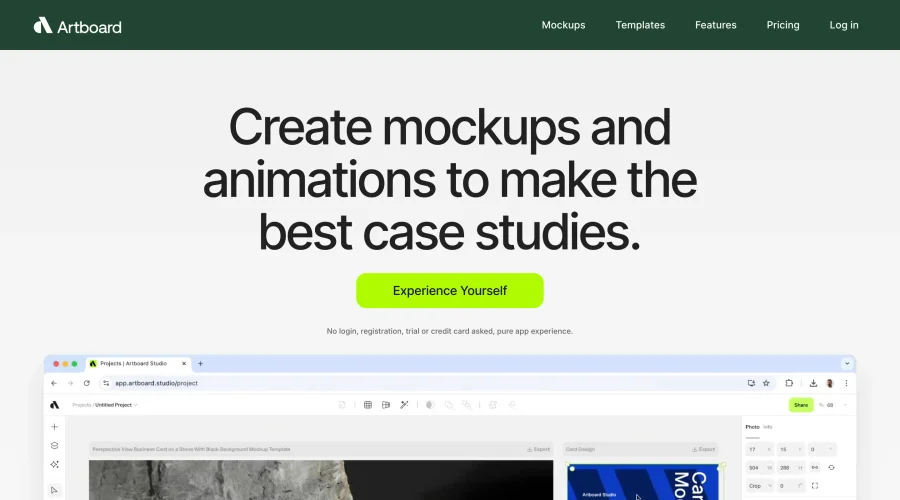

Artboard Studio Mockup Generator
Design amazing mockups and realistic scenes effortlessly.
Explore Other Categories
Discover more design resources
New to Design?
Explore our comprehensive design glossary to master essential terminology from A/B Testing to Wireframes.
Browse GlossaryLooking for something specific?
Search through our entire collection of design tools and resources