
Digital workspace designed for visual team collaboration.
What it costs
- Free tier
- Yes
Free sign-up indicates a free tier; paid plan prices are on a separate /pricing page (homepage sat behind a Cloudflare check).
Auto-checked on 8 August 2026Source
About Mural
What Is Mural?
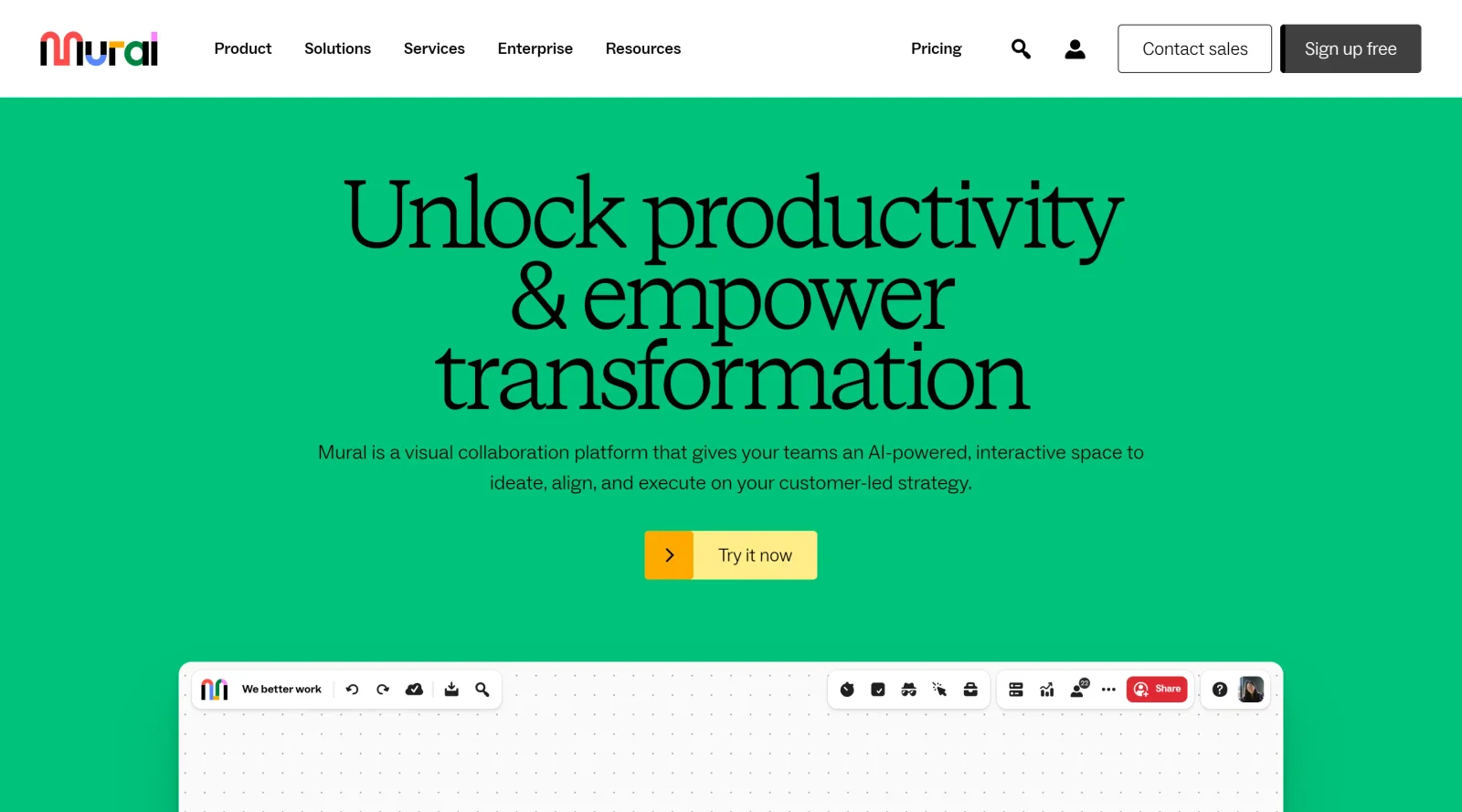
Mural is a digital workspace designed for visual team collaboration in the project-management category. It provides an infinite canvas where teams can work together in real-time to brainstorm, plan, and execute projects. As a paid tool, Mural supports distributed and hybrid teams by enabling visual mapping of workflows, strategies, and ideas, fitting into design and project workflows from ideation to launch.
What Mural Does
- Offers real-time collaborative workspaces on an infinite canvas for simultaneous editing by multiple users.
- Provides customizable templates and expert-designed methods to structure brainstorming, planning, and workflows.
- Includes sticky notes for capturing, organizing, and prioritizing ideas during sessions.
- Supports creation of workflow diagrams, process maps, customer journeys, and decision trees using drag-and-drop shapes and connectors.
- Integrates with tools like Microsoft Teams, Asana, Jira, Google Drive, and Microsoft 365 Copilot for seamless data import and workflow connectivity.
- Features AI capabilities to analyze feedback, generate insights, and suggest next steps in visual sessions.
How Mural Can Be Used
- Teams use Mural to facilitate remote workshops, aligning stakeholders on project goals through visual sticky notes and diagrams.
- In product development workflows, designers map user journeys and iterate prototypes on shared canvases with real-time feedback.
- Project managers create Gantt charts, task trackers, and resource plans to streamline execution from strategy to delivery.
- Marketing groups unify campaign messaging and go-to-market strategies via collaborative templates and AI-driven insights.
- Sales teams co-create account plans and stakeholder maps during live customer discussions for faster deal closures.
Who Is Mural For?
Mural serves project managers, designers, product teams, and cross-functional groups handling visual collaboration in remote or hybrid settings. It fits roles in engineering, IT, marketing, sales, and education where mapping complex processes or facilitating workshops occurs, across small teams to enterprises with over 1,000 employees. Experience levels range from daily users in agile planning to occasional facilitators in teaching scenarios. Visit Mural
Featured Tools
Sponsored
Artlist
Royalty-free music, SFX, 8K footage, templates, LUTs and 100+ AI models on a single subscription for video creators.

Icons8
Large icon packs featuring over 10,000 icons for consistent design themes.

Vidu
AI video generator with text, image and reference-to-video modes, producing 3–16 second clips at up to 1080p with characters that stay consistent across shots.
Your tool here
The tools above are our own picks until the slots sell.

More Project Management Tools


Air
Experience visual browsing with powerful search, secure sharing, and smooth collaboration.


Asana
Manage projects and adapt to changing priorities in remote work settings.


Basecamp
Comprehensive toolkit for effective remote working.


Bubbles
Initiate discussions by commenting on any on-screen content.


Campsite
A dedicated space for design teams to manage work-in-progress.


Canva Whiteboards
Canva Whiteboards for creative brainstorming and teamwork.
Explore Other Categories
Discover more design resources
New to Design?
Explore our comprehensive design glossary to master essential terminology from A/B Testing to Wireframes.
Browse GlossaryLooking for something specific?
Search through our entire collection of design tools and resources