

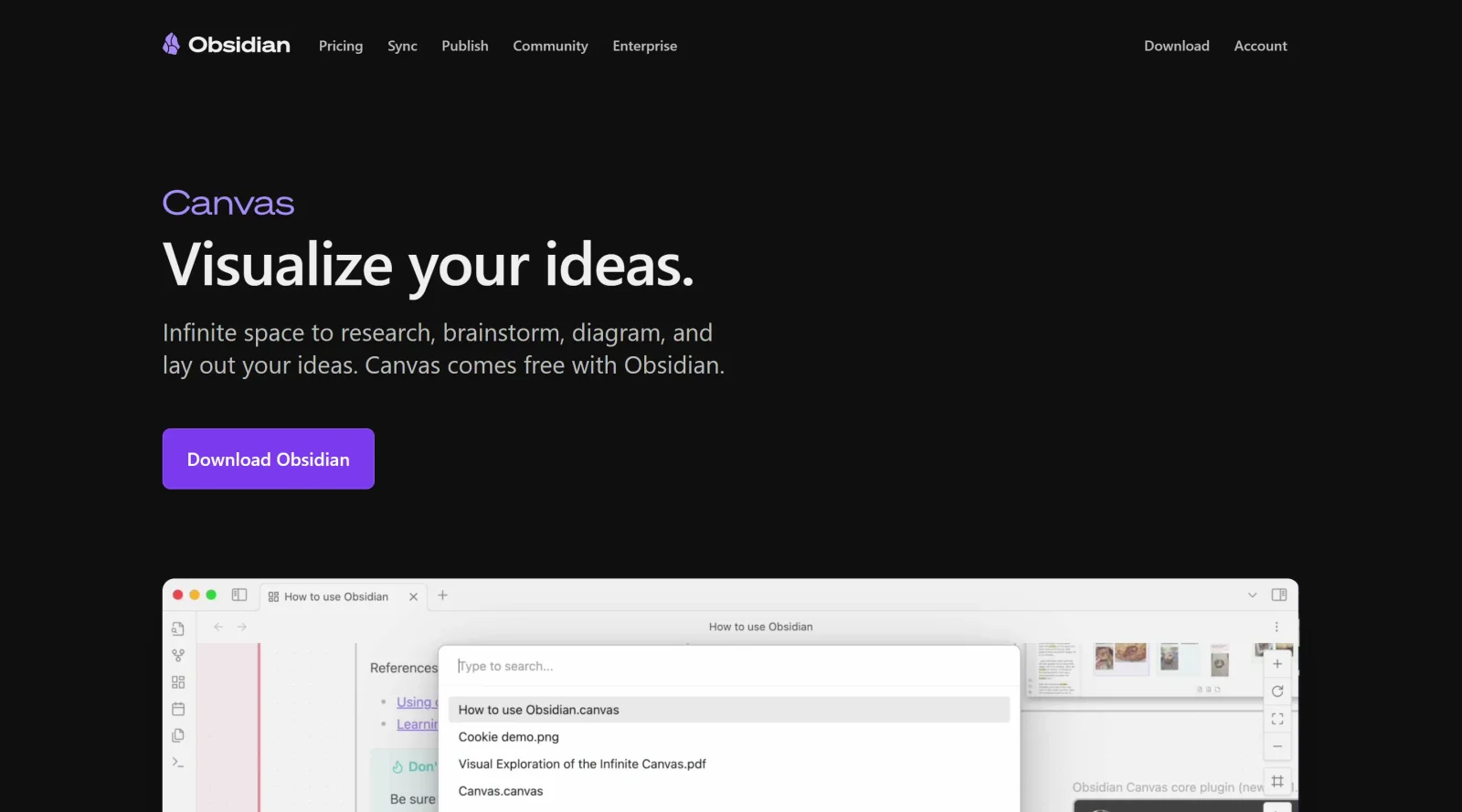
Infinite space to visually map out and comprehend ideas.
What it costs
- Free tier
- Yes
Core Obsidian app is free ('free without limits'); paid Sync/Publish add-on prices are on a separate /pricing page not captured.
Auto-checked on 8 August 2026Source
About Obsidian Canvas
What Is Obsidian Canvas?
Obsidian Canvas is a visual note-taking and organization feature within the Obsidian application, providing an infinite space to map out and comprehend ideas. It serves as a **project management** tool by enabling users to arrange notes, tasks, and resources in a flexible, diagram-like layout. Available under a freemium pricing model, Obsidian Canvas integrates with Obsidian's note-based system, allowing local file storage and extensibility through plugins.
What Obsidian Canvas Does
- Creates infinite canvas spaces for laying out project components, tasks, resources, and notes visually.
- Embeds notes, PDFs, images, media files, and interactive web pages directly into the canvas.
- Connects elements with arrows and labeled paths to show relationships and dependencies.
- Groups items into collapsible and expandable sections for different project phases or categories.
- Supports Kanban-style layouts for task visualization and progress tracking.
- Allows nesting of canvases within other canvases and embedding canvas views in notes.
How Obsidian Canvas Can Be Used
- Visualize project timelines by arranging tasks, milestones, and team responsibilities on a single canvas.
- Build mind maps for brainstorming ideas, linking related notes and documents with annotations.
- Manage solo development projects by consolidating design documents, sketches, tasks, and requirements in one view.
- Organize academic or research projects using nested tags, cards converted to tasks, and connected arguments.
- Create daily planning dashboards with task queries embedded as cards for quick reviews and workflow tracking.
- Track meeting notes, decisions, and dependencies by grouping phases and embedding relevant files.
Who Is Obsidian Canvas For?
Obsidian Canvas suits project managers, developers, researchers, and note-takers who need visual overviews of complex information. It works well for roles involving task tracking, idea mapping, and documentation organization, particularly in solo or small-team workflows where local-first storage and extensibility matter. Experience levels range from beginners using basic layouts to advanced users with plugins for custom task management. Designers and developers handling interconnected projects find it useful for maintaining clear, editable visual structures. Visit Obsidian Canvas
Featured Tools
Sponsored
Artlist
Royalty-free music, SFX, 8K footage, templates, LUTs and 100+ AI models on a single subscription for video creators.

Icons8
Large icon packs featuring over 10,000 icons for consistent design themes.

Vidu
AI video generator with text, image and reference-to-video modes, producing 3–16 second clips at up to 1080p with characters that stay consistent across shots.
Your tool here
The tools above are our own picks until the slots sell.
Spotlight
SponsoredRotates daily
HyNote
Records and transcribes interviews and meetings, then turns them into summaries and action items.
More Project Management Tools


Air
Experience visual browsing with powerful search, secure sharing, and smooth collaboration.


Asana
Manage projects and adapt to changing priorities in remote work settings.


Basecamp
Comprehensive toolkit for effective remote working.


Bubbles
Initiate discussions by commenting on any on-screen content.


Campsite
A dedicated space for design teams to manage work-in-progress.


Canva Whiteboards
Canva Whiteboards for creative brainstorming and teamwork.
Explore Other Categories
Discover more design resources
New to Design?
Explore our comprehensive design glossary to master essential terminology from A/B Testing to Wireframes.
Browse GlossaryLooking for something specific?
Search through our entire collection of design tools and resources