

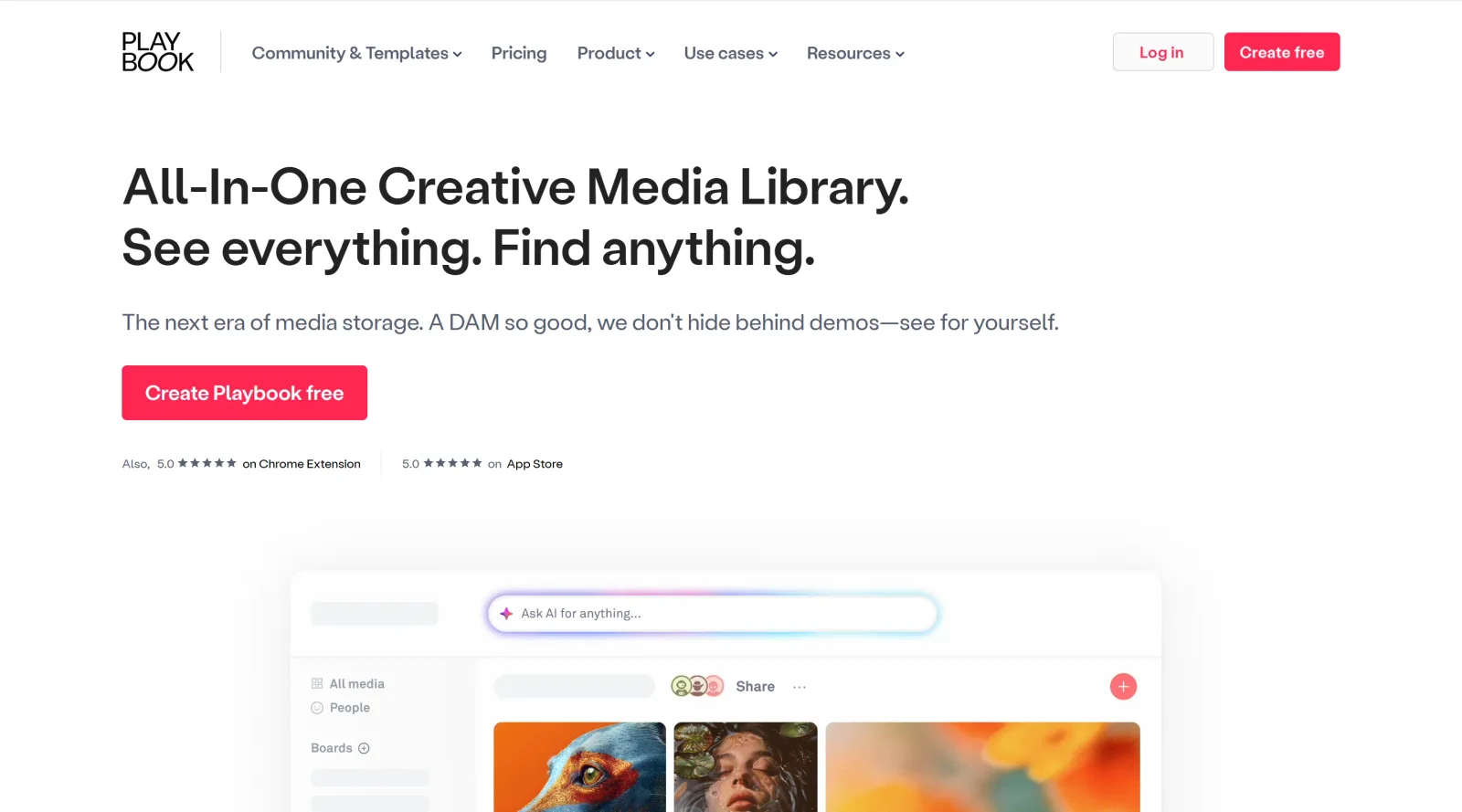
Dropbox-like solution for creatives to easily access and find content.
What it costs
- Free tier
- Yes
Freemium creative-asset storage; plan prices live on a separate /pricing page that was not captured.
Auto-checked on 8 August 2026Source
About Playbook
What Is Playbook?
Playbook is a **project management** tool designed as a Dropbox-like solution for creatives, enabling easy access and organization of content across files and folders. It serves as a creative storage platform within the design workflow, particularly for managing projects from inception to completion. With a freemium pricing model, Playbook supports individual users and teams in handling visual assets, collaboration, and reporting without upfront costs for basic use.
What Playbook Does
- Provides multiple views for files and folders, including gallery, folder, filtered, Kanban, and timeline views.
- Enables real-time collaboration through chat with collaborators, clients, and guests, along with emoji feedback and approval processes.
- Supports easy sharing options such as email transfers, web page publishing, client galleries, and personalized file drop-off pages.
- Offers smarter storage features like auto-deduplication, generous starter space, archiving, and long-term storage management.
- Facilitates creative project management with automatic image-to-text tagging, related assets discovery, deep folder browsing, and project status tracking.
- Includes views and reporting for asset activity, shared asset tracking, and collaborator management across organizations.
How Playbook Can Be Used
- Creatives organize personal projects by uploading files into visualized folder structures, using Kanban or timeline views to track progress during design sprints.
- Teams collaborate on shared assets in real time, providing feedback via chat or emojis while clients review galleries without needing accounts.
- Designers share large file sets with external stakeholders through published web pages or email links, streamlining handoffs in client review cycles.
- Project managers tag and search assets automatically, maintaining project statuses and related files for efficient retrieval in ongoing workflows.
- Agencies monitor portfolio health with reporting on asset usage and collaborator activity, aiding resource allocation across multiple creative initiatives.
Who Is Playbook For?
Playbook suits individual creatives managing personal design projects, as well as teams of any size handling creative workflows that involve heavy file storage and collaboration. It fits roles like designers, art directors, and project coordinators working on visual content, where quick access to tagged assets and real-time feedback reduces search time in fast-paced environments. Those dealing with client approvals and asset sharing in remote or distributed setups find its features aligned with daily needs. Visit Playbook
Featured Tools
Sponsored
Artlist
Royalty-free music, SFX, 8K footage, templates, LUTs and 100+ AI models on a single subscription for video creators.

Icons8
Large icon packs featuring over 10,000 icons for consistent design themes.

Vidu
AI video generator with text, image and reference-to-video modes, producing 3–16 second clips at up to 1080p with characters that stay consistent across shots.
Your tool here
The tools above are our own picks until the slots sell.

More Project Management Tools


Air
Experience visual browsing with powerful search, secure sharing, and smooth collaboration.


Asana
Manage projects and adapt to changing priorities in remote work settings.


Basecamp
Comprehensive toolkit for effective remote working.


Bubbles
Initiate discussions by commenting on any on-screen content.


Campsite
A dedicated space for design teams to manage work-in-progress.


Canva Whiteboards
Canva Whiteboards for creative brainstorming and teamwork.
Explore Other Categories
Discover more design resources
New to Design?
Explore our comprehensive design glossary to master essential terminology from A/B Testing to Wireframes.
Browse GlossaryLooking for something specific?
Search through our entire collection of design tools and resources