

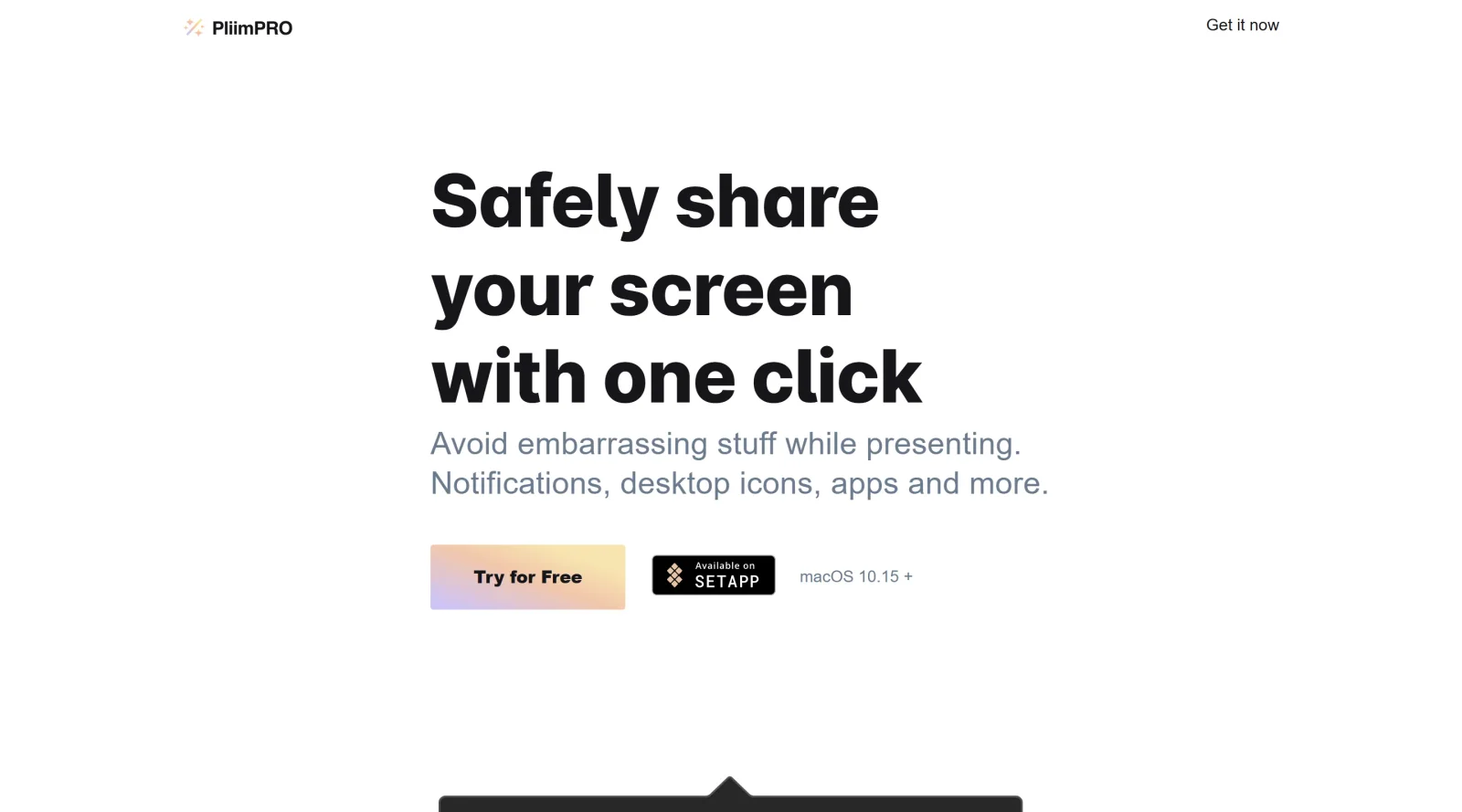
Share your screen securely with a single click.
What it costs
- Free tier
- No
- Paid plans from
- $22 (one-time)
PliimPRO is a one-time $22 lifetime macOS license (a separate always-free open-source version of Pliim also exists).
Auto-checked on 8 August 2026Source
About PliimPRO
What Is PliimPRO?
PliimPRO is a Mac application designed for secure screen sharing in presentation scenarios. It activates a dedicated presentation mode with one click, hiding distractions to enable focused collaboration. Classified under project management tools, PliimPRO supports design and remote work workflows by ensuring clean screen shares during meetings. Available as a paid tool, it integrates with menu bar access for quick activation across various platforms.
What PliimPRO Does
- Enables presentation mode to hide desktop icons and clutter from shared screens.
- Disables notifications to prevent interruptions during screen sharing sessions.
- Mutes speakers and changes wallpapers for a professional appearance.
- Provides microphone mute and unmute controls via Touch Bar icon or keyboard shortcuts.
- Works with major meeting platforms including Zoom, Google Meet, and FaceTime.
- Supports secure screen sharing without exposing personal desktop elements.
How PliimPRO Can Be Used
- Designers share wireframes or prototypes in client reviews without desktop files or notifications appearing.
- Project managers conduct status updates in team meetings by activating clean screen mode instantly.
- Developers demonstrate code or builds during sprint reviews, muting audio distractions as needed.
- Remote teams use it for collaborative brainstorming sessions on shared boards or documents.
- Freelancers present portfolios in video calls, switching wallpapers to match branding.
Who Is PliimPRO For?
PliimPRO serves designers, developers, project managers, and remote teams who frequently share screens in meetings. It fits roles requiring professional presentations without desktop distractions, such as UI/UX designers reviewing mockups, product managers aligning on project timelines, or creative directors pitching concepts. Experienced users in collaborative environments benefit from its quick-access controls, while teams handling project management tasks in tools like Zoom or Google Meet find it practical for maintaining focus. Visit PliimPRO
Featured Tools
Sponsored
Artlist
Royalty-free music, SFX, 8K footage, templates, LUTs and 100+ AI models on a single subscription for video creators.

Icons8
Large icon packs featuring over 10,000 icons for consistent design themes.

Vidu
AI video generator with text, image and reference-to-video modes, producing 3–16 second clips at up to 1080p with characters that stay consistent across shots.
Your tool here
The tools above are our own picks until the slots sell.
Spotlight
SponsoredRotates daily
HyNote
Records and transcribes interviews and meetings, then turns them into summaries and action items.
More Project Management Tools


Air
Experience visual browsing with powerful search, secure sharing, and smooth collaboration.


Asana
Manage projects and adapt to changing priorities in remote work settings.


Basecamp
Comprehensive toolkit for effective remote working.


Bubbles
Initiate discussions by commenting on any on-screen content.


Campsite
A dedicated space for design teams to manage work-in-progress.


Canva Whiteboards
Canva Whiteboards for creative brainstorming and teamwork.
Explore Other Categories
Discover more design resources
New to Design?
Explore our comprehensive design glossary to master essential terminology from A/B Testing to Wireframes.
Browse GlossaryLooking for something specific?
Search through our entire collection of design tools and resources