

Integrate your toolset into meetings for enhanced collaboration.
What it costs
- Free tier
- No
sessions.us serves only a default placeholder index.html — the tool site is not live at this URL; status needs review.
Auto-checked on 8 August 2026Source
About Sessions
What Is Sessions?
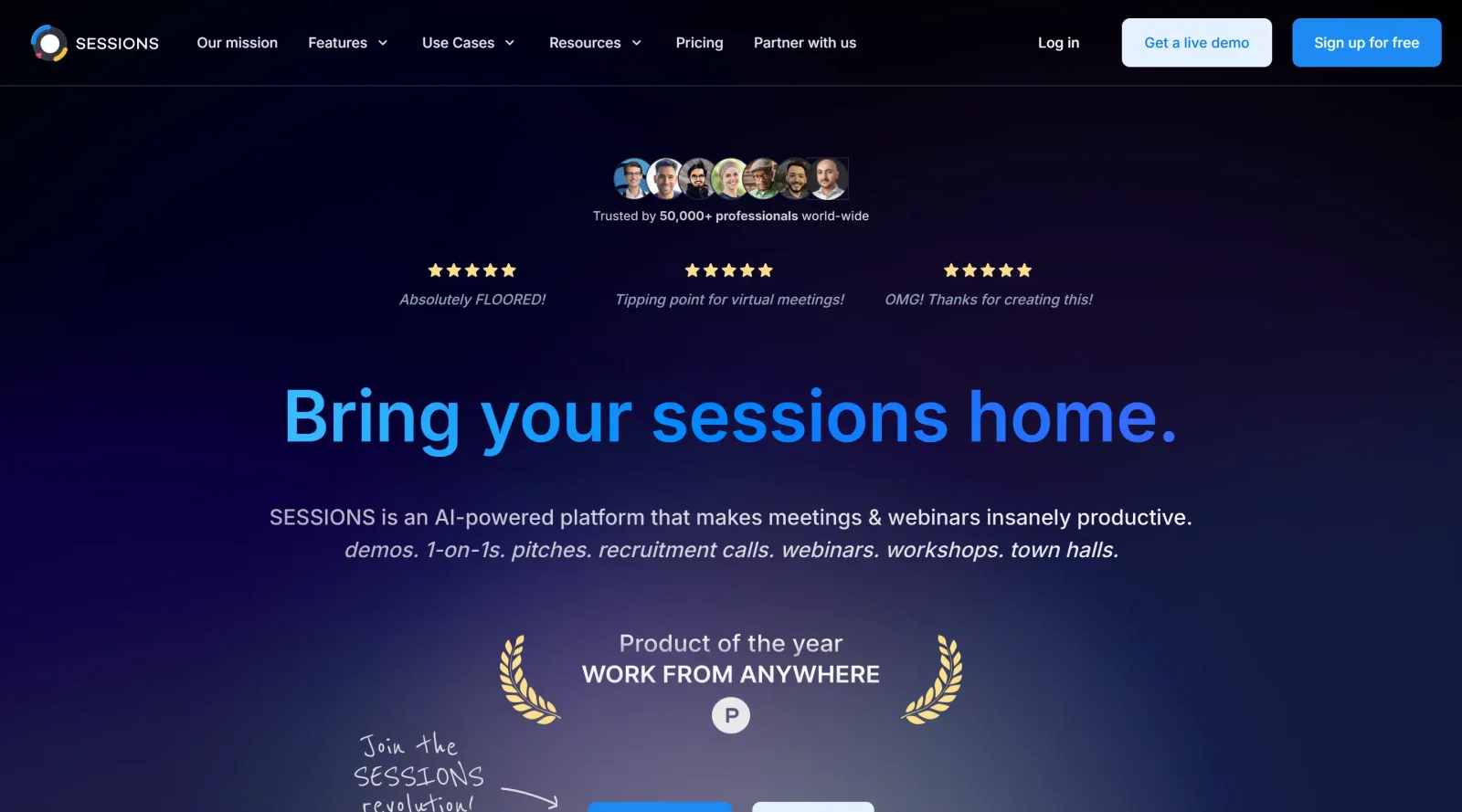
Sessions is a project management tool designed to integrate design and development toolsets directly into meeting environments for improved collaboration. It operates on a freemium pricing model, allowing users to access core functionalities at no cost while offering premium upgrades for advanced needs. Sessions fits into the design workflow by bridging the gap between collaborative discussions and actionable project tasks, particularly in team settings where real-time alignment on ideas and priorities is essential.
What Sessions Does
- Integrates existing design and development tools into meeting sessions to streamline workflows.
- Supports real-time collaboration during meetings, enabling teams to align on project priorities and tasks.
- Facilitates voting and prioritization features to capture team preferences transparently within discussions.
- Provides timers and facilitation controls to keep project management sessions focused and productive.
- Allows private idea contribution modes to reduce groupthink in collaborative project planning.
- Organizes meeting outputs into structured formats compatible with broader project management practices.
How Sessions Can Be Used
- In sprint planning meetings, teams use Sessions to vote on backlog items and prioritize tasks using integrated Kanban-style views, ensuring alignment before moving to execution.
- During design critiques, designers integrate prototyping tools into Sessions for live feedback sessions, where private mode collects inputs anonymously before group discussion.
- For remote retrospectives, Sessions clusters feedback notes by theme automatically, helping cross-functional teams identify patterns in project issues without manual sorting.
- Product managers employ Sessions in stakeholder walkthroughs, leveraging presentation modes to guide teams through roadmaps and timelines with real-time comments.
- Development teams link tasks across sessions, tracking dependencies and updates to maintain visibility in agile project management cycles.
Who Is Sessions For?
Sessions serves design teams, product managers, scrum masters, and cross-functional groups managing collaborative projects, especially those in remote or distributed environments requiring structured meeting facilitation. It suits users handling agile workflows, from junior designers learning team alignment to experienced leads overseeing multiple sprints. Developers and R&D teams benefit from its task linking and prioritization during planning sessions. Visit Sessions
Featured Tools
Sponsored
Artlist
Royalty-free music, SFX, 8K footage, templates, LUTs and 100+ AI models on a single subscription for video creators.

Icons8
Large icon packs featuring over 10,000 icons for consistent design themes.

Vidu
AI video generator with text, image and reference-to-video modes, producing 3–16 second clips at up to 1080p with characters that stay consistent across shots.
Your tool here
The tools above are our own picks until the slots sell.

More Project Management Tools


Air
Experience visual browsing with powerful search, secure sharing, and smooth collaboration.


Asana
Manage projects and adapt to changing priorities in remote work settings.


Basecamp
Comprehensive toolkit for effective remote working.


Bubbles
Initiate discussions by commenting on any on-screen content.


Campsite
A dedicated space for design teams to manage work-in-progress.


Canva Whiteboards
Canva Whiteboards for creative brainstorming and teamwork.
Explore Other Categories
Discover more design resources
New to Design?
Explore our comprehensive design glossary to master essential terminology from A/B Testing to Wireframes.
Browse GlossaryLooking for something specific?
Search through our entire collection of design tools and resources