


What it costs
- Free tier
- Yes
Currently free for unlimited use, including unlimited exports up to 4K.
Auto-checked on 8 August 2026Source
About Slantt
What Is Slantt?
Slantt is a free mockups tool designed for creating isometric graphics. It enables users to generate eye-catching isometric visuals quickly, fitting into design workflows where 3D-like representations are needed without complex modeling software. As part of the mockups category, Slantt supports the rapid production of isometric projections, which are common in technical illustrations, product mockups, and visual presentations. Its free pricing model makes it accessible for individual designers and small teams incorporating isometric elements into their projects.
What Slantt Does
- Generates isometric graphics from input elements using predefined projection methods.
- Applies distortions to create 3D perspectives, such as 30-degree angles typical in isometric views.
- Produces mockups suitable for device representations, scenes, or object illustrations.
- Supports quick creation of visuals with consistent scaling across axes for accurate proportions.
- Outputs graphics that maintain editability for adjustments in design applications.
- Facilitates the transformation of flat designs into slanted, depth-enhanced formats.
How Slantt Can Be Used
- Designers create product mockups by inputting device shapes and applying isometric transformations for client presentations.
- Teams build isometric room layouts or environments starting from basic orthographic views, then slanting elements to 30- or 60-degree planes.
- Illustrators convert 2D icons or logos into isometric versions for app store assets or marketing materials.
- Developers prototype UI elements in isometric perspective to visualize app interfaces in 3D-like mockups.
- Workflows involve drawing flat projections of top, front, and side views, then using Slantt to distort them onto isometric grids for dynamic updates.
Who Is Slantt For?
Slantt serves graphic designers, UI/UX specialists, and technical illustrators who require efficient isometric mockups in their projects. It suits beginners learning projection techniques as well as experienced users handling repetitive 3D visualization tasks, such as creating device mockups or isometric diagrams for websites, apps, or print materials. Freelancers and agencies benefit from its free access for quick-turnaround visuals without investing in paid software. Visit Slantt
Featured Tools
Sponsored
Artlist
Royalty-free music, SFX, 8K footage, templates, LUTs and 100+ AI models on a single subscription for video creators.

Icons8
Large icon packs featuring over 10,000 icons for consistent design themes.

Vidu
AI video generator with text, image and reference-to-video modes, producing 3–16 second clips at up to 1080p with characters that stay consistent across shots.
Your tool here
The tools above are our own picks until the slots sell.

More Mockups Tools
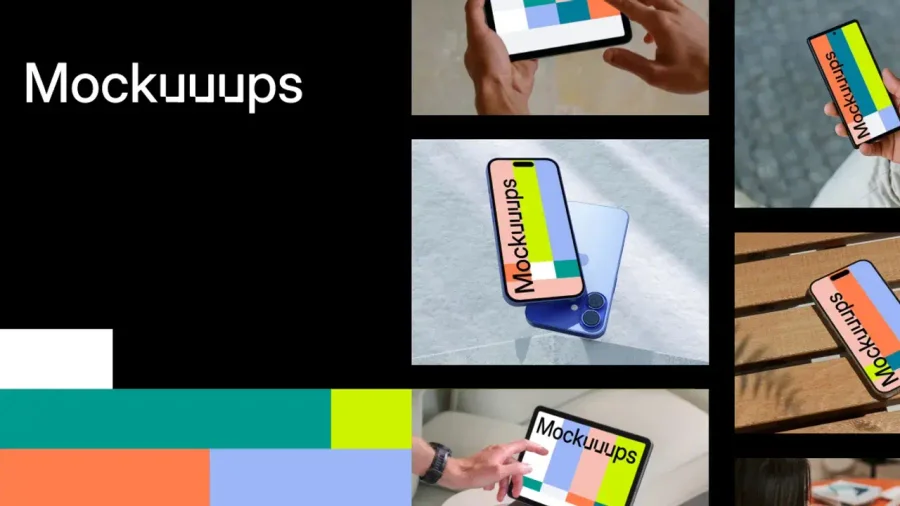

Mockuuups Studio
Photorealistic device and print mockups in the browser or Figma. Drop in your design and export polished app, portfolio, and marketing scenes in seconds.
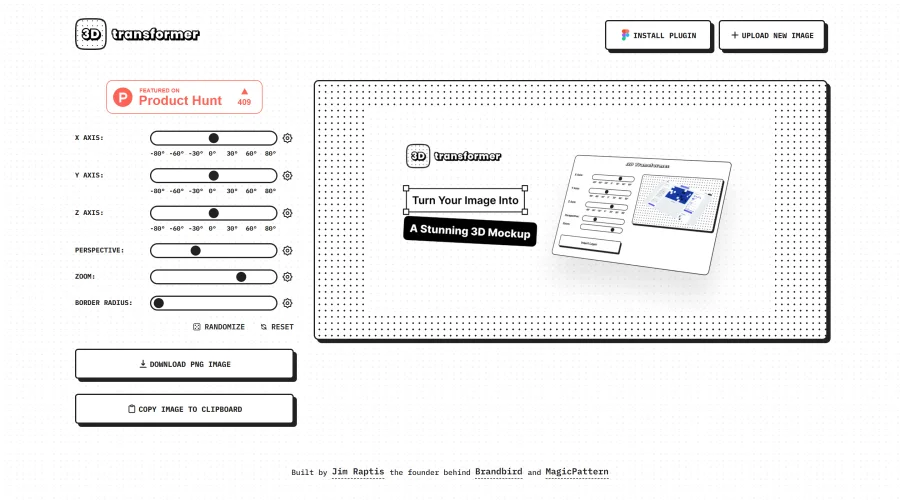
3D Transformer
Transform frames into striking 3D mockups online and in Figma.
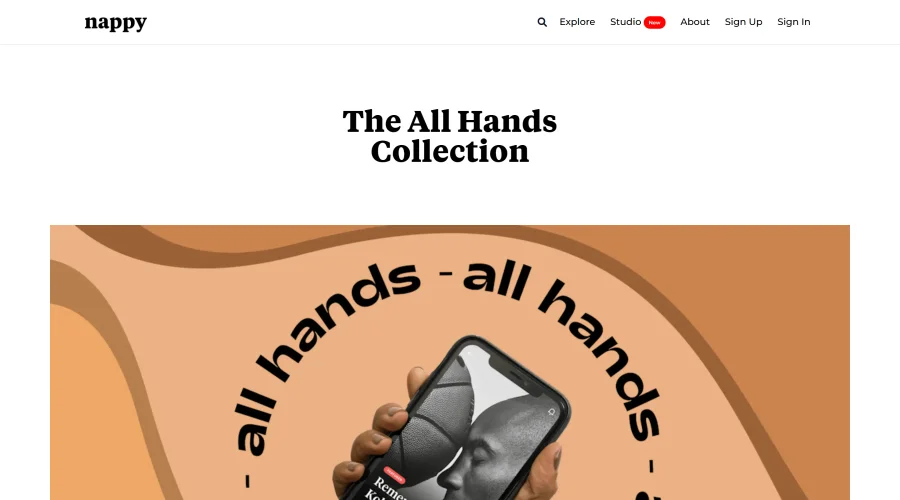

All Hands
25 free device mockups showcasing diverse hand types.
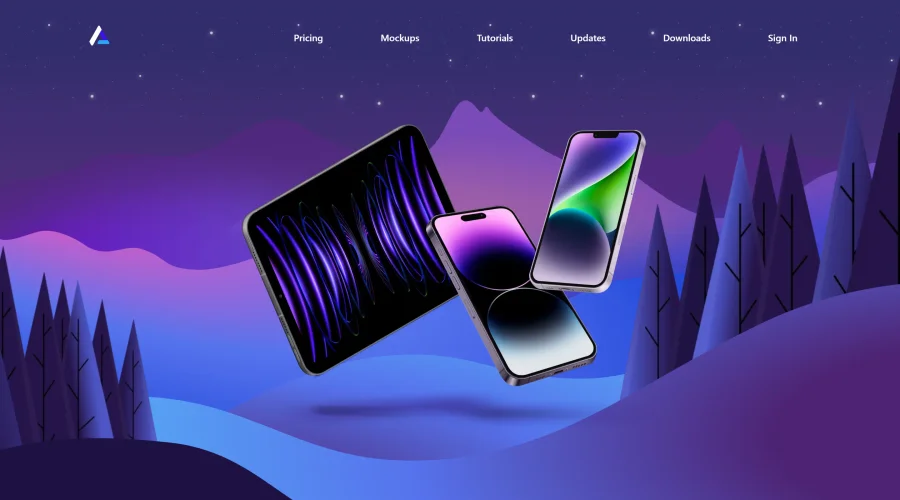

Angle
1,000 vector and 3D device mockups compatible with Sketch, Figma, and XD.
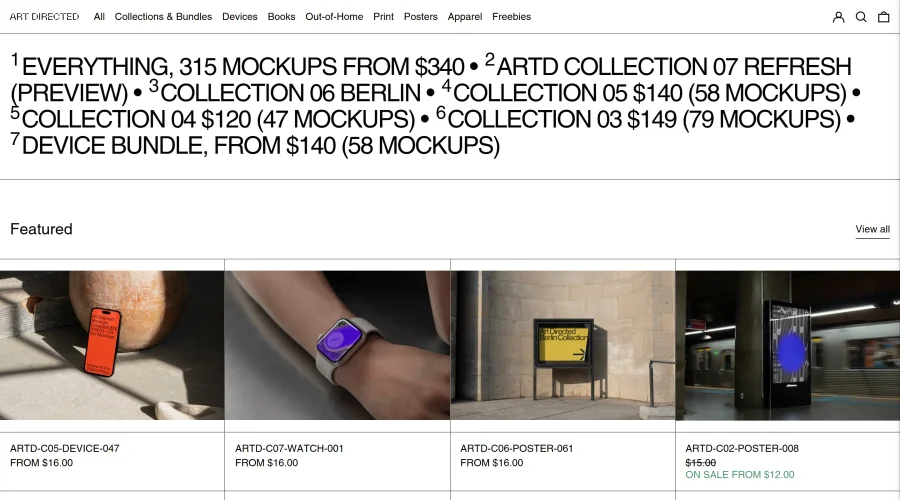
Art Directed
Modern mockups designed for contemporary design presentations.
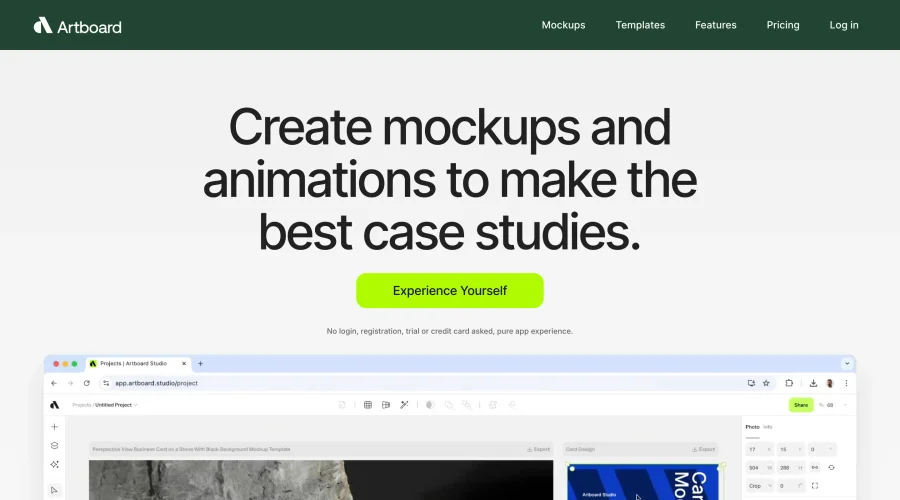

Artboard Studio Mockup Generator
Design amazing mockups and realistic scenes effortlessly.
Explore Other Categories
Discover more design resources
New to Design?
Explore our comprehensive design glossary to master essential terminology from A/B Testing to Wireframes.
Browse GlossaryLooking for something specific?
Search through our entire collection of design tools and resources