

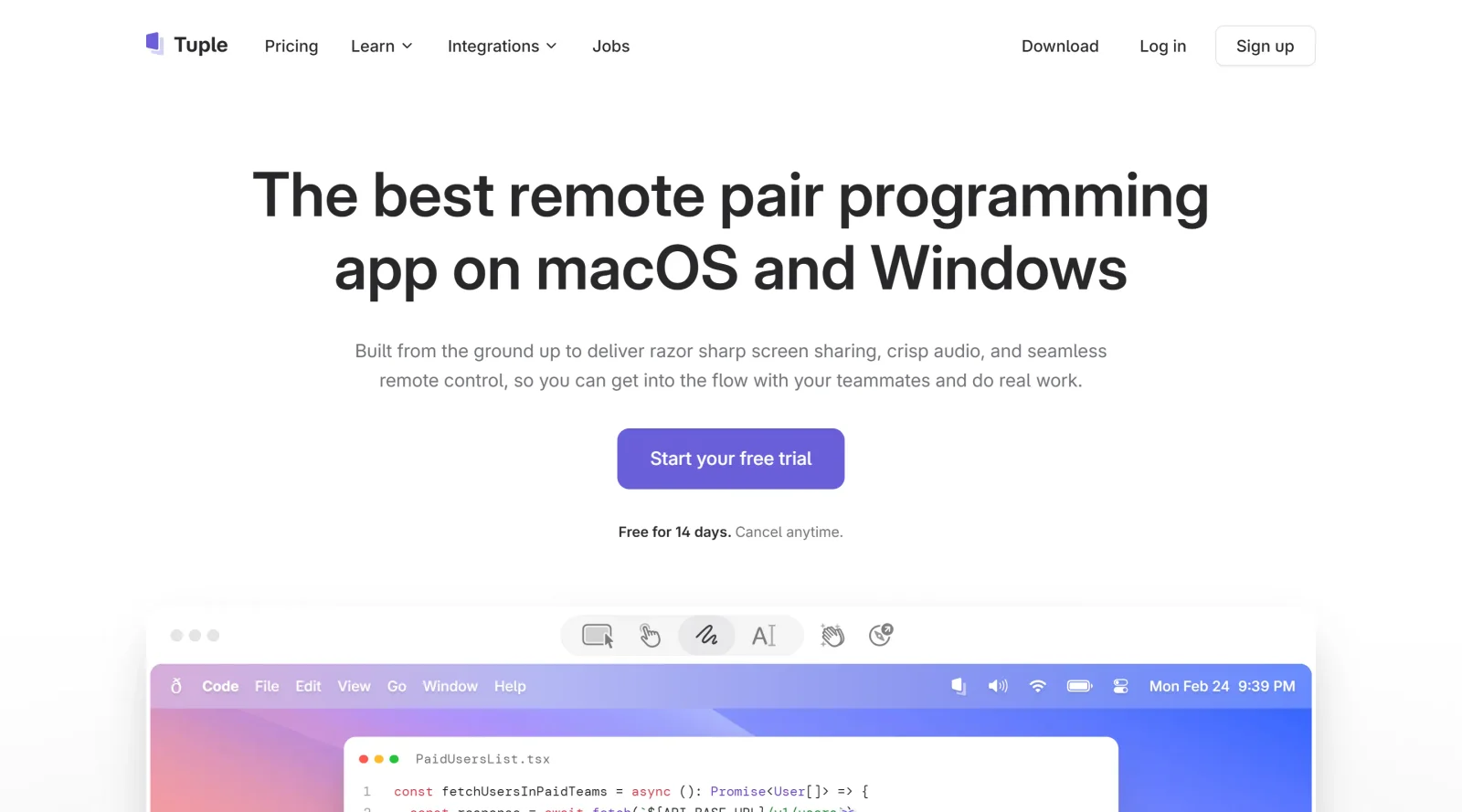
macOS app for remote pair programming.
What it costs
- Free tier
- No
Paid pair-programming app with a 14-day free trial; plan prices are on a separate /pricing page not scraped.
Auto-checked on 8 August 2026Source
About Tuple
What Is Tuple?
Tuple is a macOS app designed for remote pair programming, enabling software developers to collaborate as if they are in the same physical space. It serves as a project management tool in development workflows by facilitating real-time code sharing and control among team members. As a paid application, Tuple operates on a subscription model with plans such as $30 per user per month for engineering teams and custom pricing for enterprises.
What Tuple Does
- Provides ultra-high-resolution screen sharing up to 5K for clear visibility of code, even in small fonts.
- Offers seamless remote control, allowing multiple users to operate mouse and keyboard simultaneously on the shared screen.
- Streams audio and video with low latency and end-to-end encryption to protect all session data.
- Supports instant pairing with one-click collaboration, without needing invites, calls, or sharing URLs.
- Includes screen annotation tools for drawing or highlighting specific areas on the shared screen.
- Integrates with tools like Slack and Google Calendar for scheduling and notifications.
How Tuple Can Be Used
- Developers use Tuple for pair programming sessions to review and edit code together in real time, such as debugging complex algorithms or refactoring legacy systems.
- Remote teams employ it during daily stand-ups or code reviews, where observers can join to watch without controlling the session.
- In onboarding workflows, senior engineers guide juniors by sharing screens and providing live annotations on key code sections.
- Cross-functional teams integrate Tuple with project management practices, linking sessions to tasks in tools like Jira for traceability.
- Multiple participants collaborate on the same codebase, using features like emoji reactions and animations to communicate during extended sessions.
Who Is Tuple For?
Tuple targets remote software development teams, including web and application developers who require efficient pair programming capabilities. It suits engineering roles in distributed environments, from small startups to enterprises handling complex projects that benefit from real-time collaboration. Experience levels range from junior developers learning through guided sessions to senior teams conducting high-stakes code reviews. Visit Tuple
Featured Tools
Sponsored
Artlist
Royalty-free music, SFX, 8K footage, templates, LUTs and 100+ AI models on a single subscription for video creators.

Icons8
Large icon packs featuring over 10,000 icons for consistent design themes.

Vidu
AI video generator with text, image and reference-to-video modes, producing 3–16 second clips at up to 1080p with characters that stay consistent across shots.
Your tool here
The tools above are our own picks until the slots sell.

More Project Management Tools


Air
Experience visual browsing with powerful search, secure sharing, and smooth collaboration.


Asana
Manage projects and adapt to changing priorities in remote work settings.


Basecamp
Comprehensive toolkit for effective remote working.


Bubbles
Initiate discussions by commenting on any on-screen content.


Campsite
A dedicated space for design teams to manage work-in-progress.


Canva Whiteboards
Canva Whiteboards for creative brainstorming and teamwork.
Explore Other Categories
Discover more design resources
New to Design?
Explore our comprehensive design glossary to master essential terminology from A/B Testing to Wireframes.
Browse GlossaryLooking for something specific?
Search through our entire collection of design tools and resources