

Asynchronous messaging solution for teams seeking relief from constant communication.
What it costs
- Free tier
- Yes
Freemium async team messaging; paid plan prices are on a separate /pricing page not scraped.
Auto-checked on 8 August 2026Source
About Twist
What Is Twist?
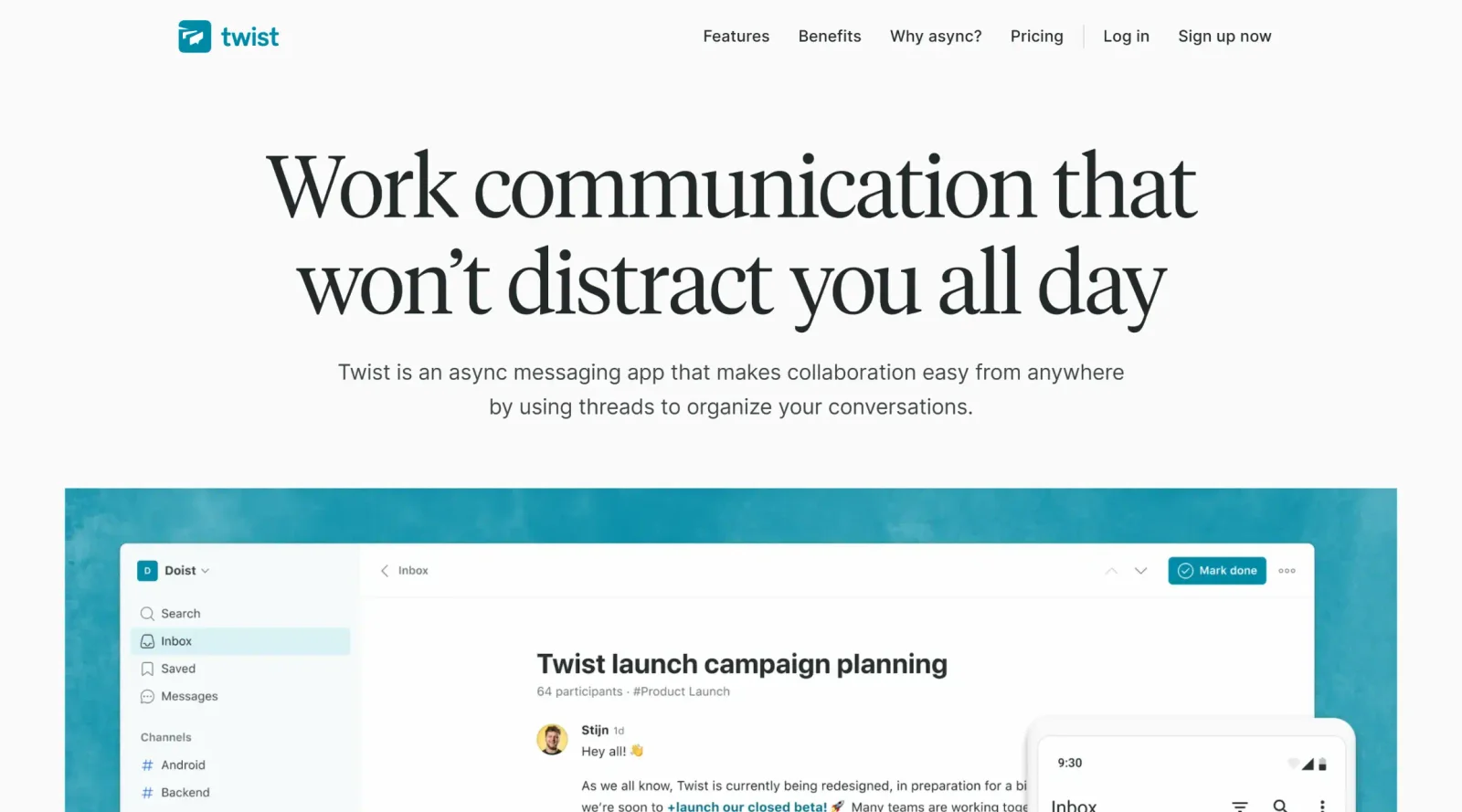
Twist is an asynchronous messaging tool in the project managementcategory that organizes team communication into structured threads to reduce distractions from real-time notifications. It serves as a freemium solution for teams handling constant communication, enabling focused discussions without the pressure of immediate replies. Twist fits into design workflows by providing a calm environment for coordinating tasks across distributed teams, integrating with tools like GitHub, Asana, and Todoist to maintain context in project updates and feedback loops.
What Twist Does
- Organizes conversations into channels containing topic- or project-specific threads for structured discussions.
- Provides an inbox that aggregates updates from subscribed threads, with options to mark threads as done and move them to a separate view.
- Supports one-on-one messaging for direct communication between team members.
- Allows creation of unlimited threads within channels, with draft saving for interrupted messages.
- Offers integrations with select productivity tools such as Google Drive, GitHub, Todoist, and Zapier.
- Includes team management features like inviting members, creating groups, and assigning access to channels or threads.
How Twist Can Be Used
- Design teams create project-specific channels and threads to discuss UI iterations, share feedback on wireframes, and track revisions without synchronous interruptions, ensuring asynchronous input from global collaborators.
- Developers use threads for goal-oriented conversations around code reviews or bug fixes, nudging relevant teammates and maintaining relevant context over time.
- Remote product managers set up recurring team check-ins via automated posts for weekly standups, where members respond on their schedule to align on priorities.
- Cross-functional groups archive completed threads after marking them done, keeping active inboxes focused on ongoing project management tasks.
- Freelance designers or translators initiate threads per client project, notifying specific editors or PMs for quick updates while keeping historical information searchable.
Who Is Twist For?
Twist suits remote and distributed teams in design, development, and project management roles who prioritize asynchronous communication to protect focus time and accommodate time zone differences. It works for small to medium-sized groups needing organized threads over chaotic real-time chats, including copywriters, translators, and product teams handling iterative workflows. Experience level is not a barrier, as the interface emphasizes simplicity with inbox views and selective notifications. Small teams benefit from the freemium model with unlimited history on the free plan.Visit Twist
Featured Tools
Sponsored
Artlist
Royalty-free music, SFX, 8K footage, templates, LUTs and 100+ AI models on a single subscription for video creators.

Icons8
Large icon packs featuring over 10,000 icons for consistent design themes.

Vidu
AI video generator with text, image and reference-to-video modes, producing 3–16 second clips at up to 1080p with characters that stay consistent across shots.
Your tool here
The tools above are our own picks until the slots sell.

More Project Management Tools


Air
Experience visual browsing with powerful search, secure sharing, and smooth collaboration.


Asana
Manage projects and adapt to changing priorities in remote work settings.


Basecamp
Comprehensive toolkit for effective remote working.


Bubbles
Initiate discussions by commenting on any on-screen content.


Campsite
A dedicated space for design teams to manage work-in-progress.


Canva Whiteboards
Canva Whiteboards for creative brainstorming and teamwork.
Explore Other Categories
Discover more design resources
New to Design?
Explore our comprehensive design glossary to master essential terminology from A/B Testing to Wireframes.
Browse GlossaryLooking for something specific?
Search through our entire collection of design tools and resources