

Resources informed by the latest advice from experienced designers and developers.
What it costs
- Free tier
- Yes
Free educational reference for web designers on accessibility; no plans, paywall, or pricing of any kind.
Auto-checked on 8 August 2026Source
About Understanding Accessibility
What Is Understanding Accessibility?
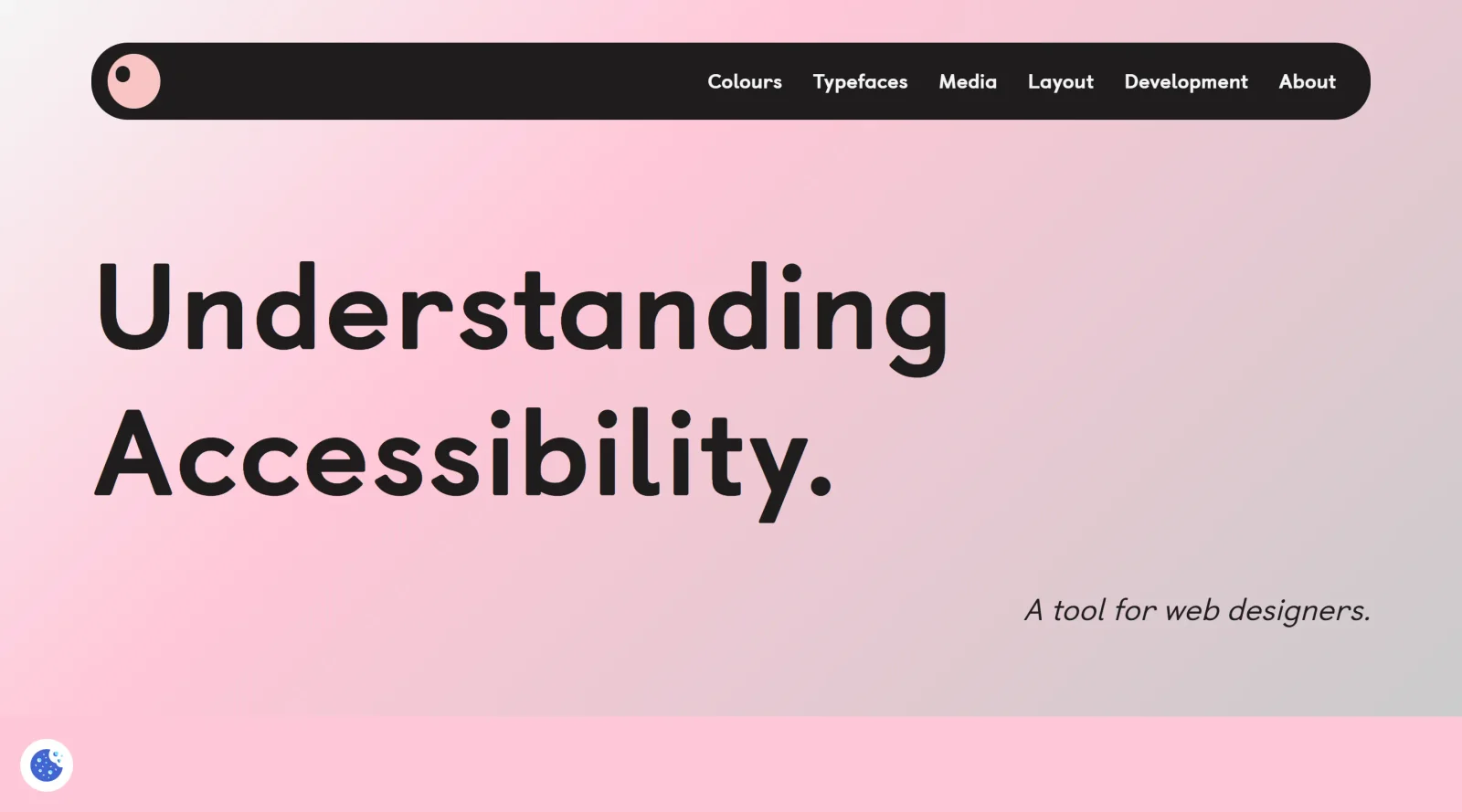
Understanding Accessibility is a **free accessibility resource** that provides guidance informed by the latest advice from experienced designers and developers. It serves as an educational tool in the **accessibility** category, helping users learn principles and practices for creating inclusive digital products. Designers and developers integrate it early in the design workflow to understand core accessibility concepts, such as WCAG guidelines, before applying them in tools like Figma or during development phases.
What Understanding Accessibility Does
- Offers resources on key accessibility topics, including color contrast, keyboard navigation, and focus indicators.
- Presents advice from experienced designers and developers on implementing WCAG requirements.
- Covers considerations for content like images, forms, headings, and dynamic elements.
- Explains techniques for screen reader compatibility and semantic structure.
- Provides insights into cognitive accessibility, such as clear language and consistent navigation.
- Highlights practical steps for ensuring device independence and legible visual design.
How Understanding Accessibility Can Be Used
- Designers reference it during the ideation phase to incorporate accessibility from the start, such as planning color palettes that meet contrast standards.
- Developers consult it for web content creation, applying guidance on alt text for images and labels for form fields.
- Teams use it in collaborative workflows to align on requirements like keyboard-accessible navigation and error message handling.
- During prototyping in tools like Figma, it informs checks for focus order and resizable text before handover to coding.
- In audits, it serves as a checklist for reviewing existing designs against standards for flashing content and multimedia captions.
Who Is Understanding Accessibility For?
Understanding Accessibility targets designers, developers, and teams working on web and digital products who need to build inclusive experiences compliant with accessibility standards. It suits beginners learning foundational concepts as well as experienced professionals seeking updated practices from real-world experts. Product managers and UX researchers also benefit when evaluating designs for diverse user needs, including those with visual, cognitive, or mobility impairments. Visit Understanding Accessibility
Featured Tools
Sponsored
Artlist
Royalty-free music, SFX, 8K footage, templates, LUTs and 100+ AI models on a single subscription for video creators.

Icons8
Large icon packs featuring over 10,000 icons for consistent design themes.

Vidu
AI video generator with text, image and reference-to-video modes, producing 3–16 second clips at up to 1080p with characters that stay consistent across shots.
Your tool here
The tools above are our own picks until the slots sell.
Spotlight
SponsoredRotates daily
HyNote
Records and transcribes interviews and meetings, then turns them into summaries and action items.
More Accesibility Tools

A11Y Project
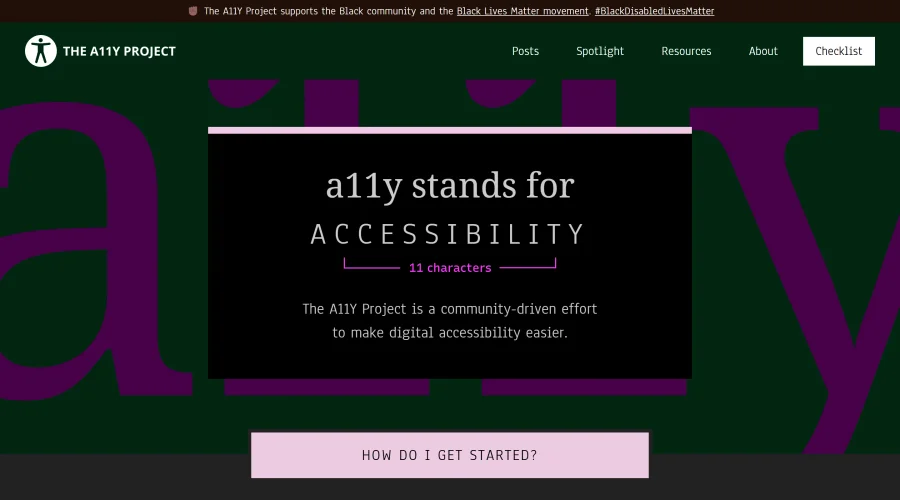
A community-led initiative to simplify digital accessibility.
Access Guide
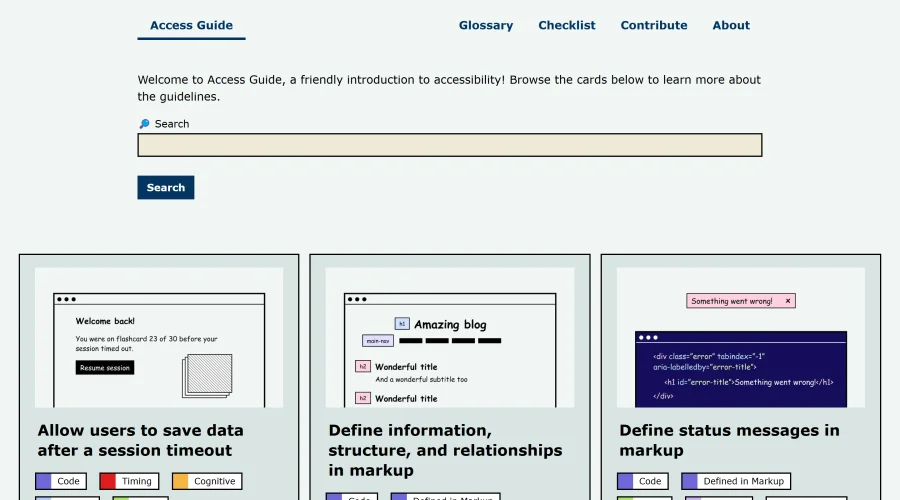
An easy-to-understand introduction to digital accessibility.
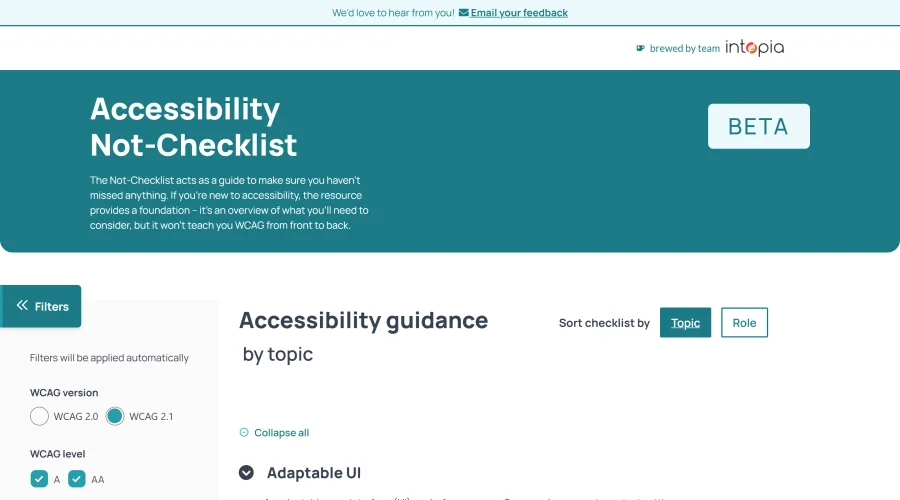

Accessibility Not-Checklist
Comprehensive guide to ensure accessibility in design projects.
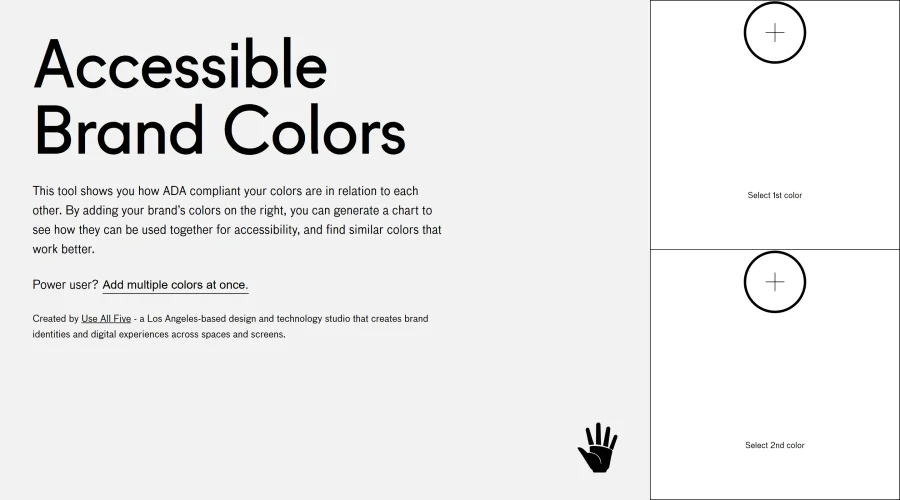

Accessible Brand Colors
A tool assessing ADA compliance of color contrasts.
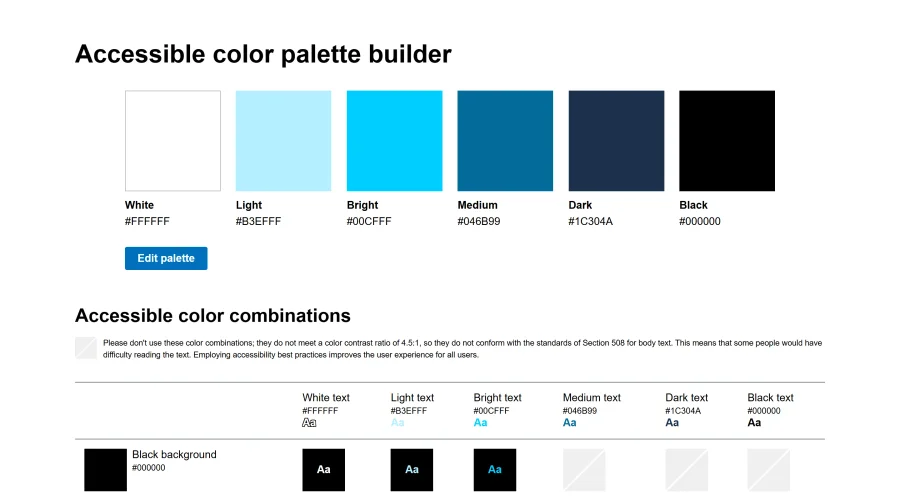

Accessible Color Matrix
A design tool for creating color palettes that meet accessibility standards.
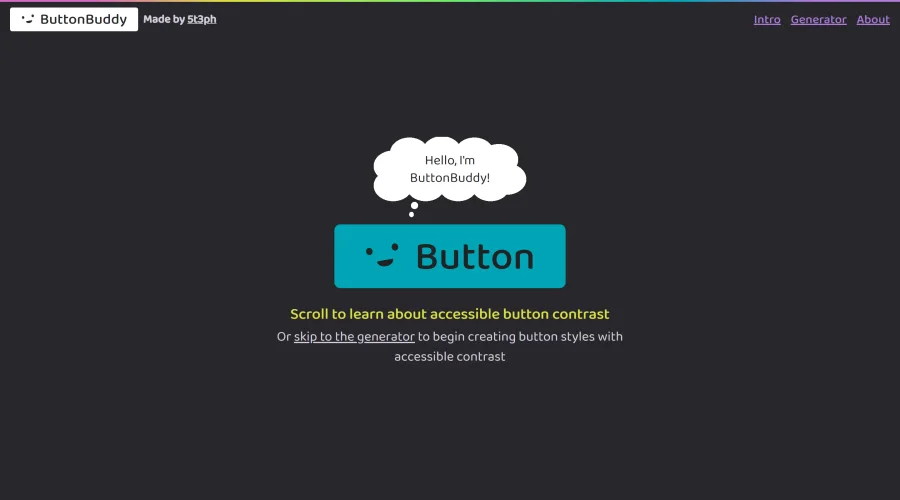

Button Buddy
Solutions for ensuring accessible contrast in button designs.
Explore Other Categories
Discover more design resources
New to Design?
Explore our comprehensive design glossary to master essential terminology from A/B Testing to Wireframes.
Browse GlossaryLooking for something specific?
Search through our entire collection of design tools and resources