

An online whiteboard suitable for both work and personal use.
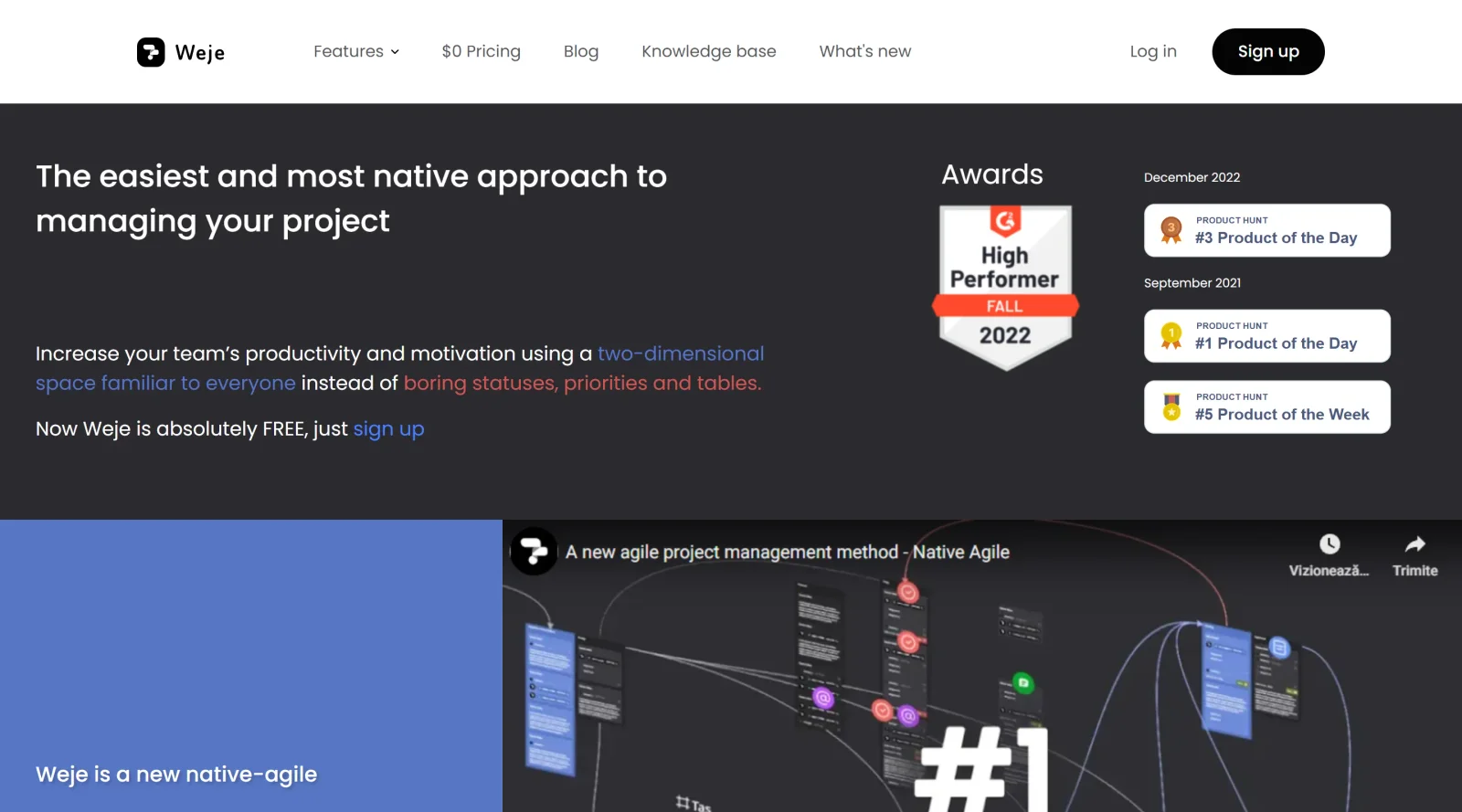
What it costs
- Free tier
- Yes
Page states Weje is now completely free ($0); catalog had it as Freemium, so the change needs confirmation.
Auto-checked on 8 August 2026Source
About Weje
What Is Weje?
Weje is an online whiteboard tool categorized under project management, available on a freemium pricing model. It provides an infinite canvas for organizing tasks, ideas, and information through visual elements like sticky notes and Kanban boards, suitable for both work-related projects and personal use. Weje fits into design and collaboration workflows by enabling teams to visualize workflows, brainstorm concepts, and manage large volumes of data without rigid structures.
What Weje Does
- Offers an unlimited canvas for placing sticky notes, cards, and other elements via drag-and-drop functionality.
- Supports creation of Kanban boards, to-do lists, and mind maps for task organization and project tracking.
- Enables real-time collaboration with synchronous updates visible to all participants across devices.
- Allows adding and sharing files, links from web services like YouTube or Google Docs, and various media types.
- Provides tools to assign roles, set due dates and assignees to cards, and control board access.
- Includes built-in templates and search capabilities for managing and retrieving information efficiently.
How Weje Can Be Used
- Designers use Weje to build mood boards by dragging images, links, and notes onto the canvas for client presentations.
- Teams conduct brainstorming sessions, grouping ideas into mind maps or Kanban boards during remote meetings.
- Project managers organize workflows by converting freeform card piles into structured task lists with assignees and deadlines.
- Individuals collect research from web sources, categorize by topic or date, and sync changes across devices for personal planning.
- Collaborators share boards for feedback, embedding videos or documents to facilitate idea exchange in creative projects.
Who Is Weje For?
Weje serves creative professionals, project managers, designers, developers, and teams handling collaborative workflows, particularly those preferring visual over tabular organization. It suits horizontal teams, remote workers, educators planning schedules, and users managing personal or small-scale projects who need flexibility in handling ideas and tasks. Experience levels range from beginners benefiting from its intuitive drag-and-drop interface to experienced users leveraging templates for complex boards. Visit Weje
Featured Tools
Sponsored
Artlist
Royalty-free music, SFX, 8K footage, templates, LUTs and 100+ AI models on a single subscription for video creators.

Icons8
Large icon packs featuring over 10,000 icons for consistent design themes.

Vidu
AI video generator with text, image and reference-to-video modes, producing 3–16 second clips at up to 1080p with characters that stay consistent across shots.
Your tool here
The tools above are our own picks until the slots sell.
Spotlight
SponsoredRotates daily
HyNote
Records and transcribes interviews and meetings, then turns them into summaries and action items.
More Project Management Tools


Air
Experience visual browsing with powerful search, secure sharing, and smooth collaboration.


Asana
Manage projects and adapt to changing priorities in remote work settings.


Basecamp
Comprehensive toolkit for effective remote working.


Bubbles
Initiate discussions by commenting on any on-screen content.


Campsite
A dedicated space for design teams to manage work-in-progress.


Canva Whiteboards
Canva Whiteboards for creative brainstorming and teamwork.
Explore Other Categories
Discover more design resources
New to Design?
Explore our comprehensive design glossary to master essential terminology from A/B Testing to Wireframes.
Browse GlossaryLooking for something specific?
Search through our entire collection of design tools and resources