

Video conferencing complemented by messaging and content sharing.
What it costs
- Free tier
- Yes
Homepage offers 'Sign Up Free' but shows no plan prices; paid tiers are on the separate /pricing page.
Auto-checked on 8 August 2026Source
About Zoom
What Is Zoom?
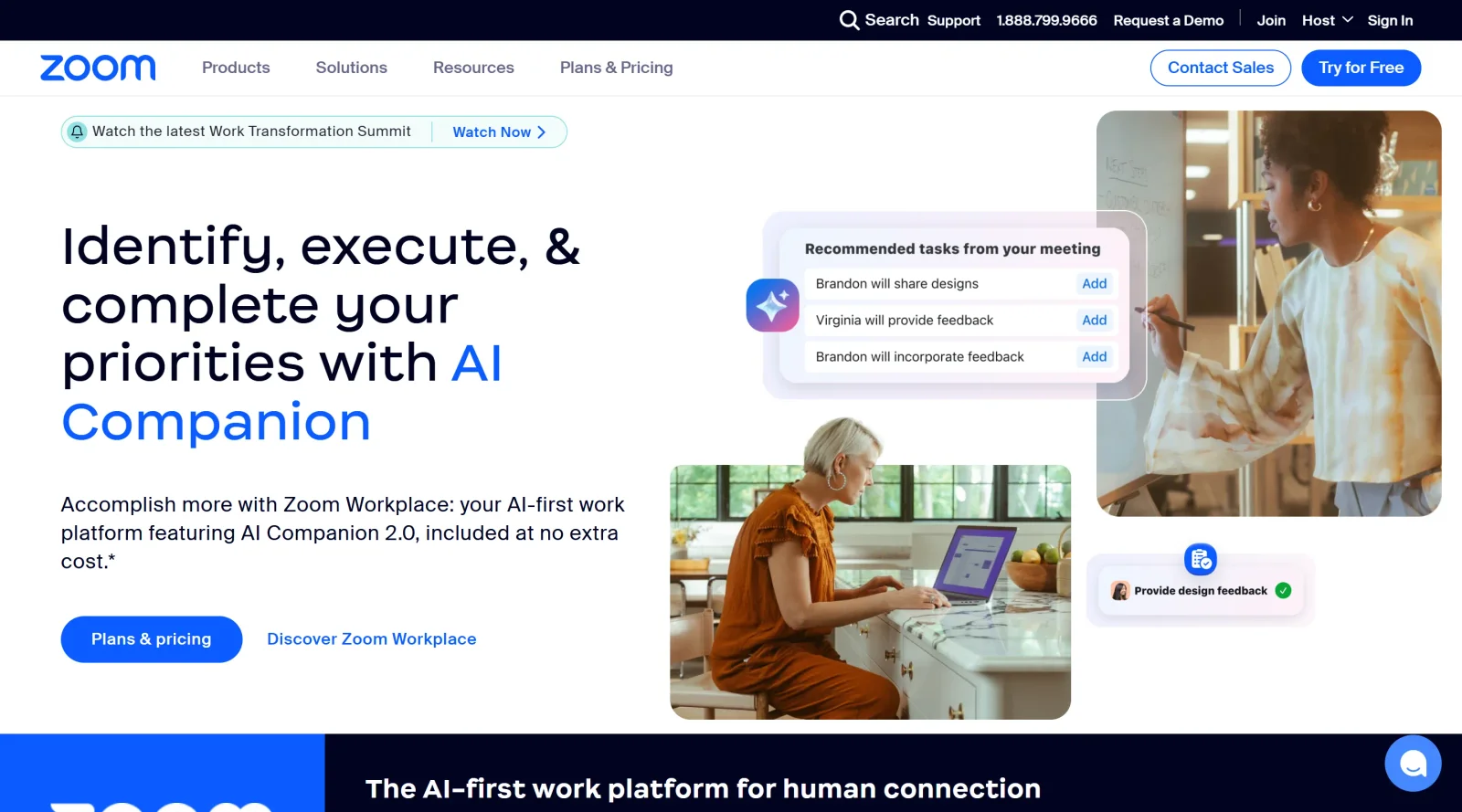
Zoom is a project management tool that provides video conferencing complemented by messaging and content sharing. Its core purpose centers on enabling virtual collaboration for teams through reliable video meetings, team chat, and file exchange. In the design workflow, Zoom fits as a communication platform for remote project discussions, client presentations, and team coordination, available on a freemium pricing model with free access for basic use and paid plans for extended features.
What Zoom Does
- Hosts video conferences with support for up to 100 participants on free plans and more on paid tiers.
- Enables screen sharing during meetings for presenting designs or documents.
- Provides team chat with channels, threads, and file sharing capabilities.
- Supports breakout rooms, polls, and waiting rooms for structured meeting management.
- Offers recording, annotations, and live captions for meeting documentation.
- Includes AI Companion for meeting summaries, task creation, and real-time assistance.
How Zoom Can Be Used
- Design teams conduct daily stand-ups via video calls to review project progress and share wireframes through screen sharing.
- Client feedback sessions use breakout rooms to discuss specific design iterations separately with stakeholders.
- Remote workshops leverage polls and annotations for collaborative brainstorming on user interfaces.
- Cross-functional teams maintain project continuity with chat channels for quick updates and file exchanges before and after meetings.
- Large webinars host design portfolio reviews or training sessions with live captions for accessibility.
Who Is Zoom For?
Zoom serves designers, developers, and project managers handling remote or hybrid teams, particularly those needing reliable video conferencing within project management workflows. It suits solo freelancers scheduling client calls, small studios managing daily check-ins, and larger agencies running webinars or international collaborations. Experience levels range from beginners using free basic meetings to advanced users leveraging AI tools and integrations for complex projects. Visit Zoom
Featured Tools
Sponsored
Artlist
Royalty-free music, SFX, 8K footage, templates, LUTs and 100+ AI models on a single subscription for video creators.

Icons8
Large icon packs featuring over 10,000 icons for consistent design themes.

Vidu
AI video generator with text, image and reference-to-video modes, producing 3–16 second clips at up to 1080p with characters that stay consistent across shots.
Your tool here
The tools above are our own picks until the slots sell.

More Project Management Tools


Air
Experience visual browsing with powerful search, secure sharing, and smooth collaboration.


Asana
Manage projects and adapt to changing priorities in remote work settings.


Basecamp
Comprehensive toolkit for effective remote working.


Bubbles
Initiate discussions by commenting on any on-screen content.


Campsite
A dedicated space for design teams to manage work-in-progress.


Canva Whiteboards
Canva Whiteboards for creative brainstorming and teamwork.
Explore Other Categories
Discover more design resources
New to Design?
Explore our comprehensive design glossary to master essential terminology from A/B Testing to Wireframes.
Browse GlossaryLooking for something specific?
Search through our entire collection of design tools and resources