

Build color palettes and generate corresponding tints and shades.
What it costs
- Free tier
- Yes
Free color tools with a paid Pro upgrade (14-day trial), but the actual price sits on a separate /pricing page that was not captured.
Auto-checked on 8 August 2026Source
About Color Designer
What Is Color Designer?
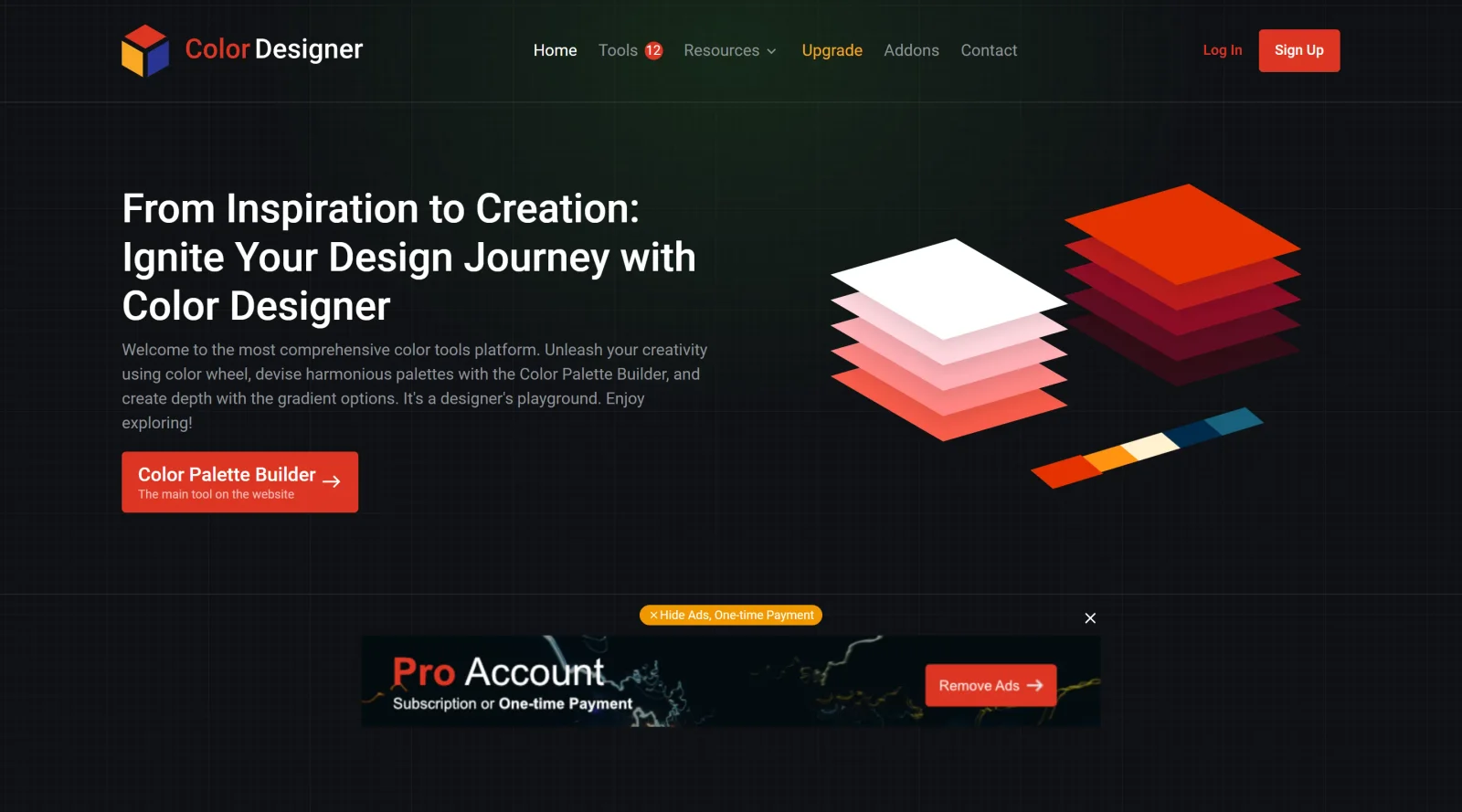
Color Designer is a free web-based platform in the Design category that provides a collection of color tools for creating, managing, and exporting color palettes. It serves as a central hub for designers working on visual projects, enabling palette generation, variation adjustments, and format conversions within a single interface. Color Designer fits into early design workflows where establishing consistent color schemes is essential, supporting tasks from initial ideation to final asset preparation.
What Color Designer Does
- Generates palette variations by tweaking existing colors to match specific styles, branding requirements, or project needs.
- Creates gradients using more than three colors for smooth transitions in visual designs.
- Allows saving of unlimited colors, color palettes, and projects for ongoing reference and reuse.
- Exports colors in multiple formats including HEX, RGB, HSL, LAB, LCH, OKLAB, and OKLCH for compatibility with various tools.
- Provides tools to extract palettes from images and blend colors for custom combinations.
- Includes upcoming features like a palette visualizer to preview schemes in context.
How Color Designer Can Be Used
- Upload an image to extract dominant colors and build a palette around them for mood boards or branding assets.
- Start with a base color, generate variations using pro features, and refine for UI components or web layouts.
- Design multi-color gradients for backgrounds, buttons, or illustrations, then export in developer-friendly formats like HEX or RGB.
- Save multiple project palettes to compare options during client reviews or iterative design sprints.
- Convert palettes between color spaces such as HSL to OKLCH for advanced perceptual uniformity in modern web design.
Who Is Color Designer For?
Color Designer suits graphic designers, UI/UX developers, and web designers who need a free, comprehensive set of color tools for palette creation and management. It works well for freelancers handling branding projects, teams building digital products requiring consistent color schemes, and beginners exploring color palette generators without complex setups. Experience levels range from novices learning color theory to professionals seeking efficient export options in formats like LAB or OKLCH. Visit Color Designer
Featured Tools
Sponsored
Artlist
Royalty-free music, SFX, 8K footage, templates, LUTs and 100+ AI models on a single subscription for video creators.

Icons8
Large icon packs featuring over 10,000 icons for consistent design themes.

Vidu
AI video generator with text, image and reference-to-video modes, producing 3–16 second clips at up to 1080p with characters that stay consistent across shots.
Your tool here
The tools above are our own picks until the slots sell.

More Color Tools Tools


Hue Codex
Hue Codex is a free, no-account color workspace for designers and developers, with palette generation, WCAG contrast checks, modern CSS tools, image color extraction, local saving, and exports.


Upclimb Color Picker
A free browser-based tool for designers & clients to decide on color schemes. Pick & save colors, generate color palettes, extract website colors, check WCAG contrast & find passing colors.


Adobe Color
Create and explore color themes and trends with an inspirational tool.


Alphredo
Generate translucent colors that match their opaque versions.


Atmos
Easily create effective UI color palettes.


Cheeky Palettes
Find color palette inspiration in real-world context.
Explore Other Categories
Discover more design resources
New to Design?
Explore our comprehensive design glossary to master essential terminology from A/B Testing to Wireframes.
Browse GlossaryLooking for something specific?
Search through our entire collection of design tools and resources