
AI-based tool to select the right colors for design projects.
What it costs
- Free tier
- Yes
- Paid plans from
- $8/mo
Free web tier ($0/mo, no card); Pro at $8/mo adds palettes saved and accessible from anywhere.
Auto-checked on 8 August 2026Source
About Color Fuse AI
What Is Color Fuse AI?
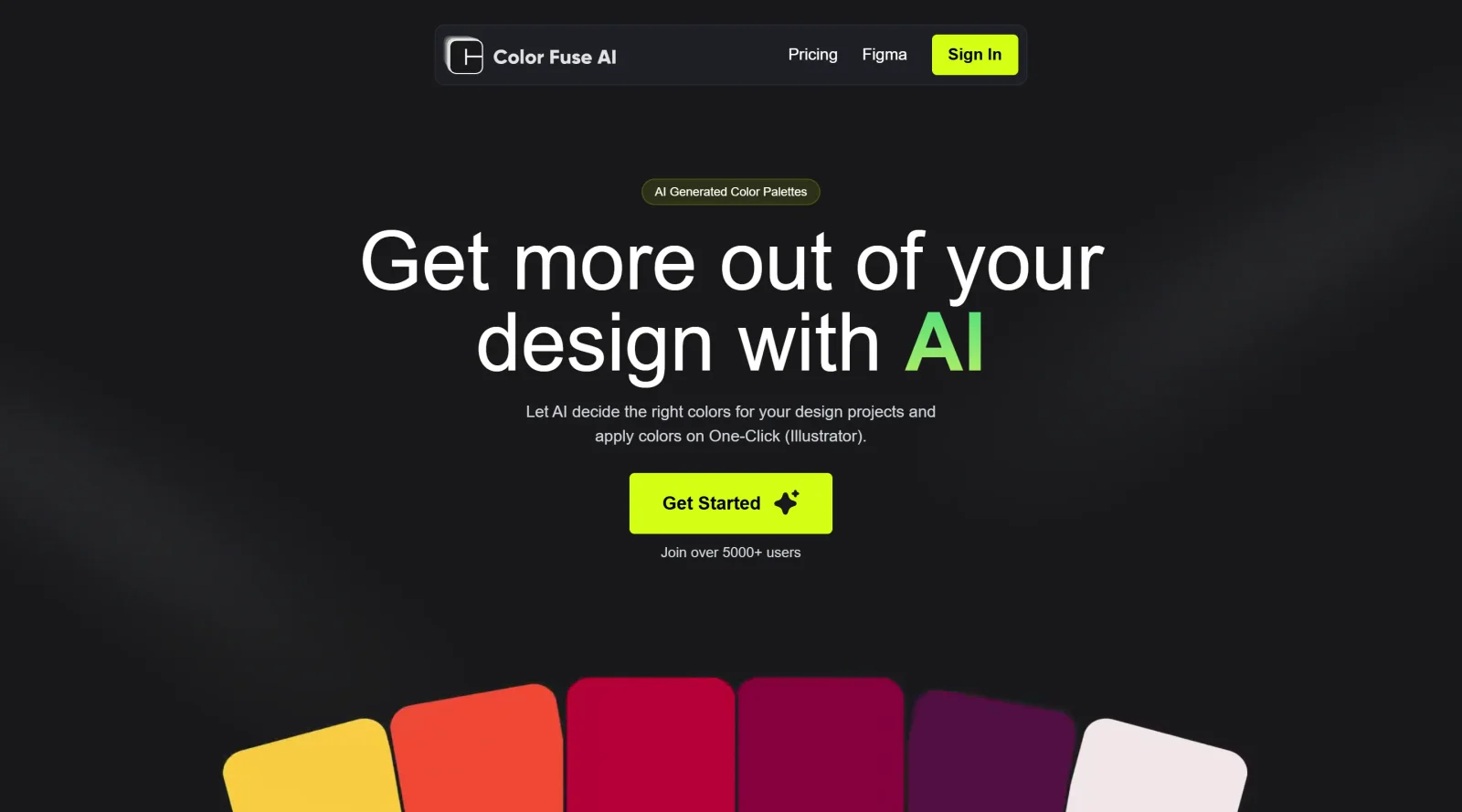
Color Fuse AI is an AI-powered color palette generator designed for design projects. It enables users to create and apply color schemes through a conversational AI interface, fitting into the **design** workflow for tasks like selecting harmonious colors. The tool follows a free-paid pricing model, with a free web version offering basic features and pro plans starting at $8 per month that unlock integrations with design software such as Illustrator, Photoshop, and Figma.
What Color Fuse AI Does
- Generates color palettes using AI based on user inputs like keywords, descriptions, or categories.
- Provides a conversational AI chatbot for requesting and refining color schemes.
- Allows customization of generated palettes, including adjustments to individual colors.
- Supports one-click application of palettes directly in compatible design tools like Illustrator.
- Enables saving palettes to collections for reuse across sessions and projects.
- Offers compatibility with Illustrator, Photoshop (2022 or later), and Figma through plugins or extensions.
How Color Fuse AI Can Be Used
- Graphic designers input project themes via chat to generate palettes, then apply them one-click in Illustrator for posters or branding materials.
- UX/UI designers create consistent color schemes for app interfaces by customizing AI suggestions and exporting to Figma.
- Web developers experiment with color combinations for site elements like buttons and backgrounds, saving palettes for team collaboration.
- Marketing teams align campaign visuals by generating trend-based palettes and integrating them into Photoshop for promotional graphics.
- Non-designers use the free web version to quickly obtain hex codes for presentations or social media content without design software.
Who Is Color Fuse AI For?
Color Fuse AI serves graphic designers, UX/UI designers, web developers, marketing teams, and non-designers needing efficient color selection. It suits users working in Illustrator, Photoshop, or Figma who require AI-assisted palette generation and application for projects like branding, websites, apps, or marketing materials, across beginner to professional experience levels. Visit Color Fuse AI
Featured Tools
Sponsored
Artlist
Royalty-free music, SFX, 8K footage, templates, LUTs and 100+ AI models on a single subscription for video creators.

Icons8
Large icon packs featuring over 10,000 icons for consistent design themes.

Vidu
AI video generator with text, image and reference-to-video modes, producing 3–16 second clips at up to 1080p with characters that stay consistent across shots.
Your tool here
The tools above are our own picks until the slots sell.

More Color Tools Tools


Hue Codex
Hue Codex is a free, no-account color workspace for designers and developers, with palette generation, WCAG contrast checks, modern CSS tools, image color extraction, local saving, and exports.


Upclimb Color Picker
A free browser-based tool for designers & clients to decide on color schemes. Pick & save colors, generate color palettes, extract website colors, check WCAG contrast & find passing colors.


Adobe Color
Create and explore color themes and trends with an inspirational tool.


Alphredo
Generate translucent colors that match their opaque versions.


Atmos
Easily create effective UI color palettes.


Cheeky Palettes
Find color palette inspiration in real-world context.
Explore Other Categories
Discover more design resources
New to Design?
Explore our comprehensive design glossary to master essential terminology from A/B Testing to Wireframes.
Browse GlossaryLooking for something specific?
Search through our entire collection of design tools and resources