

What it costs
- Free tier
- Yes
Advertised as 100% free AI color-palette generator; login only needed to save favorites.
Auto-checked on 8 August 2026Source
About ColorMagic
What Is ColorMagic?
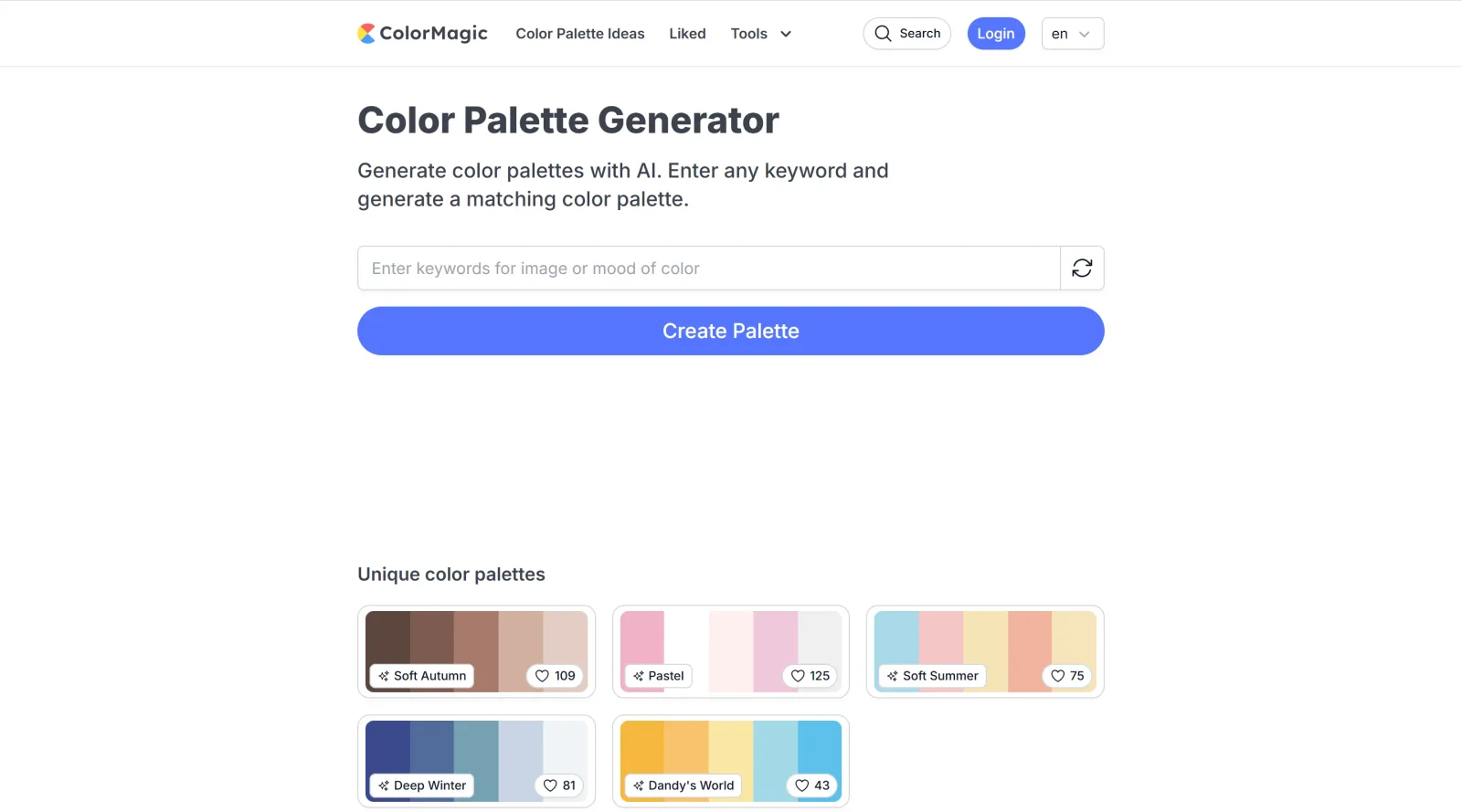
ColorMagic is a free AI-powered color palette generator in the Design category that creates color schemes from keywords, text, images, or hex codes. It supports designers and developers by producing thematic palettes for projects in graphic design, UI and visual design, web development, and digital art. Users input terms like "Sunset" or "Flower Field," upload images, or select from predefined themes to generate cohesive color combinations quickly.
What ColorMagic Does
- Generates color palettes using AI based on user-entered keywords, text descriptions, brand names, or hex codes.
- Extracts color palettes from uploaded images to capture dominant hues and tones.
- Provides theme-based options such as Sunset, Winter, Forest, Beach, Romantic, and Energetic for targeted palette creation.
- Offers tools like random color generation, color mixing with adjustable ratios, and CSS gradient generation for each palette.
- Allows saving palettes to user accounts after login and browsing public or recent palettes.
- Supports palette export as PNG, CSS code, or direct copying for integration into design projects.
How ColorMagic Can Be Used
- Graphic designers input project themes like "Autumn Leaves" or "Boho" to generate palettes for posters, logos, and infographics.
- Web developers extract colors from reference images and copy CSS gradients for website backgrounds and UI elements.
- UI designers select high-contrast or minimalist palettes to ensure visual hierarchy and brand consistency across apps.
- Teams collaborate by sharing palettes or using saved collections for consistent color schemes in multi-user projects.
- Artists experiment with random colors or mix tones to inspire digital illustrations and mood boards.
Who Is ColorMagic For?
ColorMagic serves graphic designers, web developers, UI and visual designers, digital artists, and hobbyists who need quick, thematic color palettes for their workflows. It fits beginners seeking simple generation tools and experienced users requiring export options like CSS and PNG for professional integration. The free access and AI-driven features make it suitable for solo creators or teams handling projects in branding, web design, and illustration.Visit ColorMagic
Featured Tools
Sponsored
Artlist
Royalty-free music, SFX, 8K footage, templates, LUTs and 100+ AI models on a single subscription for video creators.

Icons8
Large icon packs featuring over 10,000 icons for consistent design themes.

Vidu
AI video generator with text, image and reference-to-video modes, producing 3–16 second clips at up to 1080p with characters that stay consistent across shots.
Your tool here
The tools above are our own picks until the slots sell.

More Color Tools Tools


Hue Codex
Hue Codex is a free, no-account color workspace for designers and developers, with palette generation, WCAG contrast checks, modern CSS tools, image color extraction, local saving, and exports.


Upclimb Color Picker
A free browser-based tool for designers & clients to decide on color schemes. Pick & save colors, generate color palettes, extract website colors, check WCAG contrast & find passing colors.


Adobe Color
Create and explore color themes and trends with an inspirational tool.


Alphredo
Generate translucent colors that match their opaque versions.


Atmos
Easily create effective UI color palettes.


Cheeky Palettes
Find color palette inspiration in real-world context.
Explore Other Categories
Discover more design resources
New to Design?
Explore our comprehensive design glossary to master essential terminology from A/B Testing to Wireframes.
Browse GlossaryLooking for something specific?
Search through our entire collection of design tools and resources