

Figma plugin for real-time contrast ratio checking of colors.
What it costs
- Free tier
- Yes
A Figma plugin; Figma itself has a free tier, but paid plan prices are on a separate /pricing page that was not scraped.
Auto-checked on 8 August 2026Source
About Contrast Plugin
What Is Contrast Plugin?
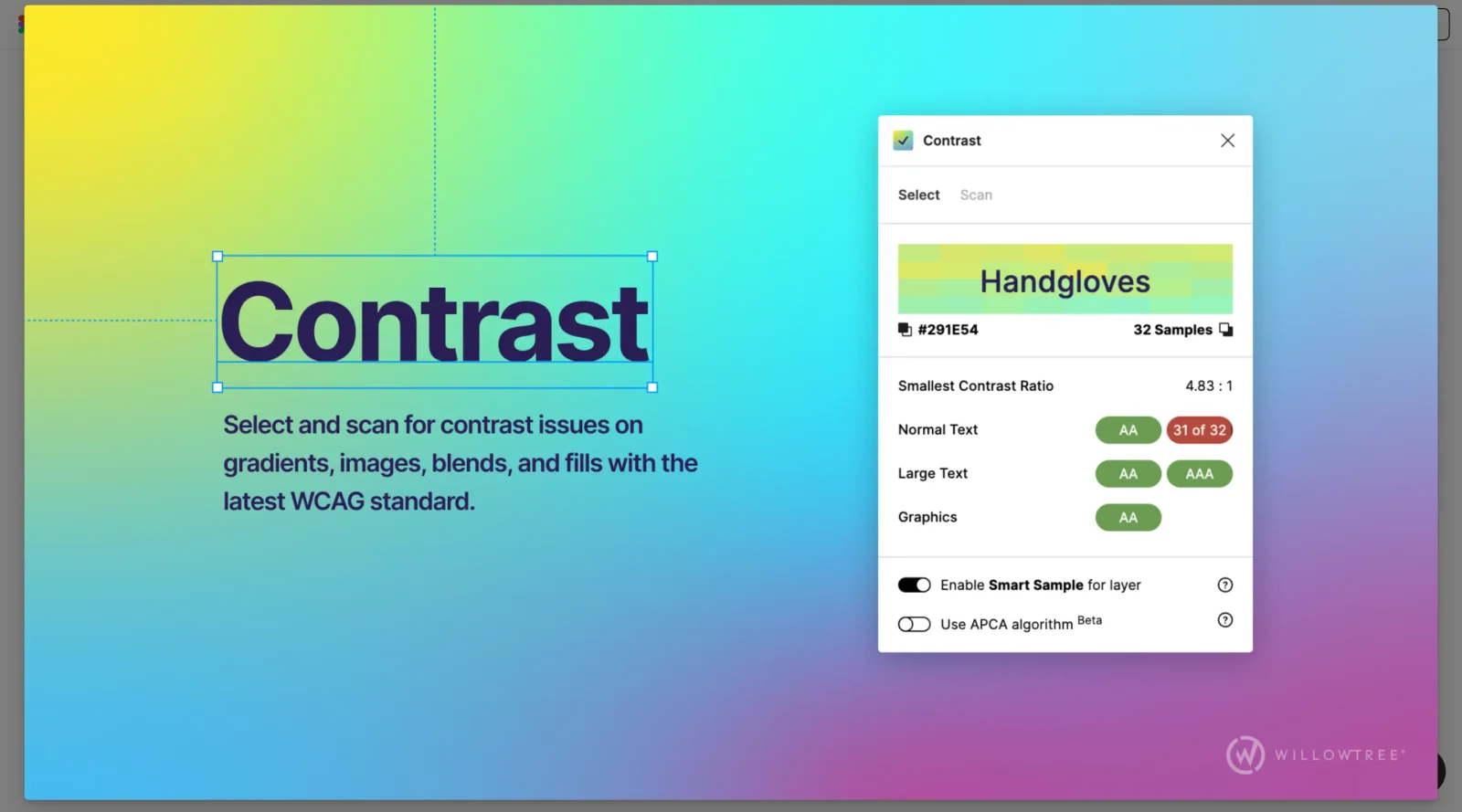
Contrast Plugin is a free Figma plugin designed to help designers ensure their work meets accessibility standards by analyzing color contrast ratios between text and background elements. As a design tool category plugin, it integrates directly into Figma's workflow, enabling designers to check compliance with Web Content Accessibility Guidelines (WCAG) without leaving their design canvas. The plugin addresses a common accessibility challenge: determining whether color pairings provide sufficient contrast for users with visual impairments or color vision deficiencies.
What Contrast Plugin Does
- Automatically analyzes text and background color contrast ratios in real time
- Verifies compliance with WCAG AA and AAA accessibility standards
- Detects contrast requirements based on text size and weight for accurate threshold application
- Displays pass/fail indicators alongside foreground and background color previews
- Allows designers to fine-tune colors manually or through guided adjustments
- Works seamlessly with both text layers and graphic elements in Figma designs
How Contrast Plugin Can Be Used
Contrast Plugin fits into design workflows at multiple stages. Designers can use it during initial color selection to ensure accessibility from the start, or run it as an audit tool before handing designs to development teams. The plugin helps teams avoid accessibility violations that could create legal compliance issues or exclude users from engaging with digital products. It is particularly useful for teams working on projects subject to WCAG requirements, including government websites, educational platforms, and enterprise applications.
Who Is Contrast Plugin For?
Contrast Plugin serves UX and UI designers, design system creators, and accessibility-focused teams who need to integrate contrast checking into their Figma-based workflows. It is suitable for designers at all experience levels—from those new to accessibility standards to seasoned professionals managing large design systems. Product teams in regulated industries or those committed to inclusive design practices will find Contrast Plugin particularly valuable for maintaining consistent accessibility across design files. Visit Contrast Plugin
Featured Tools
Sponsored
Artlist
Royalty-free music, SFX, 8K footage, templates, LUTs and 100+ AI models on a single subscription for video creators.

Icons8
Large icon packs featuring over 10,000 icons for consistent design themes.

Vidu
AI video generator with text, image and reference-to-video modes, producing 3–16 second clips at up to 1080p with characters that stay consistent across shots.
Your tool here
The tools above are our own picks until the slots sell.
Spotlight
SponsoredRotates daily
Kittl
AI-first design platform with image, vector, and video generation, plus templates, mockups, and print-ready exports.
More Accesibility Tools
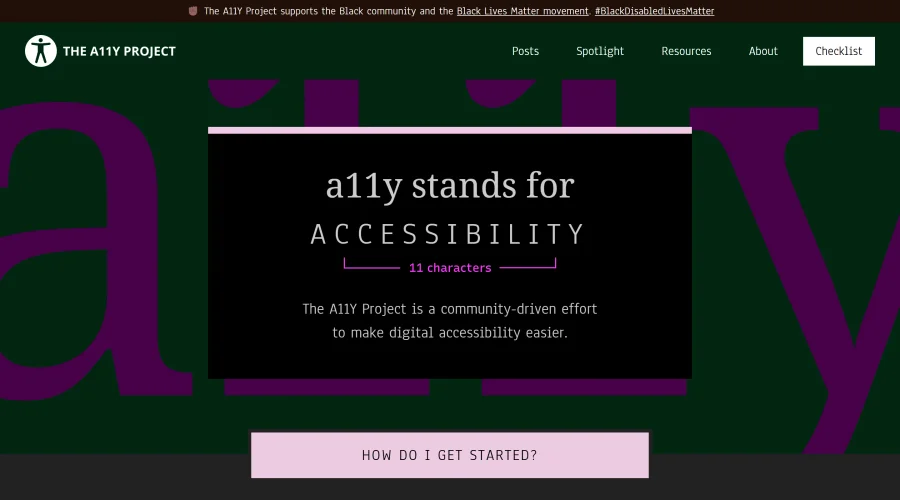

A11Y Project
A community-led initiative to simplify digital accessibility.
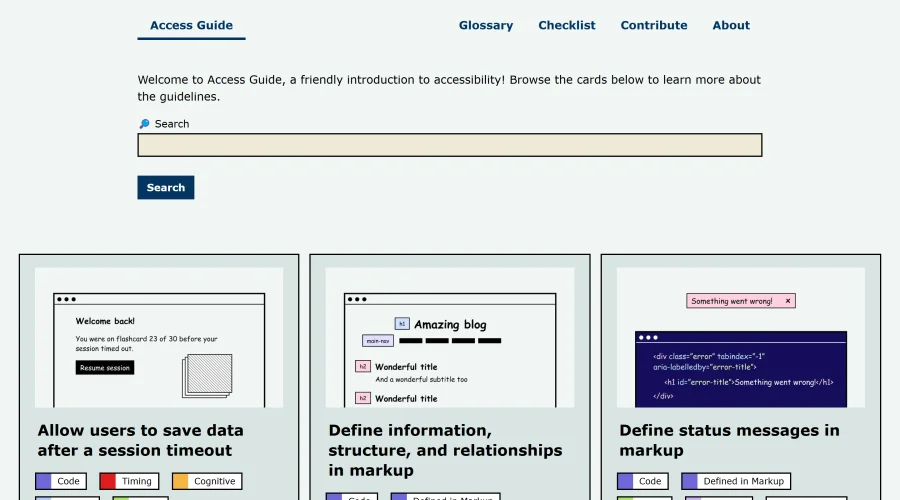

Access Guide
An easy-to-understand introduction to digital accessibility.
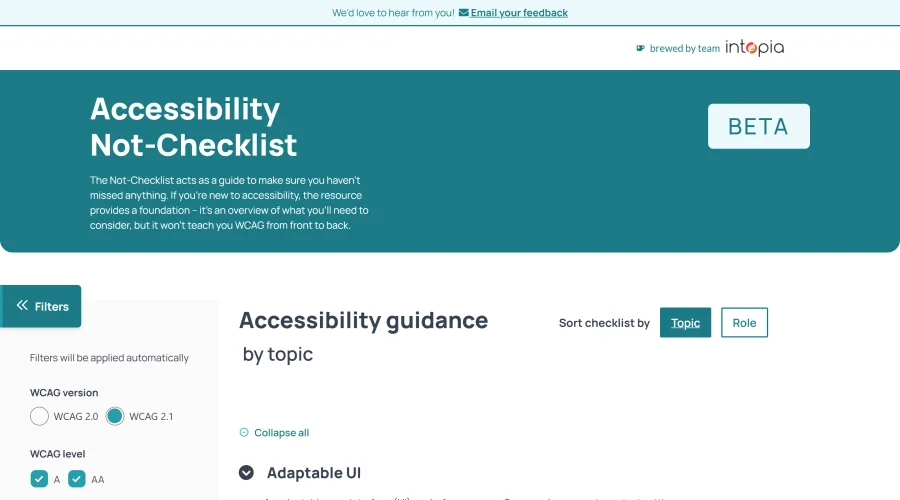

Accessibility Not-Checklist
Comprehensive guide to ensure accessibility in design projects.
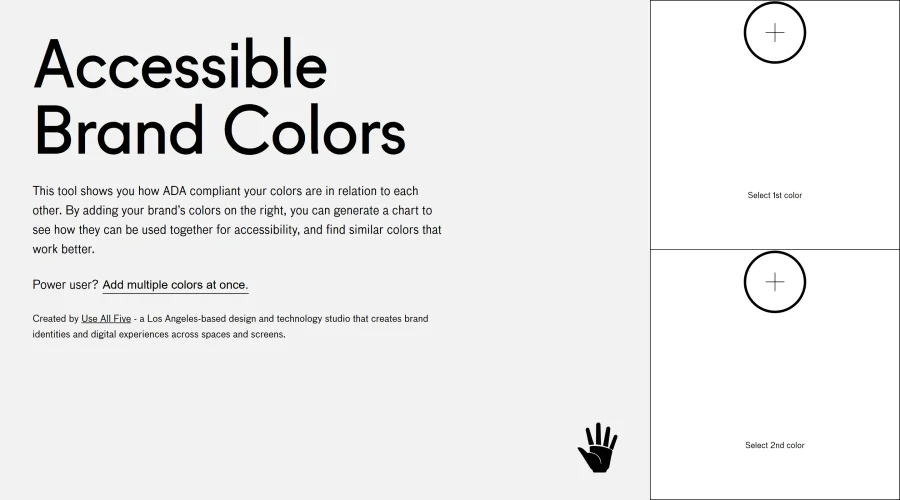

Accessible Brand Colors
A tool assessing ADA compliance of color contrasts.
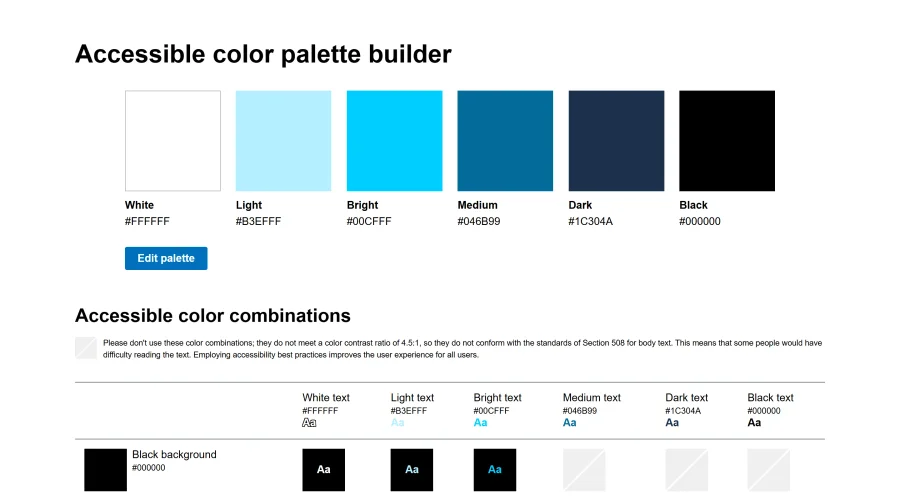

Accessible Color Matrix
A design tool for creating color palettes that meet accessibility standards.
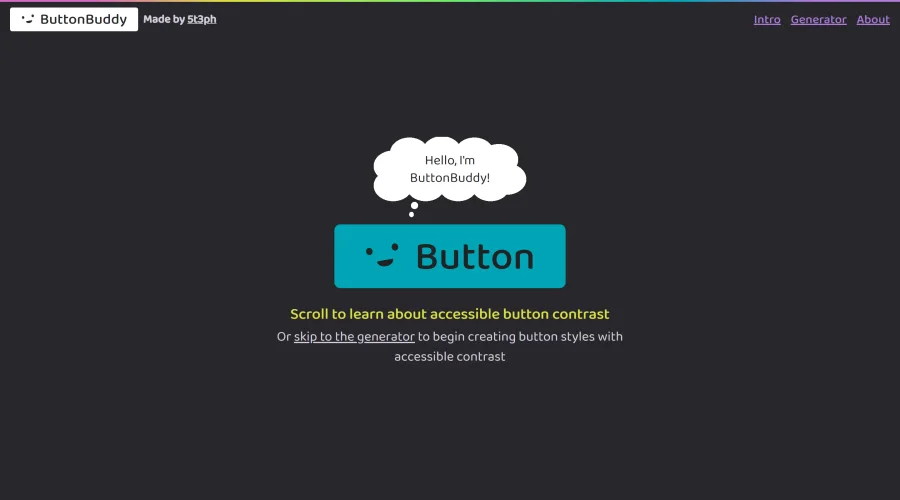

Button Buddy
Solutions for ensuring accessible contrast in button designs.
Explore Other Categories
Discover more design resources
New to Design?
Explore our comprehensive design glossary to master essential terminology from A/B Testing to Wireframes.
Browse GlossaryLooking for something specific?
Search through our entire collection of design tools and resources