

Discover perfect palettes or get inspired by numerous color schemes.
What it costs
- Free tier
- Yes
Free palette generator with a paid Pro tier; Pro price lives on a separate /pricing page that was not scraped.
Auto-checked on 8 August 2026Source
About Coolors
What Is Coolors?
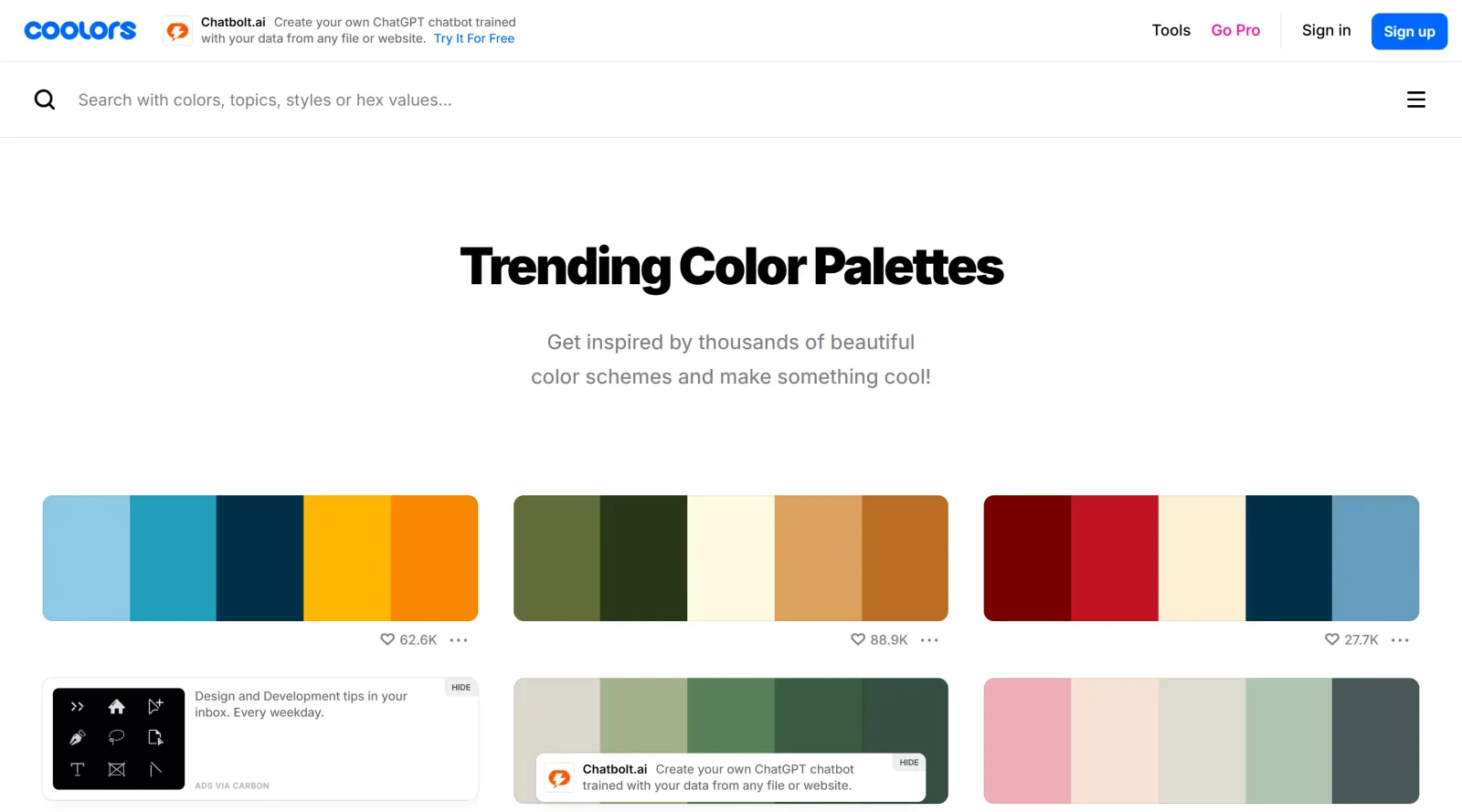
Coolors is a color palette generatorin the Design category that enables users to create and explore color schemes. It operates as a free web-based tool, accessible without cost for core functions, fitting into design workflows for selecting harmonious colors early in projects such as UI design, branding, and digital art. Coolors generates palettes that complement each other algorithmically, supporting tasks from initial ideation to final exports.
What Coolors Does
- Generates random color palettes by pressing the space bar or similar actions, producing sets of up to 10 colors that harmonize.
- Allows locking specific colors to preserve them while generating new complementary shades around them.
- Supports input of custom colors via hex codes or color picker for building palettes from user-selected hues.
- Extracts color palettes from uploaded images using an image picker tool.
- Provides previews of palettes applied to sample designs via a palette visualizer.
- Enables palette adjustments like shuffling colors, accessing shades and hues, and exporting in formats such as PNG or PDF.
How Coolors Can Be Used
- Designers start with a base color, lock it in Coolors, and generate matching palettes for website UI elements like buttons and backgrounds.
- Artists upload reference images, such as photos of nature or products, to extract on-brand color schemes for digital illustrations or branding materials.
- Developers integrate exported hex codes directly into CSS or design software like Figma via plugins, ensuring consistent color use across prototypes.
- Teams preview palettes on mockups in the visualizer to check contrast and harmony before applying to final graphics or web layouts.
- Users save up to 10 palettes in the free version for ongoing projects, exporting images for import into tools like Photoshop or Illustrator.
Who Is Coolors For?
Coolors serves graphic designers, UI/UX developers, digital artists, and non-designers needing quick color solutions for projects like branding, web design, and illustrations. It suits beginners exploring palettes through random generation and experienced users refining schemes with image extraction or custom inputs. Experience levels from novice to professional benefit from its accessible interface in workflows requiring fast, harmonious color sets.Visit Coolors
Featured Tools
Sponsored
Artlist
Royalty-free music, SFX, 8K footage, templates, LUTs and 100+ AI models on a single subscription for video creators.

Icons8
Large icon packs featuring over 10,000 icons for consistent design themes.

Vidu
AI video generator with text, image and reference-to-video modes, producing 3–16 second clips at up to 1080p with characters that stay consistent across shots.
Your tool here
The tools above are our own picks until the slots sell.

More Color Tools Tools

Hue Codex
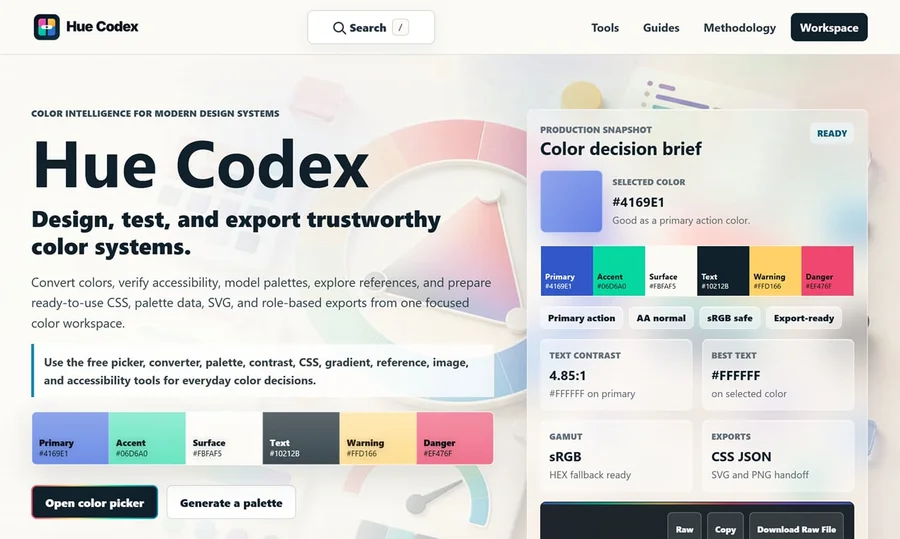
Hue Codex is a free, no-account color workspace for designers and developers, with palette generation, WCAG contrast checks, modern CSS tools, image color extraction, local saving, and exports.

Upclimb Color Picker
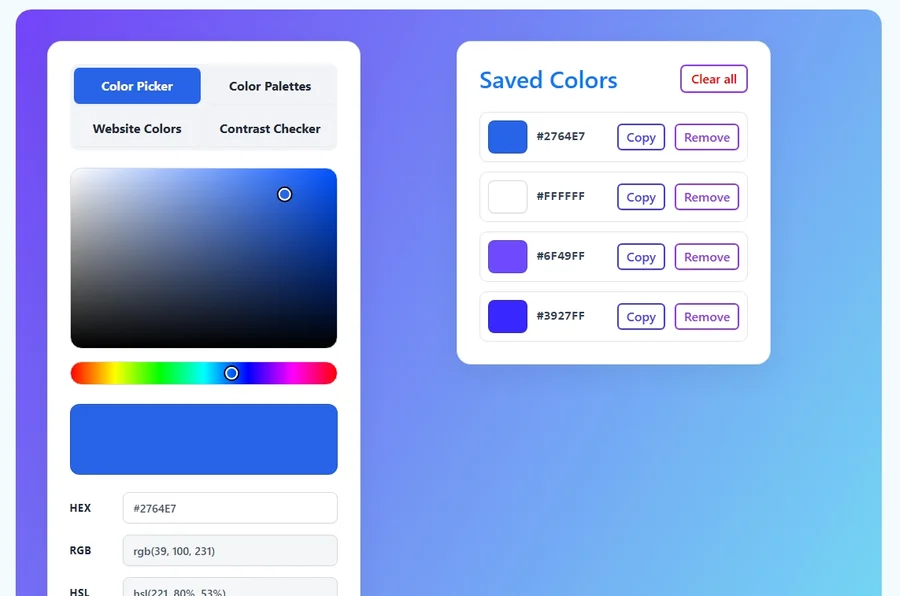
A free browser-based tool for designers & clients to decide on color schemes. Pick & save colors, generate color palettes, extract website colors, check WCAG contrast & find passing colors.

Adobe Color
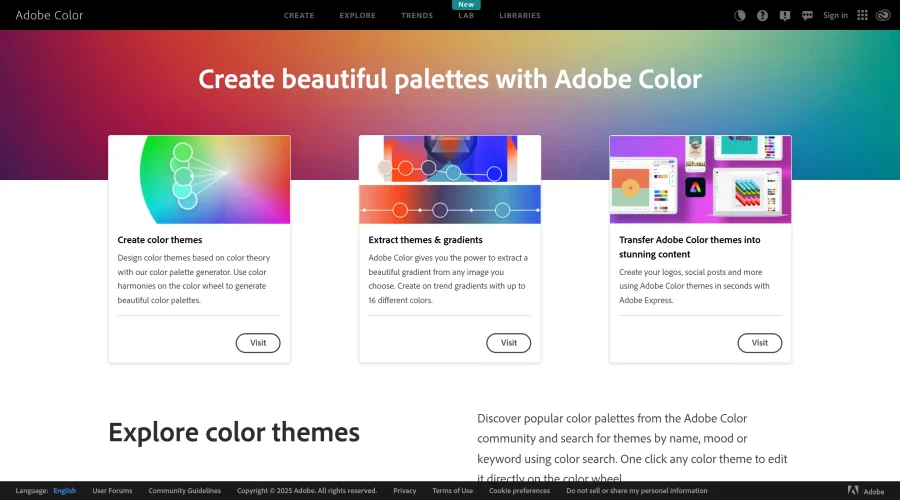
Create and explore color themes and trends with an inspirational tool.
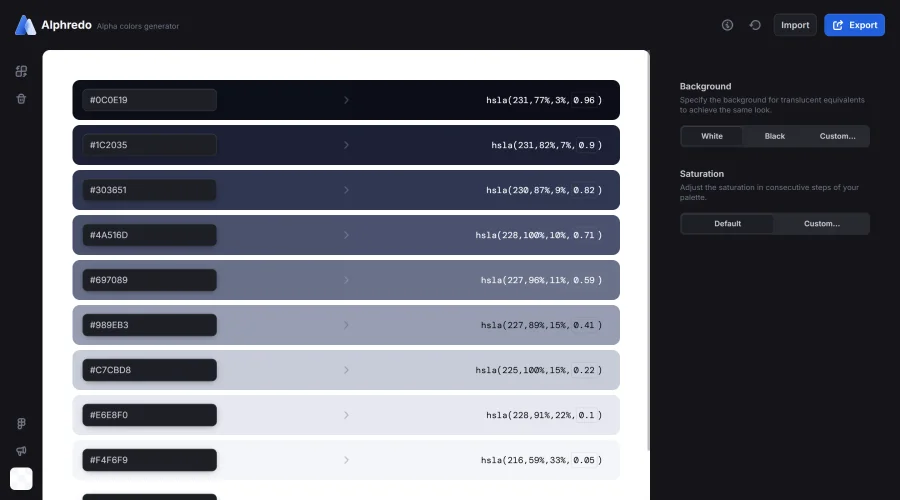

Alphredo
Generate translucent colors that match their opaque versions.
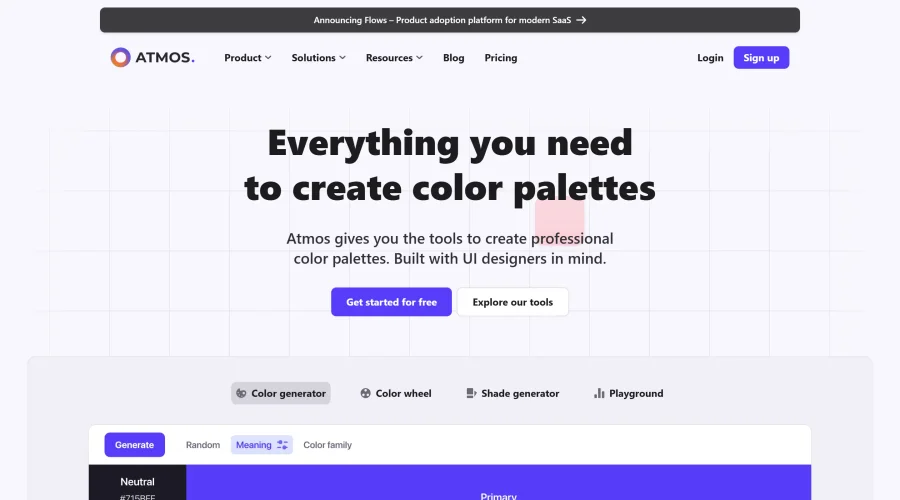

Atmos
Easily create effective UI color palettes.
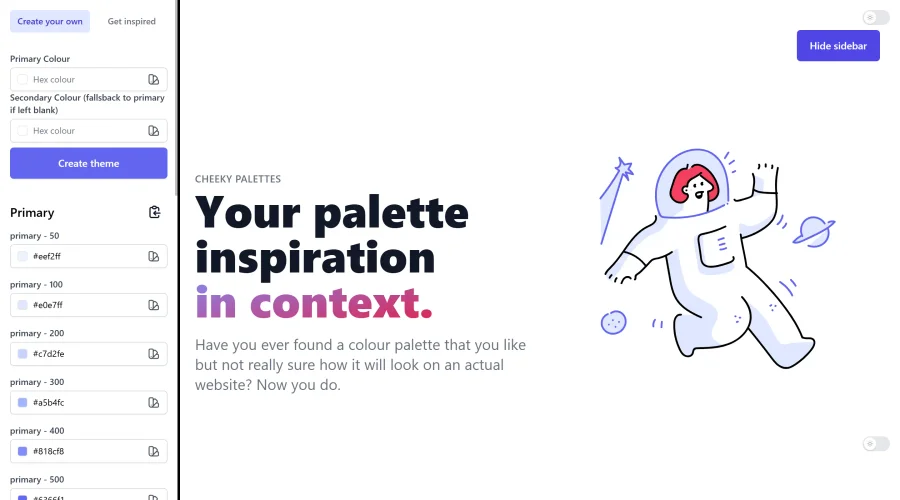

Cheeky Palettes
Find color palette inspiration in real-world context.
Explore Other Categories
Discover more design resources
New to Design?
Explore our comprehensive design glossary to master essential terminology from A/B Testing to Wireframes.
Browse GlossaryLooking for something specific?
Search through our entire collection of design tools and resources