

What it costs
- Free tier
- Yes
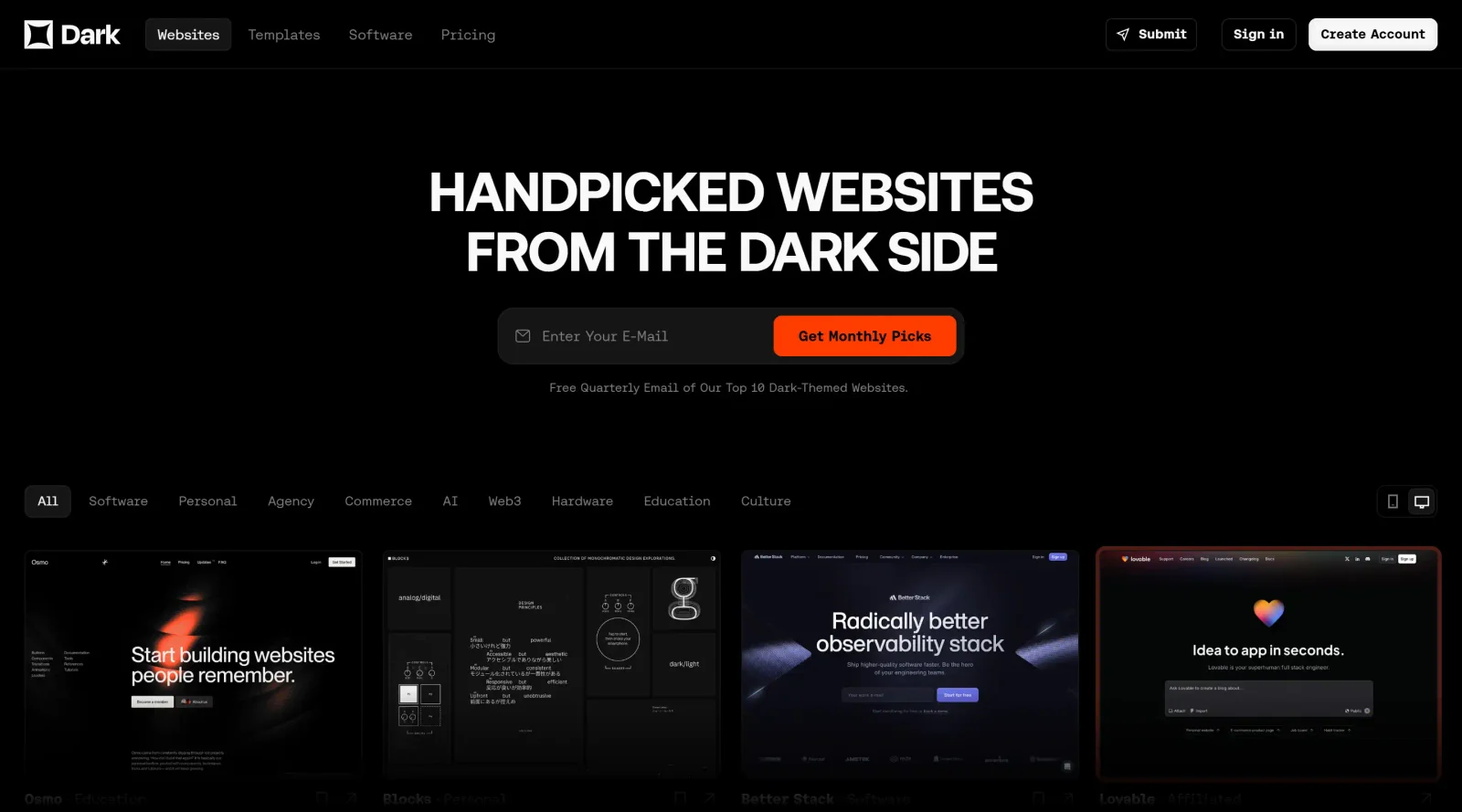
Free curated gallery of dark-themed website inspiration with free templates and no paid plans.
Auto-checked on 8 August 2026Source
About Dark
What Is Dark?
Dark is a free tool in the design category that supports the creation and implementation of dark UI designs, also known as dark mode or night mode interfaces. It fits into the design workflow during the theming and accessibility phases, where designers develop color schemes with dark backgrounds contrasted against lighter elements to improve readability and reduce eye strain in low-light conditions. Dark provides resources for building cohesive dark themes across websites, mobile applications, and software interfaces.
What Dark Does
- Generates dark color palettes using dark grays instead of pure black to minimize harsh contrast and eye strain.
- Applies strategic contrast to emphasize key UI elements like buttons, text, and calls to action against dark backgrounds.
- Supports elevation techniques with shadows, gradients, and lighter surfaces to create depth and hierarchy in interfaces.
- Offers desaturated color options to maintain balance and avoid visual clutter in dark themes.
- Facilitates negative space utilization for improved legibility and focus on essential components.
- Provides adjustments for accessibility, including contrast ratios and anti-aliasing considerations for text clarity.
How Dark Can Be Used
- Designers apply Dark to prototype dark mode versions of mobile apps, testing contrast in low-light environments to ensure readability for extended reading sessions.
- In web development workflows, Dark generates color schemes for websites, simulating real-world glare conditions to refine interactive elements like links and navigation menus.
- Teams use Dark for creating e-reader or music app interfaces, where vibrant accents pop against dark backdrops to guide user attention to album art or key content.
- Accessibility testing involves Dark to check halo effects on text edges and adjust for users with low vision or astigmatism by offering mode toggles.
- Messaging app designers leverage Dark's negative space features to space out messages, reducing noise and enhancing focus in dark-themed chats.
Who Is Dark For?
Dark serves UI/UX designers, front-end developers, and product teams working on applications requiring adaptable themes for various lighting conditions and user preferences. It suits projects involving content-heavy interfaces, such as e-readers, productivity apps, or dashboards, where maintaining visual hierarchy and accessibility in dark mode is essential. Experience levels range from intermediate designers experimenting with theming to advanced teams ensuring cross-device consistency. Visit Dark
Featured Tools
Sponsored
Artlist
Royalty-free music, SFX, 8K footage, templates, LUTs and 100+ AI models on a single subscription for video creators.

Icons8
Large icon packs featuring over 10,000 icons for consistent design themes.

Vidu
AI video generator with text, image and reference-to-video modes, producing 3–16 second clips at up to 1080p with characters that stay consistent across shots.
Your tool here
The tools above are our own picks until the slots sell.
Spotlight
SponsoredRotates daily
HyNote
Records and transcribes interviews and meetings, then turns them into summaries and action items.
More Inspiration Tools
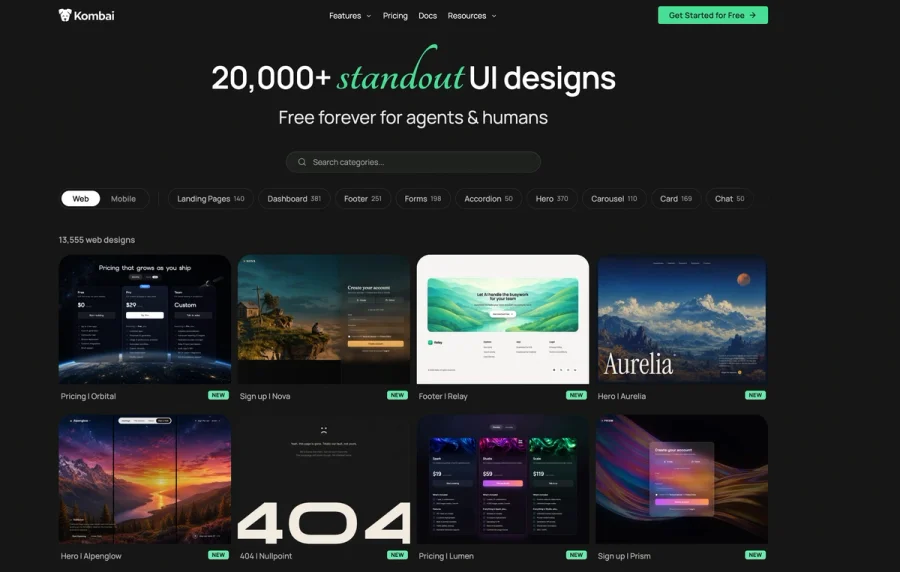
Kombai Gallery
20,000+ curated UI designs for agents and humans
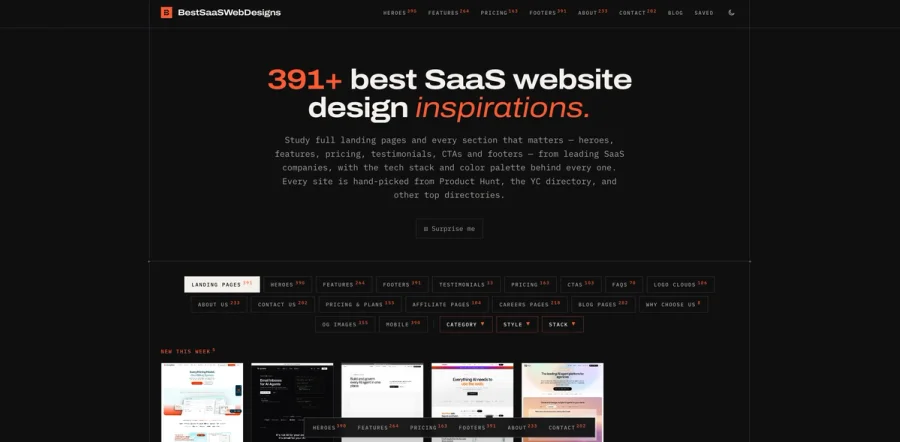

BestSaaSWebDesigns
A curated gallery of inspiring SaaS website designs, showcasing the best landing pages, layouts, UI patterns, and creative ideas from SaaS companies around the web. It’s a useful resource for founders
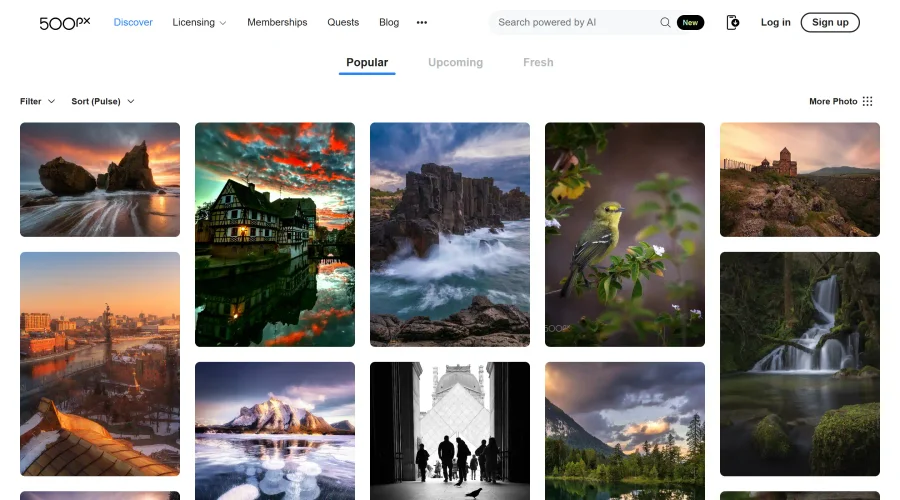

500px
Ignite inspiration with incredible photos spanning diverse styles and genres worldwide.
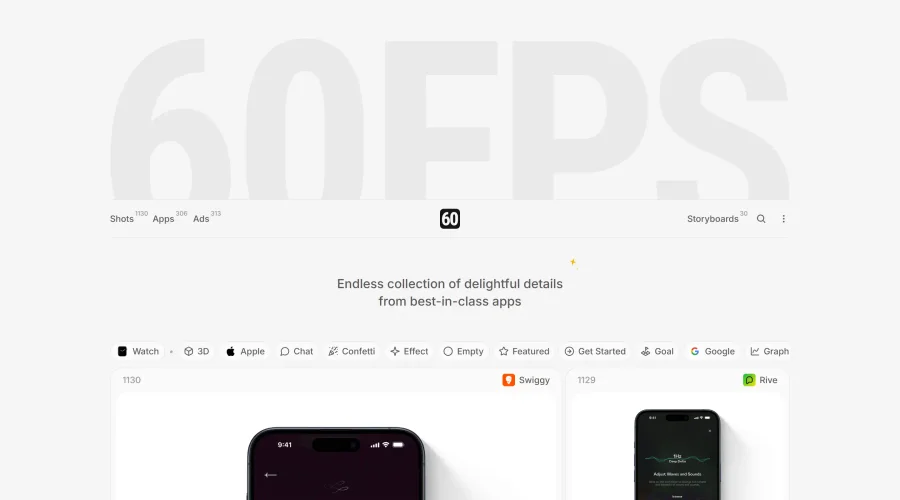

60FPS
An expanding repository of ads, interfaces, and motion design inspiration.
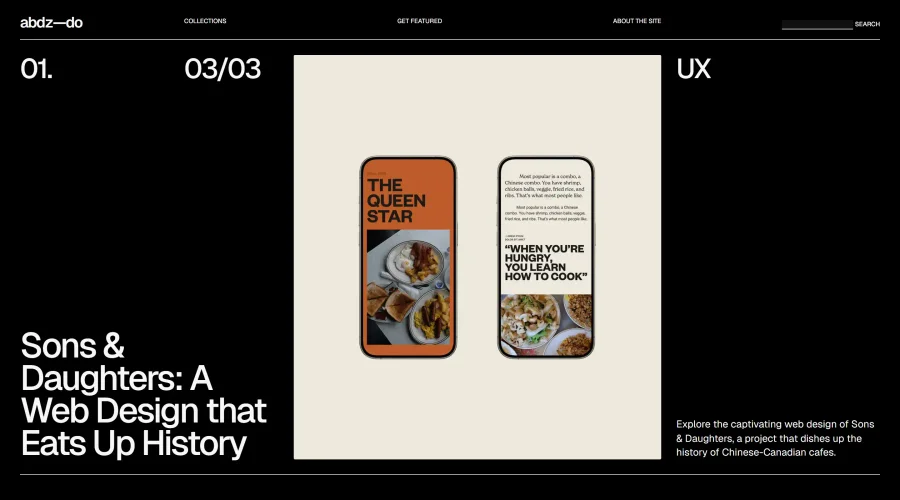
abdz.do
A collective of individual writers sharing articles on graphic design, branding, and UI.
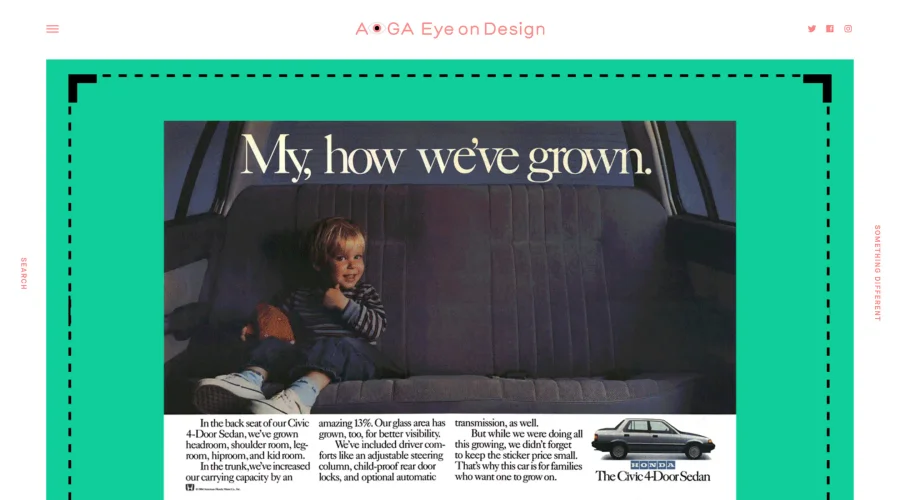
AIGA Eye on Design
A discerning eye focused on the latest and greatest work from the world's most dynamic graphic designers.
Explore Other Categories
Discover more design resources
New to Design?
Explore our comprehensive design glossary to master essential terminology from A/B Testing to Wireframes.
Browse GlossaryLooking for something specific?
Search through our entire collection of design tools and resources