

Unify design and code workflows for cohesive product development.
What it costs
- Free tier
- No
Scraped page was blocked (ERR_BLOCKED_BY_CLIENT); no pricing could be captured.
Auto-checked on 8 August 2026Source
About Interplay
What Is Interplay?
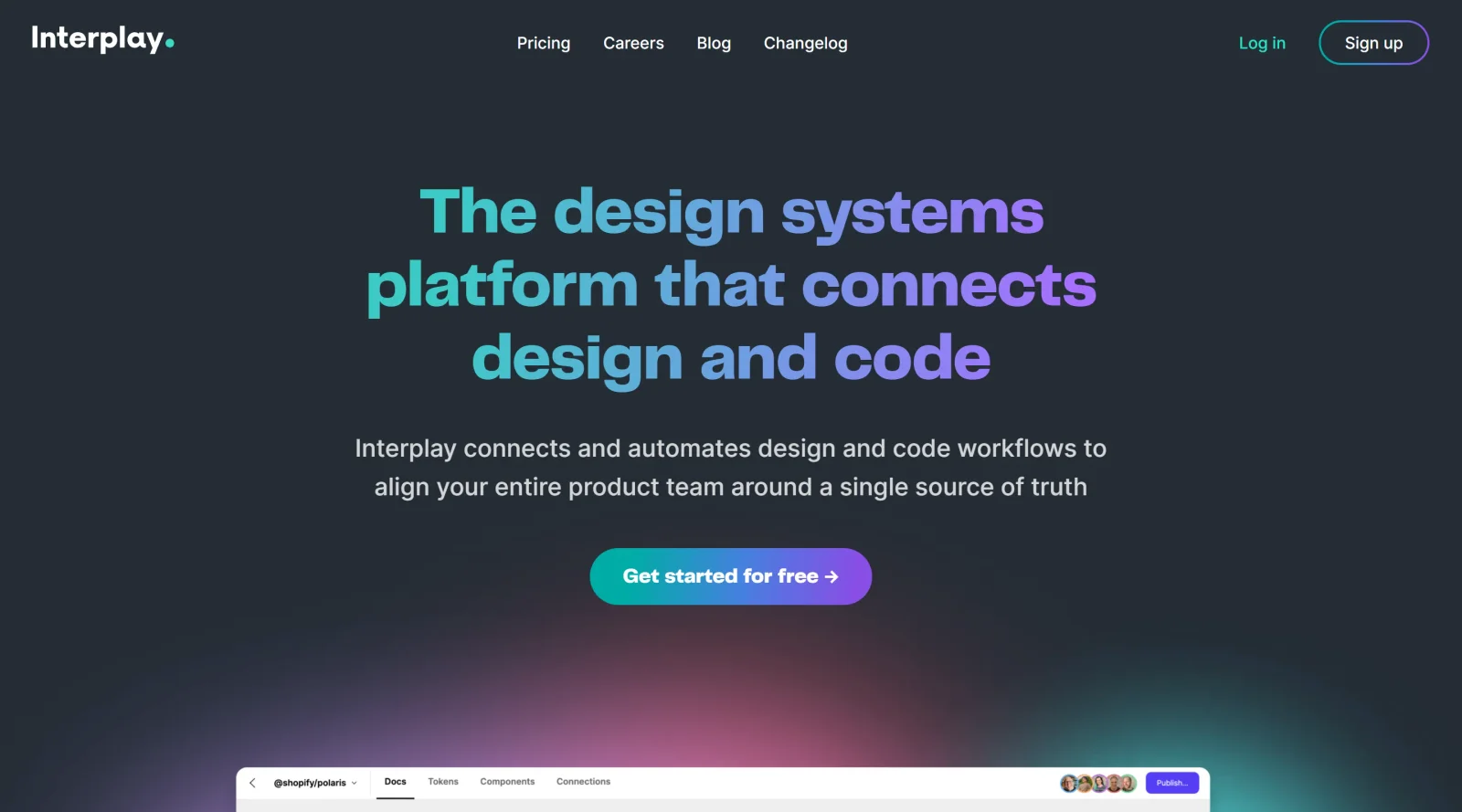
Interplay is a design tool in the design-tools category that unifies design and code workflows for cohesive product development. Operating on a freemium pricing model, Interplay enables teams to bridge the gap between designers and developers by automating connections between design artifacts and code implementation. It fits into design workflows where maintaining consistency across design systems is essential, particularly in stages involving component creation, review, and handoff.
What Interplay Does
- Captures rich metadata within design components to store notes on intent and usage directly in code.
- Synchronizes metadata from code back to design tools like Figma, ensuring designs reflect code-based updates.
- Automates workflows between design ideation, stakeholder review, refinement, implementation scoping, and development builds.
- Supports a code-as-source-of-truth approach, reducing reliance on disposable artifacts such as Figma files or spreadsheets.
- Facilitates consistency in design systems by aligning intermediary design outputs with live code implementations.
- Enables product teams to maintain updated documentation of component evolution without manual synchronization.
How Interplay Can Be Used
- Designers export component metadata from Figma to code repositories, allowing developers to build implementations informed by original design intent.
- Developers update code with new usage notes or changes, which propagate back to design files for ongoing refinement in new projects.
- Teams conduct stakeholder reviews using shared artifacts that stay in sync with code, minimizing discrepancies during implementation scoping.
- Product teams manage evolving design systems by tracking real-world deviations from initial designs directly in the code base.
- In multi-disciplinary workflows, Interplay integrates with existing tools to automate handoffs, such as from ideation spreadsheets to production code.
Who Is Interplay For?
Interplay serves designers, developers, and product teams working on design systems where alignment between visual designs and code is critical. It suits roles involved in component libraries, UI development, and cross-functional collaboration, particularly for projects requiring consistent handoffs and metadata management across tools like Figma and code repositories. Experience levels range from mid-level practitioners handling iterative workflows to senior teams maintaining large-scale design systems. Visit Interplay
Featured Tools
Sponsored
Artlist
Royalty-free music, SFX, 8K footage, templates, LUTs and 100+ AI models on a single subscription for video creators.

Icons8
Large icon packs featuring over 10,000 icons for consistent design themes.

Vidu
AI video generator with text, image and reference-to-video modes, producing 3–16 second clips at up to 1080p with characters that stay consistent across shots.
Your tool here
The tools above are our own picks until the slots sell.
Spotlight
SponsoredRotates daily
Hailuo AI
AI video generator from MiniMax with cinematic, language-driven camera control.
Tools we recommend

getimg.ai
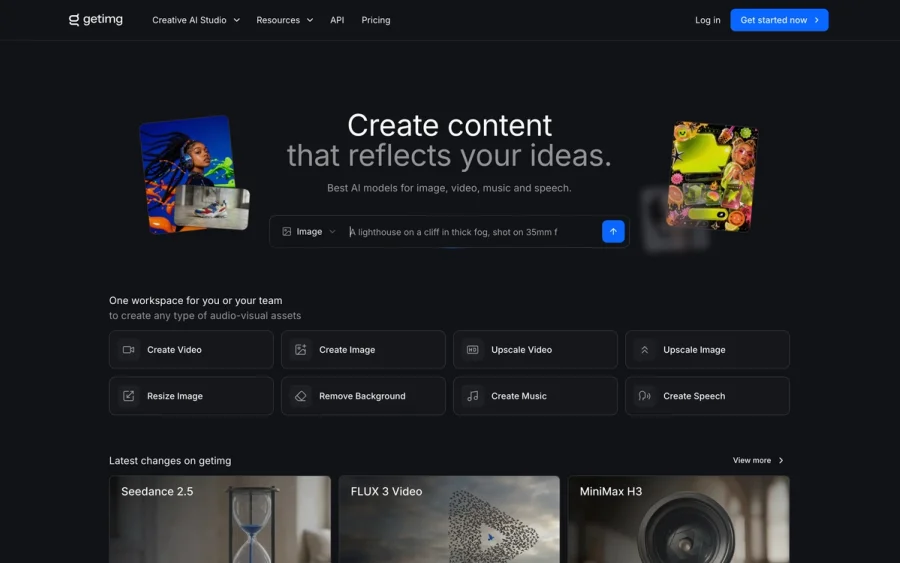
20+ AI models for image, video & audio in one workspace

OpenArt
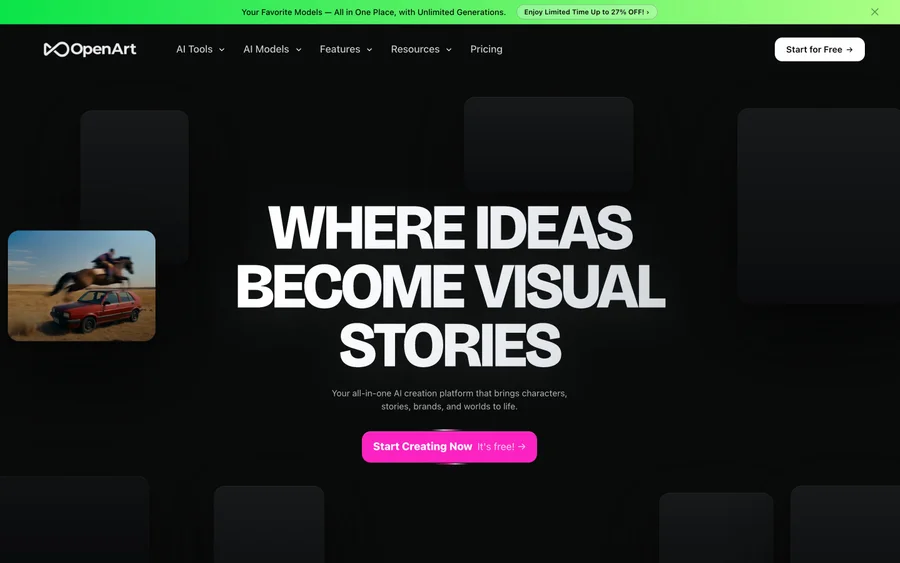
All-in-one AI image, video & audio generator


YouCam Online Editor
Free online AI photo & video editor
Editorially chosen. Some links above are affiliate links — if you sign up we may earn a commission, at no extra cost to you.
More Design Tools Tools

Pryzm
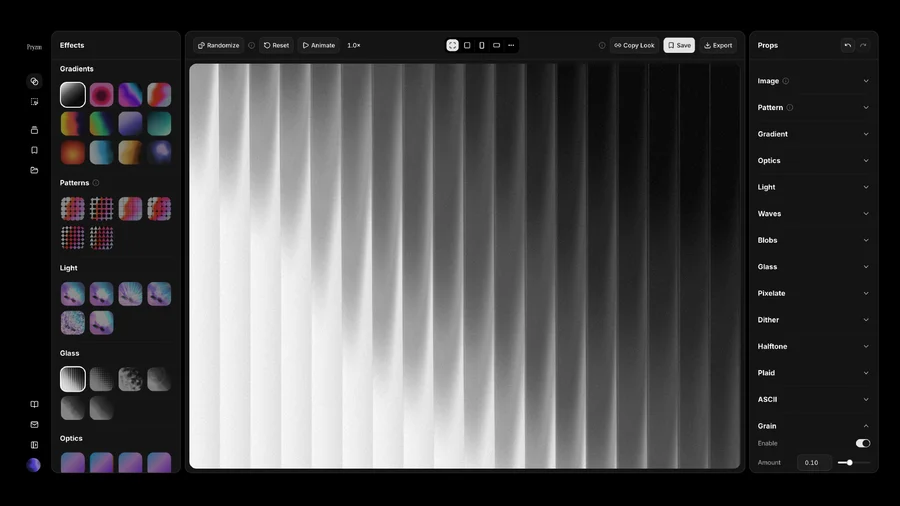
Pryzm is a real-time studio for designers who need backgrounds that don't look like everyone else's. Layer procedural gradients, then stack glass, grain, light and blobs.
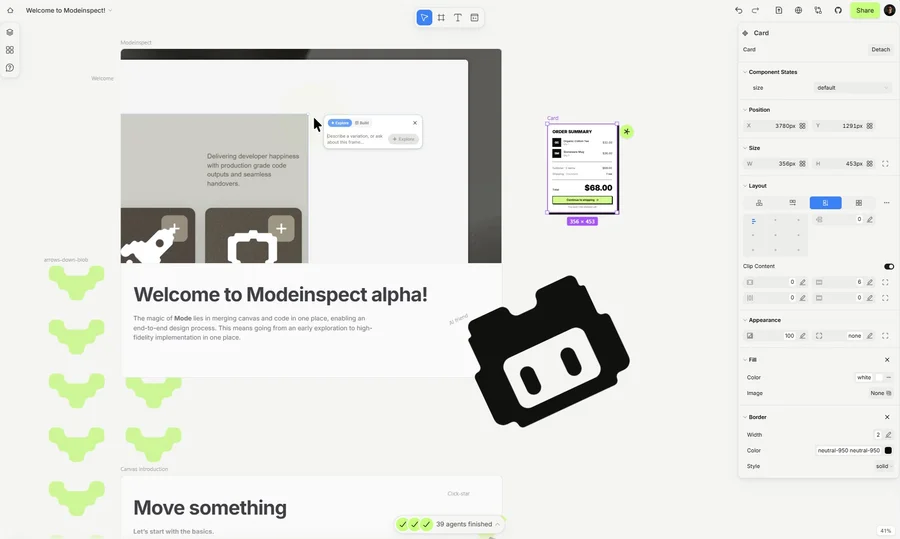

Modeinspect
Mode turns your product’s codebase into editable canvas frames. Refine real UI with visual controls, experiment with AI then share or hand off for review.
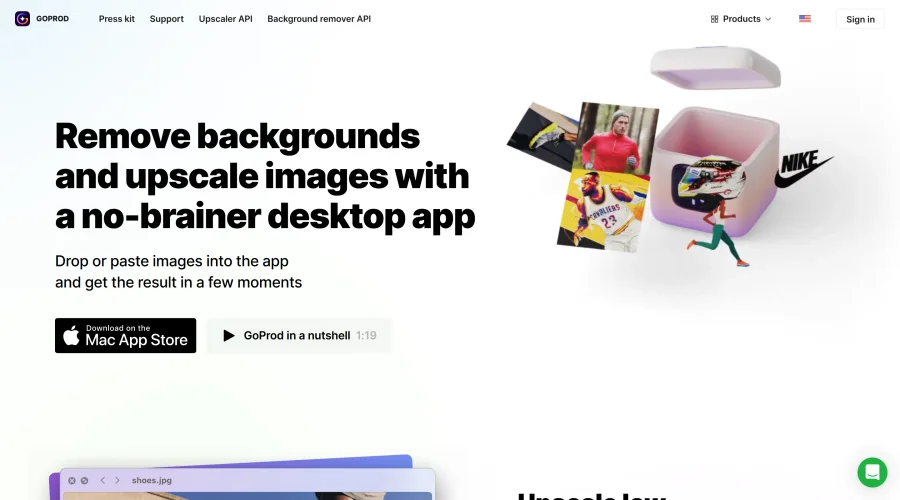

GoProd
Remove backgrounds and upscale images effectively.
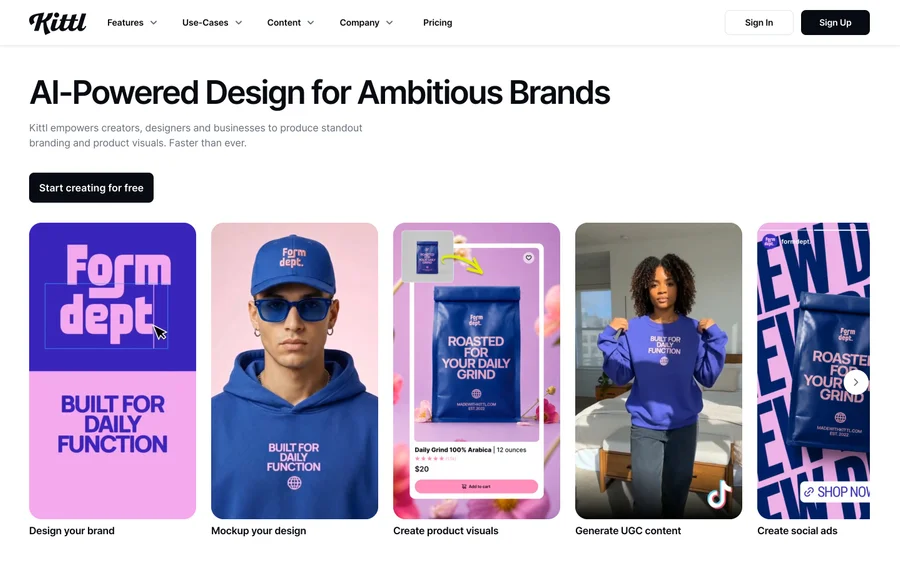

Kittl
AI-first design platform with image, vector, and video generation, plus templates, mockups, and print-ready exports.
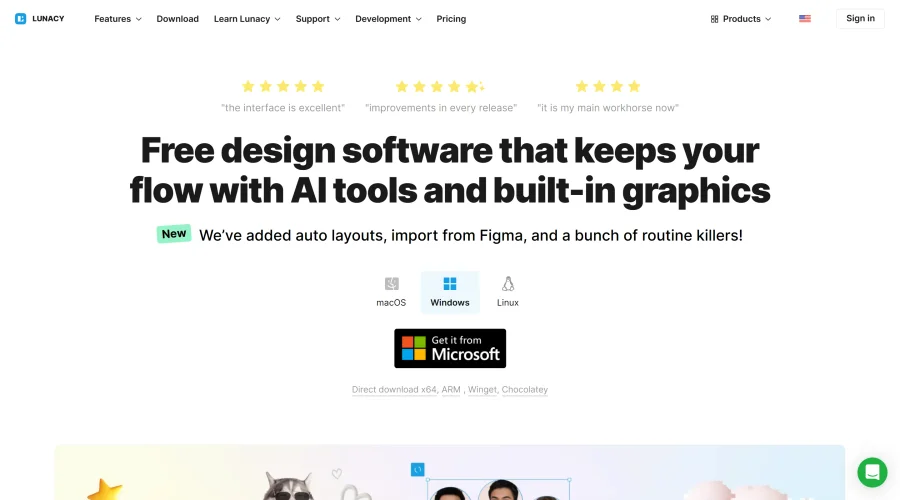

Lunacy
Free design software enhanced with AI tools and built-in graphics.
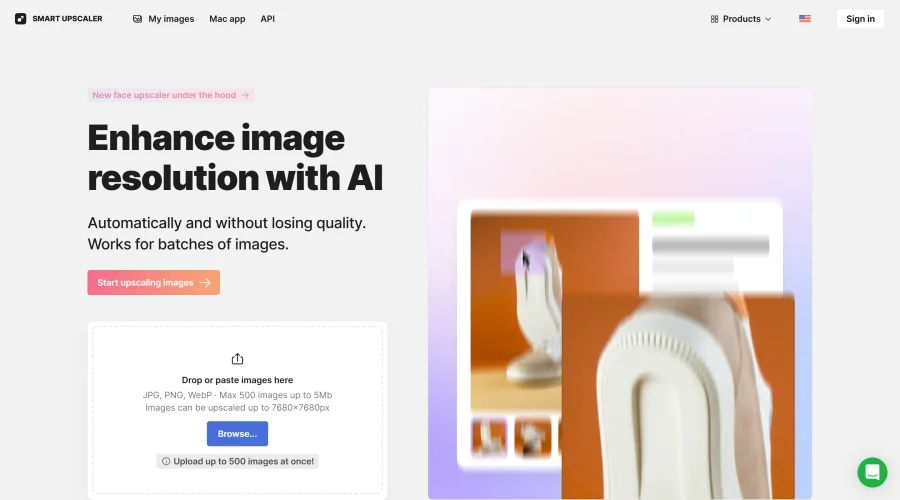

Smart Upscaler
Automatically improve image clarity using AI technology.
Explore Other Categories
Discover more design resources
New to Design?
Explore our comprehensive design glossary to master essential terminology from A/B Testing to Wireframes.
Browse GlossaryLooking for something specific?
Search through our entire collection of design tools and resources