
Tool for creating, sharing color palettes and checking color accessibility.
What it costs
- Free tier
- Yes
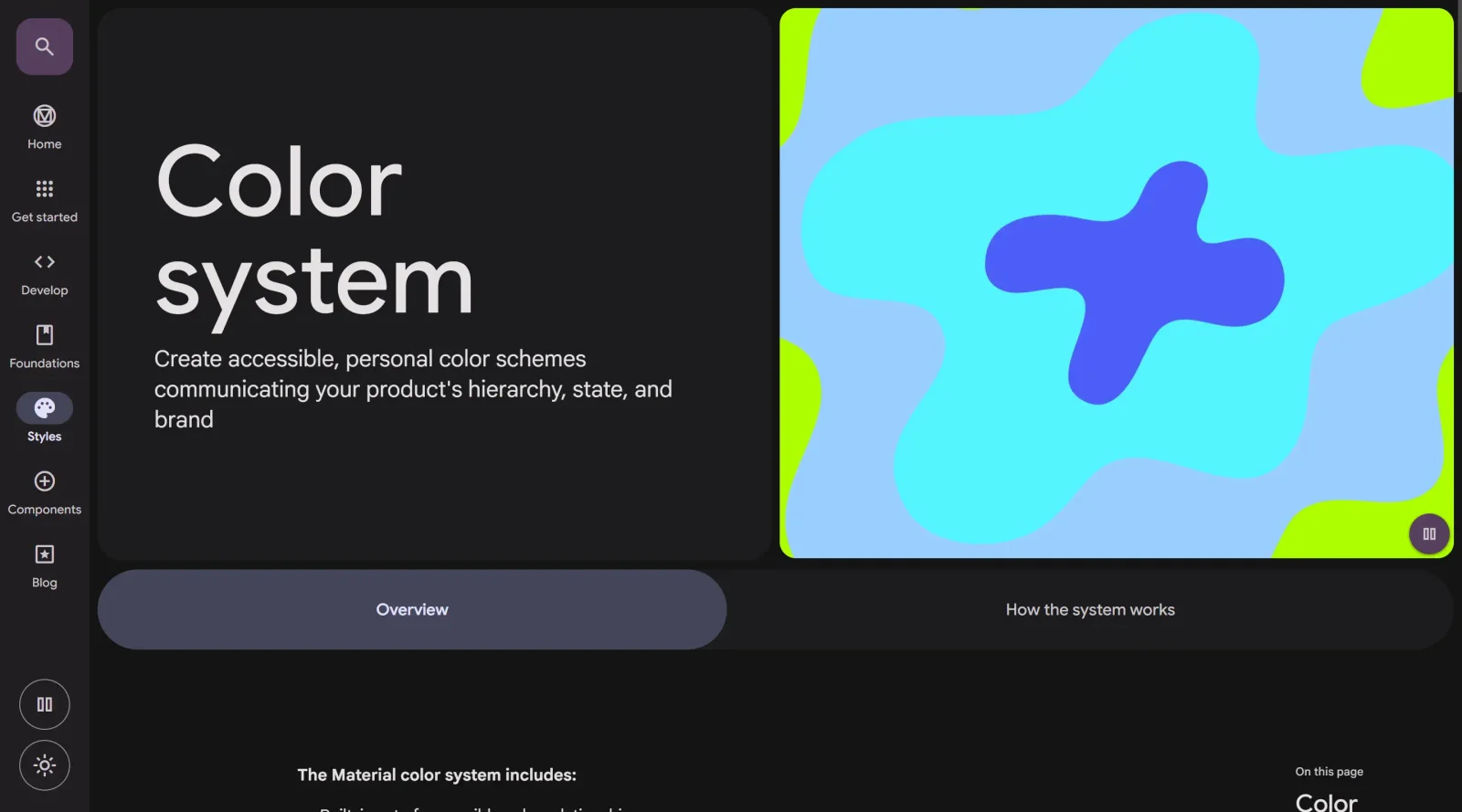
Free open-source resource, but the scrape redirected to the Material Design homepage rather than the standalone color tool, which appears folded into M3.
Auto-checked on 8 August 2026Source
About Material Design Color Tool
What Is Material Design Color Tool?
The Material Design Color Tool is a free web-based application designed to help designers and developers create, share, and apply color palettes to user interfaces. Part of Google's Material Design system, this color palette generator enables users to build cohesive color schemes while ensuring accessibility compliance. The tool serves as a practical resource for anyone building interfaces that follow Material Design principles or simply need a structured approach to color selection and validation.
What Material Design Color Tool Does
- Creates custom color schemes with darker and lighter variations of primary and secondary colors
- Tests color combinations against Web Content Accessibility Guidelines (WCAG) legibility standards to verify sufficient contrast
- Generates tonal palettes that automatically handle accessible color contrast and interaction states
- Previews color schemes across Material Design components with live, editable code in CodePen
- Applies dynamic color functionality that derives custom colors from user wallpapers for personalized Material You themes
- Exports theming code for implementation in design systems and applications
How Material Design Color Tool Can Be Used
- Generate a branded color palette by inputting primary and secondary colors, then preview how they perform across buttons, navigation, cards, and other UI components
- Validate text readability by testing color combinations on different backgrounds before finalizing a design system
- Build Material Design 3 themes with properly structured color roles for both light and dark modes
- Create consistent global color control across an entire product, where changing a primary color automatically updates all dependent components
- Develop accessible interfaces by leveraging the tool's built-in color relationships, which meet contrast requirements by default
Who Is Material Design Color Tool For?
The Material Design Color Tool is most valuable for UI designers and developers building interfaces with Material Design, particularly those working on Android apps, web applications, or design systems that prioritize accessibility. Product teams, design system owners, and anyone implementing Material Design 3 benefit from the tool's automation of color accessibility checks and palette generation. Designers new to Material Design find the tool especially useful for understanding how color roles and tonal palettes work together. Visit Material Design Color Tool
Featured Tools
Sponsored
Artlist
Royalty-free music, SFX, 8K footage, templates, LUTs and 100+ AI models on a single subscription for video creators.

Icons8
Large icon packs featuring over 10,000 icons for consistent design themes.

Vidu
AI video generator with text, image and reference-to-video modes, producing 3–16 second clips at up to 1080p with characters that stay consistent across shots.
Your tool here
The tools above are our own picks until the slots sell.

More Color Tools Tools


Hue Codex
Hue Codex is a free, no-account color workspace for designers and developers, with palette generation, WCAG contrast checks, modern CSS tools, image color extraction, local saving, and exports.


Upclimb Color Picker
A free browser-based tool for designers & clients to decide on color schemes. Pick & save colors, generate color palettes, extract website colors, check WCAG contrast & find passing colors.


Adobe Color
Create and explore color themes and trends with an inspirational tool.


Alphredo
Generate translucent colors that match their opaque versions.


Atmos
Easily create effective UI color palettes.


Cheeky Palettes
Find color palette inspiration in real-world context.
Explore Other Categories
Discover more design resources
New to Design?
Explore our comprehensive design glossary to master essential terminology from A/B Testing to Wireframes.
Browse GlossaryLooking for something specific?
Search through our entire collection of design tools and resources