
What it costs
- Free tier
- Yes
Page returned 403 Forbidden, so pricing could not be verified.
Auto-checked on 8 August 2026Source
About Mesh Gradients
What Is Mesh Gradients?
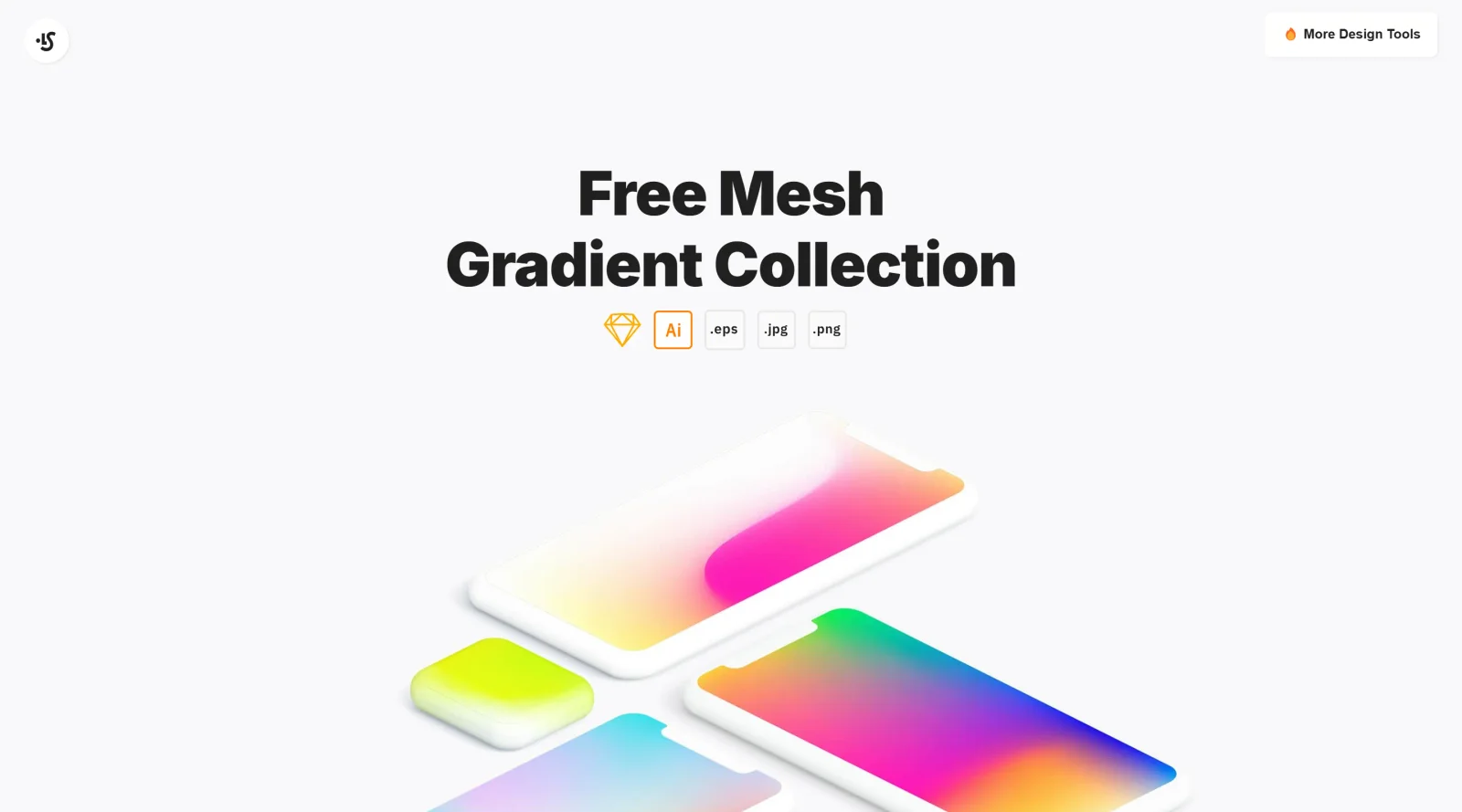
Mesh Gradients is a free color tool that enables designers and developers to create sophisticated gradient effects using a grid-based approach. Unlike traditional linear or radial gradients, mesh gradients work by placing color points on a customizable grid where each point influences the colors around it through smooth, curved transitions. This technique allows for multidirectional color blending and produces results that would be difficult or impossible to achieve with standard gradient tools.
What Mesh Gradients Does
- Creates custom mesh grids with adjustable resolution (typically 3×3, 4×4, or 5×5 configurations) to control gradient complexity and detail
- Provides color space options including RGB, OKLab, and LCH to optimize color transitions and reduce visual artifacts like color muddiness
- Allows precise control over gradient curves through handle manipulation, enabling organic, flowing color transitions rather than rigid linear patterns
- Generates high-definition gradient images suitable for web and print applications
- Offers texture and depth effects such as film grain, progressive blur, and chromatic aberration to enhance visual interest
- Enables users to save, load, and edit gradients for iterative design workflows
How Mesh Gradients Can Be Used
Mesh Gradients work well in modern design contexts where sophisticated color blending enhances visual impact. Common applications include creating background imagery for websites and applications, developing brand-specific gradient assets that incorporate multiple colors naturally, and producing hero sections or landing page elements that require visual depth and sophistication. Designers can use Mesh Gradients to add texture to digital work through effects like film grain, making designs feel less flat and more intentional. The tool is also useful for vectorizing photographic elements or creating abstract visual effects that maintain cohesive color palettes across a design system.
Who Is Mesh Gradients For?
Mesh Gradients serves designers, developers, and creative professionals who work with color and need more control than standard gradient tools provide. The free pricing model makes it accessible to students, freelancers, and agencies. It is particularly valuable for those designing digital interfaces, brand identities, or marketing materials where distinctive gradient effects differentiate visual work. Whether working on web design, UI design, or creative branding projects, users benefit from Mesh Gradients' ability to produce polished, professional color work without requiring advanced technical skills. Visit Mesh Gradients
Featured Tools
Sponsored
Artlist
Royalty-free music, SFX, 8K footage, templates, LUTs and 100+ AI models on a single subscription for video creators.

Icons8
Large icon packs featuring over 10,000 icons for consistent design themes.

Vidu
AI video generator with text, image and reference-to-video modes, producing 3–16 second clips at up to 1080p with characters that stay consistent across shots.
Your tool here
The tools above are our own picks until the slots sell.
Spotlight
SponsoredRotates daily
Glyph Neue
Over 1,500 icons in SVG and PNG formats, free with attribution.
More Color Tools Tools


Hue Codex
Hue Codex is a free, no-account color workspace for designers and developers, with palette generation, WCAG contrast checks, modern CSS tools, image color extraction, local saving, and exports.


Upclimb Color Picker
A free browser-based tool for designers & clients to decide on color schemes. Pick & save colors, generate color palettes, extract website colors, check WCAG contrast & find passing colors.


Adobe Color
Create and explore color themes and trends with an inspirational tool.


Alphredo
Generate translucent colors that match their opaque versions.


Atmos
Easily create effective UI color palettes.


Cheeky Palettes
Find color palette inspiration in real-world context.
Explore Other Categories
Discover more design resources
New to Design?
Explore our comprehensive design glossary to master essential terminology from A/B Testing to Wireframes.
Browse GlossaryLooking for something specific?
Search through our entire collection of design tools and resources