

Inspiration and organization in a new visual workspace built for ideas.
What it costs
- Free tier
- No
Moss is in beta with no public pricing — only a newsletter 'Get updates' signup is offered.
Auto-checked on 8 August 2026Source
About Moss
What Is Moss?
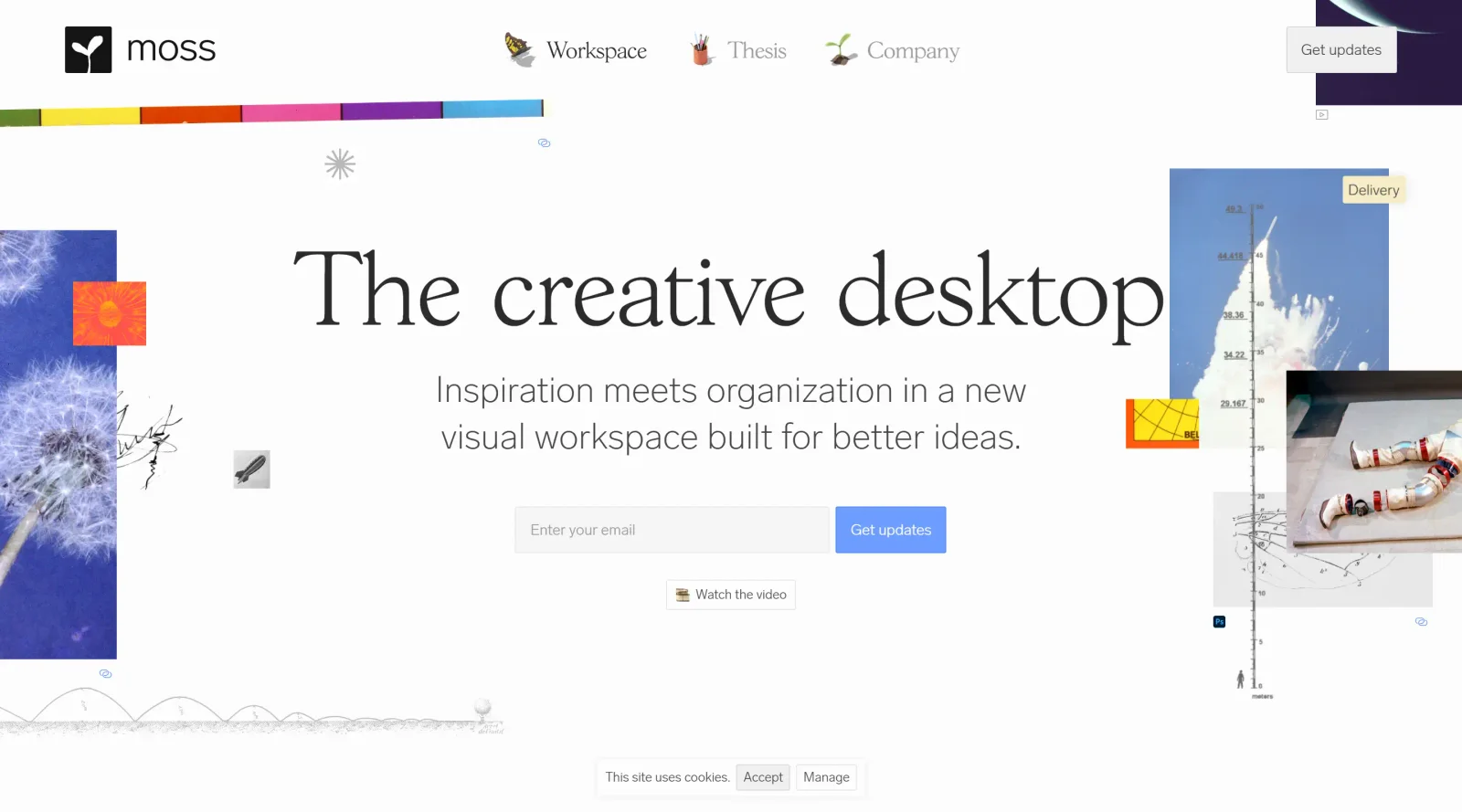
Moss is a visual workspace tool in the inspiration category, designed for organizing ideas and fostering creativity among designers and teams. It reimagines the traditional desktop environment by providing a fluid, collaborative space where users can collect, arrange, and develop visual content without rigid file folders. Currently available in beta, Moss supports the early stages of the design workflow, particularly for inspiration gathering and idea iteration.
What Moss Does
- Enables organization of visual elements like screengrabs, images, and references in a flexible, open workspace.
- Supports experimentation with ideas through dynamic layouts that allow proximity, contrast, and flow adjustments.
- Facilitates team collaboration by transforming individual desktops into shared visual environments for idea sharing.
- Provides iteration tools for refining compositions, typography, and imagery in a single interface.
- Acts as a central hub for inspiration collections, replacing scattered folders with narrative vignettes.
- Allows real-time editing and rearrangement of creative assets to match fluid thought processes.
How Moss Can Be Used
- Designers collect reference images and mood boards during the ideation phase, arranging them spatially to explore concepts visually.
- Teams collaborate on branding projects by sharing live workspaces, iterating on layouts without exporting files repeatedly.
- Creative professionals build dynamic storylines from graphical elements, using typography and imagery to form cohesive narratives.
- Individuals organize personal inspiration libraries, grouping related visuals to spark new project directions.
Who Is Moss For?
Moss serves visual thinkers, designers, and creative teams who manage inspiration and organization in non-linear workflows. It fits roles such as graphic designers, branding specialists, and collaborative groups handling iterative processes, from solo practitioners in beta testing to small studios seeking desktop alternatives. Those dealing with scattered files and repetitive editing tasks find it suitable for streamlining early-stage creativity. Visit Moss
Featured Tools
Sponsored
Artlist
Royalty-free music, SFX, 8K footage, templates, LUTs and 100+ AI models on a single subscription for video creators.

Icons8
Large icon packs featuring over 10,000 icons for consistent design themes.

Vidu
AI video generator with text, image and reference-to-video modes, producing 3–16 second clips at up to 1080p with characters that stay consistent across shots.
Your tool here
The tools above are our own picks until the slots sell.
Spotlight
SponsoredRotates daily
Base44
No-code AI platform that builds full-stack apps and websites from plain-language prompts.
More Inspiration Tools
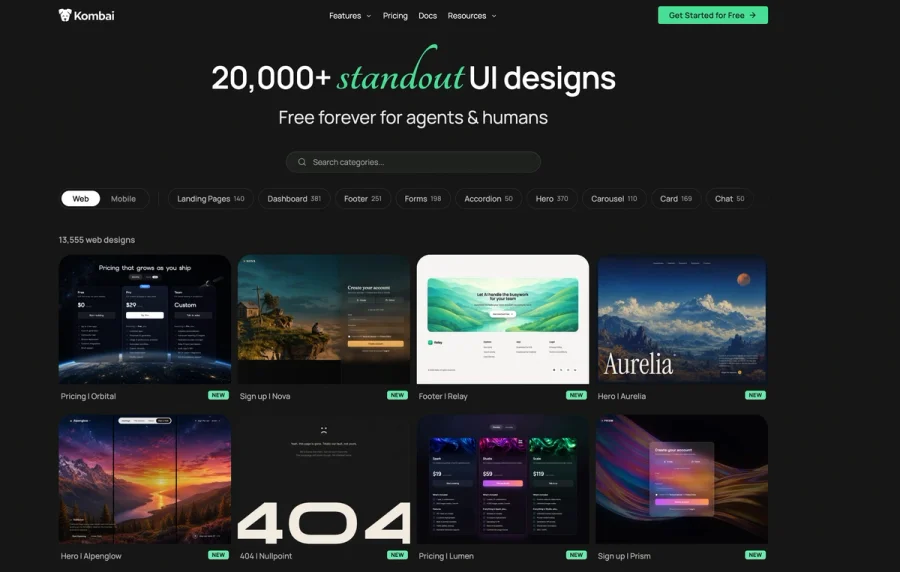

Kombai Gallery
20,000+ curated UI designs for agents and humans
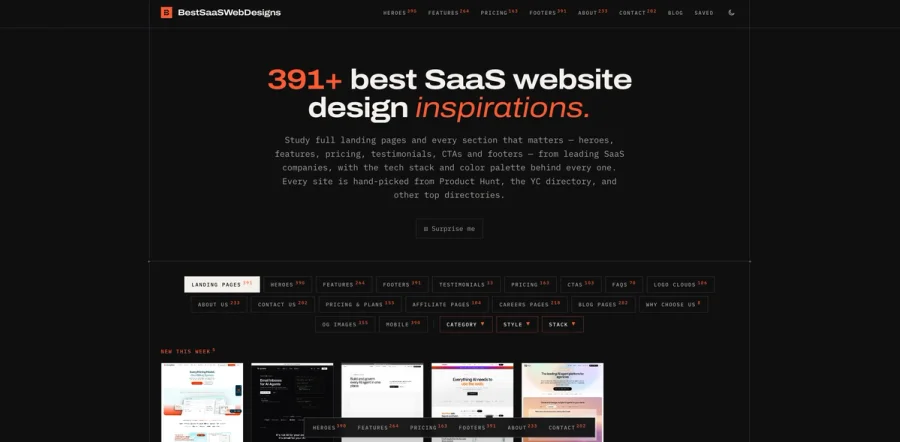

BestSaaSWebDesigns
A curated gallery of inspiring SaaS website designs, showcasing the best landing pages, layouts, UI patterns, and creative ideas from SaaS companies around the web. It’s a useful resource for founders
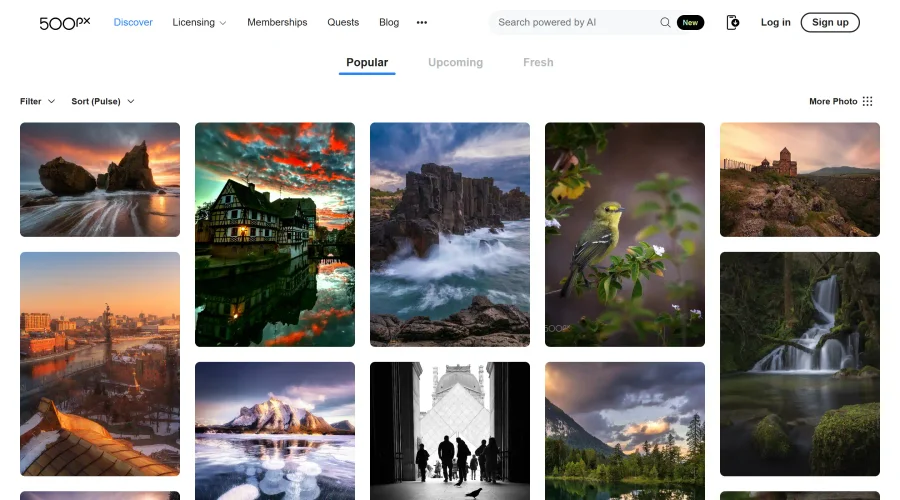

500px
Ignite inspiration with incredible photos spanning diverse styles and genres worldwide.
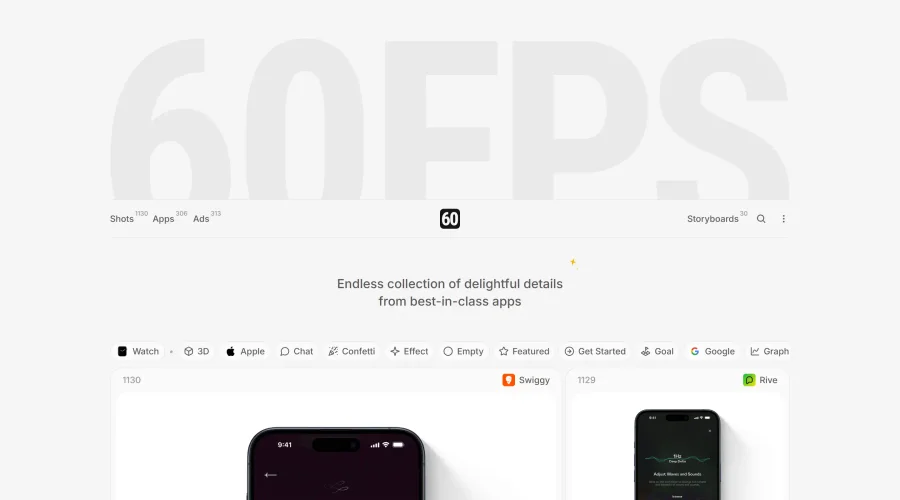

60FPS
An expanding repository of ads, interfaces, and motion design inspiration.
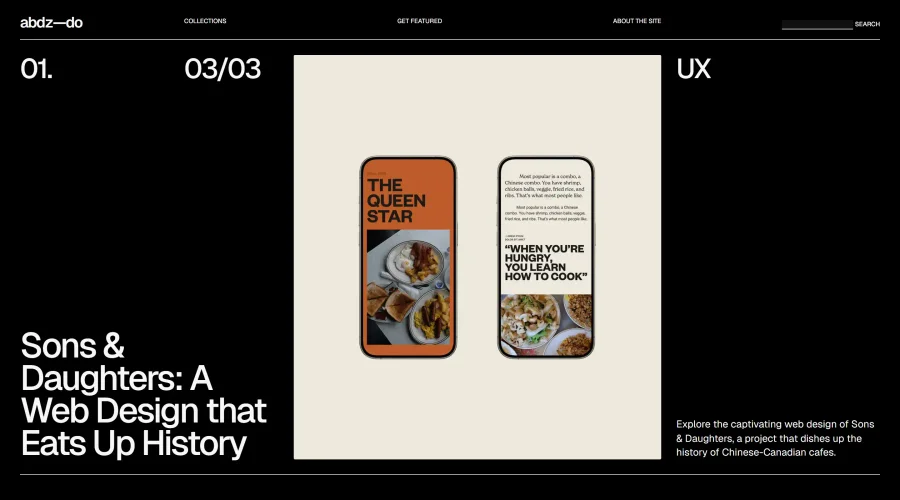

abdz.do
A collective of individual writers sharing articles on graphic design, branding, and UI.
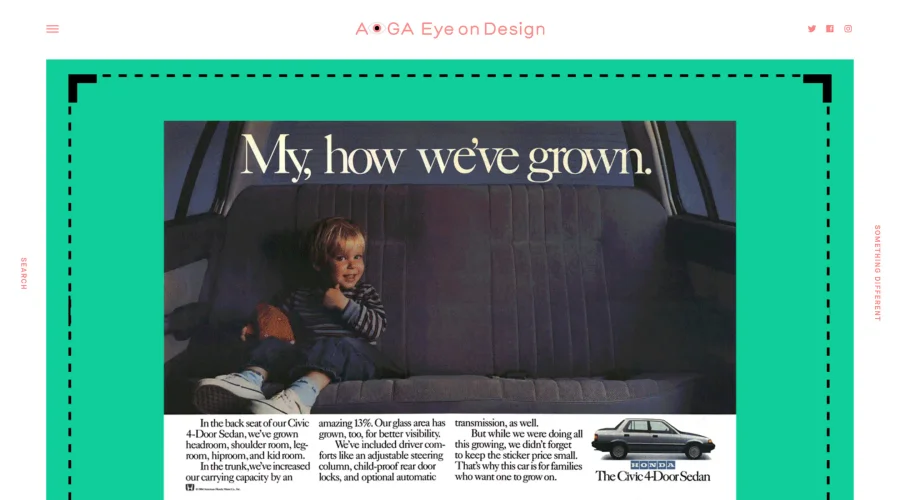

AIGA Eye on Design
A discerning eye focused on the latest and greatest work from the world's most dynamic graphic designers.
Explore Other Categories
Discover more design resources
New to Design?
Explore our comprehensive design glossary to master essential terminology from A/B Testing to Wireframes.
Browse GlossaryLooking for something specific?
Search through our entire collection of design tools and resources