

What it costs
- Free tier
- Yes
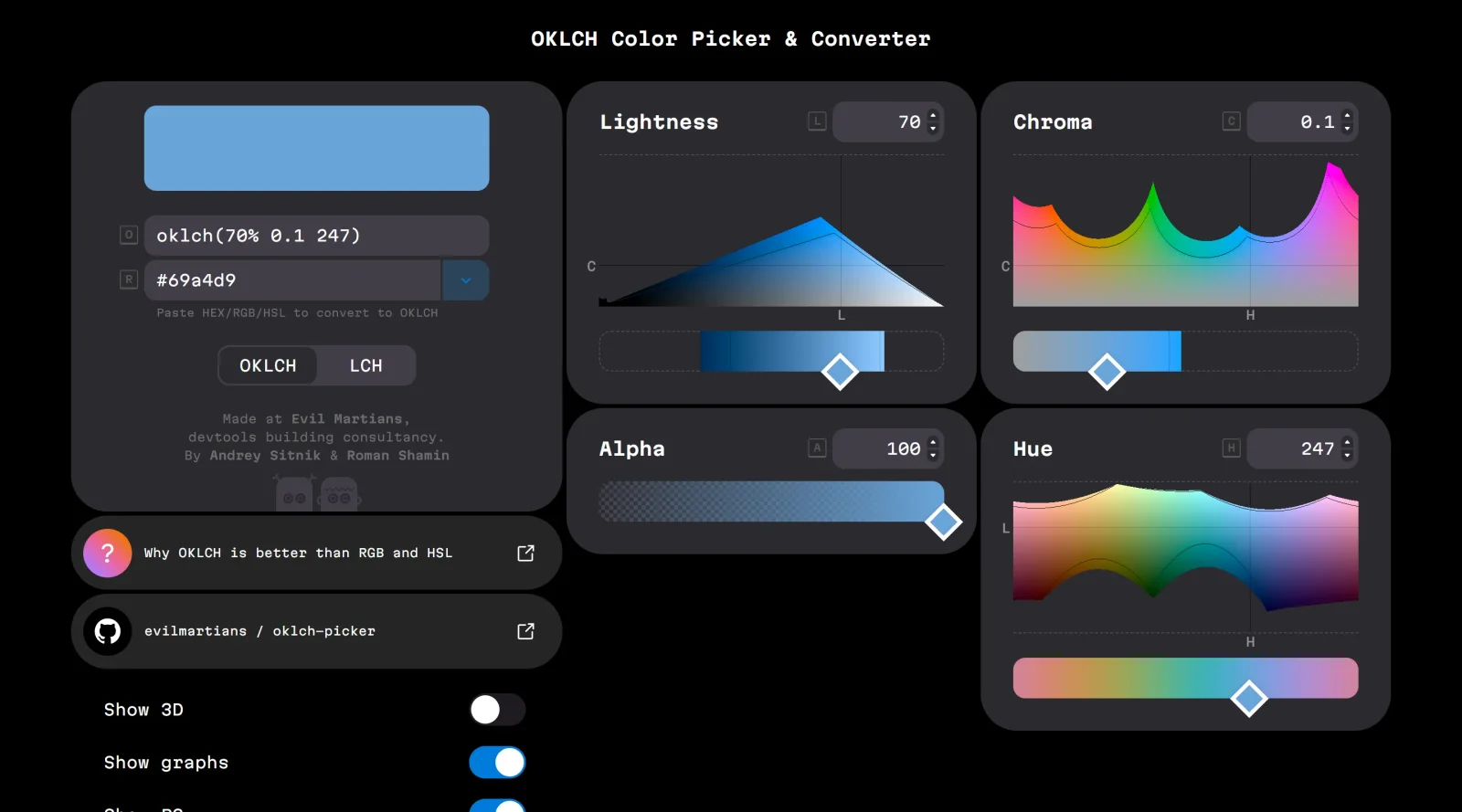
Free, open-source OKLCH color picker and converter by Evil Martians.
Auto-checked on 8 August 2026Source
About OKLCH Color Picker
What Is OKLCH Color Picker?
OKLCH Color Picker is a free tool in the color toolscategory that provides an innovative approach to working with color through the OKLCH color space. OKLCH stands for OK Lightness, Chroma, and Hue, a cylindrical representation of the OKLab color model designed for more perceptually uniform color manipulation compared to RGB or HSL. It enables web designers and developers to pick, convert, and generate colors in OKLCH format, fitting into design workflows where precise control over perceptual color properties is needed, such as palette creation and CSS implementation.
What OKLCH Color Picker Does
- Converts colors between OKLCH and formats like HEX, RGB, HSL, and others.
- Generates OKLCH CSS color values suitable for modern web development.
- Visualizes colors in a 3D model with adjustable lightness, chroma, hue, and alpha channels.
- Displays color gamuts including P3 and sRGB, showing closest fallbacks for wide-gamut colors.
- Supports palette building by adjusting parameters like chroma and lightness for harmonious sets.
- Provides graphs and previews for evaluating perceptual uniformity across hues.
How OKLCH Color Picker Can Be Used
- Paste a HEX, RGB, or HSL value to convert it directly to OKLCH for use in CSS variables or design systems.
- Adjust lightness and chroma sliders to create accessible color scales, ensuring equal perceptual steps for UI backgrounds and text.
- Explore P3 gamut colors by dragging in the 3D viewer, then copy sRGB fallbacks for cross-device compatibility.
- Build multi-step palettes from a base color by freezing max chroma or sum values, outputting CSS like oklch(from var(--base) 70% c h).
- Integrate into workflows with tools like Figma by matching P3 profiles, or VS Code via extensions for inline color detection.
- Test hue variations to identify maximum chroma limits per lightness level, avoiding invalid colors in real-world projects.
Who Is OKLCH Color Picker For?
OKLCH Color Picker serves web designers, front-end developers, and UI/UX professionals working on modern CSS projects requiring perceptually accurate colors. It suits those transitioning from HSL or RGB to OKLCH for better palette consistency and accessibility, particularly in wide-gamut displays supporting P3. Experience levels range from intermediate users familiar with CSS color functions to advanced practitioners generating dynamic themes or design tokens. Teams building responsive designs or tokens for frameworks benefit from its conversion and visualization capabilities.Visit OKLCH Color Picker
Featured Tools
Sponsored
Artlist
Royalty-free music, SFX, 8K footage, templates, LUTs and 100+ AI models on a single subscription for video creators.

Icons8
Large icon packs featuring over 10,000 icons for consistent design themes.

Vidu
AI video generator with text, image and reference-to-video modes, producing 3–16 second clips at up to 1080p with characters that stay consistent across shots.
Your tool here
The tools above are our own picks until the slots sell.

More Color Tools Tools

Hue Codex
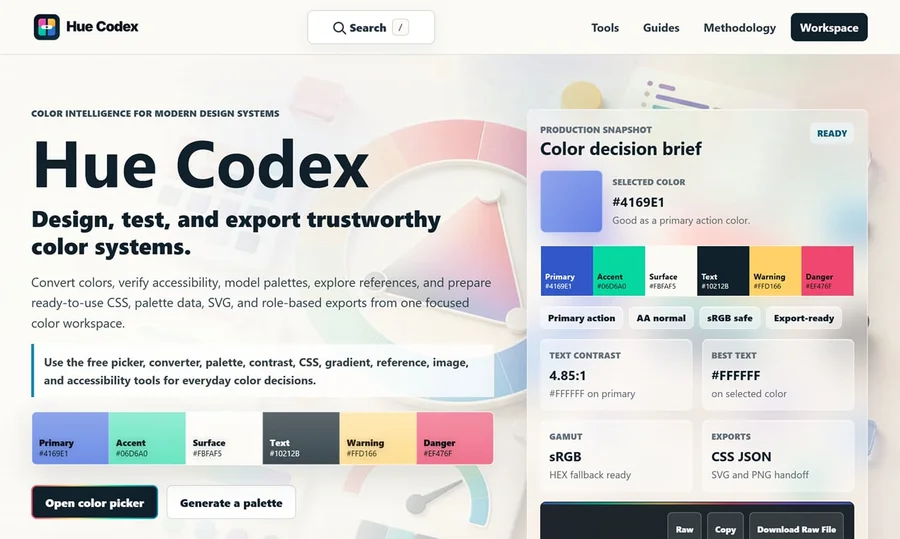
Hue Codex is a free, no-account color workspace for designers and developers, with palette generation, WCAG contrast checks, modern CSS tools, image color extraction, local saving, and exports.
Upclimb Color Picker
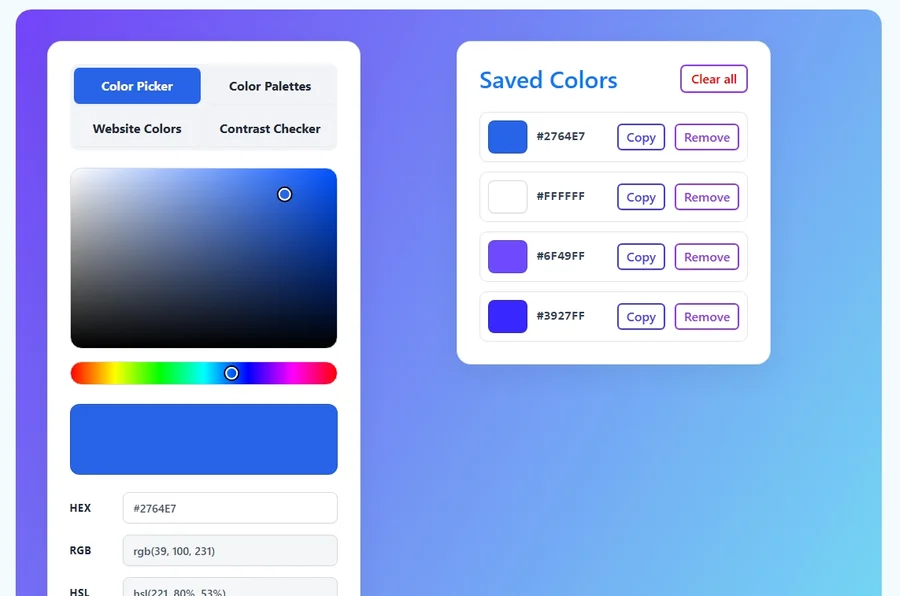
A free browser-based tool for designers & clients to decide on color schemes. Pick & save colors, generate color palettes, extract website colors, check WCAG contrast & find passing colors.
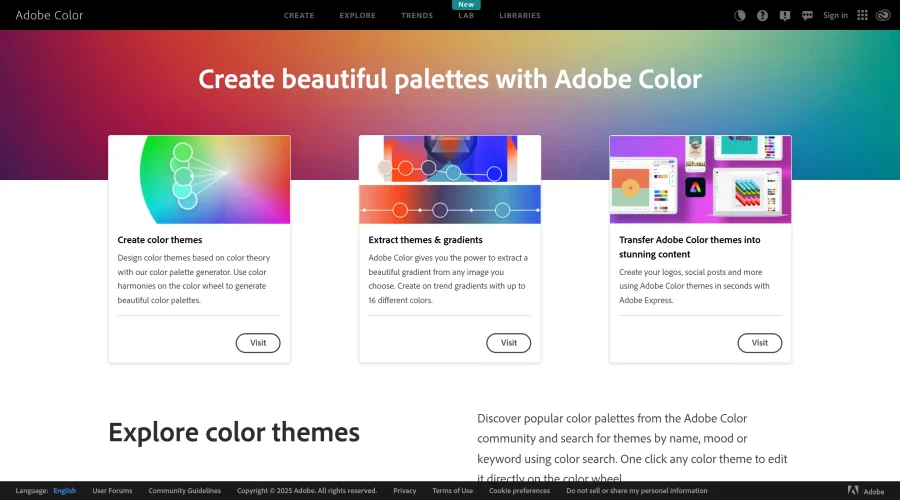

Adobe Color
Create and explore color themes and trends with an inspirational tool.
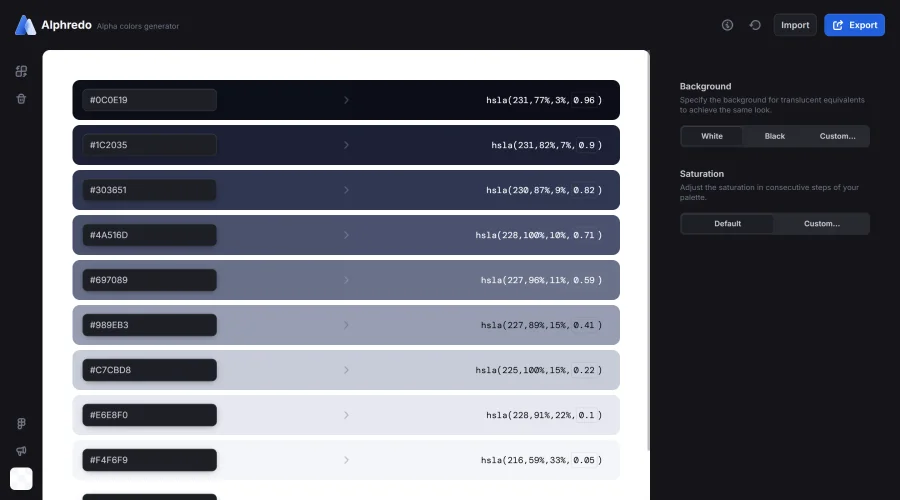

Alphredo
Generate translucent colors that match their opaque versions.
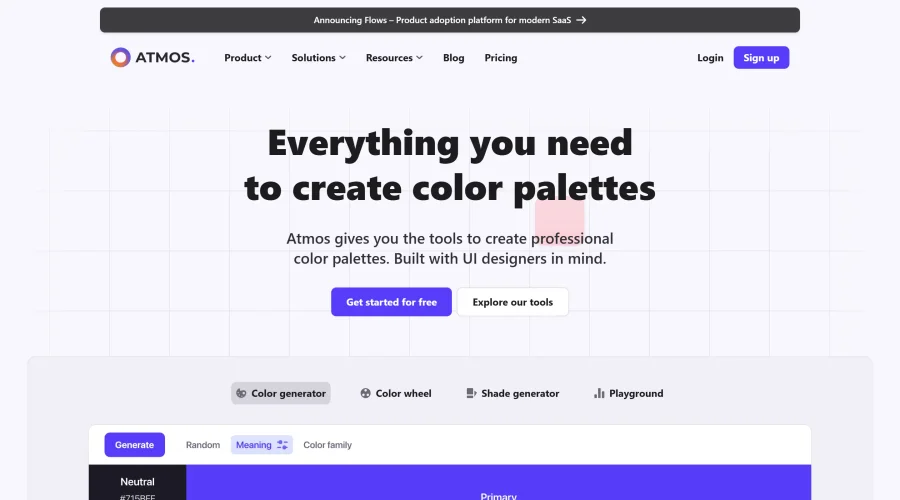

Atmos
Easily create effective UI color palettes.
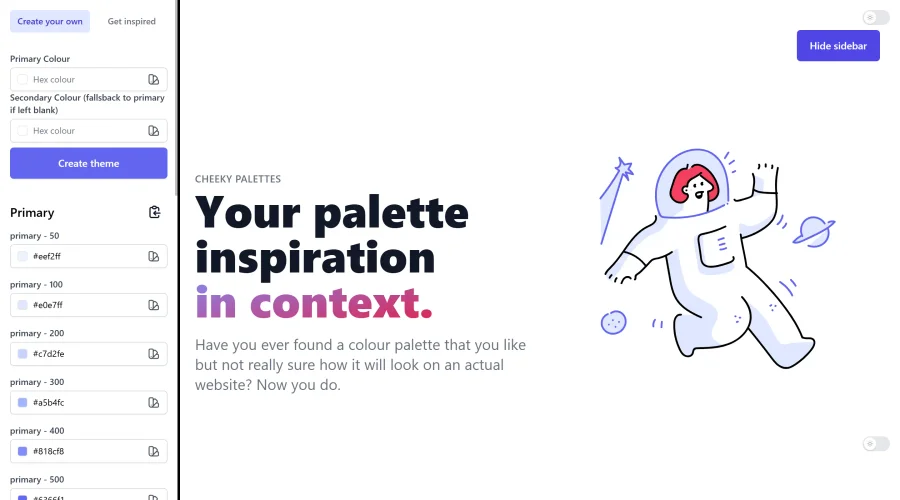

Cheeky Palettes
Find color palette inspiration in real-world context.
Explore Other Categories
Discover more design resources
New to Design?
Explore our comprehensive design glossary to master essential terminology from A/B Testing to Wireframes.
Browse GlossaryLooking for something specific?
Search through our entire collection of design tools and resources