

What it costs
- Free tier
- Yes
Free browser-based color palette editor hosted by BairesDev.
Auto-checked on 8 August 2026Source
About Palette App
What Is Palette App?
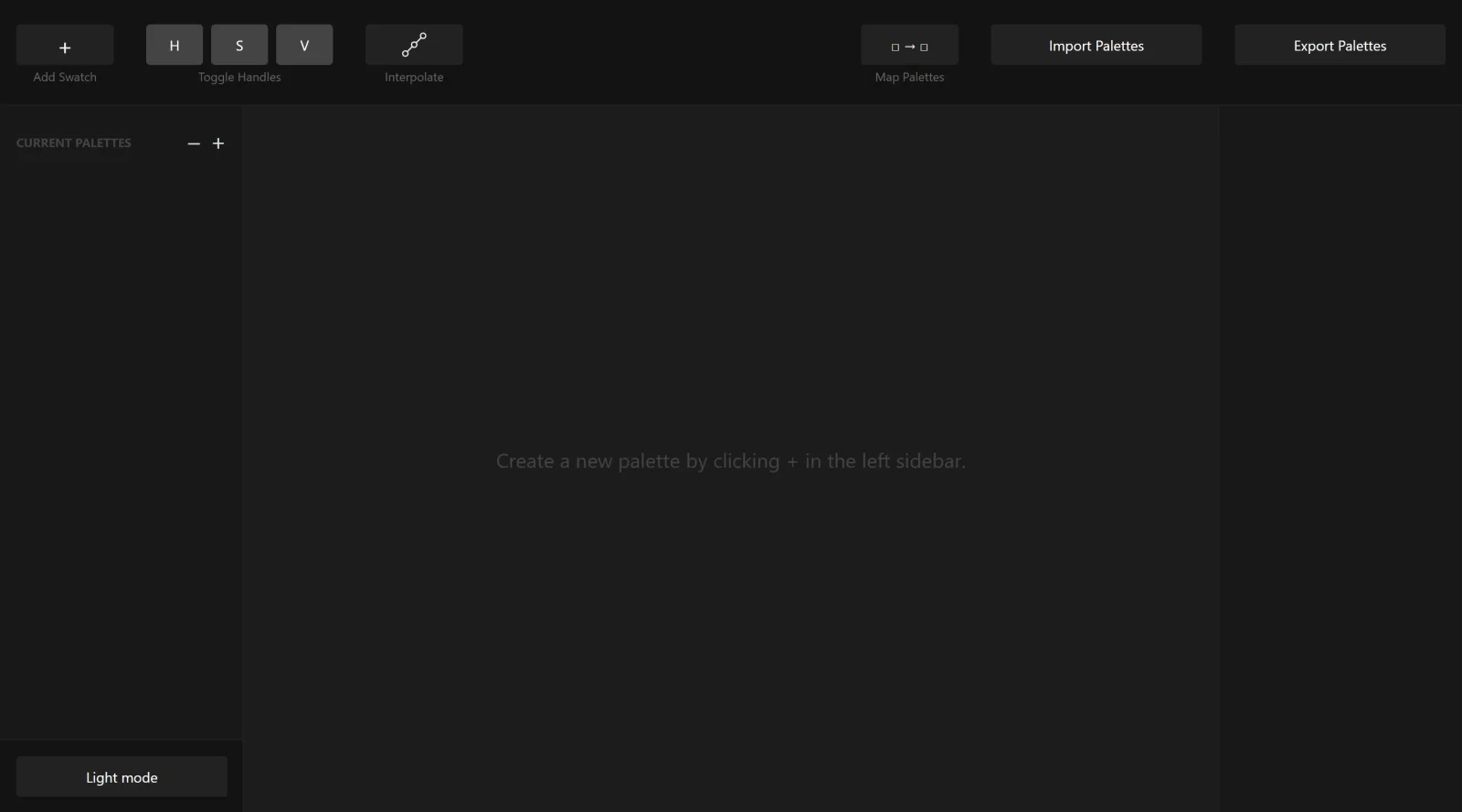
Palette App is a free tool in the color-tools category designed for editing and remixing color palettes. It enables users to modify existing color sets and generate new combinations, fitting into design workflows where consistent color schemes are needed for visual projects. Designers use Palette App during the initial planning stages or when refining palettes for websites, applications, or print materials, leveraging its capabilities to adjust hues, saturations, and tones precisely.
What Palette App Does
- Edits individual colors within a palette by adjusting parameters such as hue, saturation, and brightness.
- Remaps colors to create harmonious schemes, including analogous, complementary, triadic, and monochromatic variations.
- Supports multiple color models like HEX, RGB, HSL, and CMYK for accurate representation across formats.
- Allows sorting of palette colors by attributes including RGB values, brightness, or addition order.
- Exports edited palettes in formats such as CSS, JSON, SVG, and ACO for integration into design software.
- Provides tools to preview colors as foreground and background elements during editing.
How Palette App Can Be Used
- Extract dominant colors from an uploaded image and remap them into a cohesive palette for branding projects.
- Start with a base color from a website or photo, then edit and expand it into a full scheme for UI design.
- Refine palettes during web development by sorting and exporting to CSS variables for consistent styling.
- Generate variations of an existing palette for A/B testing in app interfaces or marketing materials.
- Compare color relationships in real-time previews to ensure accessibility compliance in digital products.
Who Is Palette App For?
Palette App serves graphic designers, UI/UX developers, and web designers who require precise control over color palettes in their projects. It suits both beginners experimenting with basic schemes and experienced professionals handling complex remapping for client work or large-scale applications. Front-end developers find it useful for generating exportable color data that integrates directly into codebases, while product teams use it to standardize colors across platforms. Visit Palette App
Featured Tools
Sponsored
Artlist
Royalty-free music, SFX, 8K footage, templates, LUTs and 100+ AI models on a single subscription for video creators.

Icons8
Large icon packs featuring over 10,000 icons for consistent design themes.

Vidu
AI video generator with text, image and reference-to-video modes, producing 3–16 second clips at up to 1080p with characters that stay consistent across shots.
Your tool here
The tools above are our own picks until the slots sell.
Spotlight
SponsoredRotates daily
HyNote
Records and transcribes interviews and meetings, then turns them into summaries and action items.
More Color Tools Tools


Hue Codex
Hue Codex is a free, no-account color workspace for designers and developers, with palette generation, WCAG contrast checks, modern CSS tools, image color extraction, local saving, and exports.


Upclimb Color Picker
A free browser-based tool for designers & clients to decide on color schemes. Pick & save colors, generate color palettes, extract website colors, check WCAG contrast & find passing colors.


Adobe Color
Create and explore color themes and trends with an inspirational tool.


Alphredo
Generate translucent colors that match their opaque versions.


Atmos
Easily create effective UI color palettes.


Cheeky Palettes
Find color palette inspiration in real-world context.
Explore Other Categories
Discover more design resources
New to Design?
Explore our comprehensive design glossary to master essential terminology from A/B Testing to Wireframes.
Browse GlossaryLooking for something specific?
Search through our entire collection of design tools and resources