

What it costs
- Free tier
- Yes
Free color search tool ('the color of anything') by Future Memories; no paid plans.
Auto-checked on 8 August 2026Source
About Picular
What Is Picular?
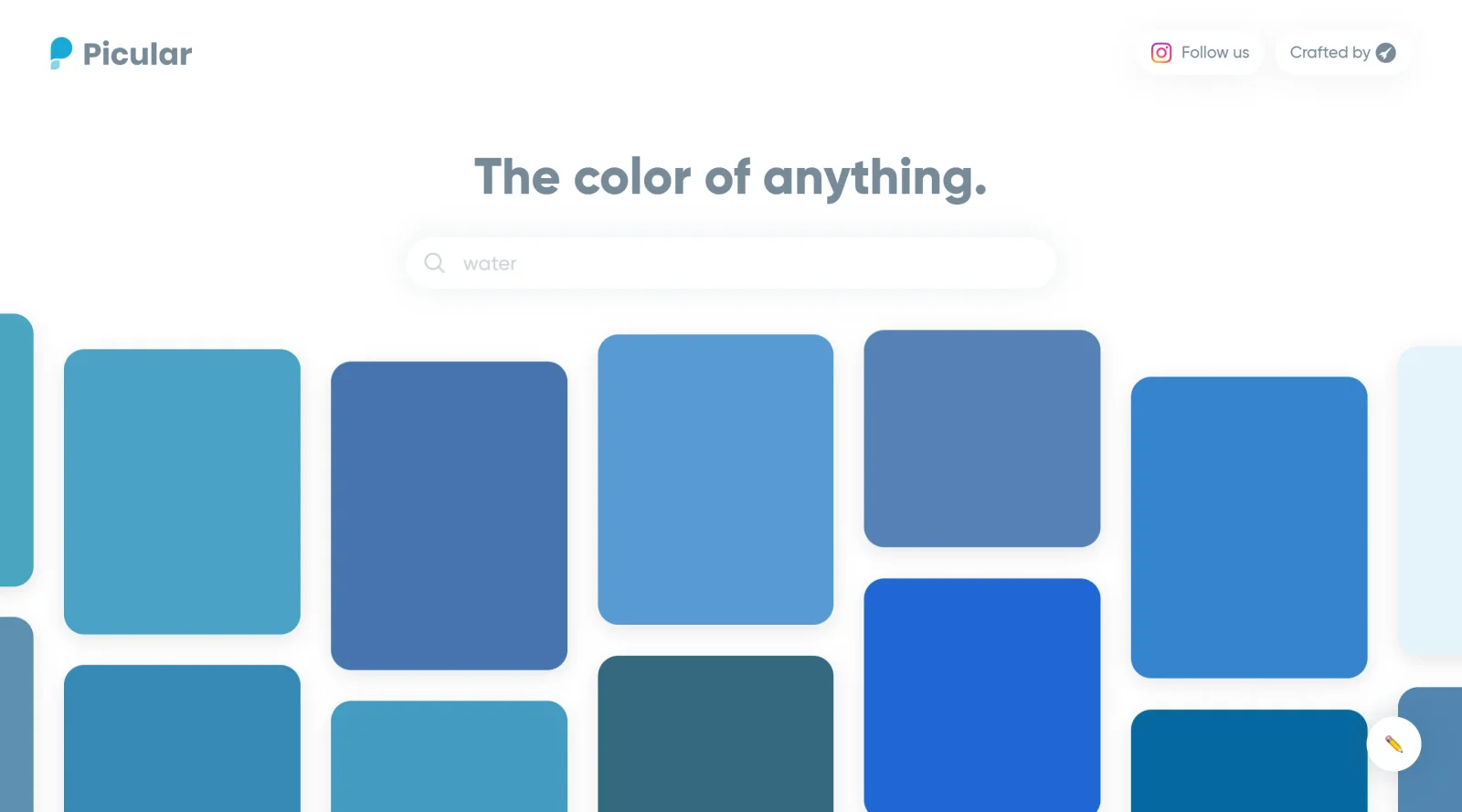
Picular is a free color palette generator that uses Google Image Search to extract colors based on keyword searches. Rather than offering a static set of predefined colors, Picular analyzes the top 20 Google Image results for any term you enter and identifies the most dominant colors in those images, returning them as hex codes. Created by Swedish digital studio Future Memories, Picular functions as a search engine for colors, helping designers and creatives find contextually relevant color palettes without manually sampling images.
What Picular Does
- Generates color palettes by analyzing the dominant colors from Google Image search results for any keyword
- Displays results as color swatches with corresponding hexadecimal codes for immediate use in design tools
- Allows one-click copying of hex codes directly to your clipboard
- Provides preview thumbnails of the original images each color was extracted from
- Supports searches in multiple languages, though results vary by language and regional image indexing
- Enables users to create and save custom color palettes for sharing or design projects
How Picular Can Be Used
- Finding brand colors: Search terms related to your brand identity (e.g., "luxury," "nature," "tech") to generate on-brand color palettes
- Project-specific color research: Search for specific subjects (e.g., "ocean," "sunset," "forest") to extract colors that align with your design context
- Color inspiration and mood boarding: Explore abstract terms, emotions, or scenes to discover unexpected color combinations
- Web and UI design: Generate color schemes for websites or applications based on the visual language of your chosen keywords
- Validating color choices: Test whether a color truly represents the concept or feeling you want to convey
Who Is Picular For?
Picular is designed for graphic designers, web designers, UX/UI professionals, and other creatives who need to make color decisions based on real visual context rather than abstract color theory. The tool is particularly useful for those working on branding, web design, or any project where colors should reflect specific concepts, moods, or industries. Because Picular works with any search term in any language, it serves both specialist designers seeking precise color palettes and generalists looking for quick color inspiration. The tool's simplicity and speed make it accessible to beginners while remaining valuable for experienced professionals. Visit Picular
Featured Tools
Sponsored
Artlist
Royalty-free music, SFX, 8K footage, templates, LUTs and 100+ AI models on a single subscription for video creators.

Icons8
Large icon packs featuring over 10,000 icons for consistent design themes.

Vidu
AI video generator with text, image and reference-to-video modes, producing 3–16 second clips at up to 1080p with characters that stay consistent across shots.
Your tool here
The tools above are our own picks until the slots sell.

More Color Tools Tools


Hue Codex
Hue Codex is a free, no-account color workspace for designers and developers, with palette generation, WCAG contrast checks, modern CSS tools, image color extraction, local saving, and exports.


Upclimb Color Picker
A free browser-based tool for designers & clients to decide on color schemes. Pick & save colors, generate color palettes, extract website colors, check WCAG contrast & find passing colors.


Adobe Color
Create and explore color themes and trends with an inspirational tool.


Alphredo
Generate translucent colors that match their opaque versions.


Atmos
Easily create effective UI color palettes.


Cheeky Palettes
Find color palette inspiration in real-world context.
Explore Other Categories
Discover more design resources
New to Design?
Explore our comprehensive design glossary to master essential terminology from A/B Testing to Wireframes.
Browse GlossaryLooking for something specific?
Search through our entire collection of design tools and resources