

What it costs
- Free tier
- Yes
Free, open-source macOS color picker app by Charlie Gleason; no paid plans.
Auto-checked on 8 August 2026Source
About Pika
What Is Pika?
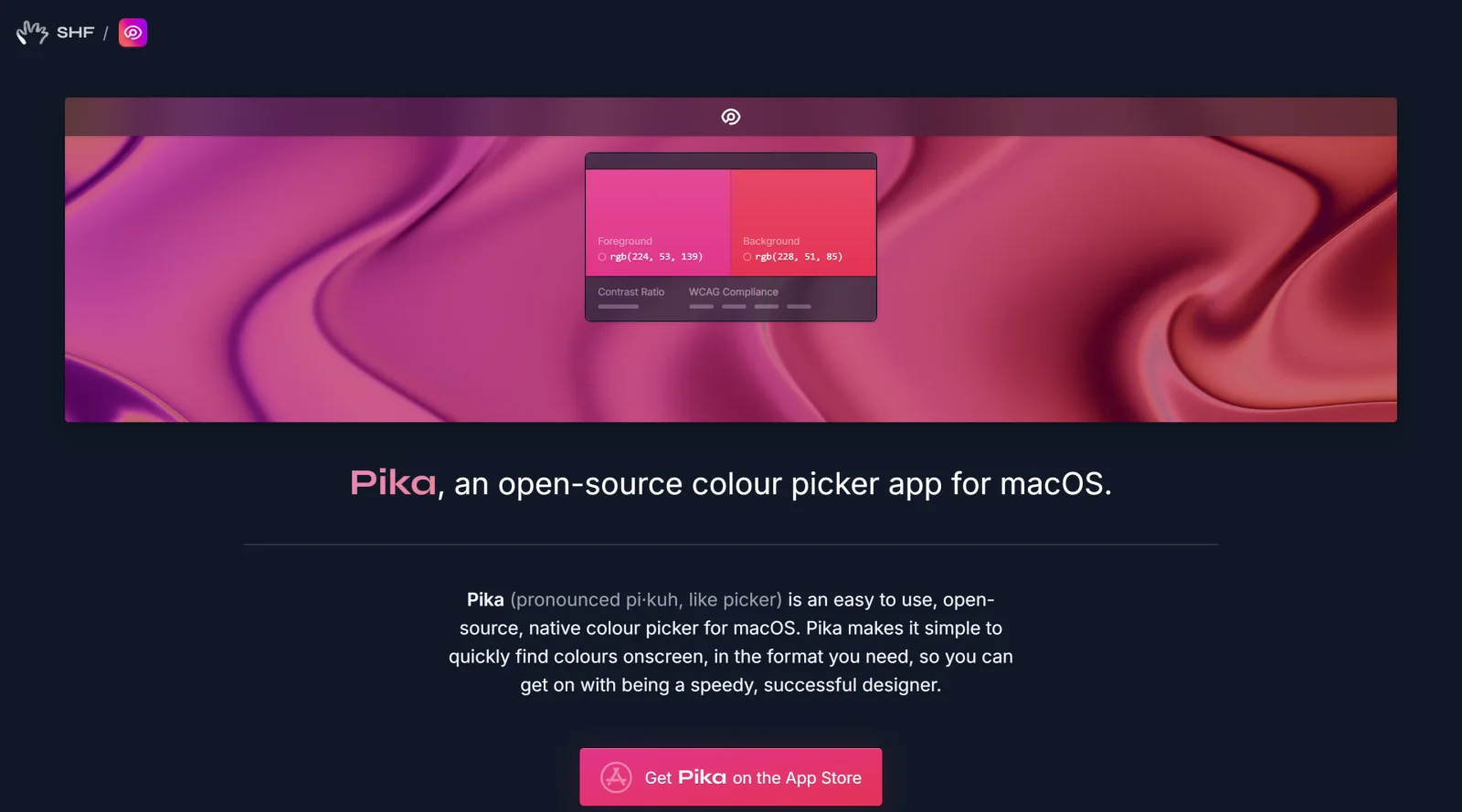
Pika is an open-source color picker app designed for macOS, serving as a tool in the color toolscategory. It enables users to select colors directly from the screen and provides them in various formats, fitting into design workflows where precise color extraction is needed. As a free application, Pika requires macOS Sequoia (version 14) or newer and can be installed via Homebrew or downloaded from its official site.
What Pika Does
- Performs quick color picking from any location on the screen, capturing foreground and background colors.
- Supports multiple color formats including Hex, RGB, HSB, HSL, LAB, and OpenGL.
- Offers keyboard shortcuts for picking colors, copying to clipboard, switching formats, and undoing actions.
- Allows swapping between foreground and background colors using designated keys.
- Integrates system color picker access via shortcuts and URL schemes for foreground or background selection.
- Provides color contrast comparison between selected foreground and background colors.
How Pika Can Be Used
- Designers extract colors from websites or images during UI mockup creation by triggering Pika with a shortcut like ⌘ D for foreground picking, then copying the Hex or RGB value with ⌘ C for immediate use in tools like Figma or Sketch.
- Developers match app interfaces to brand guidelines by picking colors from reference screens, switching formats via ⌘ 1 through ⌘ 6 to fit CSS or code requirements such as HSL for dynamic themes.
- Workflow integration involves chaining picks—select multiple screen elements, swap colors with X key if needed, and paste into code editors or design software without leaving the primary application.
- For rapid iteration, users undo last picks with ⌘ Z or access system picker via ⌘ S, streamlining color experimentation in daily tasks like prototyping or debugging visual elements.
Who Is Pika For?
Pika suits macOS users involved in visual design and development, including UI/UX designers needing on-screen color extraction for palette building, front-end developers requiring format-flexible color values for CSS or SwiftUI, and graphic artists matching colors across applications. It works for those preferring native, keyboard-driven tools over browser extensions, especially on macOS Sequoia and later, where efficiency in color workflows matters for projects involving screen captures or live previews. Visit Pika
Featured Tools
Sponsored
Artlist
Royalty-free music, SFX, 8K footage, templates, LUTs and 100+ AI models on a single subscription for video creators.

Icons8
Large icon packs featuring over 10,000 icons for consistent design themes.

Vidu
AI video generator with text, image and reference-to-video modes, producing 3–16 second clips at up to 1080p with characters that stay consistent across shots.
Your tool here
The tools above are our own picks until the slots sell.
Spotlight
SponsoredRotates daily
Glyph Neue
Over 1,500 icons in SVG and PNG formats, free with attribution.
More Color Tools Tools


Hue Codex
Hue Codex is a free, no-account color workspace for designers and developers, with palette generation, WCAG contrast checks, modern CSS tools, image color extraction, local saving, and exports.


Upclimb Color Picker
A free browser-based tool for designers & clients to decide on color schemes. Pick & save colors, generate color palettes, extract website colors, check WCAG contrast & find passing colors.


Adobe Color
Create and explore color themes and trends with an inspirational tool.


Alphredo
Generate translucent colors that match their opaque versions.


Atmos
Easily create effective UI color palettes.


Cheeky Palettes
Find color palette inspiration in real-world context.
Explore Other Categories
Discover more design resources
New to Design?
Explore our comprehensive design glossary to master essential terminology from A/B Testing to Wireframes.
Browse GlossaryLooking for something specific?
Search through our entire collection of design tools and resources