

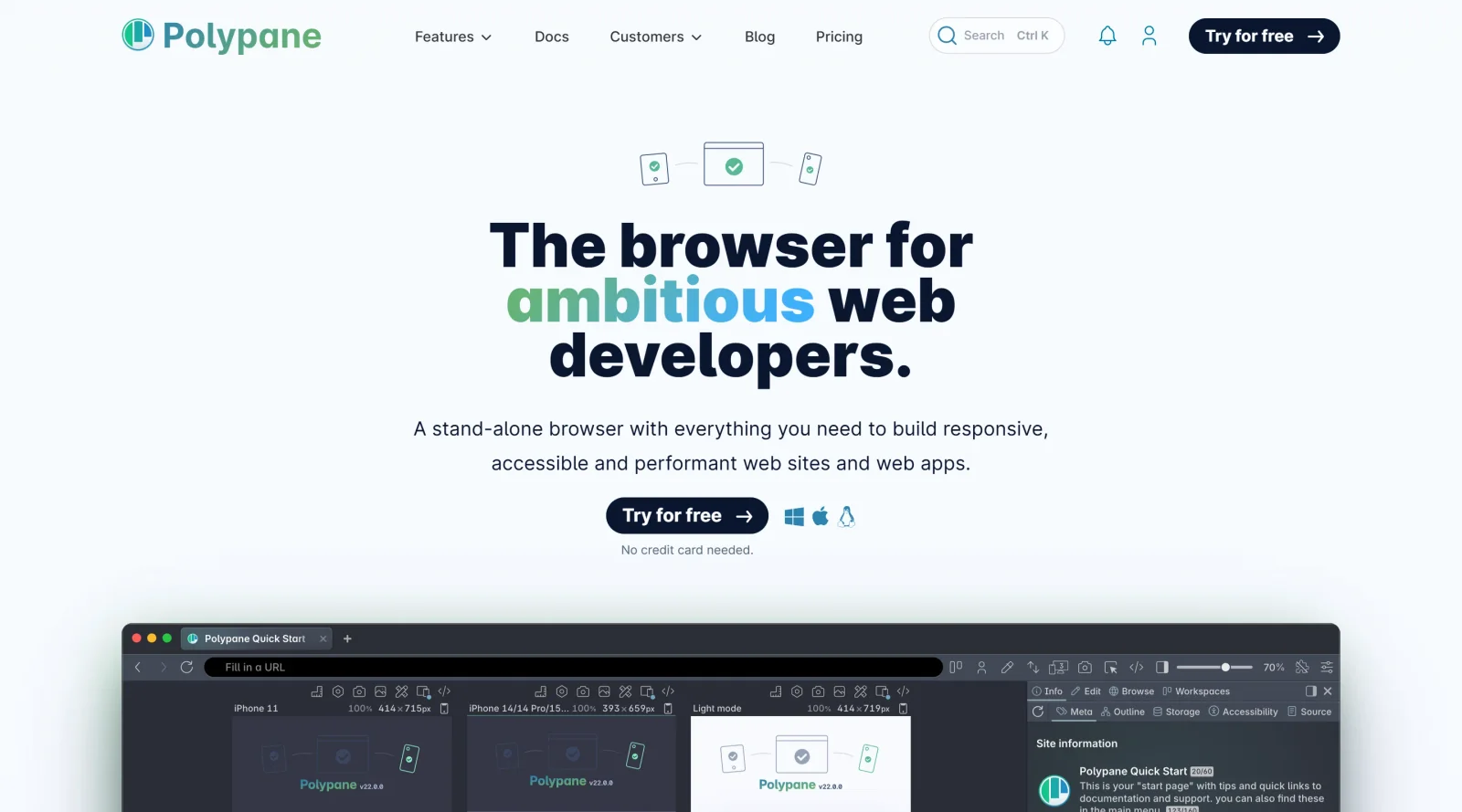
A browser tailored for developing responsive and accessible websites.
What it costs
- Free tier
- No
Paid developer browser with a 14-day free trial (no genuine free plan); plan prices live on a separate /pricing page not scraped.
Auto-checked on 8 August 2026Source
About Polypane
What Is Polypane?
Polypane is a Chromium-powered development browser designed for building responsive and accessible websites. It provides specialized tools for developers to test multiple viewports, accessibility features, and site quality during the development workflow. Categorized under accessibilitytools, Polypane operates on a paid pricing model and serves as an alternative to general-purpose browsers like Chrome or Firefox for web development tasks.
What Polypane Does
- Simulates eight types of color blindness side by side across multiple panes for visual testing.
- Automatically detects elements with insufficient color contrast using real text and background colors, and suggests improvements.
- Runs over 80 automated accessibility tests aligned with WCAG 2.1 standards, providing scores comparable to Lighthouse.
- Visualizes page structure through the outline panel, identifying issues like broken links, incorrect header orders, focus order problems, and missing accessible names.
- Displays accessibility information for elements, including contrast ratios, accessible names, roles, and warnings for missing attributes, in the element inspector and tooltips.
- Emulates user preferences and impairments such as dark mode, reduced motion, reduced data, farsightedness, glaucoma, cataracts, dyslexia, and reachability for mobile designs.
- Highlights elements causing horizontal overflow to verify WCAG 1.4.10 Reflow compliance without manual devtools inspection.
- Allows disabling CSS or images in individual panes to inspect HTML structure and alt text handling.
- Offers synchronized multi-viewport testing from mobile to 5K resolutions, with live reloading across panes.
- Provides a live accessibility tree view showing roles, names, descriptions, and properties for screen reader compatibility.
How Polypane Can Be Used
- Developers open multiple panes with different device resolutions, such as mobile, tablet, and desktop, to interact simultaneously and verify responsive layouts during coding sessions.
- Accessibility specialists activate the A11y panel to scan pages for WCAG violations, review contrast issues, and emulate visual impairments like color blindness or cataracts for compliance testing.
- Teams test dark mode and reduced motion preferences side by side with standard views, toggling them per pane without OS changes, to ensure consistent user experiences.
- Designers use reachability checks on mobile panes for left- or right-handed simulations and zoom pages up to 400% to audit WCAG zoom requirements.
- During debugging, users disable CSS in one pane to expose HTML structure or hide images to validate alt text and layout resilience.
- Front-end developers inspect the live accessibility tree and outline panel to confirm heading orders, focus sequences, and accessible names before deployment.
Who Is Polypane For?
Polypane suits web developers and designers focused on responsive design and accessibility auditing, including those working on WCAG-compliant sites. It fits front-end teams, accessibility engineers, and agencies handling multi-device projects who need integrated tools beyond standard browser devtools. Experience levels range from intermediate developers familiar with browser inspections to advanced users leveraging detailed A11y trees and emulations. Visit Polypane
Featured Tools
Sponsored
Artlist
Royalty-free music, SFX, 8K footage, templates, LUTs and 100+ AI models on a single subscription for video creators.

Icons8
Large icon packs featuring over 10,000 icons for consistent design themes.

Vidu
AI video generator with text, image and reference-to-video modes, producing 3–16 second clips at up to 1080p with characters that stay consistent across shots.
Your tool here
The tools above are our own picks until the slots sell.
Spotlight
SponsoredRotates daily
HyNote
Records and transcribes interviews and meetings, then turns them into summaries and action items.
More Accesibility Tools

A11Y Project
A community-led initiative to simplify digital accessibility.

Access Guide
An easy-to-understand introduction to digital accessibility.

Accessibility Not-Checklist
Comprehensive guide to ensure accessibility in design projects.
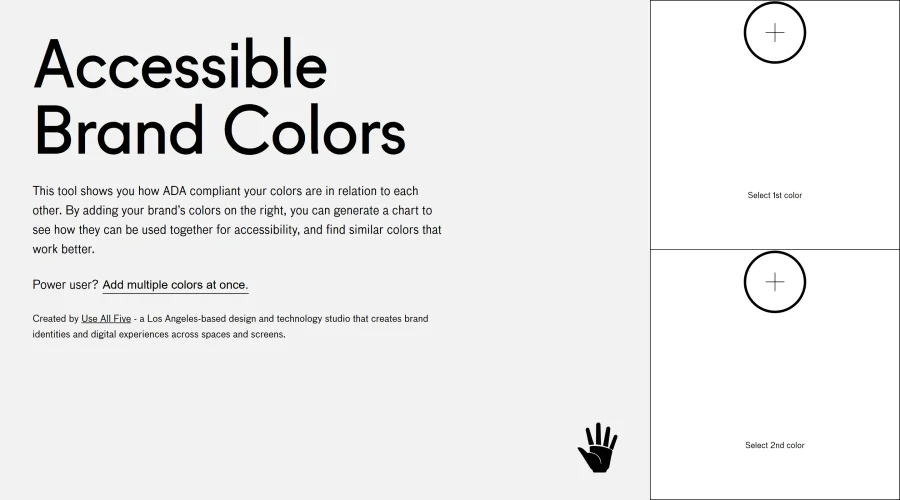

Accessible Brand Colors
A tool assessing ADA compliance of color contrasts.
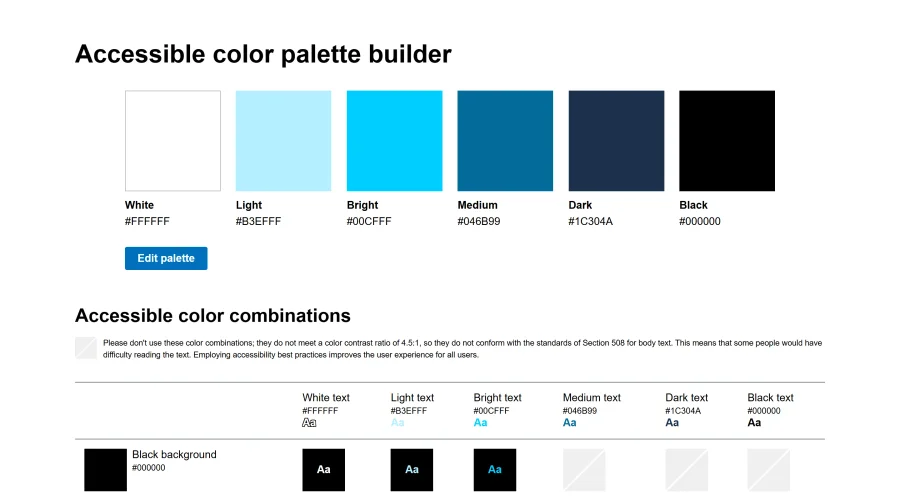

Accessible Color Matrix
A design tool for creating color palettes that meet accessibility standards.
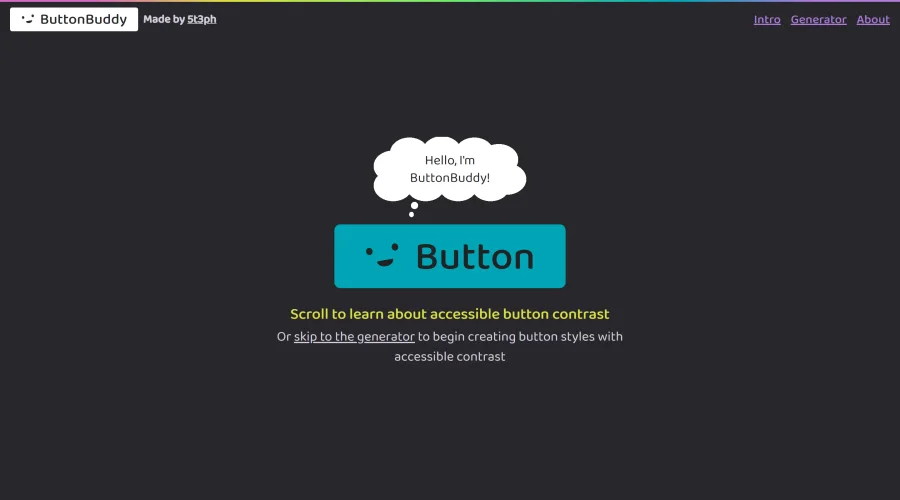

Button Buddy
Solutions for ensuring accessible contrast in button designs.
Explore Other Categories
Discover more design resources
New to Design?
Explore our comprehensive design glossary to master essential terminology from A/B Testing to Wireframes.
Browse GlossaryLooking for something specific?
Search through our entire collection of design tools and resources