
Simulate how colors are perceived by various types of color blindness.
What it costs
- Free tier
- Yes
Sim Daltonism is a free color-blindness simulator app; scrape resolved to the App Store 'Today' homepage, not the app's page.
Auto-checked on 8 August 2026Source
About Sim Daltonism
What Is Sim Daltonism?
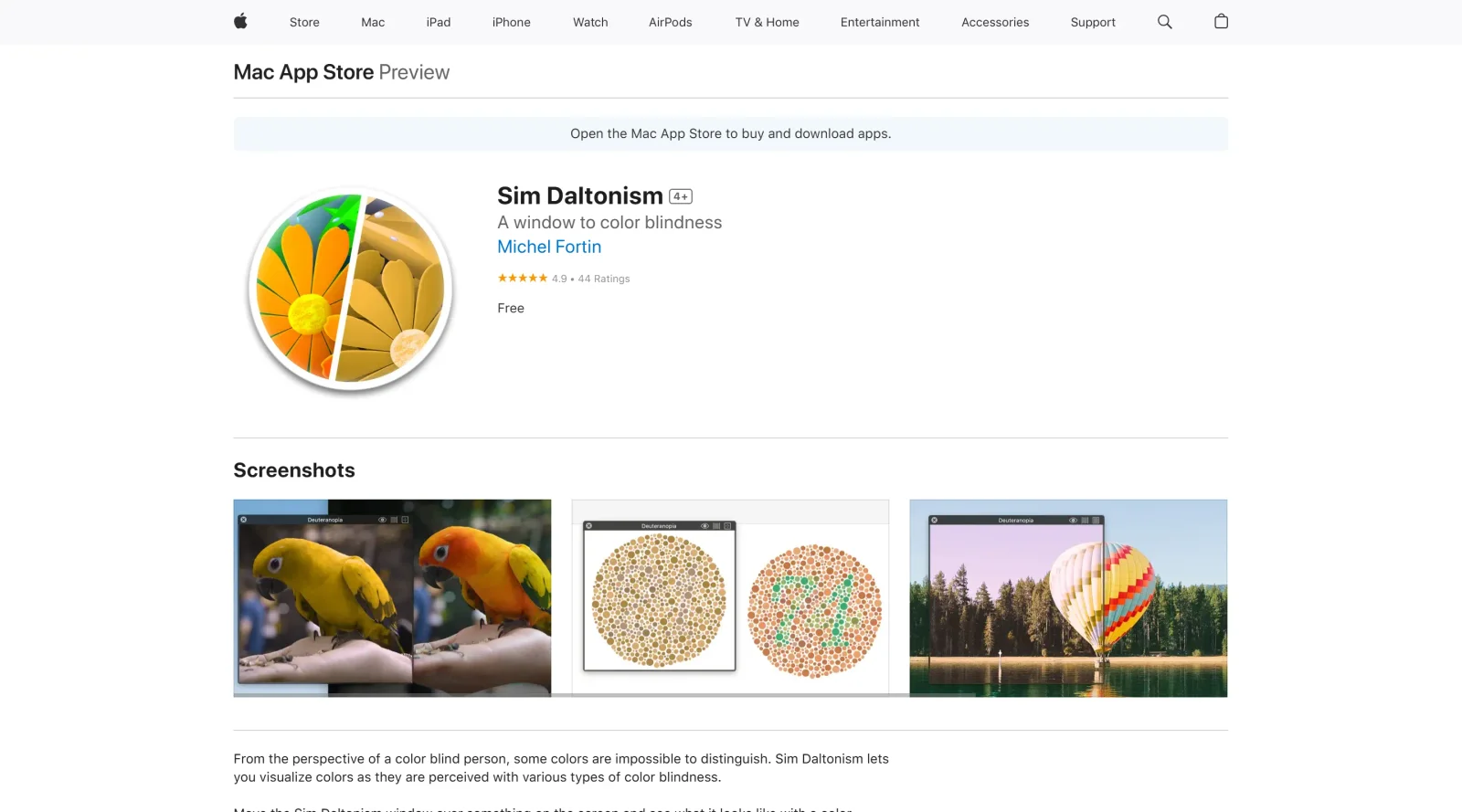
Sim Daltonism is a free accessibility tool that simulates how colors appear to people with various types of color blindness. Available as apps for iOS and Mac, Sim Daltonism helps designers and developers check color perception in real-world contexts by filtering live camera feeds or screen regions. It fits into the design workflow during color selection, UI testing, and accessibility audits to ensure visuals remain distinguishable for users with color vision deficiencies.
What Sim Daltonism Does
- Simulates multiple types of color blindness, including protanopia, deuteranopia, tritanopia, and their anomalous variants.
- Filters live video from the iOS device camera in real time to show color perception under color blindness conditions.
- Provides a filter window on Mac that overlays and processes the content beneath it according to selected color vision simulations.
- Displays filtered results in a floating palette or window for immediate visual comparison with original colors.
- Uses OpenGL-based algorithms adapted from established color blindness simulation methods for accurate rendering.
- Operates as open-source software, allowing code inspection and contributions under the Apache 2.0 license.
How Sim Daltonism Can Be Used
- Point the iOS camera at physical prototypes, printed designs, or environments to preview color blindness effects during early sketching or client presentations.
- Hover the Mac filter window over website mockups, app interfaces, or graphics software to test color contrast without exporting files.
- Switch between color blindness types to iterate on palettes during UI design reviews, ensuring buttons, charts, and icons remain accessible.
- Integrate into development workflows by capturing screen areas of running apps or browsers for on-the-fly accessibility checks.
- Use in team collaborations to demonstrate color perception differences, such as comparing original and simulated views side by side.
Who Is Sim Daltonism For?
Sim Daltonism serves UI/UX designers, web developers, and graphic artists focused on inclusive design practices. It suits professionals auditing color choices for websites, mobile apps, data visualizations, and branding materials to meet accessibility standards like WCAG. Experience levels range from juniors learning color theory to seniors conducting final QA, particularly in projects requiring broad audience reach. Color blindness simulators like Sim Daltonism aid those addressing color vision deficiencies in digital and print media. Visit Sim Daltonism
Featured Tools
Sponsored
Artlist
Royalty-free music, SFX, 8K footage, templates, LUTs and 100+ AI models on a single subscription for video creators.

Icons8
Large icon packs featuring over 10,000 icons for consistent design themes.

Vidu
AI video generator with text, image and reference-to-video modes, producing 3–16 second clips at up to 1080p with characters that stay consistent across shots.
Your tool here
The tools above are our own picks until the slots sell.
Spotlight
SponsoredRotates daily
Animated Icons 2.0
Enhance your projects with 900+ animated icons.
More Accesibility Tools

A11Y Project
A community-led initiative to simplify digital accessibility.
Access Guide
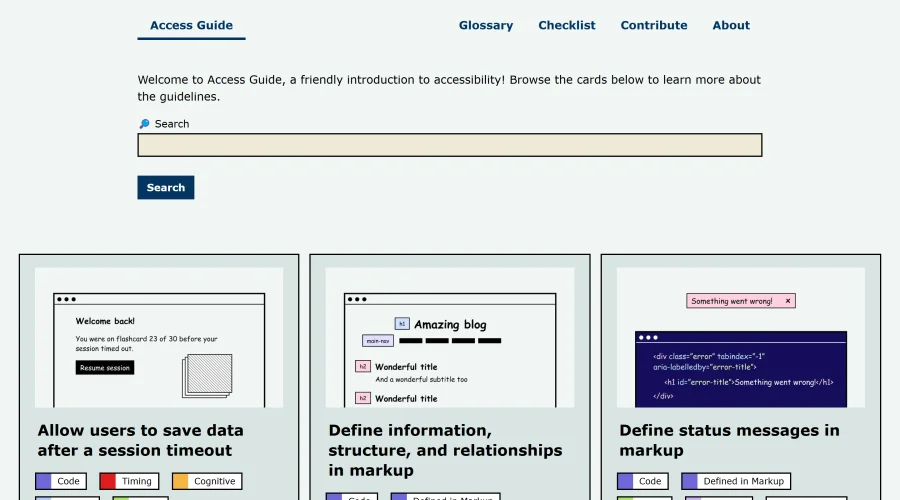
An easy-to-understand introduction to digital accessibility.
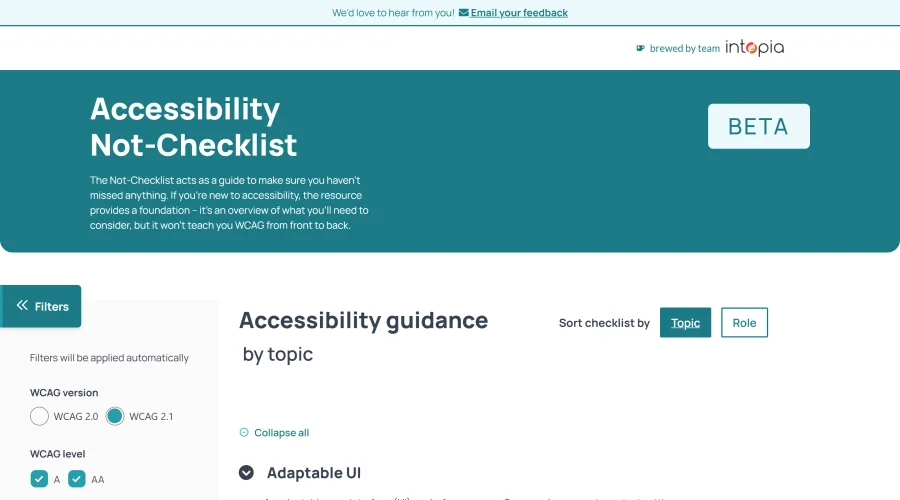

Accessibility Not-Checklist
Comprehensive guide to ensure accessibility in design projects.
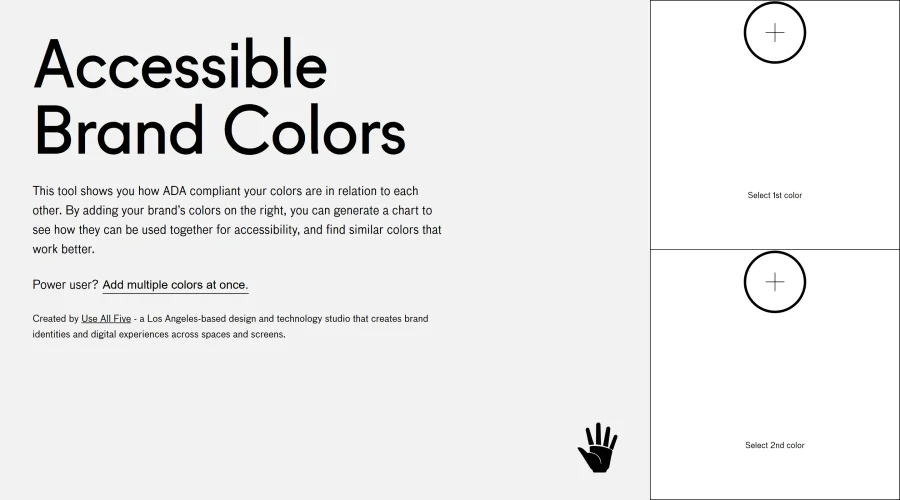

Accessible Brand Colors
A tool assessing ADA compliance of color contrasts.
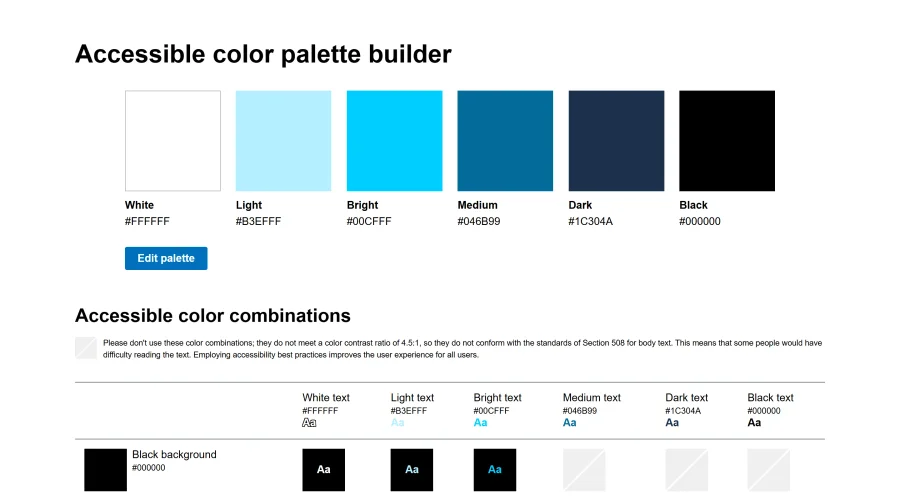

Accessible Color Matrix
A design tool for creating color palettes that meet accessibility standards.
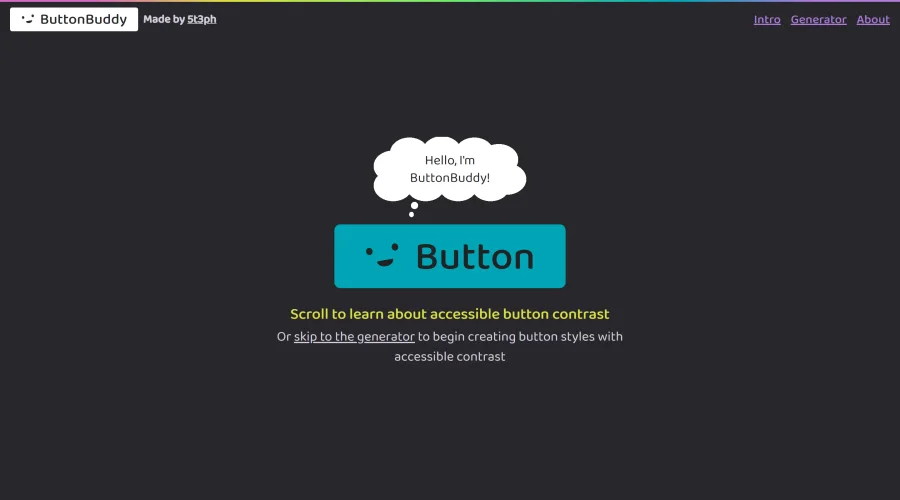

Button Buddy
Solutions for ensuring accessible contrast in button designs.
Explore Other Categories
Discover more design resources
New to Design?
Explore our comprehensive design glossary to master essential terminology from A/B Testing to Wireframes.
Browse GlossaryLooking for something specific?
Search through our entire collection of design tools and resources