

Integrates existing tools for a seamless accessibility workflow.
What it costs
- Free tier
- Yes
"Sign up for free" plus paid team plans, but no numeric prices shown; pricing lives on the separate /pricing page.
Auto-checked on 8 August 2026Source
About Stark
What Is Stark?
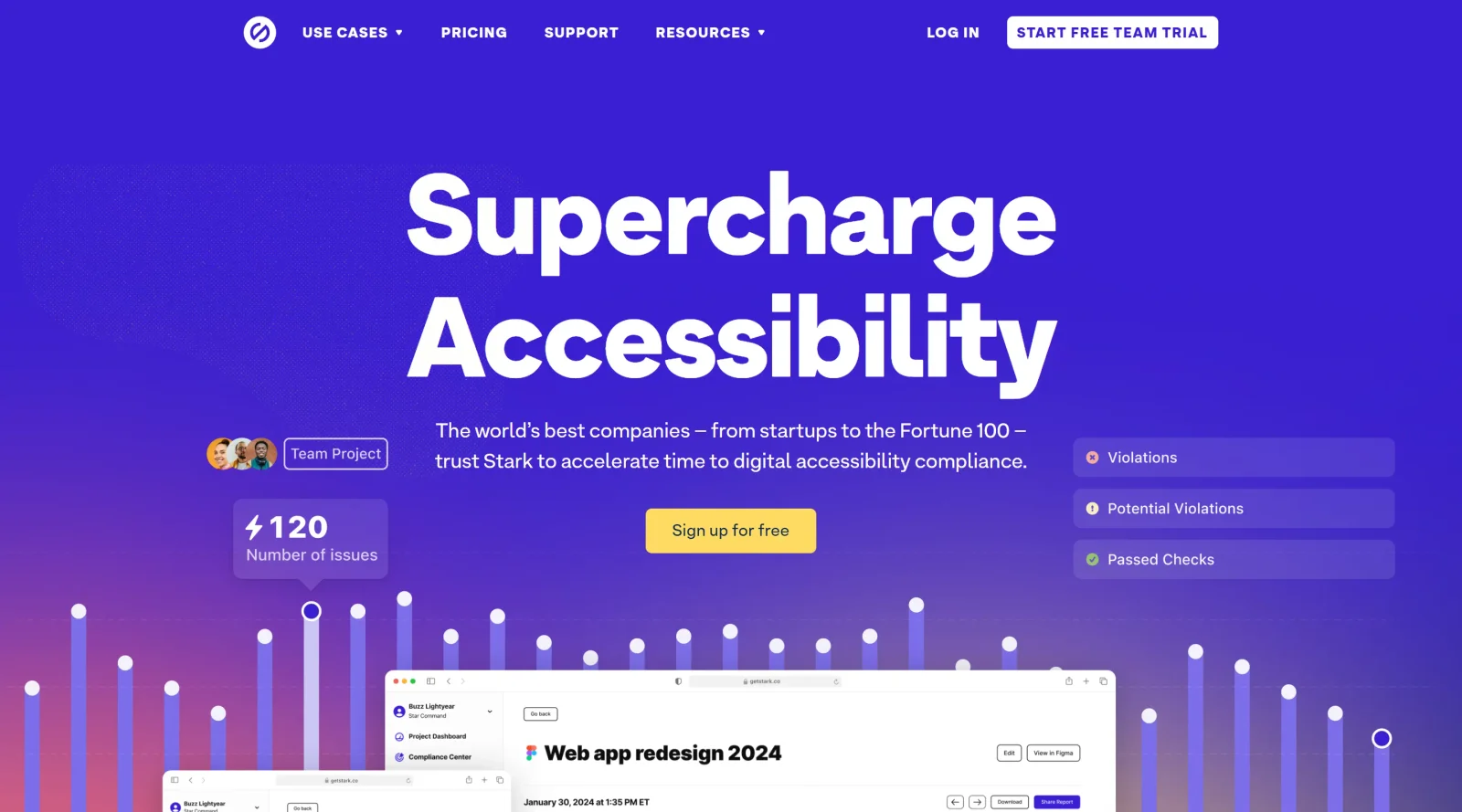
Stark is an end-to-end accessibility platform that integrates tools for identifying and resolving accessibility issues across design, development, and live products. It fits into the accessibility category by embedding checks and automation directly into existing workflows like Figma, Sketch, Adobe XD, browsers, and GitHub. Available on a freemium pricing model, Stark supports teams in maintaining compliance without switching applications.
What Stark Does
- Performs automated scanning of design files and code repositories with AI-powered suggestions for fixes.
- Provides contrast checking with color suggestions to meet WCAG AA or AAA standards.
- Offers vision simulation for color blindness and other impairments, plus typography analysis for legibility.
- Generates alt-text annotations and focus order visualization in design tools.
- Supports live preview in browsers for testing changes like contrast and font sizes directly on code.
- Delivers real-time reports, insights, and project management in a web app for team-wide monitoring.
How Stark Can Be Used
- Designers scan Figma or Sketch files with Sidekick AI to detect issues like insufficient contrast or missing alt text early in the process.
- Developers audit code in browsers or GitHub, apply live previews for fixes, and receive handoff annotations from design tools.
- Product managers track accessibility progress across projects using dashboards and historic reports for compliance audits.
- Teams run continuous scans on repositories to catch issues during development cycles before deployment.
- Compliance officers centralize evidence and controls based on regulatory frameworks in the compliance center.
Who Is Stark For?
Stark serves designers creating accessible interfaces in tools like Figma and Sketch, developers testing code from implementation to production, product managers overseeing project-wide accessibility, and compliance managers handling audits and reporting. It suits teams building websites, apps, or SaaS products where integrating accessibility workflows accelerates compliance without disrupting existing tools. Visit Stark
Featured Tools
Sponsored
Artlist
Royalty-free music, SFX, 8K footage, templates, LUTs and 100+ AI models on a single subscription for video creators.

Icons8
Large icon packs featuring over 10,000 icons for consistent design themes.

Vidu
AI video generator with text, image and reference-to-video modes, producing 3–16 second clips at up to 1080p with characters that stay consistent across shots.
Your tool here
The tools above are our own picks until the slots sell.

More Accesibility Tools
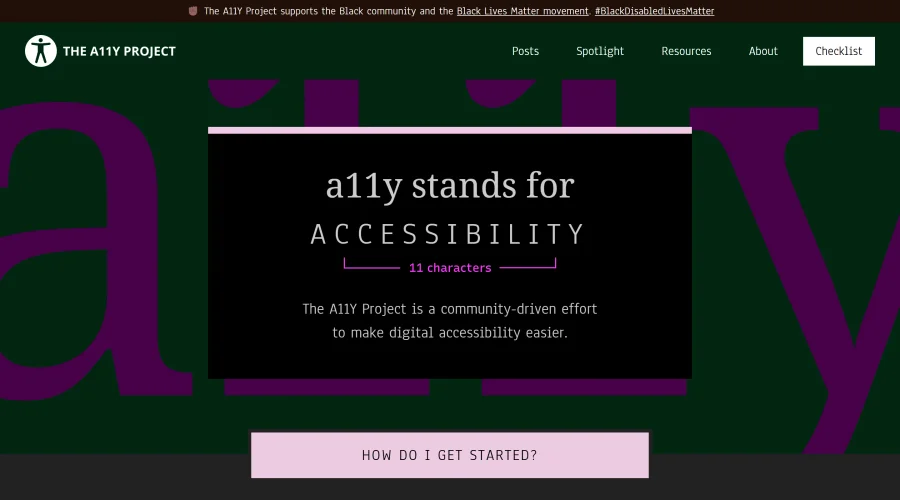

A11Y Project
A community-led initiative to simplify digital accessibility.
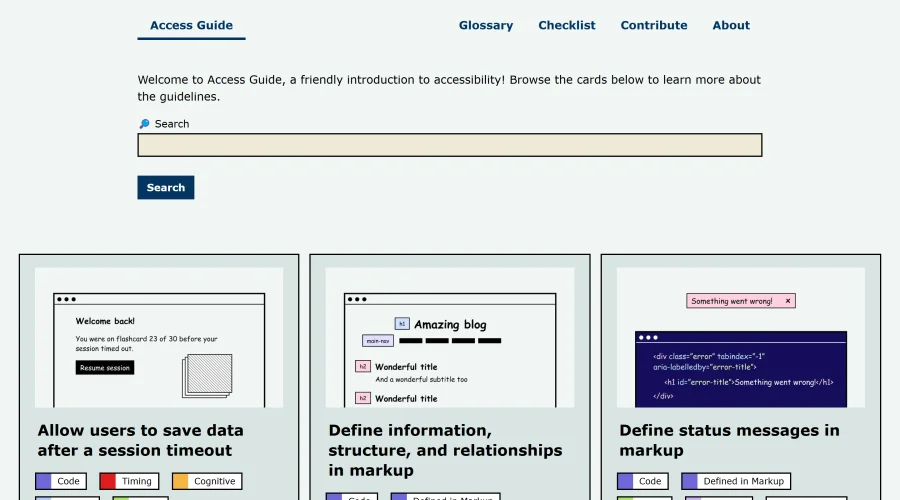
Access Guide
An easy-to-understand introduction to digital accessibility.
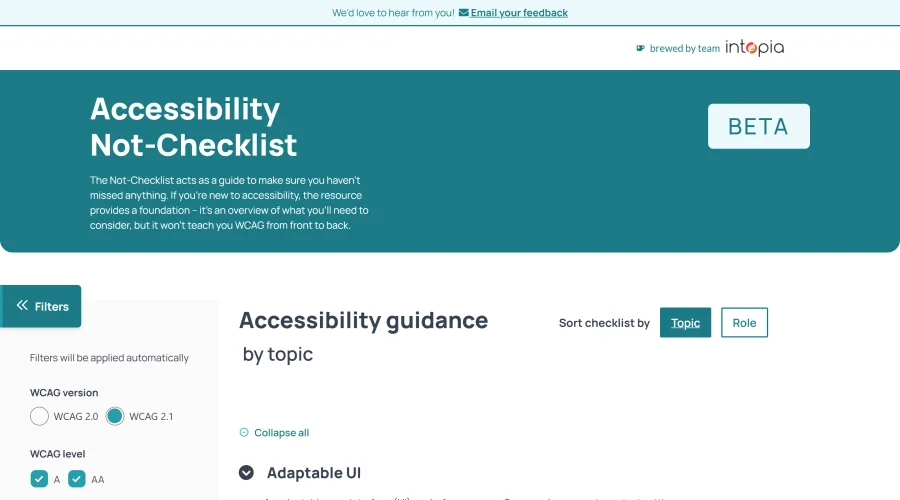
Accessibility Not-Checklist
Comprehensive guide to ensure accessibility in design projects.
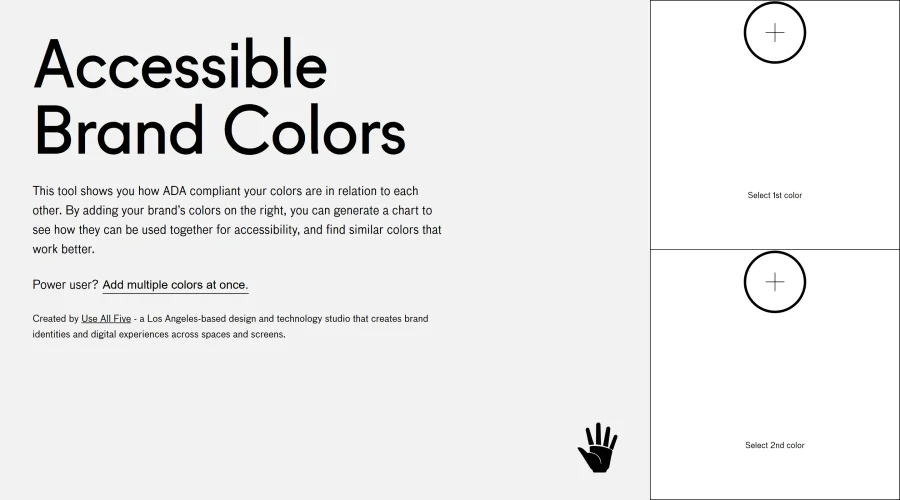

Accessible Brand Colors
A tool assessing ADA compliance of color contrasts.
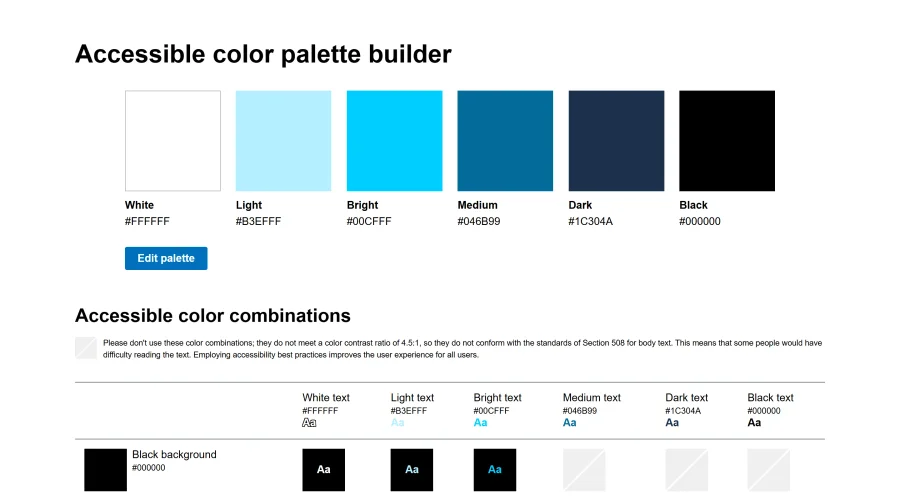

Accessible Color Matrix
A design tool for creating color palettes that meet accessibility standards.
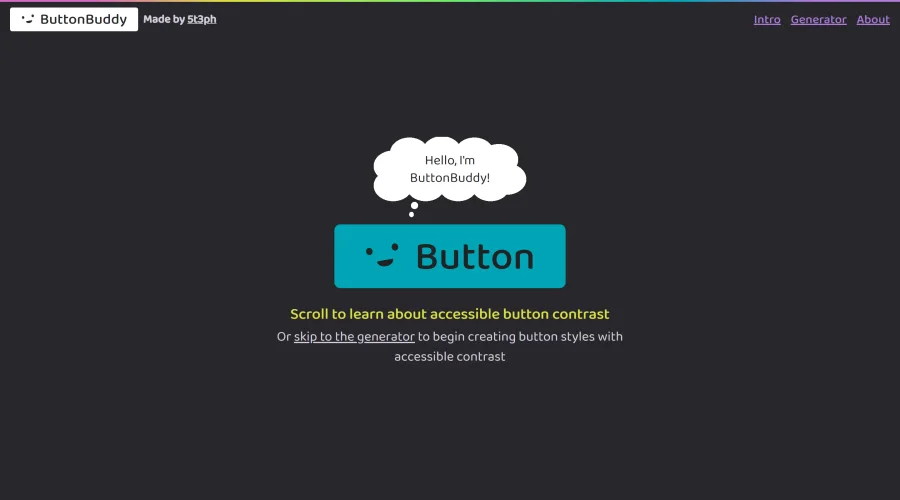

Button Buddy
Solutions for ensuring accessible contrast in button designs.
Explore Other Categories
Discover more design resources
New to Design?
Explore our comprehensive design glossary to master essential terminology from A/B Testing to Wireframes.
Browse GlossaryLooking for something specific?
Search through our entire collection of design tools and resources