

About Tinter
What Is Tinter?
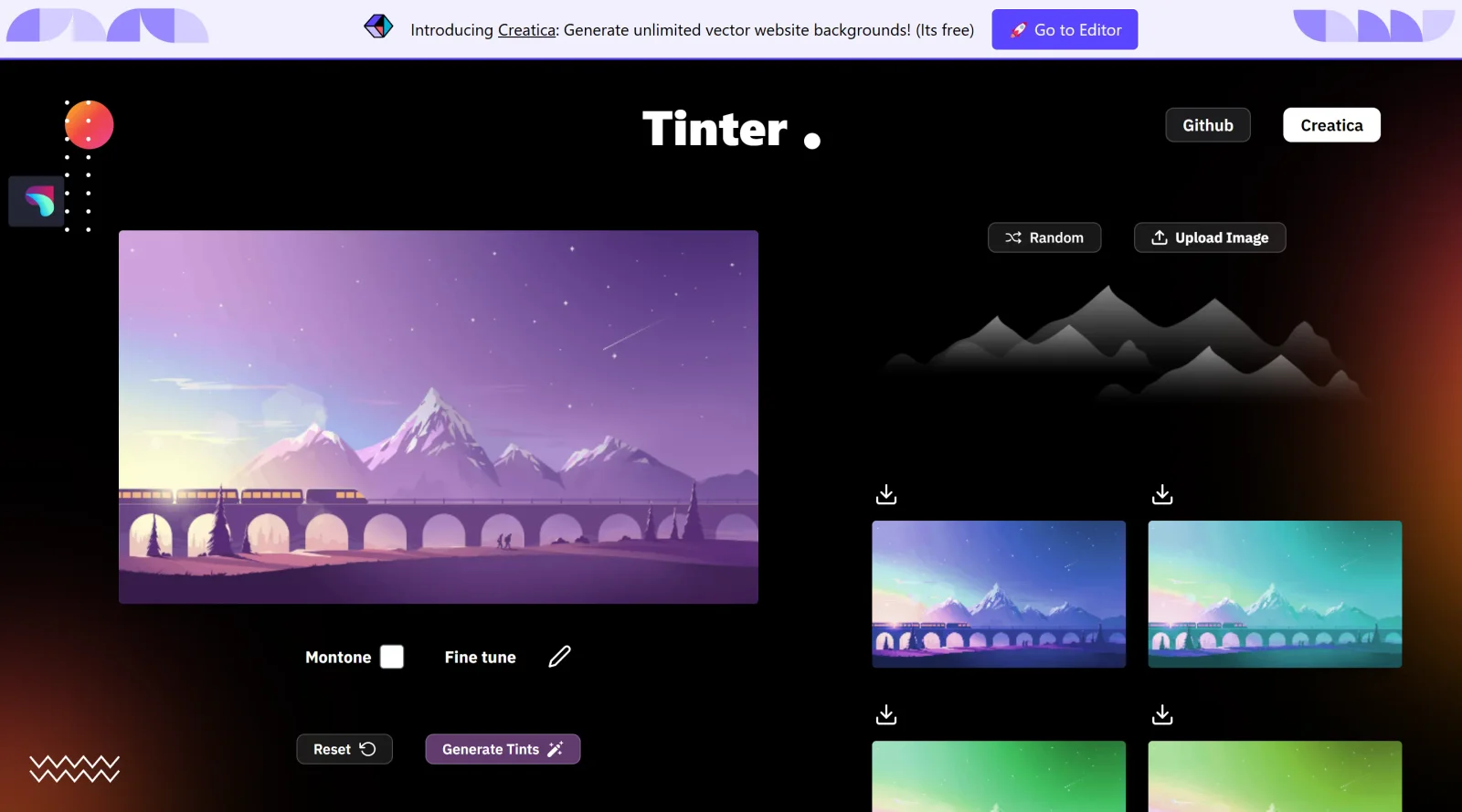
Tinter is a free web tool in the color tools category designed for creating color variations of images. It enables users to apply tints and generate modified versions of uploaded images without quality loss, fitting into design workflows where color experimentation is needed, such as palette development or visual prototyping. As a browser-based application, Tinter supports quick adjustments to image tones, making it accessible for on-the-fly color testing in UI design, web development, and graphic creation.
What Tinter Does
- Generates color variations by applying tints to uploaded images, preserving original details.
- Produces monochrome versions of images for grayscale or single-tone outputs.
- Allows selection of tint colors to overlay on image highlights, shadows, or overall areas.
- Supports duotone effects using two colors for lighter and darker tones.
- Provides controls for tint intensity and opacity to blend effects subtly or prominently.
- Outputs results in standard formats suitable for design export and integration.
How Tinter Can Be Used
- Upload an image and apply a single tint color to test branding overlays in mockups.
- Create duotone variations for editorial layouts or poster designs requiring stylized color schemes.
- Generate multiple color-swapped versions to explore UI component themes in web projects.
- Convert photos to monochrome with selective tints for accessibility previews or artistic filters.
- Adjust tint opacity during iterative design reviews to match specific mood or lighting conditions.
Who Is Tinter For?
Tinter serves designers, developers, and creatives handling image-based color tasks, including UI/UX professionals prototyping themes, graphic artists experimenting with tints, and web developers building color-consistent assets. It suits beginners seeking simple web-based color tools as well as experienced users needing quick image variations for client presentations or style guides. Projects involving color palette generation, mood boards, or responsive design previews benefit from its no-cost access and ease of use.Visit Tinter
Featured Tools
Sponsored
Artlist
Royalty-free music, SFX, 8K footage, templates, LUTs and 100+ AI models on a single subscription for video creators.

Icons8
Large icon packs featuring over 10,000 icons for consistent design themes.

Vidu
AI video generator with text, image and reference-to-video modes, producing 3–16 second clips at up to 1080p with characters that stay consistent across shots.
Your tool here
The tools above are our own picks until the slots sell.

More Color Tools Tools

Hue Codex
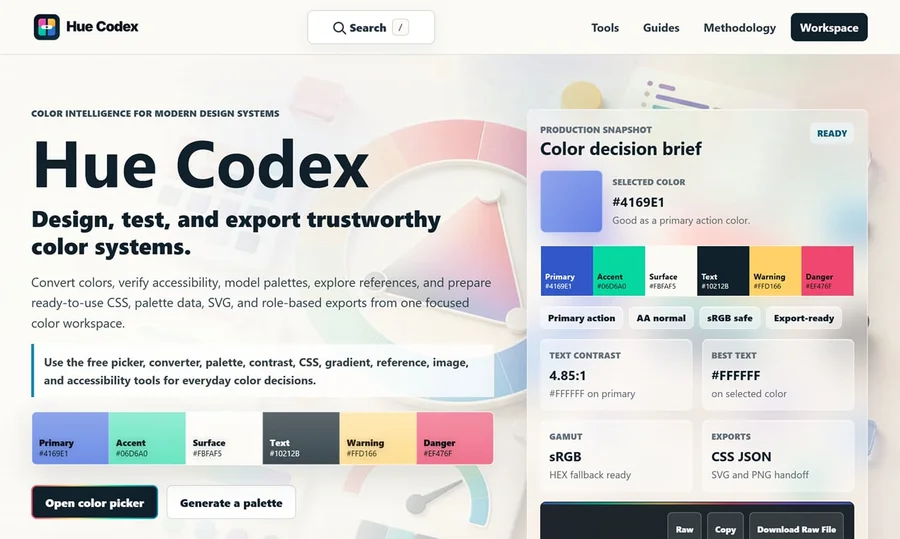
Hue Codex is a free, no-account color workspace for designers and developers, with palette generation, WCAG contrast checks, modern CSS tools, image color extraction, local saving, and exports.
Upclimb Color Picker
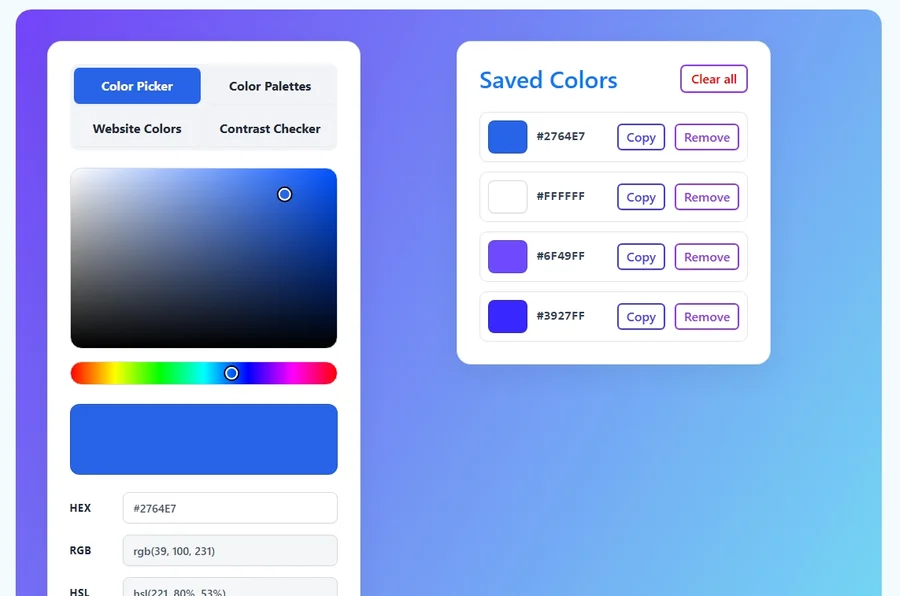
A free browser-based tool for designers & clients to decide on color schemes. Pick & save colors, generate color palettes, extract website colors, check WCAG contrast & find passing colors.
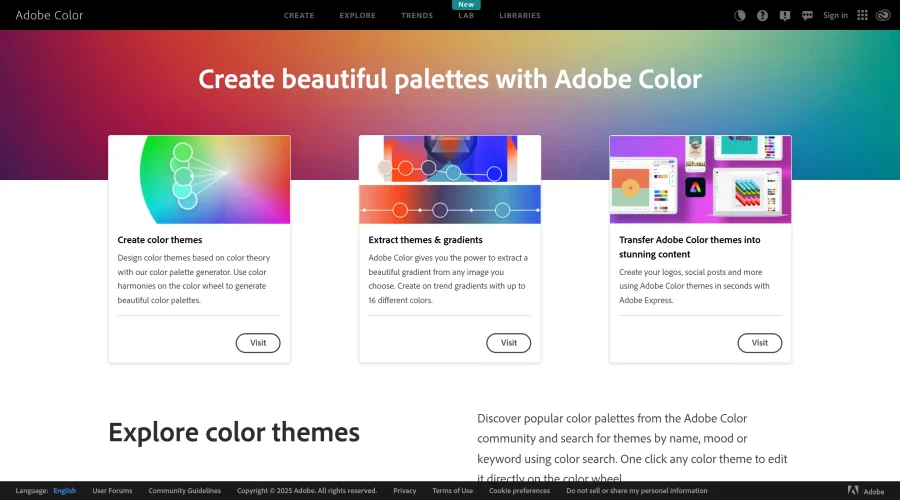

Adobe Color
Create and explore color themes and trends with an inspirational tool.
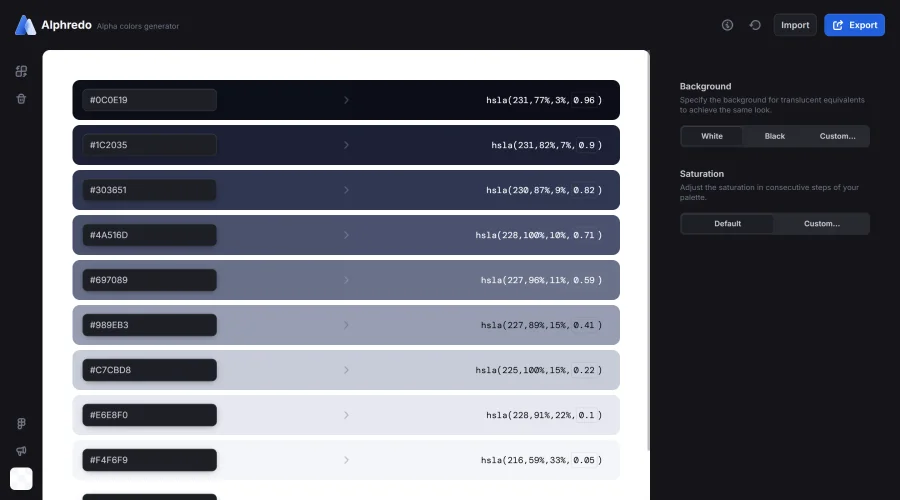

Alphredo
Generate translucent colors that match their opaque versions.
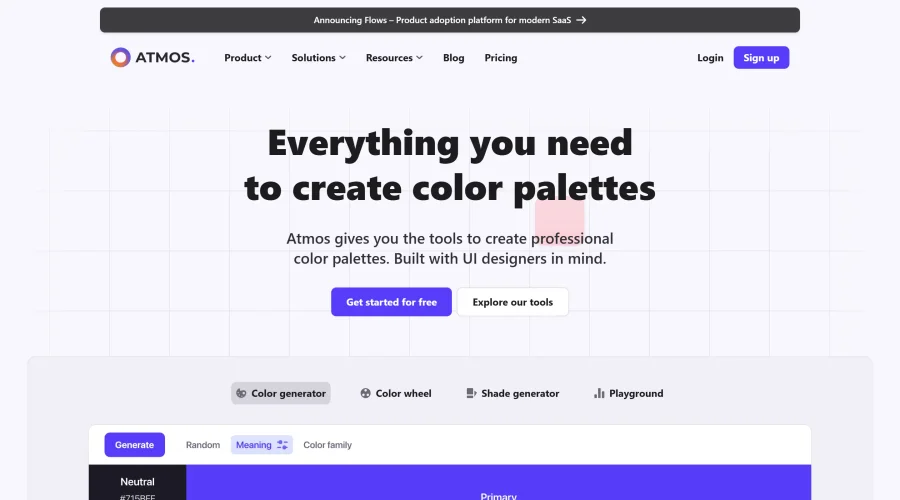

Atmos
Easily create effective UI color palettes.
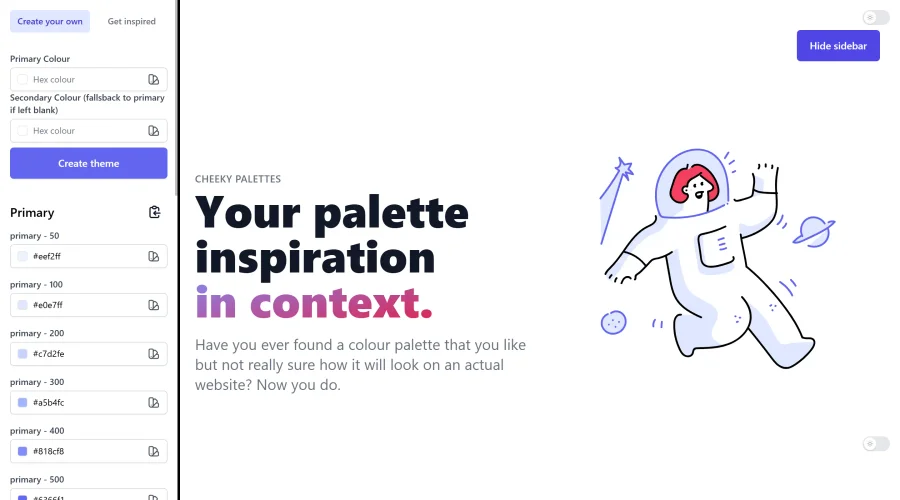

Cheeky Palettes
Find color palette inspiration in real-world context.
Explore Other Categories
Discover more design resources
New to Design?
Explore our comprehensive design glossary to master essential terminology from A/B Testing to Wireframes.
Browse GlossaryLooking for something specific?
Search through our entire collection of design tools and resources