
Prototype
An interactive model of a design or product used for testing and gathering feedback before final implementation.
What is a Prototype in UX/UI Design?
A prototype is an interactive model of a design or product used for testing and gathering feedback before final implementation. It serves as a preliminary version or mock-up that helps validate ideas, assess user experience, and refine the final product. Prototypes can vary from low-fidelity sketches to high-fidelity interactive models, each designed to test specific aspects of the product.
Importance of Prototypes in UX/UI Design
Prototypes play a crucial role in UX/UI design by allowing designers to visualize and validate their concepts early in the development process. They help identify potential issues, improve usability, and ensure that the final product meets user needs effectively.
Types of Prototypes
- Low-Fidelity Prototypes: These are basic models, often created using paper or digital wireframes, to test initial design concepts and user interactions.
- High-Fidelity Prototypes: These closely resemble the final product, providing a more realistic user experience for detailed testing and feedback.
Prototype Testing Process
Prototype testing involves presenting the model to target users to gather feedback on design, functionality, and usability. This process is iterative, with each round of testing leading to refinements until the product is ready for launch.
Benefits of Prototype Testing
- Risk Mitigation: Identifies potential issues early, reducing development risks.
- User Feedback: Provides valuable insights into user preferences and pain points.
- Design Validation: Helps validate design decisions and ensures alignment with user needs.
- Iterative Improvement: Facilitates continuous refinement based on user interaction data.
Tools and Techniques for Prototyping
Various tools are available for creating prototypes, ranging from digital design software like Sketch and Figma to physical prototyping materials. The choice of tool depends on the stage of development and the desired level of fidelity.
Best Practices in Prototyping
- Iterate Rapidly: Create multiple versions to test different design elements.
- Engage Users Early: Gather feedback from potential users to ensure the product meets their expectations.
- Maintain Flexibility: Be prepared to make significant changes based on user feedback.
Case Studies and Examples
Real-world examples of successful prototyping include tech startups and design firms that use prototypes to refine their products before launch. These examples highlight the importance of prototyping in achieving market success.
Future of Prototyping
As technology advances, prototyping tools and techniques are becoming more sophisticated, allowing for faster and more accurate testing. This evolution will continue to play a crucial role in product development across various industries.
Challenges and Limitations
Despite its benefits, prototyping can face challenges such as resource constraints and difficulty in replicating real-world scenarios. Overcoming these challenges requires careful planning and strategic resource allocation.
Conclusion
Prototypes are essential tools in the design and development process, offering a cost-effective way to test ideas and gather feedback. By leveraging prototypes effectively, designers and developers can ensure that their products are user-centric and market-ready.
Explore Other Terms
A/B Testing (Split Testing)
ResearchComparing two versions of a design or feature to see which performs better.
Accessibility
UXDesigning products and interfaces usable by people with varying abilities (e.g., vision, motor, cognitive).
Accessibility Tree
UXA structure that assistive tech (like screen readers) uses to interpret and convey interface elements to users.
Adaptive Design
UICreating distinct layouts tailored for specific screen sizes rather than using one responsive layout.
Alignment
GraphicArranging elements so their edges or centers line up, promoting order and unity.
Aspect Ratio
UI / GraphicThe proportional relationship between width and height of an image or screen (e.g., 16:9).
Explore Design Tools
Discover tools that help you apply prototype in your work.
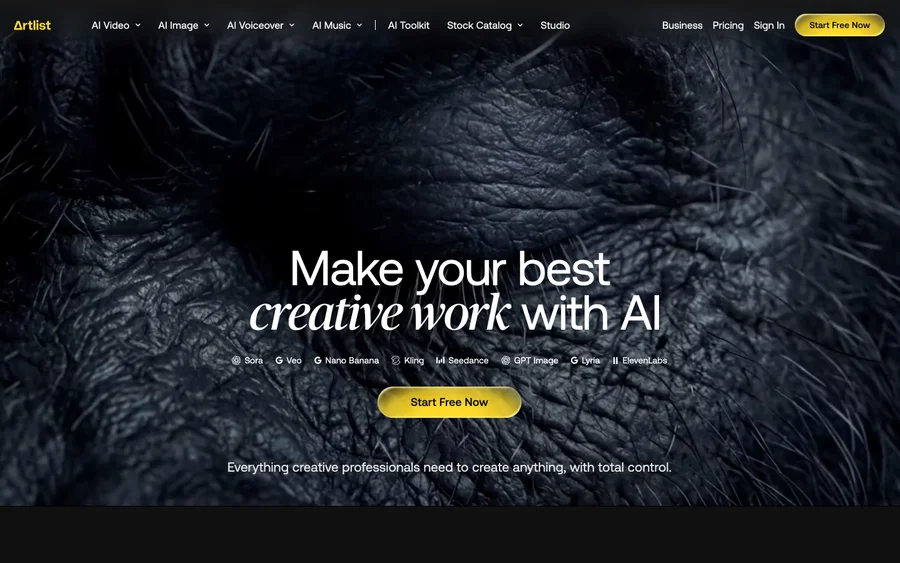

Artlist
Royalty-free music, SFX, 8K footage, templates, LUTs and 100+ AI models on a single subscription for video creators.
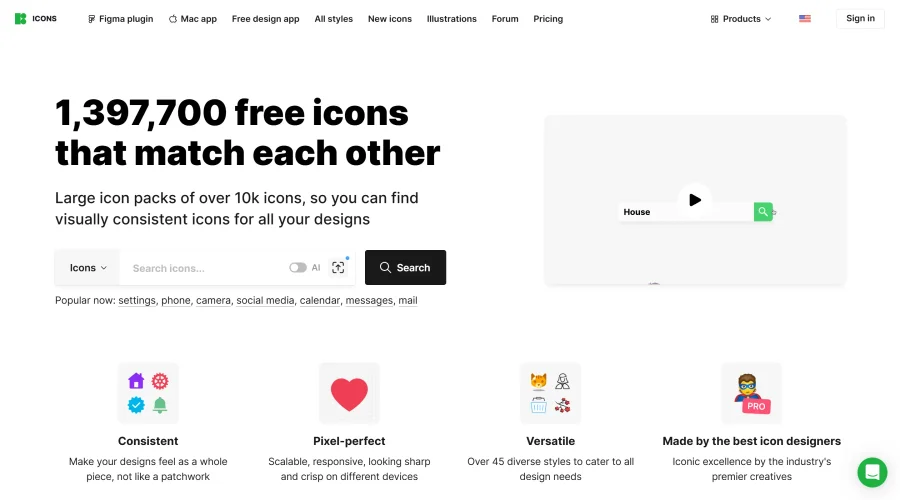

Icons8
Large icon packs featuring over 10,000 icons for consistent design themes.
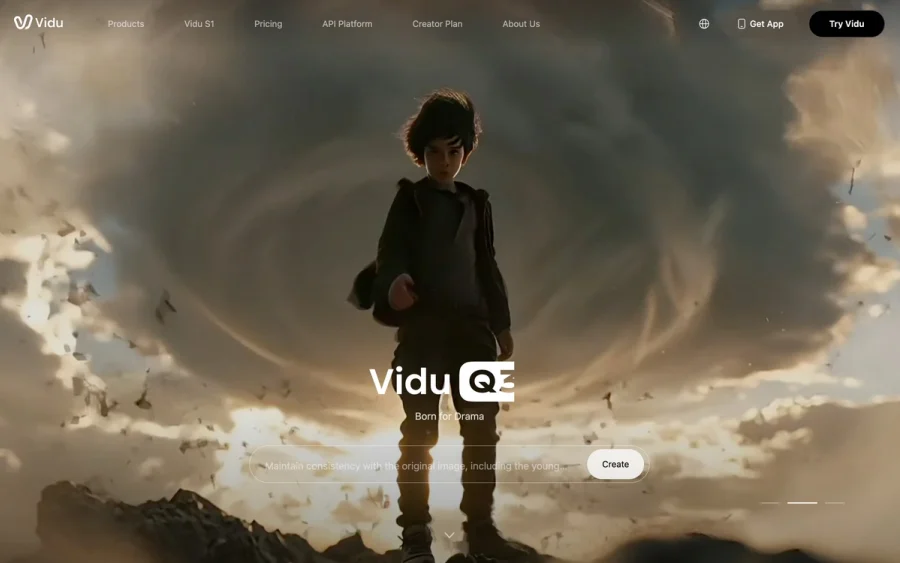

Vidu
AI video generator with text, image and reference-to-video modes, producing 3–16 second clips at up to 1080p with characters that stay consistent across shots.
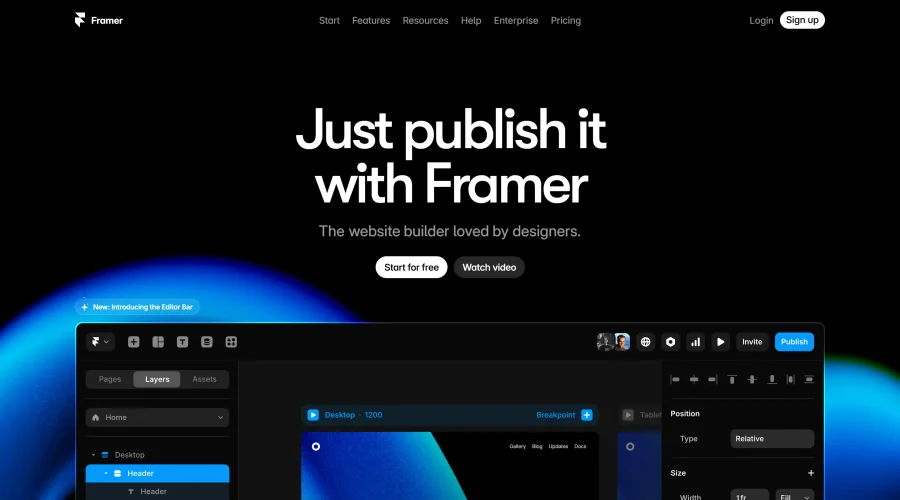

Framer
Design and launch your dream website with no coding required.
Continue Your Learning Journey
The design glossary is just the beginning. Explore more terms, discover tools, and level up your design skills.