
Microcopy
Small, concise text (e.g., tooltips, error messages) guiding or informing users within an interface.
What is Microcopy in UX/UI Design?
Microcopy refers to the small, concise text elements found within digital interfaces, such as tooltips, error messages, and button labels. These tiny pieces of content play a crucial role in guiding and informing users as they interact with websites, apps, and other digital products. Effective microcopy enhances user experience by providing clarity, reducing confusion, and fostering a more intuitive interaction with the interface.
Microcopy serves several key functions:
- User Guidance: It helps users understand how to use various features or navigate through complex processes by offering clear instructions and feedback.
- Error Prevention and Recovery: Microcopy in error messages helps users identify and correct mistakes, ensuring a smoother experience.
- Brand Voice and Tone: Well-crafted microcopy can reflect a brand's personality, making interactions more engaging and memorable.
- User Empathy: By acknowledging user emotions and concerns, microcopy can build trust and empathy, leading to a stronger user-brand relationship.
Types of Microcopy
- Call-to-Action (CTA) Buttons: These are short texts on buttons that prompt users to perform specific actions, such as "Sign Up" or "Learn More."
- Error Messages: Informative messages that appear when a user encounters an issue, guiding them on how to resolve it.
- Tooltips and Hover Texts: Provide additional context when users hover over certain elements, helping them understand their functions.
- Placeholders and Form Instructions: Assist users in filling out forms by indicating what information is required.
- In-App Guidance: Offers step-by-step instructions or tips to help users navigate through complex features or processes.
Benefits of Effective Microcopy
- Improved User Engagement: By making interactions more intuitive and enjoyable, microcopy can increase user engagement and conversion rates.
- Enhanced User Experience: Reduces frustration and anxiety by providing clear guidance and feedback, leading to a more satisfying experience.
- Brand Differentiation: Unique and thoughtful microcopy can set a brand apart, creating a memorable and empathetic connection with users.
Crafting Effective Microcopy
To create impactful microcopy, consider the following principles:
- Clarity: Ensure the text is easy to understand and concise.
- Consistency: Maintain a consistent tone and voice across all microcopy elements.
- Relevance: Tailor the content to meet the specific needs of the user in that moment.
- Empathy: Use language that acknowledges and addresses user emotions and concerns.
By integrating well-designed microcopy into your UX/UI strategy, you can significantly enhance the overall user experience, foster brand loyalty, and drive user engagement.
Explore Other Terms
A/B Testing (Split Testing)
ResearchComparing two versions of a design or feature to see which performs better.
Accessibility
UXDesigning products and interfaces usable by people with varying abilities (e.g., vision, motor, cognitive).
Accessibility Tree
UXA structure that assistive tech (like screen readers) uses to interpret and convey interface elements to users.
Adaptive Design
UICreating distinct layouts tailored for specific screen sizes rather than using one responsive layout.
Alignment
GraphicArranging elements so their edges or centers line up, promoting order and unity.
Aspect Ratio
UI / GraphicThe proportional relationship between width and height of an image or screen (e.g., 16:9).
Explore Design Tools
Discover tools that help you apply microcopy in your work.
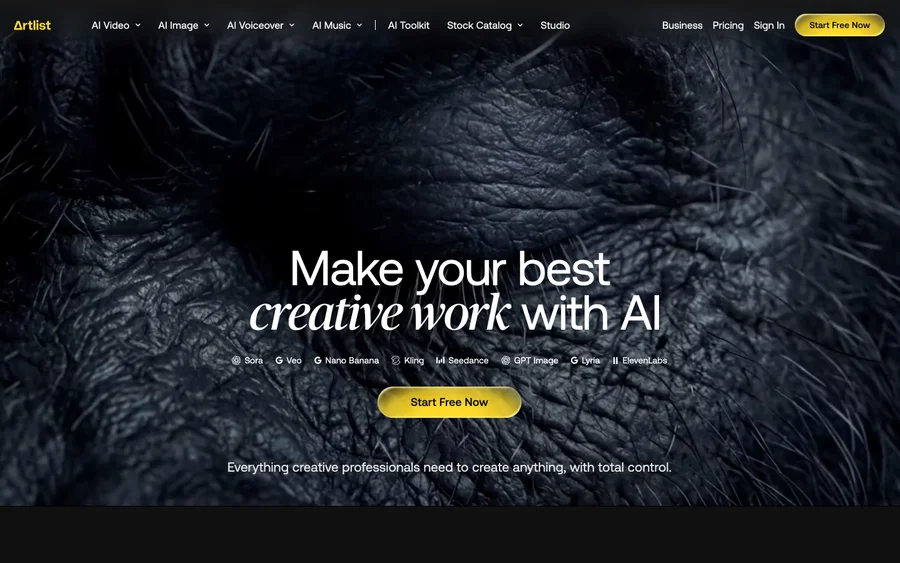

Artlist
Royalty-free music, SFX, 8K footage, templates, LUTs and 100+ AI models on a single subscription for video creators.
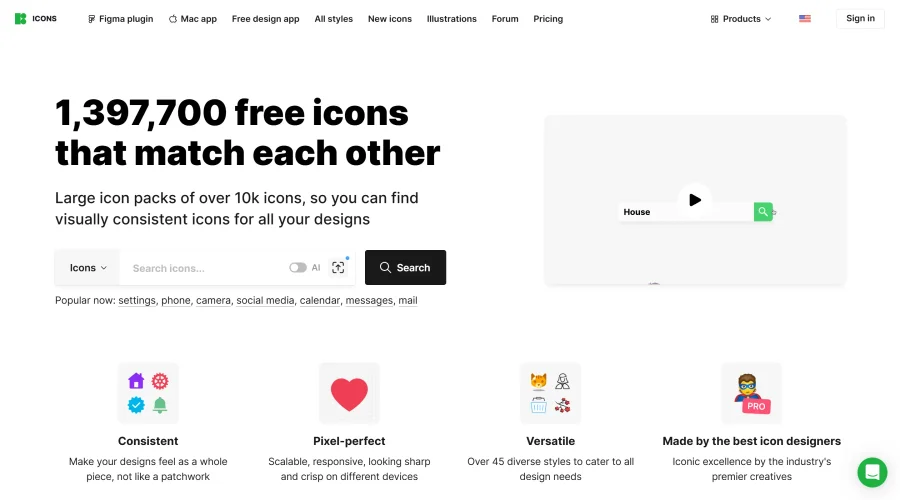

Icons8
Large icon packs featuring over 10,000 icons for consistent design themes.
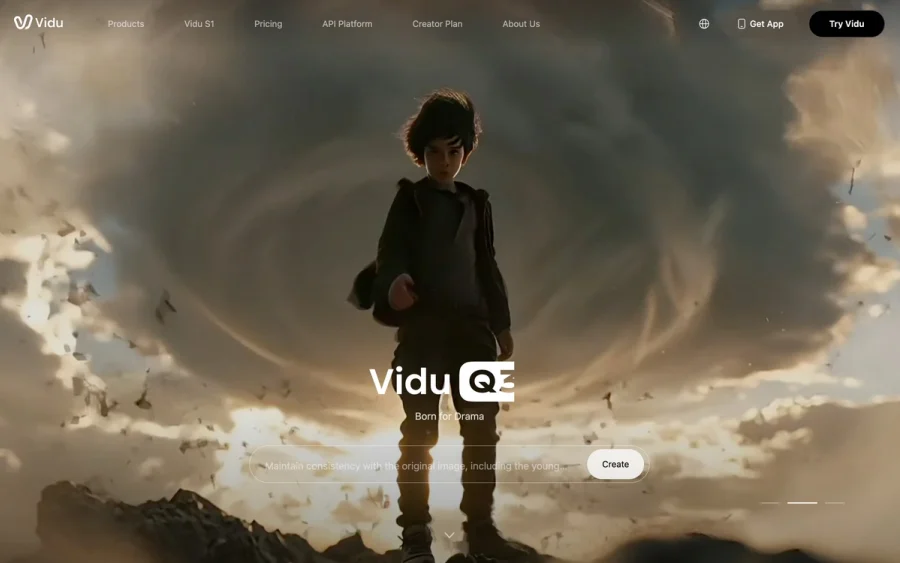

Vidu
AI video generator with text, image and reference-to-video modes, producing 3–16 second clips at up to 1080p with characters that stay consistent across shots.
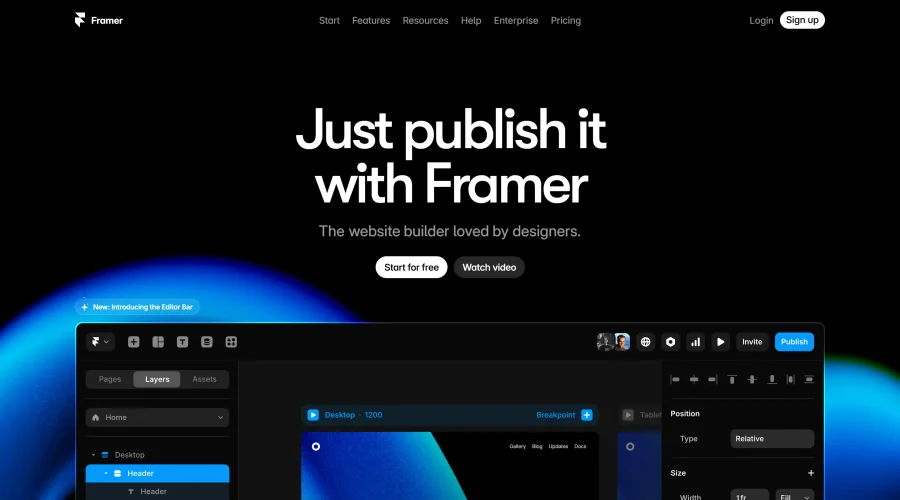

Framer
Design and launch your dream website with no coding required.
Continue Your Learning Journey
The design glossary is just the beginning. Explore more terms, discover tools, and level up your design skills.