
Typography
The art and technique of arranging type to make written language legible, readable, and visually appealing.
What is Typography?
Typography is the art and technique of arranging type to make written language legible, readable, and visually appealing. It plays a crucial role in UX/UI design by enhancing user experience and reinforcing brand identity through the strategic use of typefaces, fonts, spacing, and alignment. Effective typography ensures that digital content is both accessible and aesthetically pleasing, contributing to better navigation and interaction with digital products. Key elements include typefaces, fonts, white space, tracking, kerning, consistency, hierarchy, alignment, color, and contrast, all of which work together to create a clear and engaging visual hierarchy. In UX design, typography helps convey the message effectively, making it indispensable for creating user-friendly interfaces.
Importance of Typography in UX/UI Design
Typography is vital in UX/UI design as it impacts how users perceive and interact with digital products. A well-designed typography system helps users quickly grasp the structure and content of a webpage or application, improving readability and comprehension. It also sets the tone for a brand's visual identity, influencing user engagement and conversion rates. By selecting appropriate fonts, sizes, and styles, designers can create a visual hierarchy that guides users through complex information, making it easier to navigate and understand.
Key Elements of Typography
- Typefaces and Fonts: These are the foundational elements of typography. Typefaces are design styles that include multiple characters varying in weight and size, while fonts are graphical representations of text characters. Choosing the right typeface and font is crucial for establishing brand consistency and readability.
- White Space: Also known as negative space, white space surrounds text and other elements, enhancing readability and flow. It helps in creating a clean and organized layout, reducing visual clutter.
- Tracking and Kerning: Tracking refers to the space between groups of characters, while kerning is the space between two specific characters. Both are essential for improving readability by ensuring that text is evenly spaced and visually appealing.
- Consistency and Hierarchy: Consistency in typography helps establish a clear visual identity, while hierarchy ensures that users can easily navigate through content by highlighting important information through size, color, and style variations.
- Alignment: Proper alignment of text enhances readability and aesthetics. It helps in creating a structured layout that guides users through the content.
- Color and Contrast: Choosing the right color for text is crucial for visibility and accessibility. Contrast between text and background ensures that content is readable across different devices and environments.
Best Practices for Typography in UX/UI Design
To optimize typography in UX/UI design, consider the following practices:
- Select Typefaces Carefully: Choose typefaces that are legible on various devices and screen sizes. Ensure they align with your brand's identity and tone.
- Use Hierarchy Effectively: Employ a clear typographic hierarchy to guide users through complex information. This includes varying font sizes, weights, and colors to highlight important elements.
- Ensure Consistency: Maintain consistency in typography throughout your digital product to reinforce brand identity and enhance user experience.
- Optimize for Readability: Pay attention to line height, letter spacing, and text alignment to ensure that content is easy to read on different devices.
Typography for SEO
While typography itself is not a direct SEO factor, it contributes indirectly by improving user experience and engagement. Well-designed typography can increase time on page and reduce bounce rates, both of which are important metrics for search engines. Additionally, clear and readable content encourages users to share and link back to your site, potentially improving your SEO rankings.
Conclusion
Typography is a fundamental aspect of UX/UI design, playing a pivotal role in creating engaging, accessible, and user-friendly digital experiences. By understanding and applying the principles of typography effectively, designers can enhance brand identity, improve readability, and ultimately drive better user engagement and conversion rates. Whether you're designing a website, app, or any digital interface, typography is essential for crafting a compelling and effective visual narrative.
Explore Other Terms
A/B Testing (Split Testing)
ResearchComparing two versions of a design or feature to see which performs better.
Accessibility
UXDesigning products and interfaces usable by people with varying abilities (e.g., vision, motor, cognitive).
Accessibility Tree
UXA structure that assistive tech (like screen readers) uses to interpret and convey interface elements to users.
Adaptive Design
UICreating distinct layouts tailored for specific screen sizes rather than using one responsive layout.
Alignment
GraphicArranging elements so their edges or centers line up, promoting order and unity.
Aspect Ratio
UI / GraphicThe proportional relationship between width and height of an image or screen (e.g., 16:9).
Explore Design Tools
Discover tools that help you apply typography in your work.
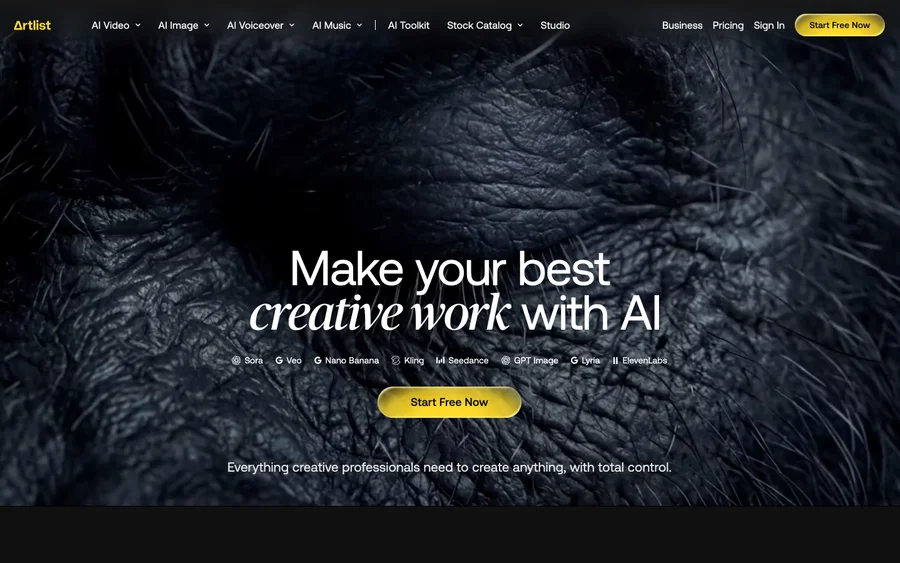

Artlist
Royalty-free music, SFX, 8K footage, templates, LUTs and 100+ AI models on a single subscription for video creators.
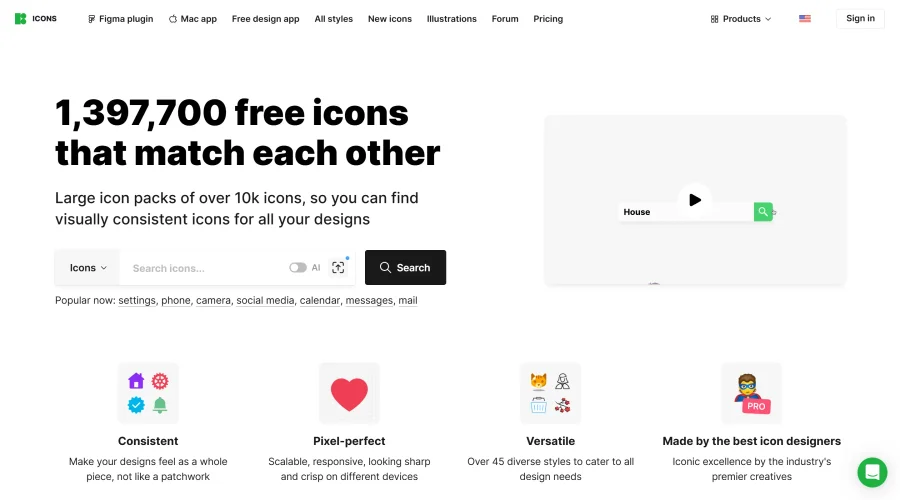

Icons8
Large icon packs featuring over 10,000 icons for consistent design themes.
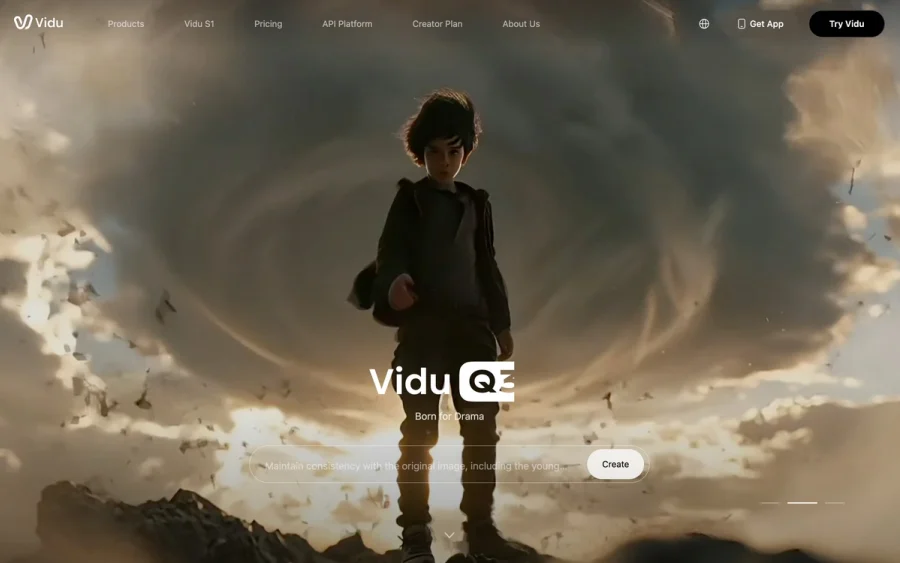

Vidu
AI video generator with text, image and reference-to-video modes, producing 3–16 second clips at up to 1080p with characters that stay consistent across shots.
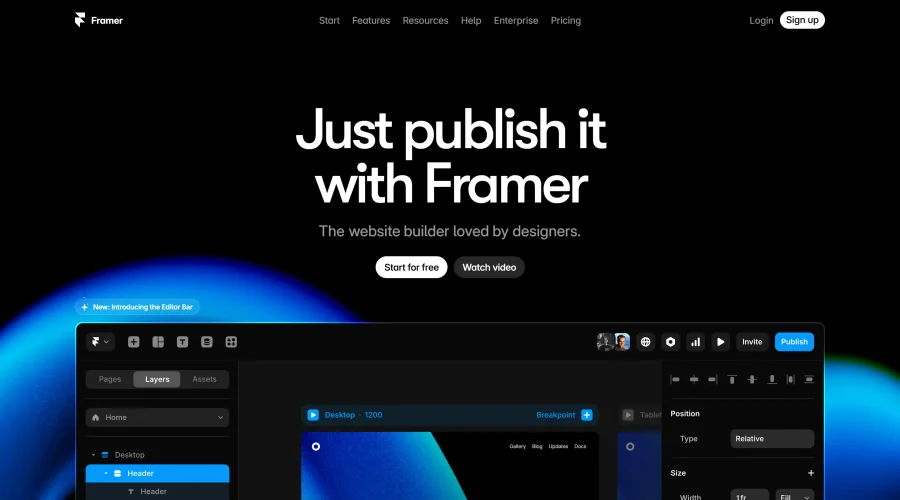

Framer
Design and launch your dream website with no coding required.
Continue Your Learning Journey
The design glossary is just the beginning. Explore more terms, discover tools, and level up your design skills.